
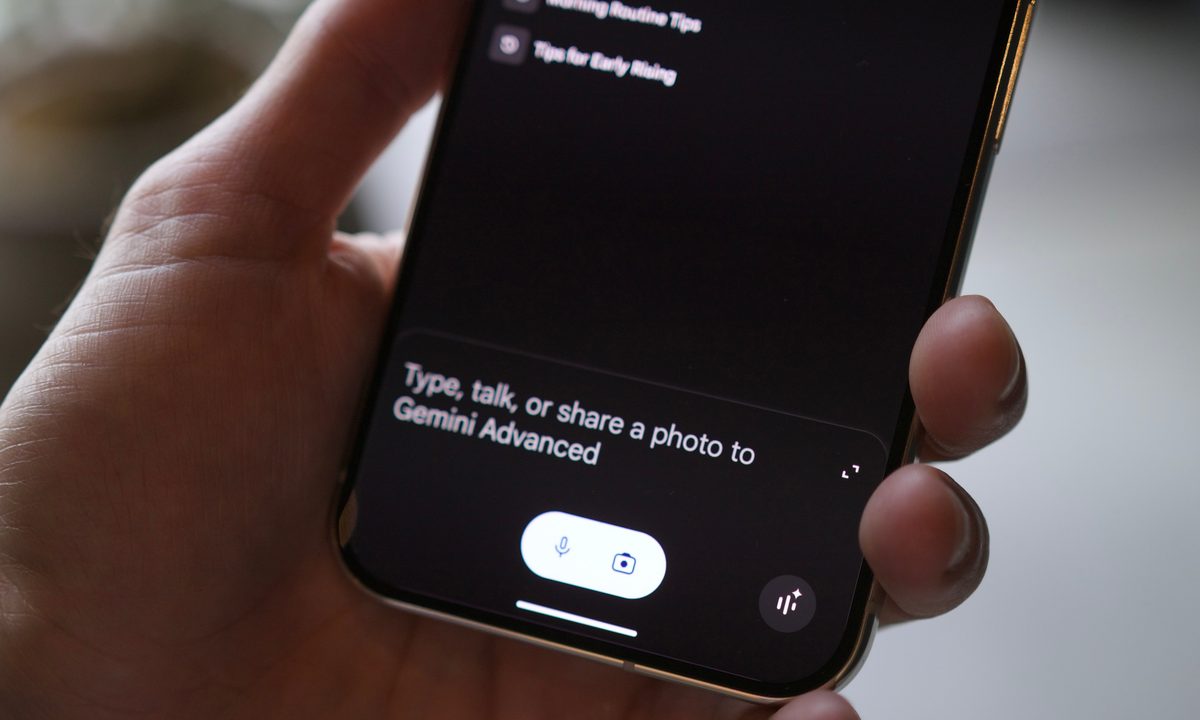
I’ve been reporting on the mobile tech industry for a long time. Throughout these years, I’ve always been excited about the next big thing. However, I find myself at a loss regarding artificial intelligence.
While AI has the potential to significantly affect how we use mobile devices in the future, its success is uncertain. My concern is not about the usefulness of AI tools — I believe they have great potential — but whether companies like Apple and Google have a long-term plan for them.
Over the last few weeks, I’ve been testing Gemini Live to see how it works, if it’s helpful, and whether it’s something you should bother with. Here’s what I learned.
What is Gemini Live?
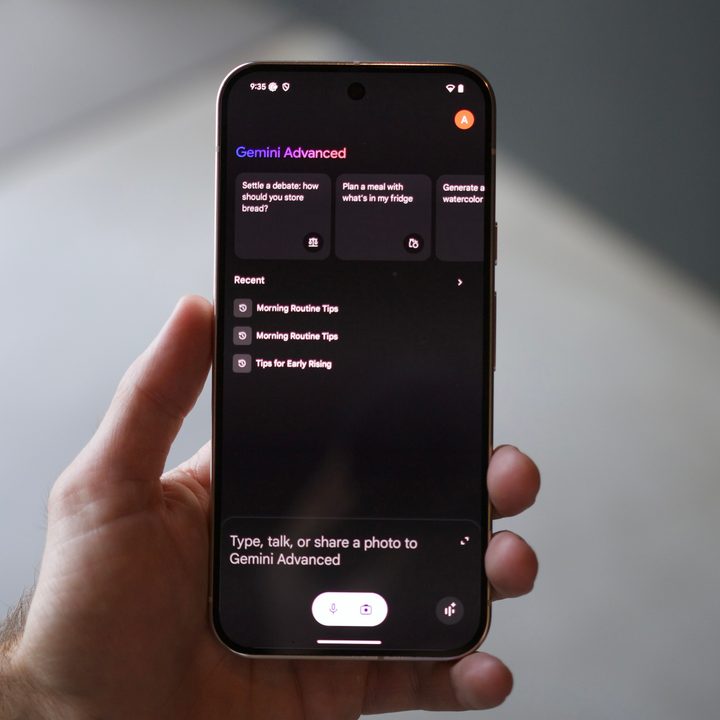
Gemini Live was announced in May at Google I/O 2024. Since then, it has slowly made its way onto mobile devices through the Gemini (Android) or Google (iOS) apps. Google calls Gemini Live a “new mobile conversational experience that allows you to have free-flowing, natural conversations with Gemini.”
Generally, it’s probably wise to think of Gemini Live as your new digital best friend on your mobile device. It is ready and able to answer any question, help you with your homework, plan a trip abroad, and much more. In other words, it is designed to do a lot.
Gemini Live was initially locked behind a Gemini Advanced subscription, but on September 12, Google started making it free for all Android users.
How Gemini Live works

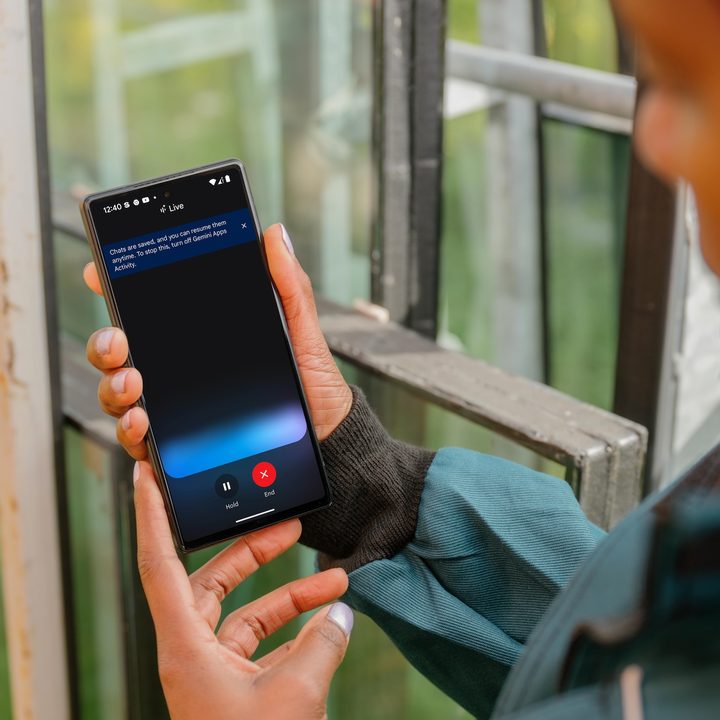
To interact with Gemini Live, tap the “Live” button in the app or say “Hey Google, go Live with Gemini” to start. Gemini Live uses speech technology to understand your questions and provide natural, conversational responses. You can interrupt, ask follow-up questions, or change the topic anytime, just like in a real conversation. Additionally, you can continue discussing with Gemini in the background or when your phone is locked.
You can end a conversation with Gemini Live anytime by tapping the end button or pause button to end it temporarily. All discussions with Gemini Live are kept as a transcript within the app for at least 72 hours. If you’re maintaining your Gemini Apps Activity, the information can be kept for up to 36 months. Otherwise, the transcript gets deleted after 72 hours.
You can also export the transcript to Docs, draft it in Gmail, and post it for anyone to see. Depending on the conversation, this could certainly come in handy.
Although Gemini Live is supposed to arrive on iPhone through the Google app, I couldn’t find the option on my iPhone 15 Pro Max. Instead, I’ve been using it on my Google Pixel 8 Pro.
What Gemini Live can do

The best way to understand Gemini Live’s capabilities is to ask it questions. That’s how I first approached it, and it’s how I recommend you start using it, too.
Gemini Live provides information and knowledge for general queries, real-time information, and language translation. It also summarizes lengthy articles, documents, and web pages well.
Regarding productivity and creativity, Gemini Live can assist with brainstorming, idea generation, learning and education, code generation, and debugging. As a personal assistant, Gemini Live can offer recommendations on topics such as movies, books, restaurants, and travel destinations. It can also handle basic tasks such as setting reminders.
Moreover, Gemini Live is skilled at sharing jokes, engaging in interactive storytelling, and playing games.
How I’ve been using Gemini Live
Understanding Gemini Live’s capabilities is good, but witnessing it in action is likely more impactful. In the following section, I provide four examples of ways I’ve been using Gemini Live. For each example, I initiated a discussion in Gemini Live and followed up with a few questions.
Brainstorming
The brainstorming question: “Hey Google, go Live with Gemini. I need some ideas on hosting a Halloween party for teenagers.”
When I asked, Gemini quickly suggested themes I could use for the party and some fun activities with a teen twist. I mentioned that would be 15 teens at the party, and Gemini suggested I split the group into two. One group could create a haunted house in the garage, while the other could focus on creating an awesome music playlist. Gemini also noted that all the teens could carve jack-o’-lanterns together.
I also mentioned that I didn’t have much money for the party. Gemini then suggested things we could do at the party that didn’t require a large budget, including DIY activities.
Google Gemini sounded excited, knowledgeable, and, yes, like a real person.
How to
In the next example, I asked Gemini, “How do you make a frozen daiquiri?”
With this example, Gemini didn’t pronounce “daiquiri” correctly, although everything it said that followed impressed me.
First, Gemini told me what is typically in a frozen daiquiri, then asked if I wanted a recipe. When that recipe included alcohol, I asked for a virgin recipe, which quickly followed.
As a final question, I asked for suggestions on what food was best to eat with the daiquiri. For something “substantial,” Gemini recommended grilled chicken or fish tacos. For a snack, it said salty fries might do. Along the way, Gemini said to let it know if I didn’t like a suggestion so it could recommend something else.
In the end, Gemini told me to enjoy my drink.

Travel
In the following example, I attempted to confuse Gemini by asking a specific travel question: “Is it possible to travel between London and Stonehenge in a single day?” The response was detailed and informative.
Gemini confirmed that it was possible to travel between the locations and even suggested the best time to arrive to avoid the crowds. It also asked if I would like a recommendation for a tour, including the option of a guided tour or one with a private driver. When I chose a private driver, Gemini explained the advantages of doing so.
As the conversation about the trip was coming to a close, Gemini noted that there might be better options, considering my limited time. If I prefer to stay in London, it is recommended that I tour historical sites and more. This follow-up pleasantly surprised me because it wasn’t unsolicited.
Learning
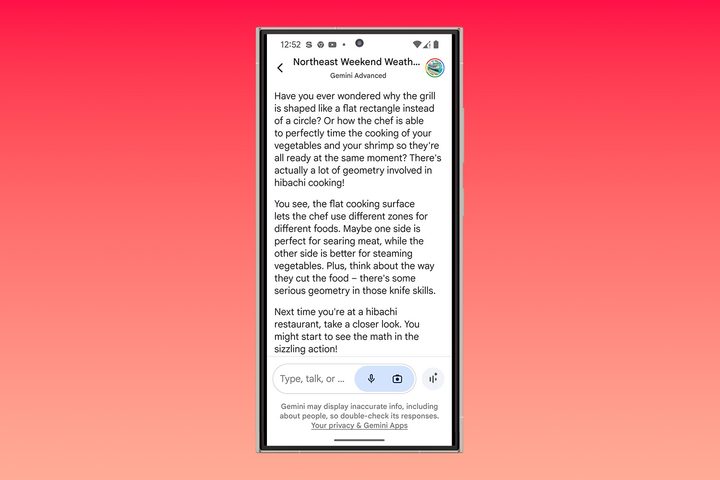
I asked Gemini to explain geometry for my final test, but instead, Gemini explained geography, its purposes, and practical applications. When I asked why we should study geometry, Gemini used a real-world example, discussing the specific shape of a hibachi grill for cooking.
Typically, learning about a subject like geometry would have quickly bored me. Still, Gemini made the topic more engaging by providing casual conversation and easy-to-understand examples, taking the discussion outside the digital classroom.
Should you use Gemini Live?
Gemini Live is an impressive product with various use cases, suggesting it could benefit different people. However, getting them to use it could prove to be a challenge, although a company of Google’s size is probably up to the challenge, assuming it is patient and lets its use grow organically.
I don’t believe the average Google user is willing to pay $20 per month for Gemini Advanced, just as I don’t think iPhone users will want to pay a premium for extra Apple Intelligence features if that time ever comes. As such, Google’s recent move to make Gemini Live free (at least on Android) is very welcome.
What does that mean for you? If you have an Android phone, you might as well give Gemini Live a chance. It’s now free to use, and depending on what you aim to get out of it, it can be pretty helpful. If you have an iPhone, you still need to pay for a Gemini Advanced subscription, which complicates things.
Moving forward, I don’t plan on canceling my Gemini Advanced subscription anytime soon, and yes, I’m paying for it out of my pocket. I’m willing to pay the bounty because I can’t wait to see how the product improves and evolves over the coming months.
Should you consider Gemini Advanced? Yes, especially since new users can try it for free for at least a month. However, before you subscribe, commit to using it and putting it through its paces. Otherwise, you may end your free trial feeling unimpressed, which isn’t fair to the hardworking people behind it who are making continuous improvements.


