
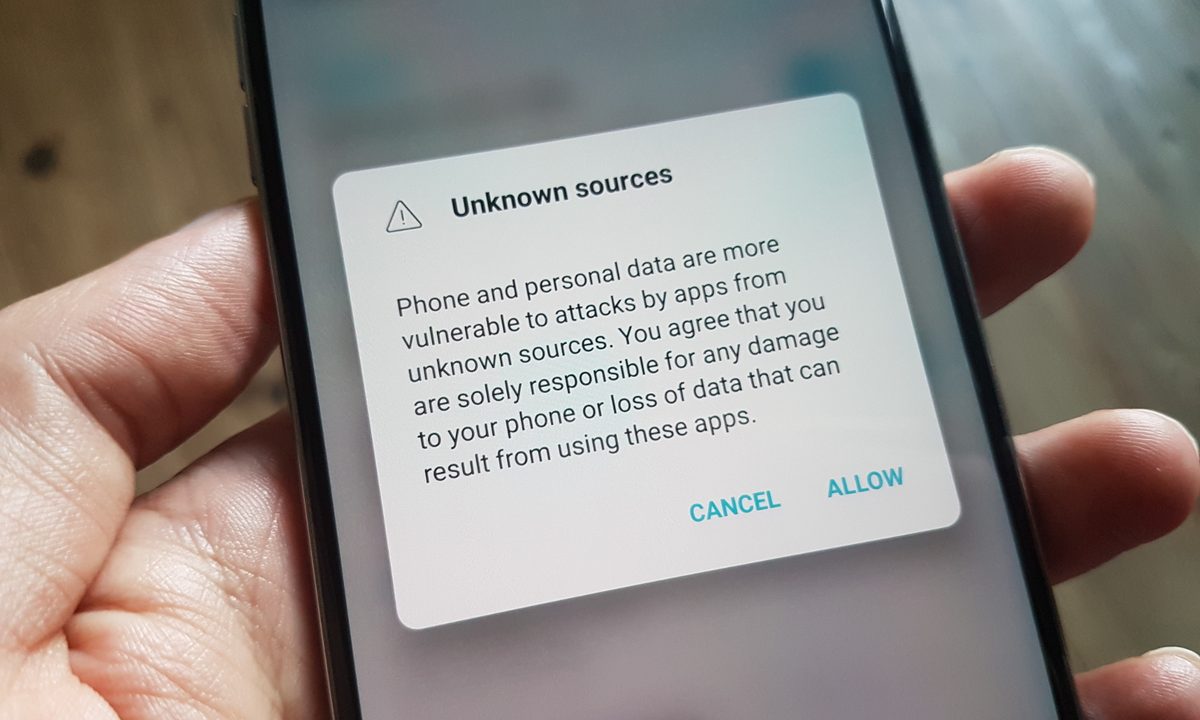
Sideloading Android apps is about to get quite a bit more annoying if Google has its way. The changes come from new policies implemented by Google, which will add an extra step when downloading apps from third-party sites like APKMirror.
For those who aren’t familiar with the concept, sideloading an Android app allows you to download and install an app that may not be in the Google Play Store for various reasons, such as regional restrictions, censorship, or policy reasons. Sideloading an app does require enabling developer settings to allow for third-party apps, and you do take a certain degree of your own device safety into your hands, which is why it’s disabled by default.
In recent years, Google has been attempting to make Android apps smaller in size, announcing the Android App Bundle (AAB) during Google I/O 2018. This new format for apps allowed developers to build apps as bundles containing files for things like screen sizes, languages, CPU architectures, and Android versions. This allowed for more efficient downloads, where users only needed to download the parts of the app to run best on their respective devices. This is also handled automatically on Google Play’s end, but you still had the option to have full-size, all-inclusive APKs.
FYI since people email @APKMirror about this several times a day… looks like Google stopped generating fat APKs for many apps entirely all of a sudden, and only bundles will be available from now on.
To my knowledge, there's nothing we can do about it.https://t.co/OrcKXDA7Kc
— Artem Russakovskii (@ArtemR) August 4, 2024
However, according to Artem Russakovskii of APKMirror, Google has stopped “generating fat APKs” for many apps, and only bundles will be available, meaning an additional step if you want to download and install third-party apps.
Where previously you could extract an application without an additional tool aside from Android’s default system Package Installer, for bundles you will need to use a tool like APKMirror Installer or Split APKs Installer (SAI), which interestingly enough are both available on the Google Play Store. While that’s not really a daunting hurdle and shouldn’t prevent you from installing third-party apps if you want to, it is an extra step.
Naturally, if you only download first-party apps from Google Play directly, this doesn’t affect you. There are also no fundamental changes to the app sideloading process, and developers that offer third-party apps outside of the Play Store can still offer “fat” APKs.


