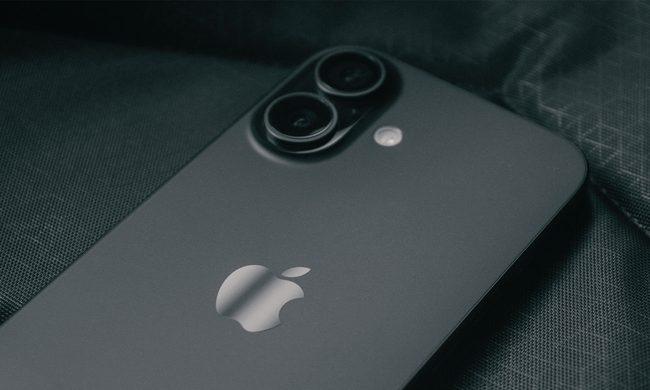
For years, smartphone brands have promised “DSLR-like” photography. Most improved image processing, added bigger sensors, or stacked more cameras onto the back. But the Vivo X300 Ultra takes a very different approach – it does not just want to mimic a camera, it wants to behave like one.
From external telephoto lenses and physical camera controls to filter support and tripod mounting, Vivo’s latest Ultra flagship feels closer to a modular photography system than a traditional smartphone. The company is no longer simply chasing better smartphone photos; it is targeting creators who would normally carry a mirrorless camera in their bag.
Welcome, the big daddy of smartphone photography.
One of the biggest talking points is Vivo’s redesigned Photography Kit. Unlike brands that rely on adding multiple telephoto cameras, Vivo extends the X300 Ultra’s existing 85mm telephoto system using external teleconverter lenses. This year, users can choose between a 200mm lens and a larger 400mm attachment designed for extreme long-range photography.
These are teleconverters rather than traditional camera lenses, meaning they magnify the phone’s existing telephoto camera instead of containing their own focusing systems or apertures. That makes them smaller, lighter, and easier to carry while still improving zoom reach significantly.
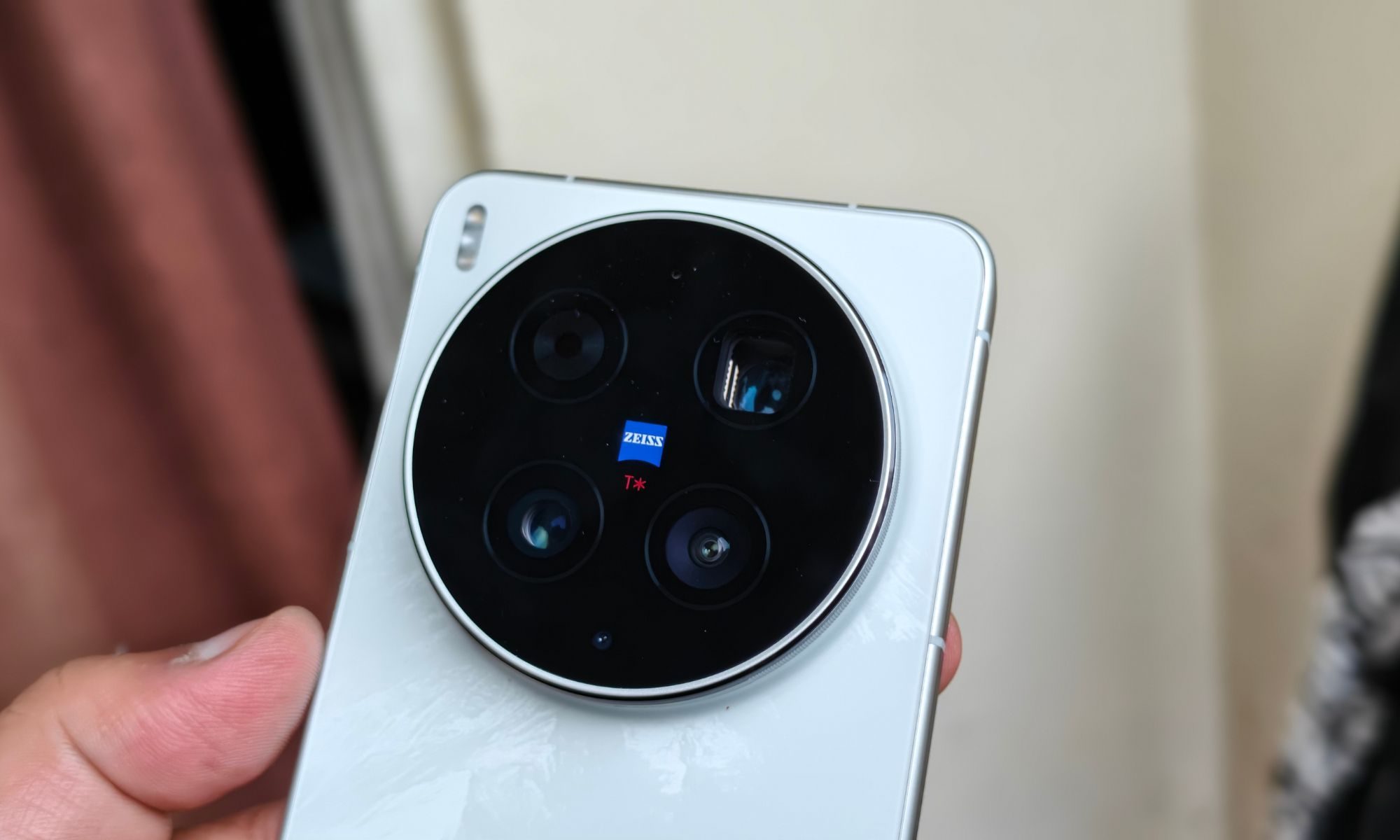
The Photography Kit also includes a dedicated protective case with a bayonet-style mounting system around the camera module. This allows users to attach filters, telephoto adapters, and other accessories directly to the phone. Vivo even supports ND, UV, and circular polarizer filters, giving creators more flexibility while shooting outdoors.
For tripod users, the telephoto lenses include Arca-Swiss compatible tripod collars, making the setup more usable for stable long-range photography. The updated camera grip further adds to the experience with a dedicated video recording button, zoom lever, shutter key, programmable function button, and scroll wheel.
Camera specs are good, camera quality is even better.
The camera hardware itself is equally ambitious. Vivo continues using a 35mm equivalent focal length for the primary camera, offering a tighter and more natural perspective compared to the ultra-wide look of most flagship smartphones. This year, the phone upgrades to Sony’s 200MP Lytia 901 sensor in a large 1/1.12-inch format, replacing the previous generation’s 50MP setup.
The telephoto system remains one of the device’s biggest strengths. Vivo sticks to a single 85mm equivalent zoom camera with an f/2.7 aperture, backed by a massive 200MP 1/1.4-inch Samsung HP0 sensor. Meanwhile, the ultra-wide camera continues using a large 1/1.28-inch sensor paired with a 14mm lens, making it one of the most capable ultra-wide systems on a smartphone today.

On the front, the X300 Ultra features a 50MP selfie camera with autofocus support and a 24mm equivalent lens for sharper selfies and video calls.
However, we are now more interested in three main categories: portrait, long-range shots, and video stability. Before we begin, we would like to reiterate that all testing was done at the default 12.5MP camera resolution, with additional photos taken at 50MP as well.
Starting, the portrait mode works as advertised. But we are not holding our breath. In our usage, we found the camera took better portrait shots in Photo mode instead of the actual Portrait mode. The actual mode made the photos sometimes unrealistically soft on the edges or bokeh-ed. However, for proper depth and bokeh shots, we were able to get decent portraits with the standard 35mm lens. Details are rich, and colours are lively. Vivo has made sure to put in one of the best displays for showing the correct colour instead of just enriching the photo with warmer shades.

We talked about the choice of resolution, which typically starts from 25MP, 50MP, and then straight to 200MP. We did click a couple of photos at 200MP and 50MP, but since striking that quality vs file size balance was also important, we recommend sticking around at the default limit of 12.5MP. Overall, the dynamic range was superb, and the white balance was on point for all photos we took – portrait or no portrait. Mind you, this was just at 35mm.
Next up is 50mm, where the quality of photos does not falter, but instead becomes slightly more detailed. Photo quality remains top-notch. Portrait shots look great, although we still find the edges more aggressively softened in Portrait mode and look more natural in standard Photo mode. Why, you ask? That’s a very good question.
Have we entered danger zoom levels yet?
Then comes the 70mm, which only arrives in Photo mode, while in the Portrait mode, it jumps straight to 85mm. For the base 12.5MP shots at their default 35mm focal length, 70mm serves as a 2x shot, which again shows off excellent quality pictures. Colours still pop, white still balances, and edges still sharp.
The 85mm shots look decent enough, but gets a tighter framing structure and are good for telephoto portraits. The skin tones look great, while the clarity of details on the face looks excellent. Again, portrait mode means sharpness takes a hit in parts of the image.

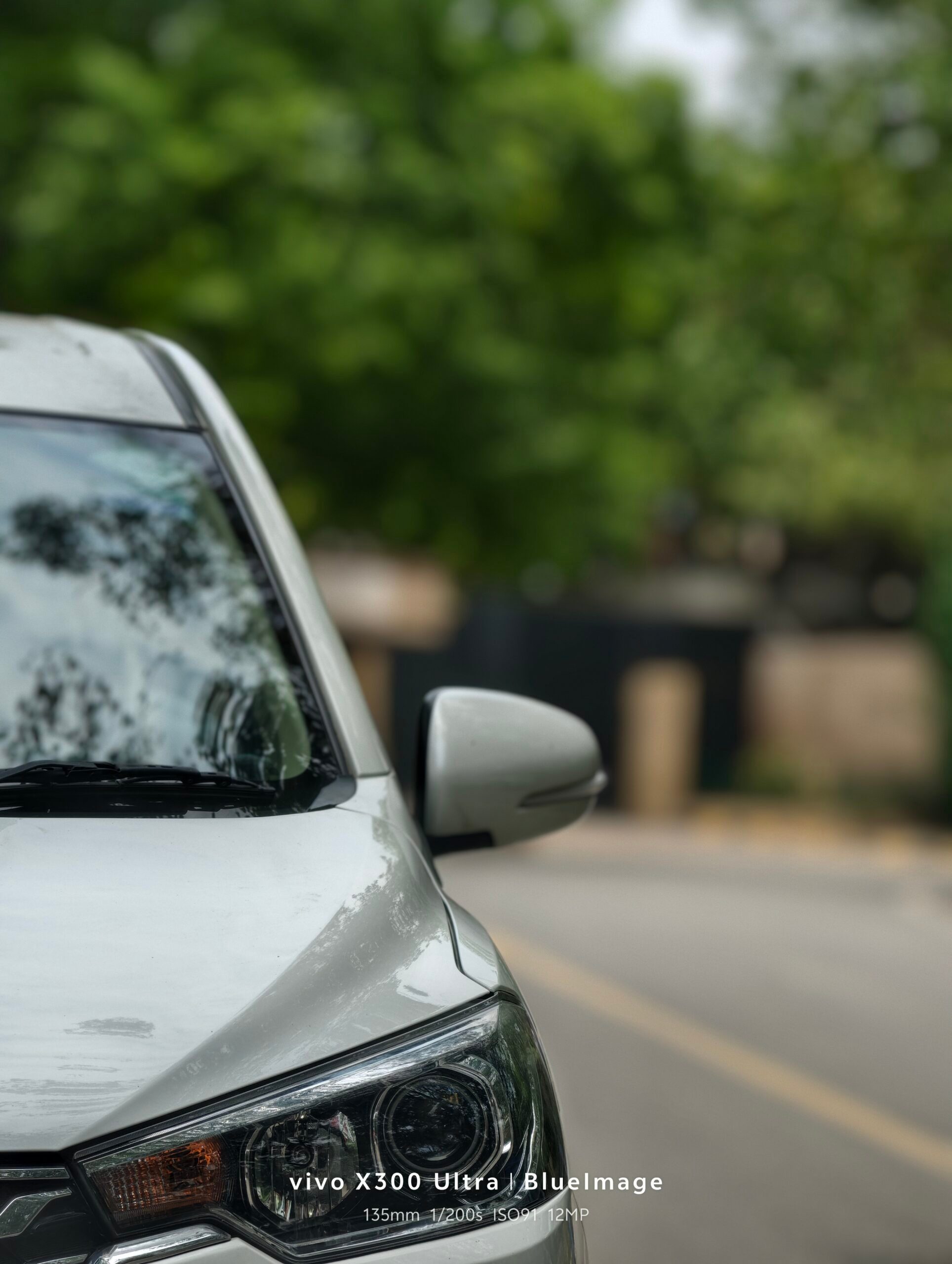





Then there is the 135mm in Portrait mode, but the overall quality dips slightly, with photos ending up with a processed look while details are still decent enough. Sharpness is not the greatest forte at this focal length, and we daresay, we would actually recommend switching to photo mode with a higher zoom level – rather than using the 135mm on the Portrait mode.
Now that we have talked about the Portrait prowess of the X300 Ultra, we now enter the telephoto waters with the 170mmine photo mode. With the 12.5MP resolution, the images look good, with top-grade colours and detail.
Then we come to the longest zoom level at 230mm – the photos still look decent enough, but you can still catch the processing on images here and there. Nevertheless, the images are still on the better end, even though they look a bit processed at times.
Video quality is also Ultra on the X300 Ultra.
The Vivo X300 Ultra is not just a photography-focused phone – Vivo clearly wants it to be treated like a serious video camera too. And on paper, the specs are absurd enough to make some mirrorless cameras slightly uncomfortable.
All three rear cameras can shoot up to 4K at 120fps and even 8K at 30fps, while the selfie camera tops out at a still-more-than-enough 4K60. Vivo also caters to creators who obsess over frame rates like filmmakers discussing coffee beans. Hidden inside the settings are PAL-friendly 25fps and 100fps modes, while Pro Video unlocks 24fps and 50fps options for those who want their footage to scream “cinematic” before color grading even begins.
The phone defaults to the efficient H.265 codec, though users can switch to H.264 if they enjoy larger file sizes and compatibility with ancient editing workflows. More interestingly, Samsung’s professional-grade APV codec is supported for Log recording, which immediately tells you that Vivo expects at least some users to throw this footage into DaVinci Resolve instead of Instagram Stories.

Log capture works across all cameras and nearly every resolution and frame rate combination, except 8K. Vivo also includes LUT support, with a built-in LUT preloaded and the option to import custom ones. Dolby Vision recording is similarly available almost everywhere, only disappearing when shooting in 8K.
The regular video mode is loaded with creator tools, including filters, styles, beautification settings, and even a teleprompter feature for aspiring smartphone news anchors. Switch to Pro Video mod,e and things get serious fast, with waveform monitoring, exposure controls, audio level monitoring, and manual focus tools.

Stabilization is where the X300 Ultra genuinely impresses. Electronic stabilization is permanently active in standard shooting modes, while Ultra Stabilization and Horizon Leveling modes are available for more demanding footage. Walking shots from both the 14mm ultrawide and 35mm main camera remain impressively stable with almost no visible shake, jello effect, or awkward movement artifacts.
Video quality overall is excellent, especially in terms of dynamic range, contrast, and color reproduction. Vivo’s color tuning keeps footage vibrant without crossing into oversaturated “vacation mode.” Sharpness, however, is slightly softer than expected, particularly on the ultrawide camera. The 85mm telephoto performs better, though zooming to 170mm and 230mm introduces a hazier look. Still, considering the phone is digitally pushing far beyond its native focal length, the results remain surprisingly usable.