There’s no shortage of social media apps that make it easy to chat with others. You can send out a quick text message and know that the person on the other side will receive it almost instantly, provided he or she is logged in and paying attention, of course. Most will even let you know once your message has been read.
But do you really want that?
Frankly, this can be an unwelcome feature when you’re on the other end and don’t want the person to know you’ve read their message. Sometimes you just need to ignore someone. In that case, turning off the “seen” notification — known as a read receipt — is easy enough. Here’s how.
Facebook Messenger
Facebook doesn’t technically have an option to disable read receipts in messenger itself. Instead, you’ll need to install an extension to your browser to prevent read receipts from going through.

For Chrome users, downloading the Facebook Unseen extension will solve your needs. Once you have it installed, right-click the Unseen icon next to the address bar in Chrome and make sure the “Block the ‘seen’ feature of the chat” option is checked. There are more options as well, such as those that prevent the typing indicator from appearing and one that disables the ability to see if others have read your messages.
If you aren’t using Chrome or you’re a Chrome user who doesn’t want to install yet another extension, you have an option. If you happen to use AdBlock Plus, you can add the following URL: “facebook.com/ajax/mercury/change_read_status.php$xmlhttprequest” to the custom filters. Then navigate to the options menu, click the Add your own filters tab, and paste the URL. Click the Add Filter button to finish the process.
iOS and iMessage
It’s easy as pie to stop read receipts on an iPhone. Under the Settings menu, tap Messages. From here, simply switch Send Read Receipts to off.

You can also disable iMessage seen notifications through your Mac as well. To do so, open Messages, navigate to Preferences, and select Accounts. Like in iOS, make sure Send Read Receipts is switched to off.
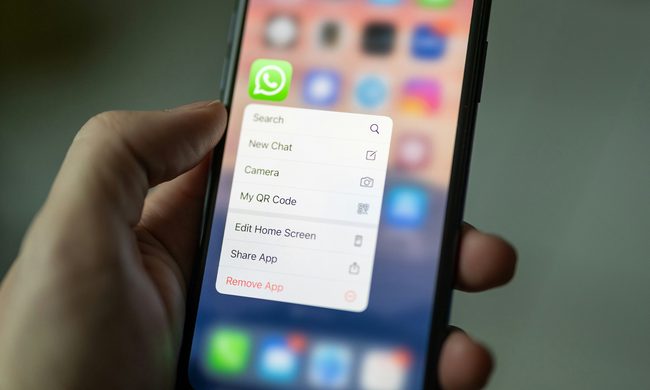
WhatsApp’s read receipts feature is simple to disable. Just tap on the three vertical lines in the upper-right corner of the app. Then, tap Settings, select Account, and tap Privacy. On the following screen, uncheck the Read receipts option near the bottom of the page.

Outlook
In Outlook, read receipts are disabled by default. However, if they’ve been enabled by accident — or maybe you wish to temporarily turn them off — begin by clicking Options under the File menu. In the new window that appears, click the Mail tab and scroll down to the Tracking section. Here there are two options: “Delivery receipt for confirming the message was delivered to the recipient’s email server,” and “read receipt confirming the recipient viewed the message.” Uncheck these boxes, and then click OK to apply the changes.