
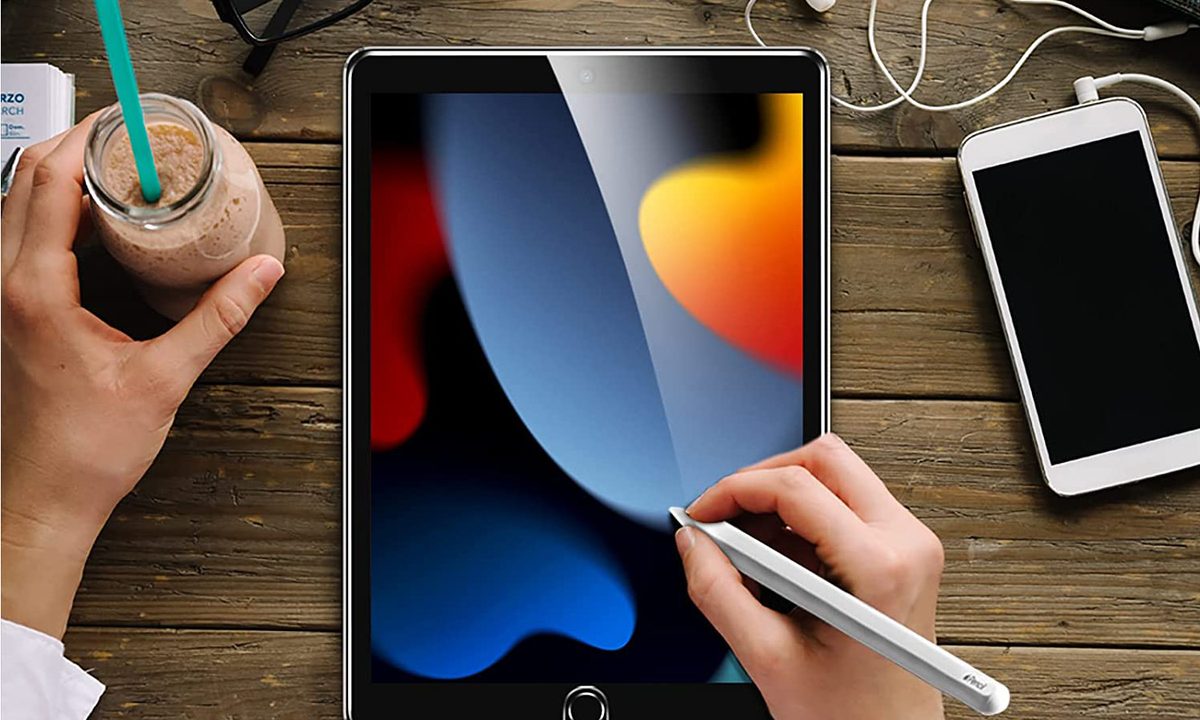

Apple has always used Corning's tough Gorilla Glass on its iPad screens. While iPad glass is pretty strong, it can still shatter, get damaged, or sustain unsightly scratches from fingers, styluses, drops, or objects dropping on it. That damage will deface and interfere with the tablet's proper use. For an extra added layer of defense, screen protectors can come to the rescue.
Screen protectors are made of either glass or plastic. Glass is sturdy, with a high level of clarity to view your on-screen content. It feels similar to the iPad’s native display as your finger slides across the edge-to-edge protected screen. Plastic screen protectors tend to be a bit thicker but also more durable. While they scratch more easily than glass protectors and can attract more fingerprints, there’s less risk of permanent damage to your iPad. Some screen protectors feature an anti-glare coating to ensure extra privacy by making it harder for casual observers to see what’s on your screen. Oleophobic coatings keep fingerprints from sticking to glass protectors.
Our recommendations below refer to the 2021 iPad — Apple's 10.2-inch basic model. If you purchased this 9th-generation model, consider shielding it from harm with one of the following highly rated screen protectors. The same screen protectors are also compatible with previous 2020 and 2019 iPads. If you're looking for a case to go with that, have a look at our case recommendations for your 2021 iPad.
If you have or plan to buy the brand new basic iPad released earlier this year (10th-generation), you can find our favorite screen protectors and cases as well.



![KCT [2 PACK] Paperfeel Screen Protector Compatible with iPad 9/8/7(10.2-Inch, 2021&2020&2019 Model, 9th 8th 7th generation),iPad 10.2 Matte PET Paperfeel Film No Glare Scratch Resistant Paperfeel Protector,Compatible with Apple Pencil](https://s3.us-east-2.amazonaws.com/ccp-prd-s3-uploads/2022/11/17/27e9231a69901c7442466c69de189b89bb074587.jpeg)

JETech Screen Protector
- Made of 0.33mm thick premium tempered glass
- 9H hardness rating
- Dust-free installation
- Bubble problems reported
The JETech is a favored choice for your 10.2-inch iPad, featuring a 9H hardness rating that resists common scratches and impact. Made with high-quality, 0.33mm-thick premium tempered glass and rounded edges, it offers excellent transparency and fingertip response. Installation is dust-free, fingerprint-free, one-push easy, and bubble-free. The package includes the tempered glass screen protector, cleaning cloth, dust removal stick, guide stick, and instructions.

Spigen Tempered Glass Screen Protector
- 9H screen hardness rating
- Oleophobic coating
- Superior touch responsiveness
- Difficult to install
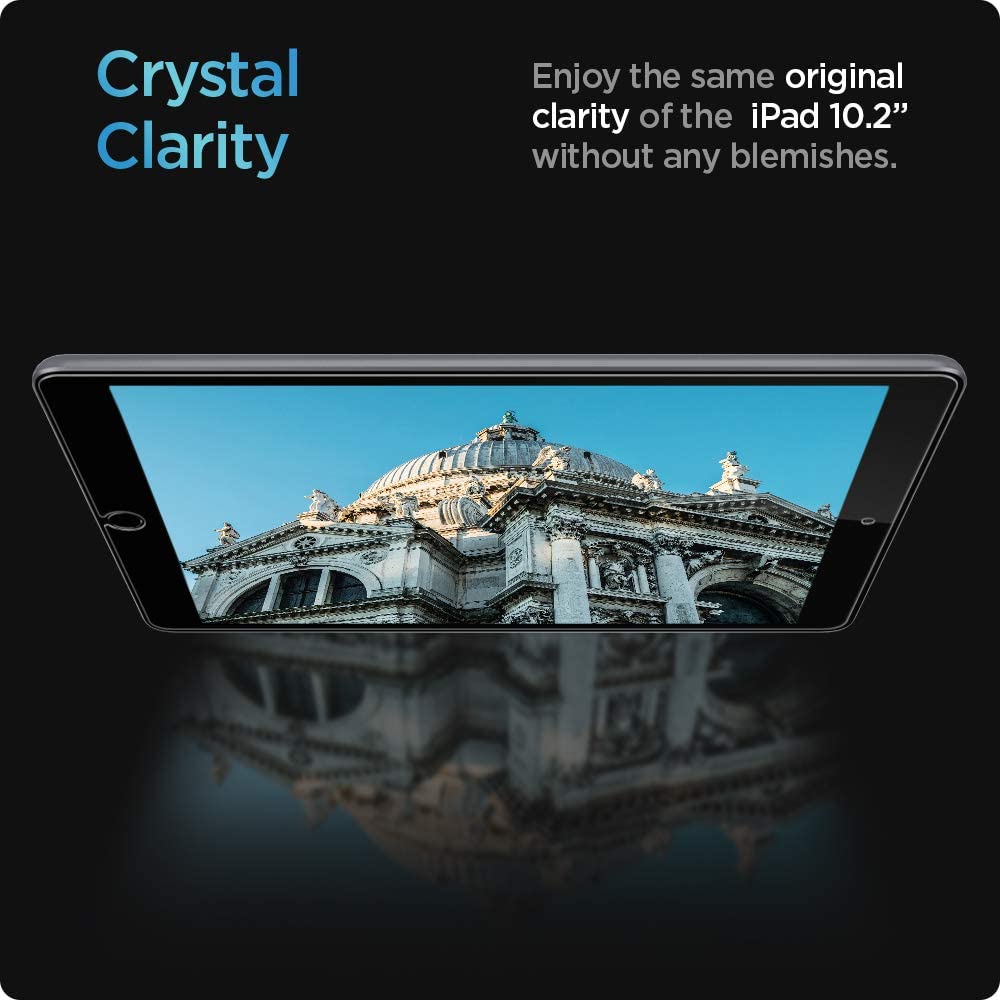
Spigen's Tempered Glass Screen Protector features a 9H screen hardness rating with guaranteed touch responsiveness and a high degree of clarity that preserves the original interface brightness. An oleophobic coating prevents oils and fingerprints from marring the surface of the screen. It's case-compatible with the last three generations of Spigen iPad 10.2-inch cases.

ESR Screen Protector
- Covers the front camera
- 9H hardness rating
- Measures 0.3mm thin
- Reported sticking issues
Look no further than ESR for premium-quality HD screen protection for your iPad. The screen protector’s glass is nearly 100% transparent, preserving your Retina screen’s quality. It even covers the front camera to protect the lens from scratches without affecting your photos. Its tempered glass, with a 9H-hardness rating, protects your screen from scratches caused by keys, coins, or other hard objects. The screen protector measures 0.3mm, ensuring the touch screen response works just like it did originally, pristine from the box. Bubble-free installation via the included installation frame makes application effortless, giving you perfect alignment.

amFilm Screen Protector
- Comes in a two-pack
- Oleophobic coating
- Easy to install
- Reported bubble issues
As one of the most popular brands of tablet screen protectors, amFilm is specifically designed to fit the 2021 iPad as well as the previous two iPad generations. It features an open U-shaped cutout for the home button and no camera cutout. Its premium-grade tempered glass is scratchproof, resilient, clear, and long-lasting — custom fit for optimum screen protection. It absorbs damage from daily wear and tear and has an oleophobic coating that reduces fingerprints and smudges. The package includes two screen protectors, installation instructions, dust-removal stickers, wet and dry wipes, and a squeegee to remove bubbles.

Like Paper Screen Protector
- Compatible with the Apple Pencil and other styluses
- Made with premium Japanese PET film
- Reduces glare and eyestrain
- Can be hard to install
If you use your iPad for drawing, sketching, or note-taking, have a look at the Like Paper Screen Protector, made especially for the Apple Pencil or other active stylus. Fingerprint- and scratch-resistant with a 3H hardness level, the Like Paper matte coating promises a clean screen. The Like Paper uses premium Japanese PET film and high-definition matte material. The silicone skin uses self-absorption adhesion that is designed to push out bubbles and protect your screen from scratching and other damage. The screen protector reduces glare and eyestrain, too, while at the same time, content remains legible under the strong sunlight. You get a natural feeling when writing on the screen, and it's as smooth and responsive as a pencil on paper.

KCT Paperfeel Screen Protector
- Comes in a two-pack
- PET film feels like paper
- Minimizes pen tip wear on the Apple Pencil or stylus
- Does not feel paper-like
Specifically designed for compatibility with the iPad 10.2-inch display of the last three iPad generations, the KCT two-pack also works well with the Apple Pencil and other active styluses. The Paperfeel PET film feels like paper when you touch or draw on the screen, as its matte surface gives you better interface control, reduces fingerprints and smudges, and offers a clear, high-definition view of your content. The special papery texture also minimizes pen tip wear on the Apple Pencil or stylus. An easy installation kit helps you to install the Paperfeel film perfectly.


