
 After some controversy over its release and more than enough anticipation, the Facebook for iPad app is finally here. Check out our hands-on look and review.
Home
After sign-in, which needs no explanation, you’re taken to the familiar home page which bears your News Feed and top blue navigation bar. This all looks incredibly sparse compared to the Web version. Surprise: It’s like a larger formatted version of the smartphone application. It likely looks emptier due to screen size.
The biggest different is the fact that, like on the smartphone, there are no sidebars and the News Feed instead takes up the entire screen. You navigate Facebook’s features via the top left hand blue bar.
As uncluttered as the home page is, without any automatic sidebars it feels like there an awful lot of white space.
 Roll out sidebar
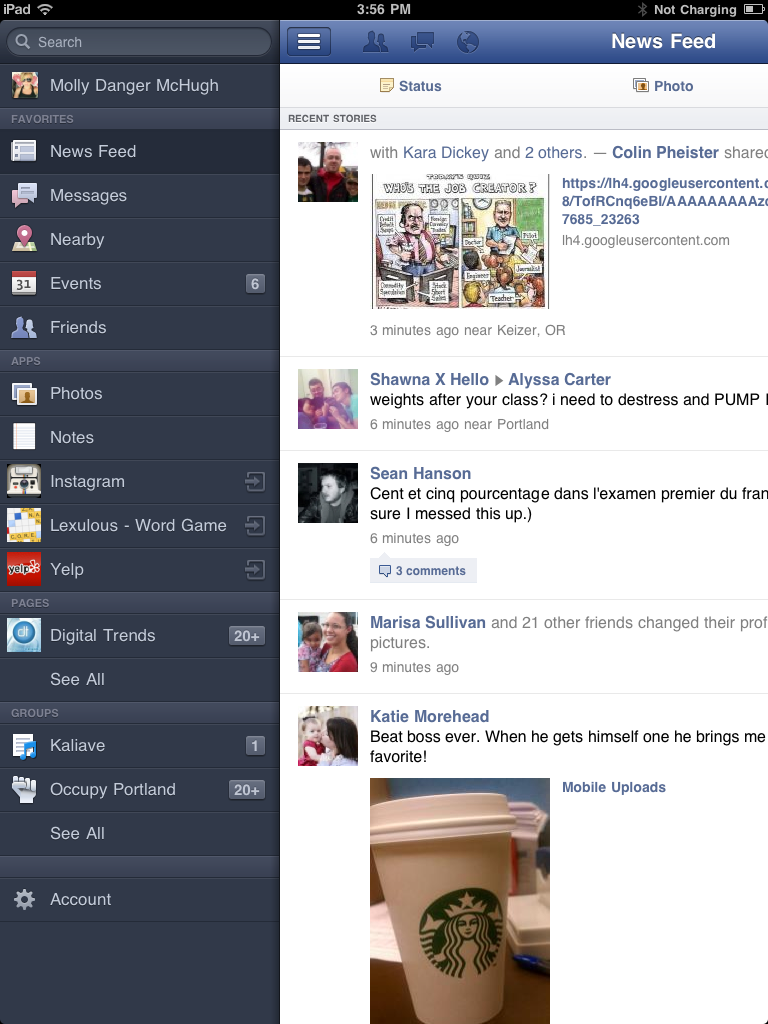
Selecting the far left icon brings up your Facebook features and applications in a left-hand side bar. Choosing one will roll the sidebar back in so that your selection will take up the entire screen.
Notifications
Your notifications all sit on the top blue navigation bar. Since the ticker doesn’t exist in the iPad app like it does on Facebook’s site, a drop down hovers over your current page and viewing an individual notification will pull up a right-hand sidebar so you can remain in the same screen while interacting.
Photos
Most of Facebook’s applications work identically to how they do on the Web: You view and respond to events and messages the same way, check and update your News Feed the same way, and so on and so forth. But Photos on the iPad are different—in an entirely frustrating way.
Photos are nearly entirely consumption-based, meaning you can’t edit your albums aside from adding to them. A plus icon in the upper right-hand corner allows you to grab photos from you iPad’s photo library or take one right there. But you can’t mass-edit your albums. Individually clicking photos allows you to like, tag, save to your library, delete, or make a photo your profile picture, but you can’t view your photo collection and edit entire albums like you can via the Web.
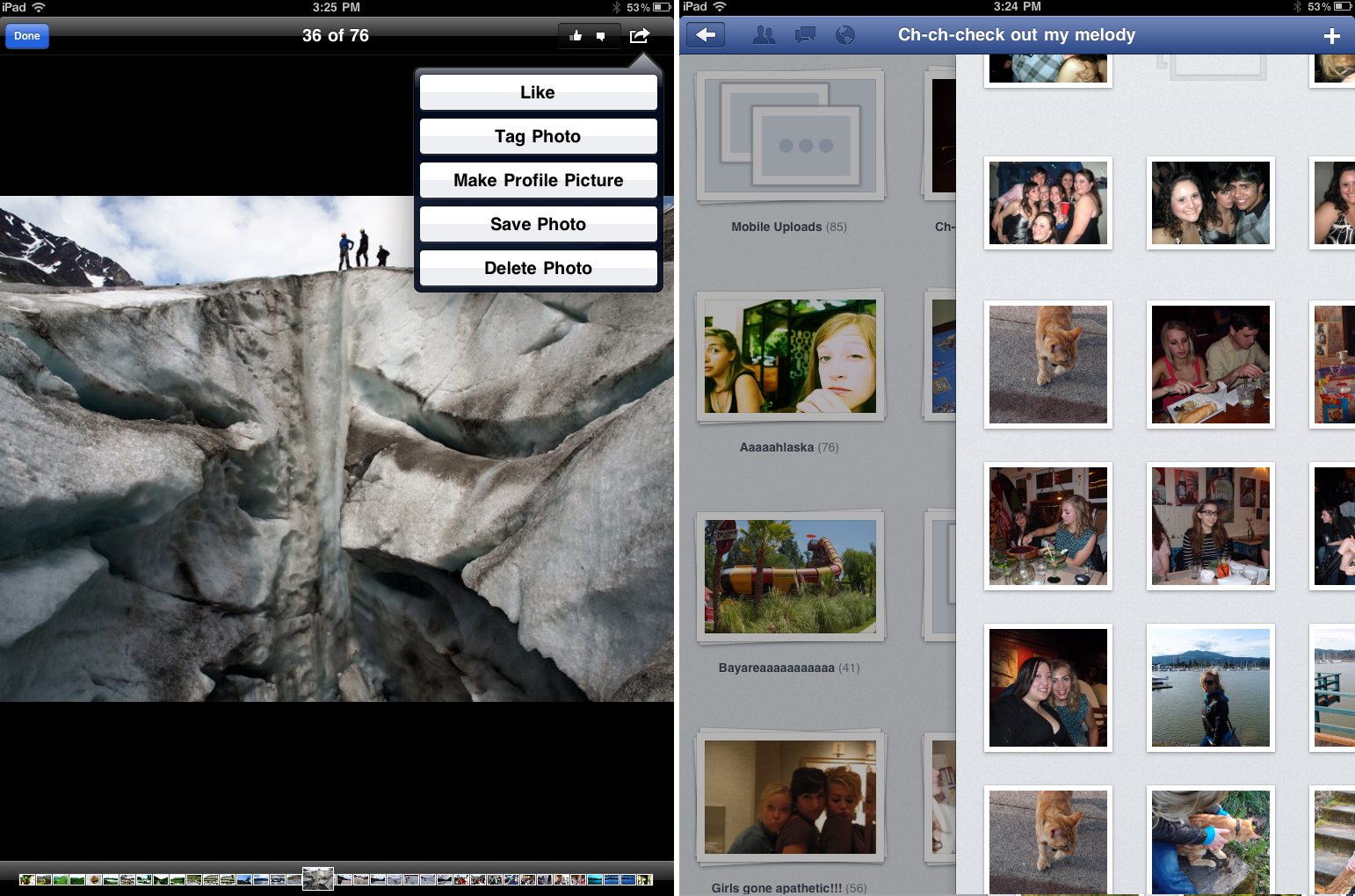
You can, however, swipe to the right to reveal all your albums when you’re currently inside one, which is a nice feature.
We know, iPads are for consuming, not for production, but it’s still a little annoying not to be able to easily edit something so core to Facebook. We also aren’t huge fans of how tiny the tiles below photos are when you’re viewing them one by one.
What’s missing
As we mentioned, Facebook didn’t include the ticker. It was a controversial addition (as are all Facebook updates) but one that users have seemingly come to terms with. And it’s not there—which means neither are the rolling Spotify or MOG updates that allow you to sync listening with your friends.
That of course means that the iPad app is already due for an update. Timeline has yet to hit the general user population, but once it does we’d imagine that developers will want their apps being used and the entire purpose of Timeline (and to a lesser degree ticker) is to give applications great meaning to the user experience as well as more complete access to our Facebook activity.
The verdict
It was high-time to release an iPad app and this one is all business–so much so that it feels a little outdated compared to where the Web version of Facebook is at. It’s functional and gets the job done, but we foresee an update in the very near future. You can check out our photo gallery for a visual breakdown of the new app here.


