
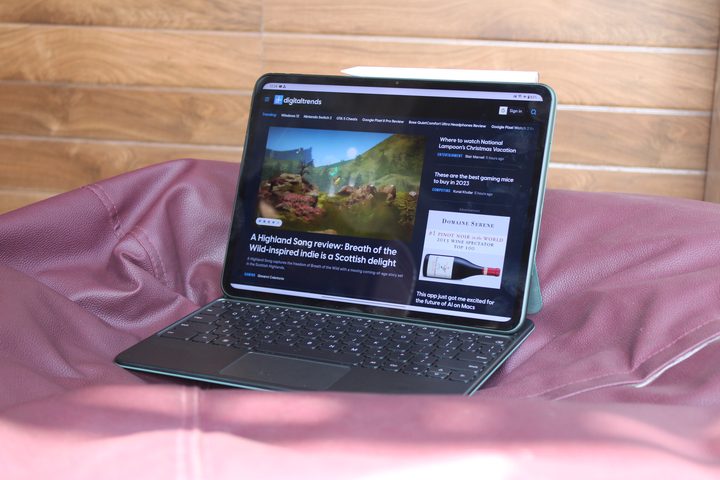
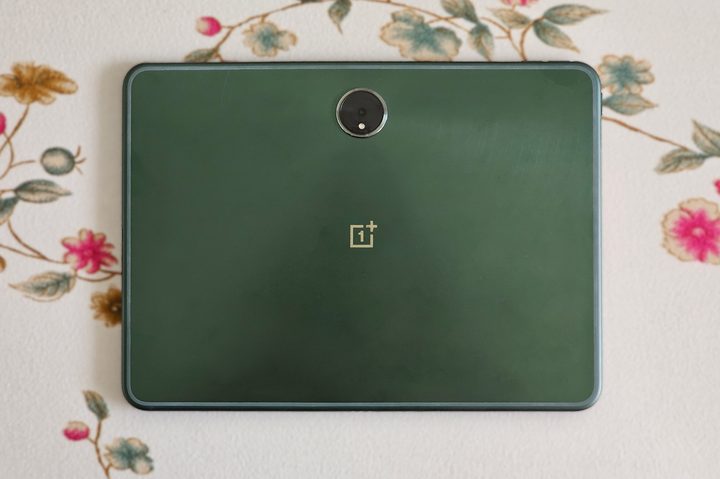
The OnePlus Pad is a story of what could have been if Android was better optimized for trackpads on keyboard accessories. That may sound like a small, niche complaint, but it’s played a big role in my enjoyment (and frustration) with the tablet.
Using the OnePlus Pad can be glitchy and buggy at times, but despite its imperfect trackpad implementation (often resulting in me getting frustrated and wanting to move to my laptop for work), the tablet is surprisingly good for being your media consumption device.
I’ve been using the OnePlus Pad on and off since launch, and this is how it has fared after seven months of use.
What I like about the OnePlus Pad
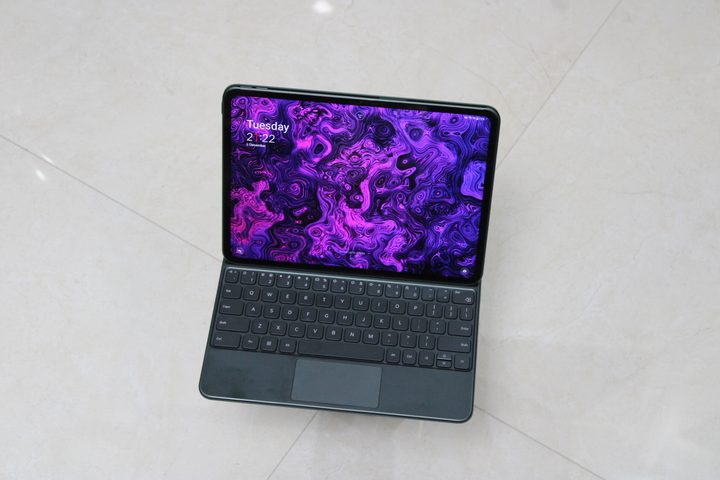
The OnePlus Pad is great for consuming media. It’s got a big screen, fluid software, and loud and clear speakers. That’s everything you need in a tablet meant for media consumption, be it any form: audio, video, or text.
OnePlus’ first tablet features an 11.61-inch LCD panel with a 2800 x 2000 pixel resolution and a 144Hz refresh rate. I like the 7:5 aspect ratio on this more than the 16:10 aspect ratio on the Google Pixel Tablet or the Xiaomi Pad 6 for two reasons.
First, the fact that it’s a bigger display makes it broader and gives me more room to watch videos. The black bars in YouTube videos on full screen are similar to what you’d get on the iPad Air (2022) with a 4:3 aspect ratio. Second, it’s taller when attached to the keyboard accessory, which gives me more content on the screen in articles when compared to the 16:10 screen-equipped tablets. I prefer the latter for reading, though.
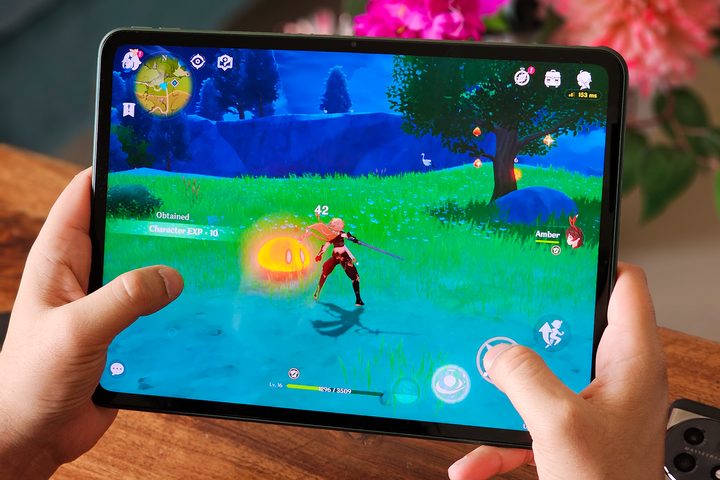
The screen supports Dolby Vision for better color accuracy and contrast in HDR, plus Dolby Atmos for a virtual surround sound experience with two speakers on either side (when in horizontal orientation on the keyboard). The colors are vivid and blacks are really good for an LCD panel. This, paired with loud and clear speakers that hardly distort at maximum volume, makes movie watching an enjoyable experience.
I like reading on tablets, and as mentioned above, I prefer 16:10 aspect ratio displays if I’m getting a tablet for reading purposes. It’s because they are narrower when held vertically in the hand. But that’s not to say that the OnePlus Pad isn’t suited for reading. It is light enough to be held with a single hand for a few minutes before wanting to hold it with both hands due to the size.
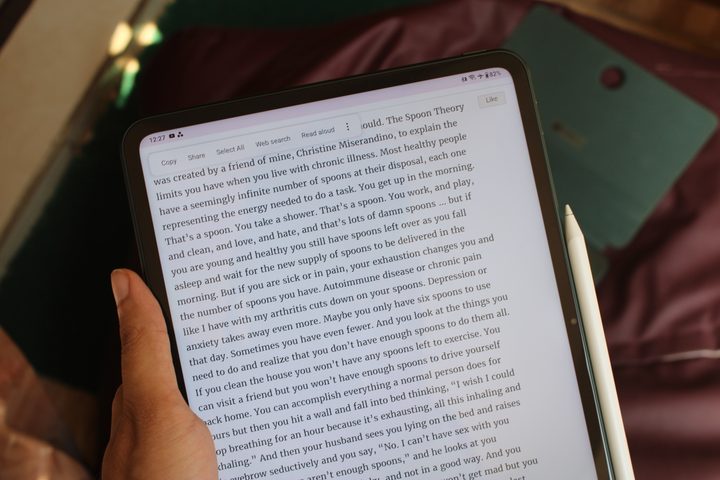
I felt it was too wide initially, but it grew on me as I used it over the months. I like the fact that I can choose between turning the screen yellow or paper-like black-and-white (my preference) when toggling the Eye Comfort mode. The monotone screen makes for a better reading experience for me. It’s a clean software experience with easy-to-interact toggles and good animations.
The OnePlus Pad is powered by the MediaTek Dimensity 9000 chipset, paired with 8GB of RAM and 128GB of storage. While OnePlus says you can have 24 live apps going on at once, I’ve never needed to run that many apps simultaneously. The performance has been smooth in everyday use, which includes browsing, watching videos, and switching between work apps like Teams, Asana, and Slack. The app switching and multitasking speeds are decent enough for me not to want to return to my laptop.
The OnePlus Stylo is a good accessory to have if you plan on jotting down notes on the Pad. There is virtually no lag between the stylus and the screen when you’re writing on it. Plus, it has a few extra features — like hover in Microsoft Outlook, which highlights a particular part to take action and indicate you’re hovering over it. But it isn’t supported by all apps. I’d like the feature to be added to the Kindle app and Chrome for browsing.
The OnePlus Magnetic Keyboard is solid to type on, with no cheap flexing on the palm rest. The keys have good tactile feedback and the trackpad is smooth to operate. It doesn’t take false inputs from beneath the trackpad area, which is a problem with some keyboard cases, including the Asus Zenbook S13 OLED laptop.
If I’m watching two movies and working for a couple of hours each day, the OnePlus Pad lasts me at least two days. It’s got good standby battery life, too, so it won’t discharge easily when idle. Plus, the 9,510mAh battery can be fast charged from zero to 86% within 80 minutes with the bundled 67-watt SUPERVOOC power adapter.
The one thing that drives me crazy

The 7:5 aspect ratio and the camera placements on the back and front mean that the OnePlus Pad is designed to be used in horizontal orientation. OnePlus wants you to work on this device — and to type on it. But the software integration with the trackpad makes it nearly impossible to get through one whole article in Google Sheets without feeling the need to go back to my laptop multiple times. There are several issues I encountered that wouldn’t be there if the OnePlus Magnetic Keyboard didn’t have a trackpad.
First, selecting text while researching on Chrome is essential to my workflow. There are multiple ways to select text – you can long press on a word and start sliding your finger or double tap/press on a word and use the two Android pointers to select the sentences. The latter isn’t intuitive, and the former doesn’t work on the first try most of the time.
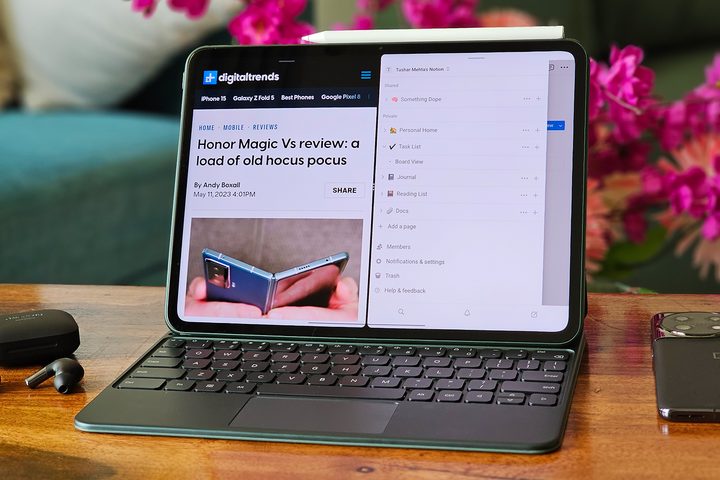
Second, when typing in Google Docs, if I’m typing a sentence at the bottom of the page and my cursor is resting anywhere at the top in-between paragraphs, the words shift to the top (in the middle of a random word) instead of where I wanted to type them – because I happened to touch the trackpad slightly.
Both of these issues wouldn’t exist if the trackpad wasn’t there – like on the Galaxy Tab S7 or the Xiaomi Pad 6 keyboard accessories. It would force me to use the touchscreen more, which isn’t ideal either, but at least it wouldn’t make for a frustrating typing experience. I’d rather take a no-trackpad keyboard case than one with a trackpad this sensitive. I like typing on the OnePlus Pad because of the excellent keyboard, but the trackpad is bothersome, especially if you have big hands.
There’s more coming to the OnePlus Pad in 2024
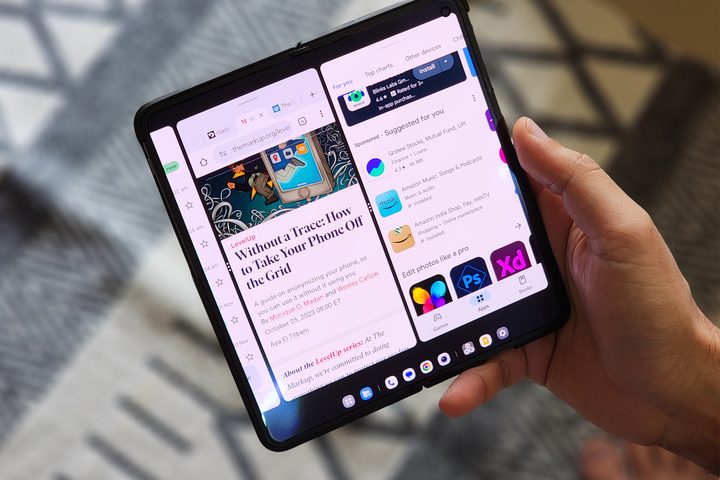
Ever since I first used the Open Canvas multitasking feature on the OnePlus Open, I’ve wanted it to be present on my OnePlus Pad. And there are many like me! In response to someone asking OnePlus about this in an Ask Me Anything session with OnePlus on Reddit, a company official said that it’s working on bringing the feature to the OnePlus Pad. But there’s no timeline yet for when it’ll arrive.
The OnePlus Pad is a great device for media consumption. It packs one of the loudest speakers in the segment. You’ll enjoy watching movies, listening to music, and reading on it. But don’t buy it as a 2-in-1. Get it for the tablet experience and not as a mini laptop. If you go in with the right expectations, you’ll have a great time.


