  1. Home
  2. Tablets
  3. News

Digital Trends may earn a commission when you buy through links on our site. Why trust us?

Pixelmator Pro, one of the best image editing apps, finally lands on the iPad

The older Pixelmator Photo app will no longer receive updates

Add as a preferred source on Google
pixelmator-pro-ipad
Apple

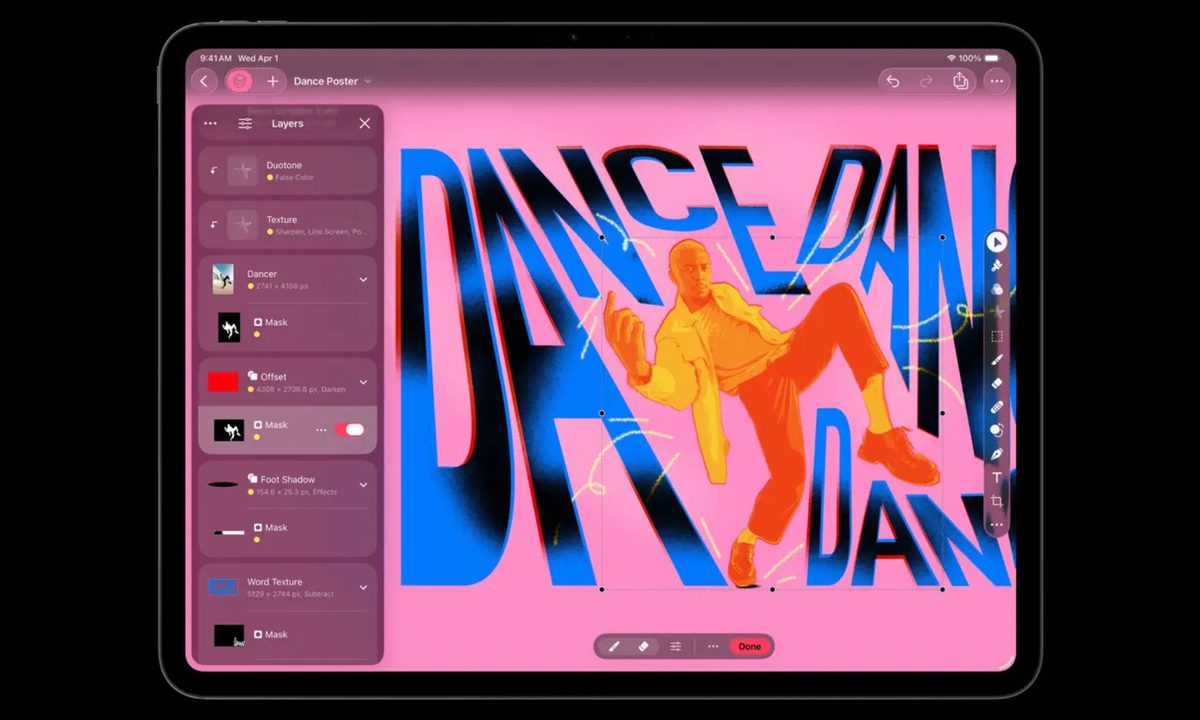
Pixelmator Pro, one of the most highly regarded image editing apps on the Mac, has finally arrived on the iPad. The app, long regarded as one of the best Photoshop alternatives on the Mac, is now available on iPad as part of Apple’s new Creator Studio bundle.

The launch also brings a quiet but important change. Pixelmator Photo, the previous iPad-only app, is being phased out. While existing users can continue to use it, Apple says Pixelmator Photo will no longer receive updates.

Recommended Videos

Going forward, Pixelmator Pro will be the single, unified image editor across Mac and iPad, using the same tools, features, and file formats on both platforms.

A Mac-class editor built for iPads
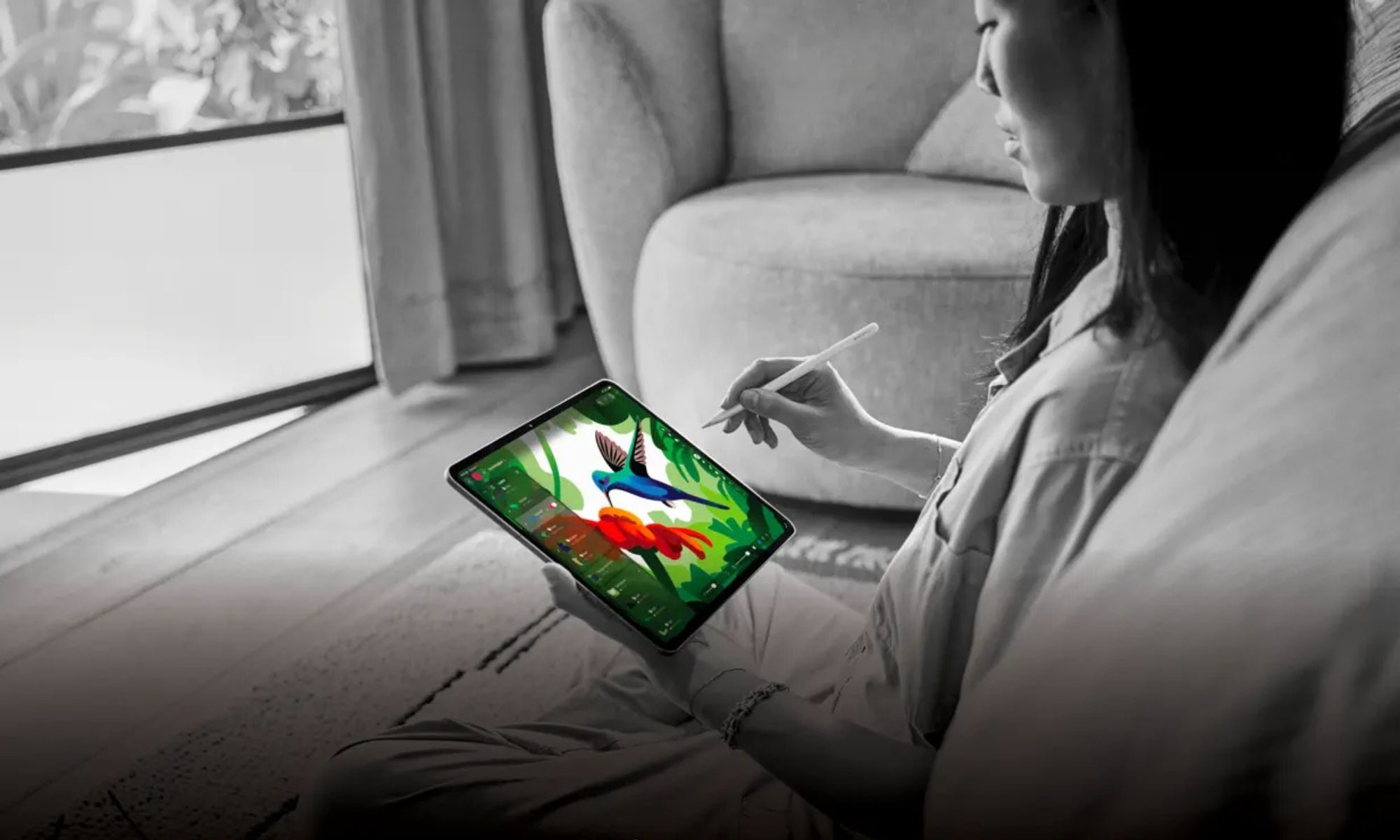
Pixelmator Pro joined Apple’s lineup after the company acquired it last year. It includes a layer-based editing system, advanced color tools, masks, effects, and vector shape support, all redesigned for touch and Apple Pencil.

The interface adapts to gestures, Pencil input, keyboard shortcuts, and even trackpads, making it feel at home whether you are sketching by hand or working with a keyboard and mouse.

Machine learning features play a major role here too. The iPad app includes tools like automatic background removal, subject and object selection, super-resolution upscaling, smart retouching, and ML-powered crop and straighten.
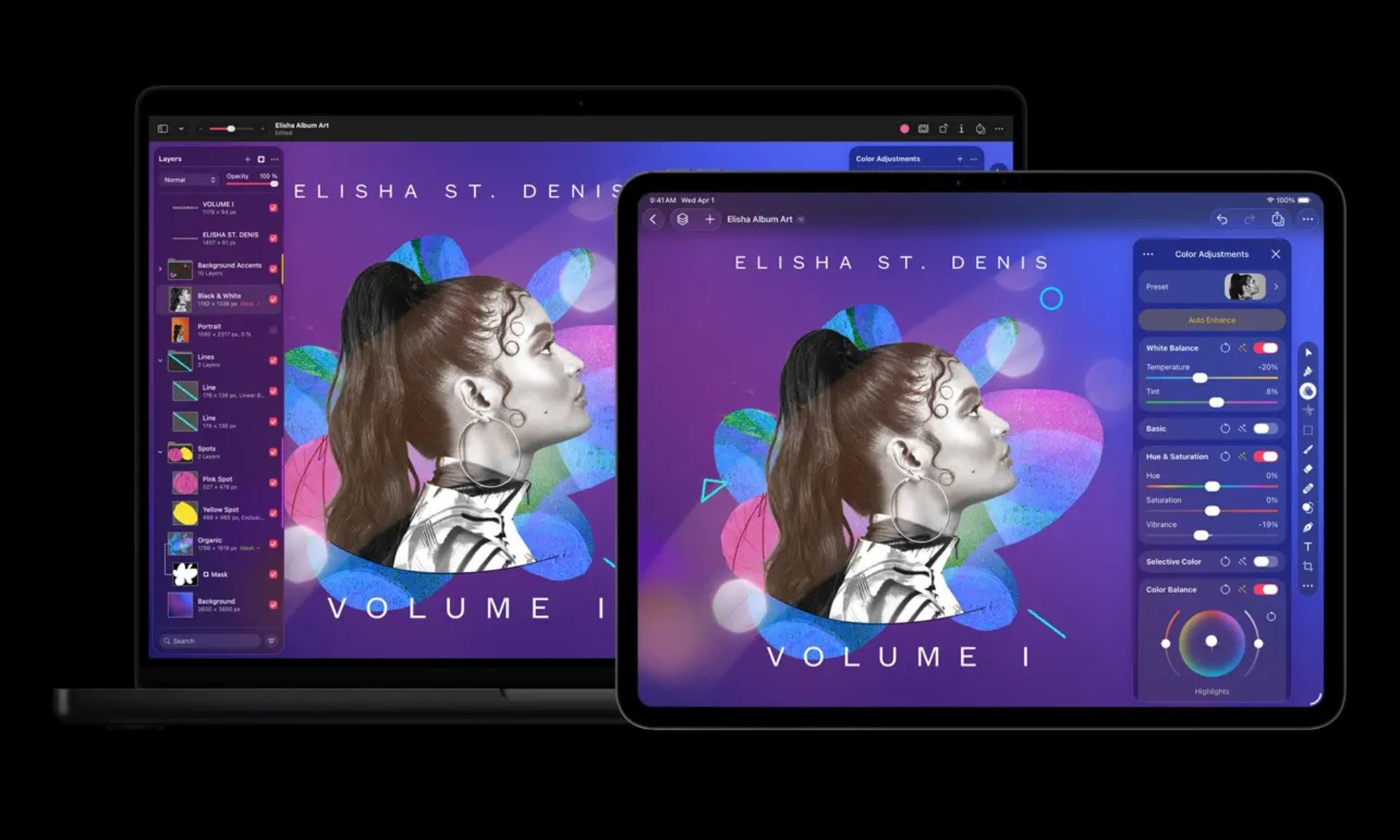
These features run directly on the device and are meant to speed up common editing tasks without sending images to the cloud. However, Pixelmator Pro requires iPadOS 26 or later and works only on iPad models powered by an A16, A17 Pro, or M1 chip or newer.

It also works seamlessly with Apple’s Files app and iCloud Drive, so images can be opened, edited, and saved directly from existing folders and cloud storage. Projects sync seamlessly between iPad and Mac, making it easy to start work on one device and finish it on another.

Pixelmator Pro’s arrival on iPad feels long overdue and genuinely exciting, but it would be even better if users had the option to buy or subscribe without committing to Creator Studio.

Manisha Priyadarshini
Manisha likes to cover technology that is a part of everyday life, from smartphones & apps to gaming & streaming…
Apple’s cheapest iPad might finally catch up on performance
The 2026 iPad is all about performance — not design
iPad (2025) colors.

Apple's entry-level iPad has always been about value, but performance wasn't its strongest suit. The company's Pro models offered much higher horsepower with their M-series chips.

But the 2026 iPad might finally be getting the boost it needs.

Read more
Apple apparently has a new entry-level iPad ready for launch in a few months
Apple's entry-level iPad is getting a long-overdue chip leap — and this time, it brings Apple Intelligence along for the ride.
11-inch iPad A16 deal

Apple’s most affordable iPad is gearing up for a meaningful refresh in a few months. This time, it looks like the changes run deeper than a simple silicon upgrade. 

According to a new report from Bloomberg’s Mark Gurman, the company has been on track since last year to launch a refreshed entry-level iPad in the first half of 2026, within the iOS 26.4 release timeframe, which runs until May 2026. 

Read more
Android tablets and foldables are getting an utterly useful Chrome upgrade
Chrome's new bookmarks bar finally brings Android tablets the one desktop browsing feature power users never knew they were missing.
Chrome tips

Google is rolling out a bookmarks bar for Chrome users on Android tablets and foldables (basically, large-screen devices) with Chrome version 146. The feature might sound familiar, as it has been available on Chrome for desktop for years. 

As seen on desktop, the bookmarks bar appears below the omnibox, spanning the full width of the screen and showcasing favicons alongside site names, while a right-facing chevron handles overflow. Long-pressing a bookmark reveals its full URL. 

Read more