


At Apple's 2010 iPad debut, its inventor, the late Steve Jobs, touted the finger as the ultimate input device — no extra hardware to keep track of or lose. Times have changed radically, and starting with iPadOS 13, a roster of iPad input devices extends as far as that desktop stalwart, the mouse.
Today, iPadOS supports almost all Bluetooth mice as well as all Apple Magic trackpads and even wired mice with either Lightning or USB-C connections. With the proper settings, you can probably connect most existing mice to your iPad, but Bluetooth is the most convenient. Here, we show you how to connect a mouse to your iPad.
If you're seeking a mouse to use exclusively with your iPad, look for a simple two-button model with a click wheel, as iPadOS doesn’t support anything more complex than that. While a trackpad supports multi-touch gestures, letting you efficiently switch between apps and various iPadOS controls, mice excel for accuracy and responsiveness. We suggest the following as the best mouse companions for your iPad running iPadOS 13 or later.
For more information about mice in general, have a look at our roundup of the best mice for 2022.



Apple Magic Mouse 2
- Rechargeable battery
- Supports gestures directly on the mouse
- Bluetooth connection
- Form factor can be uncomfortably flat
- Expensive
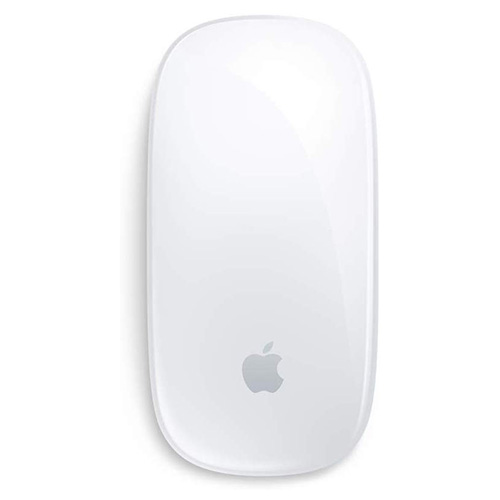
When you want a mouse that is sure to work with your iPad, look no further than Apple's Magic Mouse 2. The simple, light mouse is rechargeable, so you can forget about the use of traditional batteries. Its continuous bottom shell's optimized foot design allows for easy tracking and low tabletop resistance. The multi-touch surface supports gestures like swiping between web pages and scrolling through documents. It comes in white or black, though the black model is $20 more.

Satechi Aluminum M1 Bluetooth Wireless Mouse
- Ambidextrous form factor
- Built-in lithium ion battery/rechargeable Type-C port
- Precise tracking and fast scrolling
- Not comfortable for some users
- Must use the USB cable that comes with the mouse
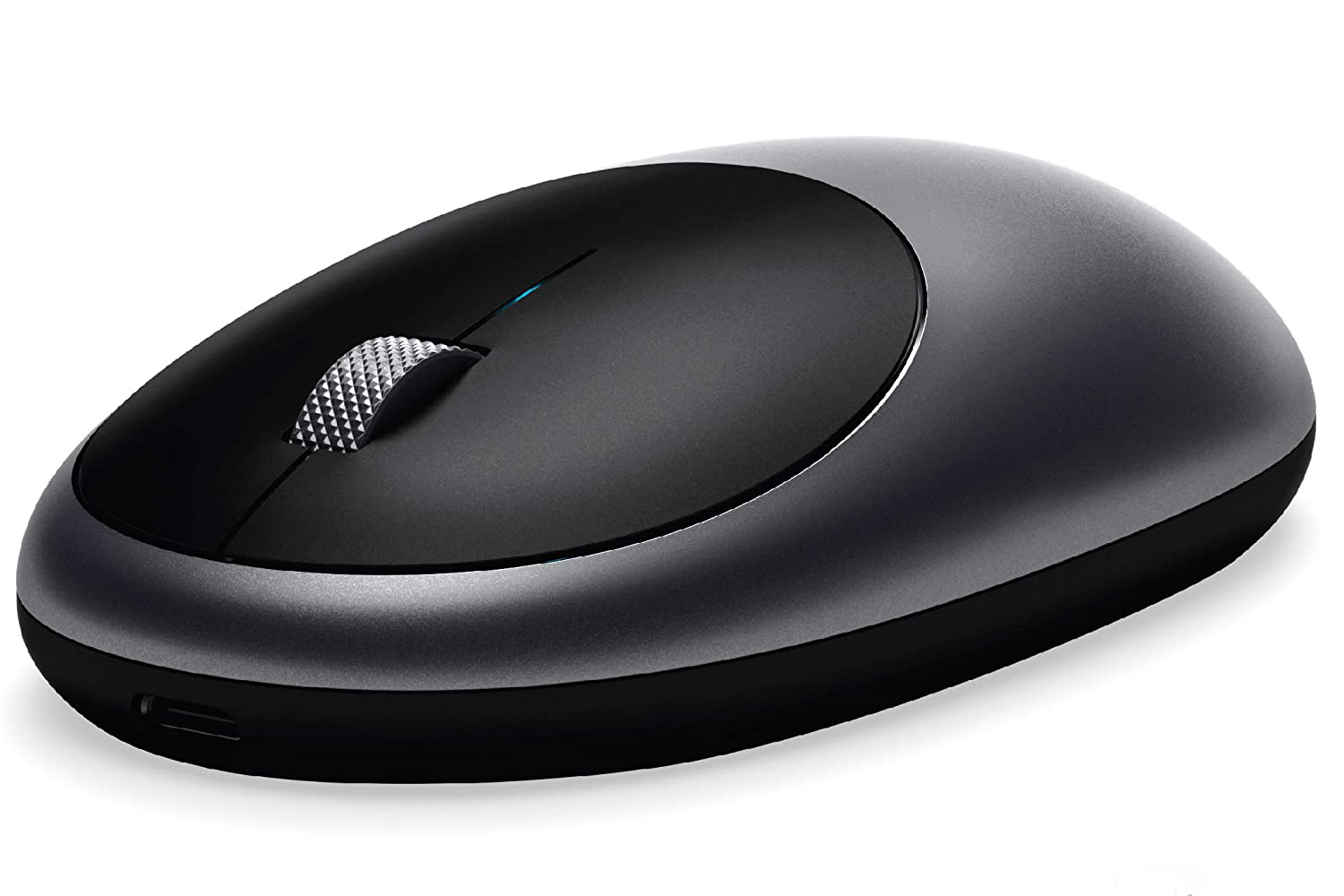
With its sleek, aluminum design and slightly curved profile that's designed to fit perfectly in the palm of your hand, the Satechi is fully ambidextrous. It features a Bluetooth 4 connection for your tablet with an easy setup and a wireless range of up to 32 feet. Its optical sensors and 1200 DPI resolution provide precise tracking and fast scrolling. A built-in lithium-ion battery and rechargeable Type-C port accommodate a USB-C-to-USB charging cable. It specifically supports 2020 and 2018 iPad Pros and the 2019 iPad running iPadOS 13 or later.

Microsoft Arc Mouse
- Compact and lightweight
- Great battery life
- Fits beautifully in the hand
- Slow scrolling reported
- Sometimes confuses right and left clicks
The compact, lightweight Arc Mouse, which weighs in at less than 3 ounces, is a handy traveler and a great all-around experience with battery life lasting up to six months with AAA batteries. The mouse folds out into a gentle curve and snaps flat for portable storage. Its innovative full-scroll plane lets you scroll vertically with a wireless range of 32.8 feet in an unrestricted area and 16 feet indoors. The tracking speed is up to 30 inches per second. It supports Bluetooth 4.0. Choose from four colors to complement your device and your style.

Logitech MX Anywhere 3 Compact Performance Mouse
- Low-profile contoured design with soft silicone side grips
- USB-C quick charging
- Speedy and precise
- No tactile scrolling feedback
- Connection issues reported
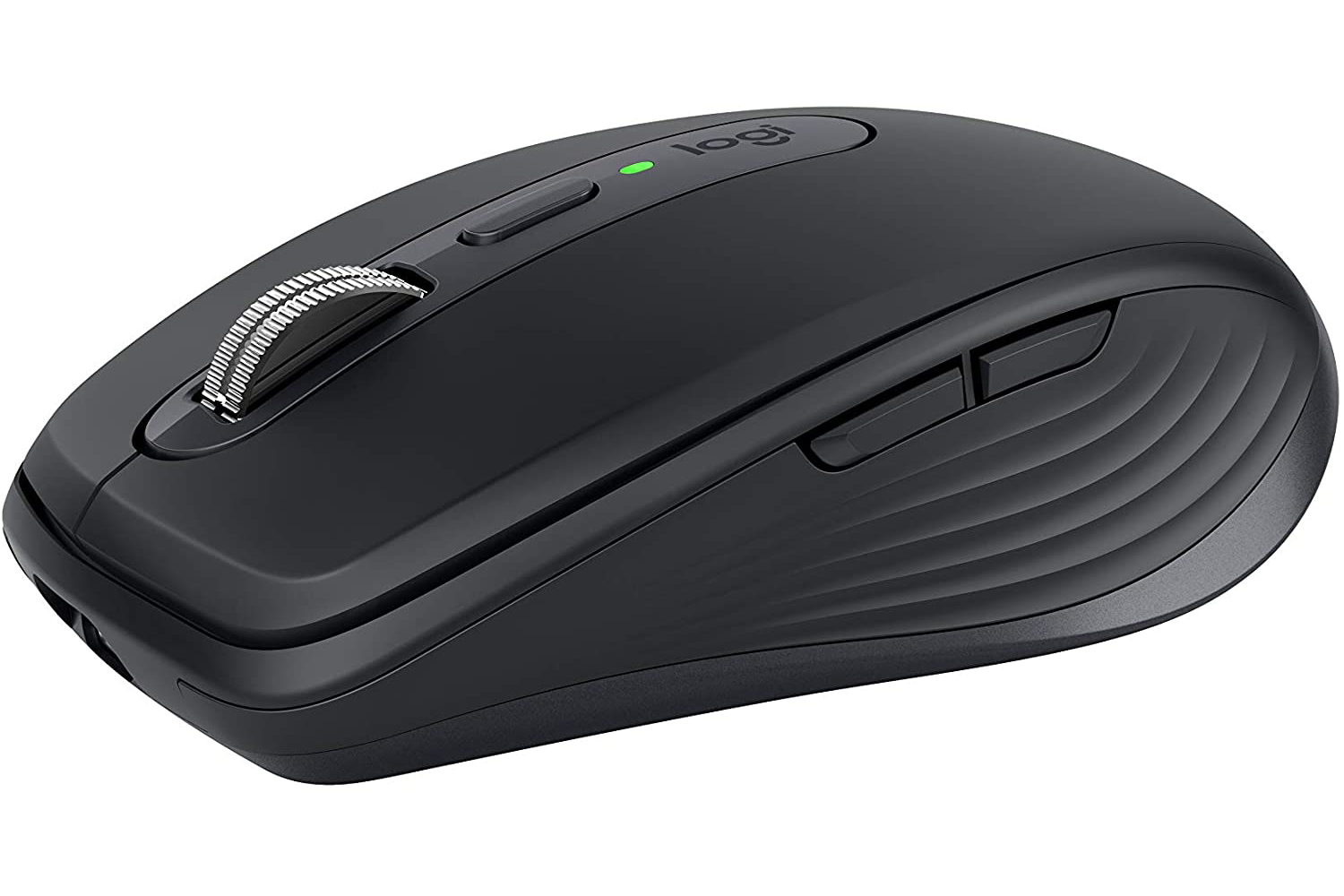
Famed mouse-maker Logitech has a great contribution to speedy, precise iPad operation: The MX Anywhere 3, which scrolls 1,000 lines at once and can switch between ratchet and hyper-fast modes. The low-profile design is contoured for a comfortable hand fit with soft silicone side grips. It tracks on any surface, including glass. Compatible with quick charging, it maintains battery life for 70 days on a full charge and gets three hours of use from a one-minute quick charge. It can connect to up to three devices and switch between them with a tap.

Logitech MX Master 3 Advanced Wireless Mouse
- 4000 DPI sensor
- Rechargable battery
- Tactile hand positioning
- Some lag in the mouse scroll
- Connectvity issues reported
Logitech has yet another gem of a mouse for your iPad. The Master 3 fits naturally in your paw, offering intuitive and precise controls with an advantageously placed thumb wheel and controls. It works on any surface, even glass, with its Darkfield 4000 DPI sensor. With its rechargeable battery, the Master 3 lasts up to 70 days on a full charge and has a quick one-minute charge that provides three hours of use.

Razer Atheris Ambidextrous Wireless Mouse
- Precise 7200 DPI optical sensor
- 350-hour battery life
- Ambidextrous shape
- Heavy
- Glitchy wireless connections reported
Razer, famous for its gaming mice, offers a compact and mobile mouse with a precise 7200 DPI optical sensor for on-the-fly sensitivity adjustment. Its 350-hour battery life supports wireless use on your iPad with swappable AA batteries. The mouse uses adaptive frequency technology to switch frequencies, allowing for lag-free data transmission and stable connections. A ridged, rubberized scroll wheel guarantees both comfort and accuracy. Small, tactile bumps increase grip and allow for more controlled scrolling.


