
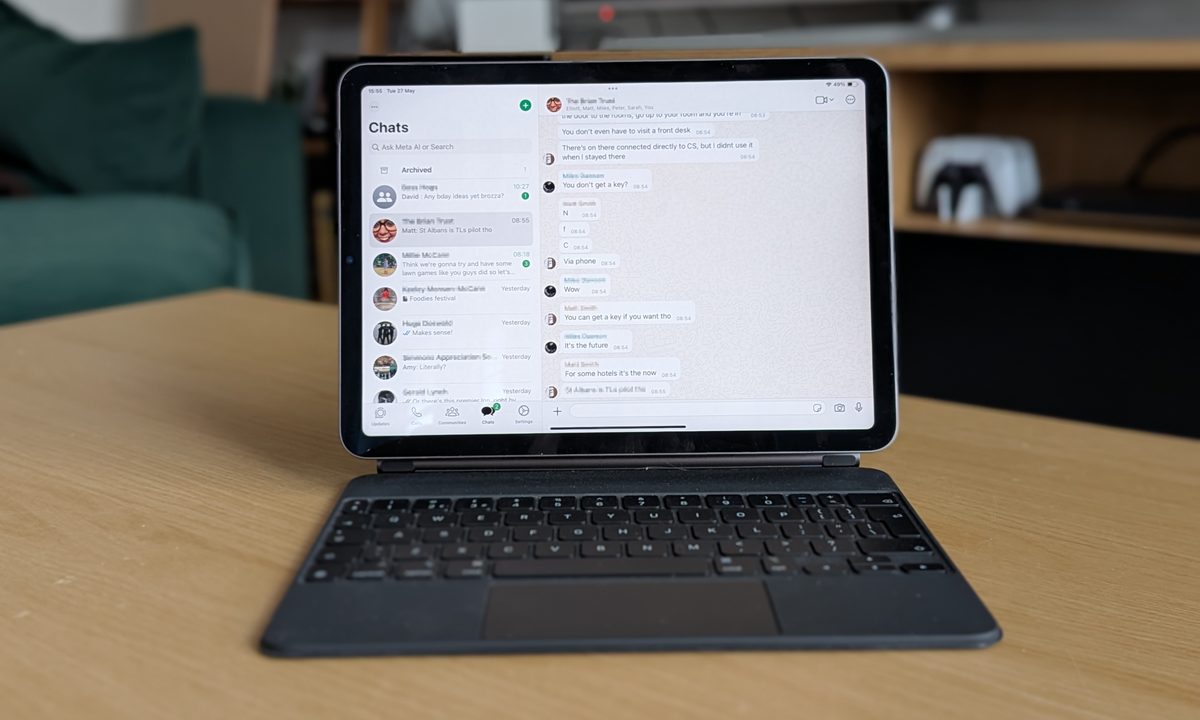
iPad-owning WhatsApp fans rejoice, the popular messaging app used by over two billion people worldwide has arrived properly on Apple’s famed tablet. Yes, you can download WhatsApp from the App Store on your iPad right now.
For years iPad owners – even those with the best iPads around – have been left to struggling with the WhatsApp Web browser system for communicating with pals on their tablet, but now Meta – which owns WhatsApp – has released a dedicated app.
The news dropped on the WhatsApp social accounts, less than 24 hours after the same accounts teased an announcement.
As well as being able to read and reply to chats, interact with WhatsApp communities and channels, and update your status, the WhatsApp app also lets you make and join video calls – something you can’t do via WhatsApp Web. Basically – it does everything you’d expect to be able to do in the standalone app.
Better late than never
Considering the popularity of iPads as a travel device – I’ve seen hundreds being used during my travels for work and leisure over the past decade – it’s still baffling why Meta has taken quite as long as it has to launch an official app.
But hey, that’s now in the past. The good news is the WhatsApp app for iPad is exactly what I hoped it would be. It was super easy to install and link to the WhatsApp account on my phone (you don’t need an iPhone either, it’ll happily link to an Android smartphone as well), and has all the features you’d expect.
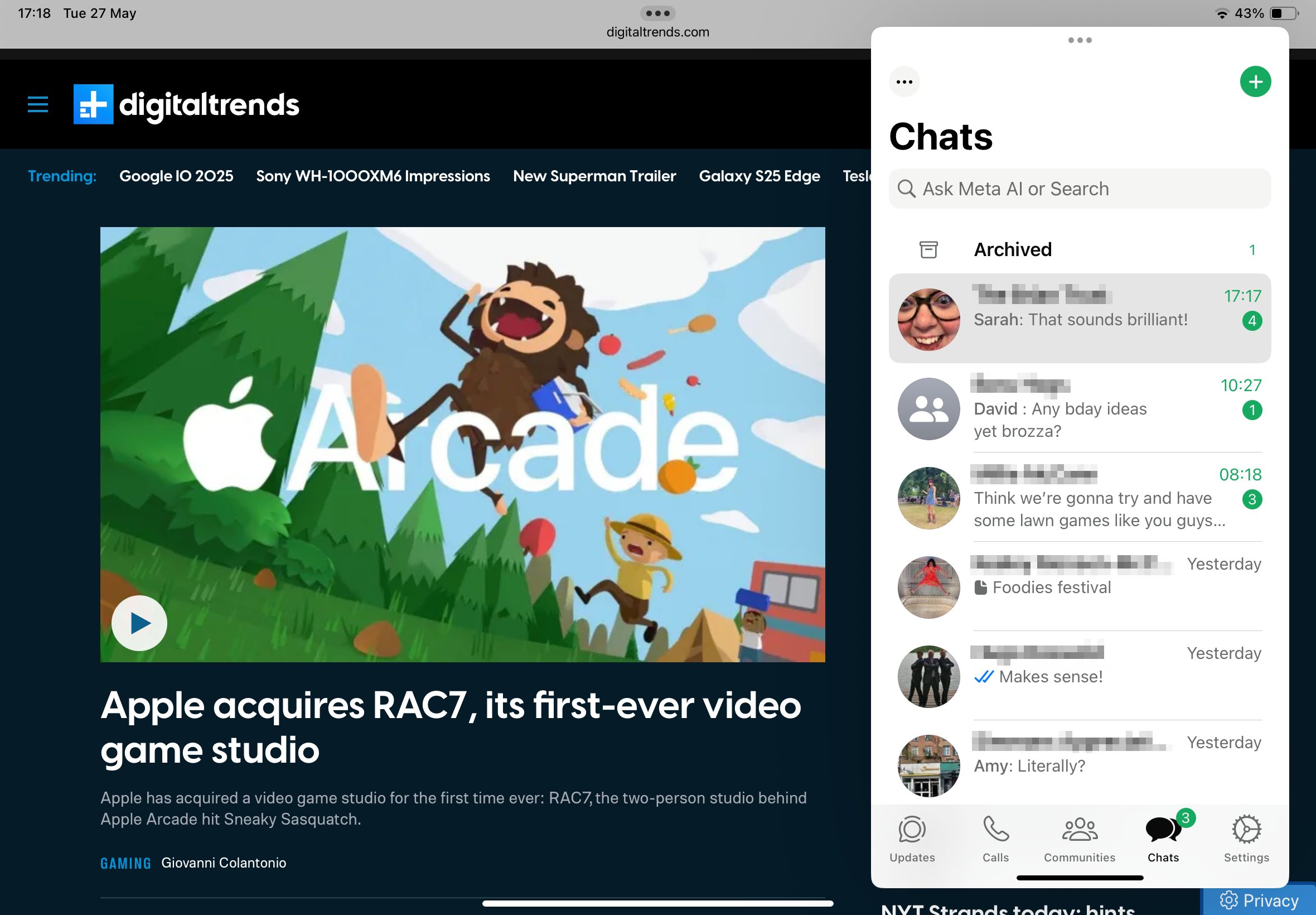
And because this is a dedicated iPad app, it works nicely with multi-tasking iPad OS features including Split View, Slide Over, and Stage Manager. This makes WhatsApp far more user-friendly on iPad. I’m able to flick between apps while keeping WhatsApp at my fingertips – something which just wasn’t possible with the Web version.
Having used it for a few hours, I can already see how the dedicated WhatsApp app will elevate my experience when I’m using my iPad Air (5th Gen) as my main work device while away from the office.
Now, what about that dedicated Instagram app for iPad, Meta? Hopefully, it’s not too far off either.
How do I get the WhatsApp app on my iPad?
To get the WhatsApp app working on your iPad, just following these simple steps.
- Download WhatsApp on your iPad from the App Store
- Open the WhatsApp app
- In WhatsApp on your phone, open ‘Linked Devices’ in the setting menu and scan the QR code on your iPad’s screen
- Starting using WhatsApp on your iPad
Your iPad will need to be running iOS 15.1 or later for the WhatsApp app to work, but considering we’re probably going to see the launch of iOS 19 and iPadOS 19 at WWDC 2025 in just a couple of weeks time, a decent number of iPads will support the app.


