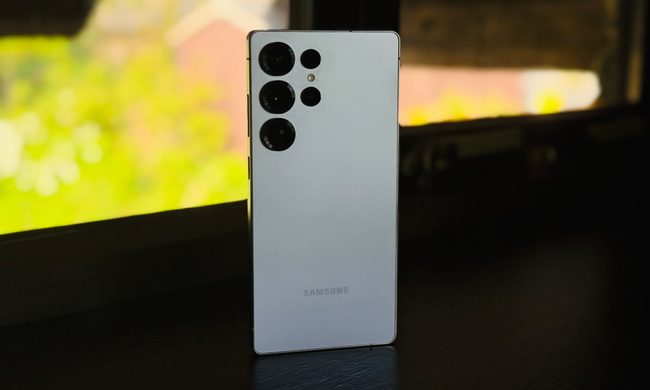
Surface Pen
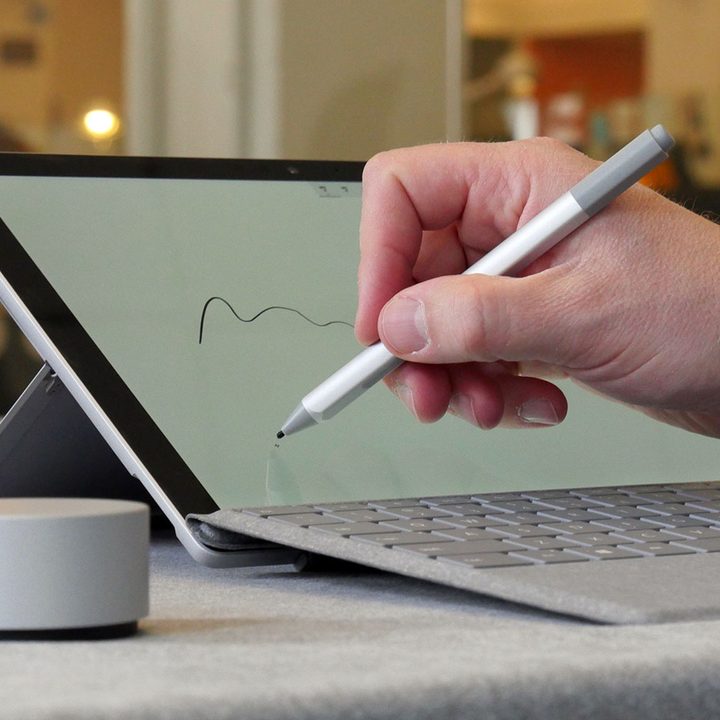
The Surface Pen is such an essential part of the Surface Pro experience that previous versions just included it in the box. Unfortunately, Microsoft now opts to include it only as an add-on, but it’s such a killer creative tool that it’s definitely worth the price of entry. Without it, the Surface Pro is a powerful Windows-based tablet, but with the Surface Pen, it’s a mobile sketchpad, notebook, and professional-grade artistic suite.
Surface Pen Tip Kit

On its own, the Surface Pen is a versatile tool for note-taking or artistic endeavors, but it’s still not quite as tactile as a real pen or pencil. With the optional tip kit, however, it comes remarkably close to the real thing. These optional tips allow users to customize the friction and drag of their Surface Pens, based on use or just personal preference. One emulates the frictionless glide of a ballpoint pen, while another provides the crisp and slightly-resistant drag of a number two pencil. Plus, it’s a handy kit to keep around just in case you lose your Surface Pen’s tip.
Surface Arc Mouse
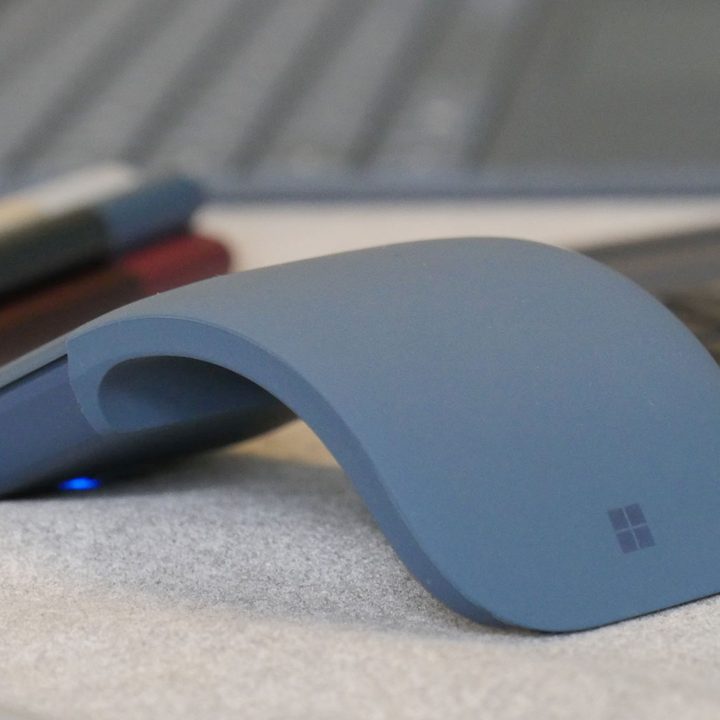
Even if you spend most of your time using the Surface Pro as an artistic tool, now and then you might need to use it as a standard laptop — that’s where the Surface Arc mouse comes in. Sometimes you just need a mouse to easily navigate browser tabs, or all those fiddly little options in Microsoft Word. To make sure it’s always with you on-the-go, the Surface Arc actually bends to a flat position, so it’s easier to toss into a messenger bag pocket than a typical wireless mouse. When it’s time to get some work done, just snap it into mouse-mode, with a comfy little curve for your hand. From there, just pair it up with Bluetooth and start clicking through those browser tabs.
Brydge 12.3 Keyboard Cover
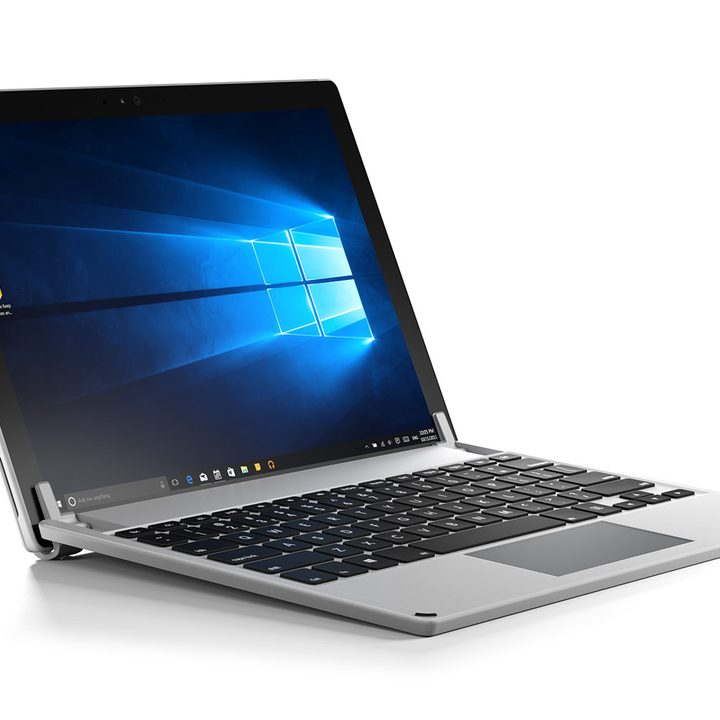
Assuming the Surface Pro has you firmly in its grasp, and a laptop isn’t an option but you still need some features missing from the Surface Book or Surface Laptop, you might want to consider the Brydge 12.3 keyboard cover. It can even be kitted out with 128GB of onboard SSD storage, to further expand your Surface Pro’s utility as a mobile workstation.
Surface Dock

The Surface Pro is marketed as a potential laptop replacement, and it can definitely get the job done, but not without a little help. It’s lightweight and easy to carry around, but it has a notable lack of ports. This device aims to remedy that. The Surface Dock sits on a desk and plugs directly into the Surface Pro, charging it while offering extra USB ports, two Mini-DisplayPort plugs, and an ethernet jack. Paired with an external monitor, mouse, and keyboard and this thing turns your Surface Pro into a portable desktop workstation.