After decades as a diehard Windows user, I’ve made the switch to all-Apple computing. I ditched my Windows PC and laptop, my Android smartphone, and my Wear OS smartwatch for a MacBook Pro 16, iPad, iPhone, and Watch. I’m all in.
It’s still early in the process, but the change has already been illuminating if incredibly costly — it’s expensive to make such a significant change in platforms. The transition has required changes to how I get things done, but it’s offered some distinct advantages that have made the investment a good one.
More power, less hassle
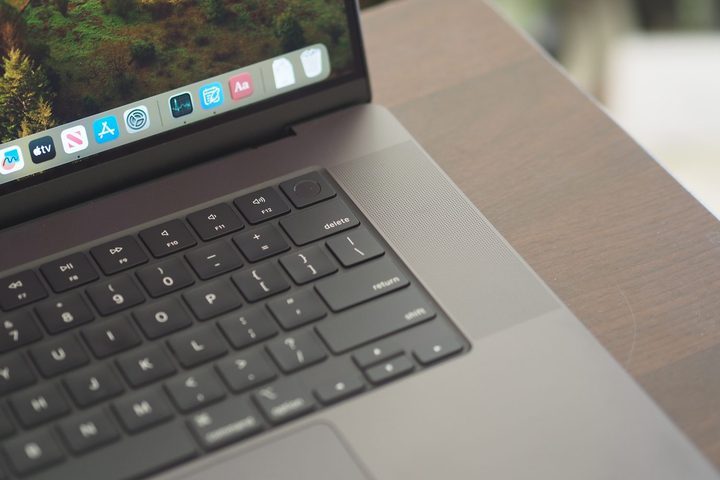
Before this transition, I used a Windows desktop for my most intensive work. Equipped with an older (but still fast) AMD processor and Nvidia GPU and coupled with three 27-inch 4K displays, it was my workhorse machine. I’ve replaced it with a MacBook Pro 16, which I chose over a Mac Studio, thanks to its ability to provide almost as much performance in a portable package.
So far, the MacBook has served as an excellent desktop replacement. I’m using a to feed my Ethernet connection and two of my displays, with the other display plugged into the MacBook’s HDMI port and with power provided by the MagSafe 3 connection. When I need to unplug and use the MacBook outside of my home office, it’s a simple enough process.
The configuration provides better performance and less noise than my PC. The MacBook is completely silent unless I’m gaming, while my loud Windows PC fans were likelier to spin up at random times and run longer. The M3 Max powers through my most demanding productivity work while offering a ton of overhead for when I start delving into video editing and large language models (LLMs).

And then there’s the transition from Windows to macOS. One reason I decided to change up my computing so drastically was a spate of issues with Windows 11. I was spending too much time on things like getting OneDrive to sync correctly and fixing the Ethernet connection to my router, and every Windows update seemed to bring a new problem to resolve. It was maddening.
Meanwhile, the MacBook Pro 14 I used was remarkably stable, without requiring monthly updates (or more often on occasion). While I had always defended Windows as being as reliable as macOS, my recent experiences changed my perspective. I’ve suffered none of the same kinds of issues with the MacBook Pro 16. The transition required some adjustments, but it’s been surprisingly trouble-free.
Consistency is key
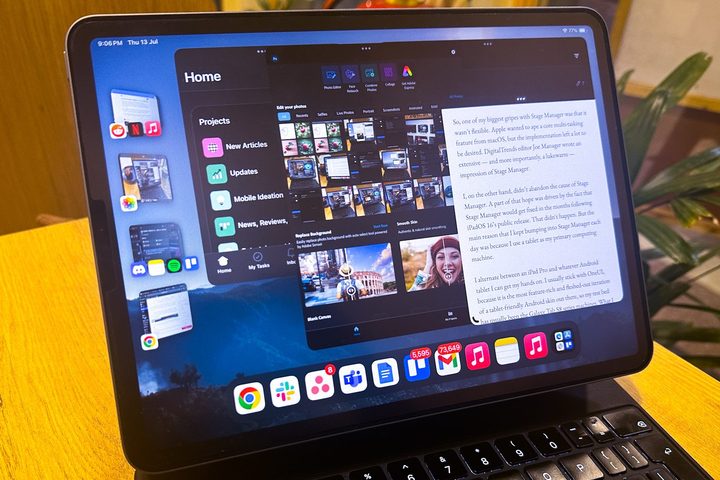
It wasn’t just reliability that swayed my decision. Going back and forth between macOS and Windows was jarring, a fact that was compounded by the increased use of my iPad 11 Pro. MacOS and iPadOS aren’t identical but are much closer in look and feel.
The effect was compounded when I switched from my aging LG G8 ThinQ and Samsung Galaxy Watch 4 to an iPhone 15 Pro Max and a Watch Ultra 2. Constantly transitioning from macOS to iPadOS to Windows to Android to Wear OS was a real pain, while the combination of macOS, iPadOS, iOS, and watchOS provides a consistency that makes my workflow much more comfortable.
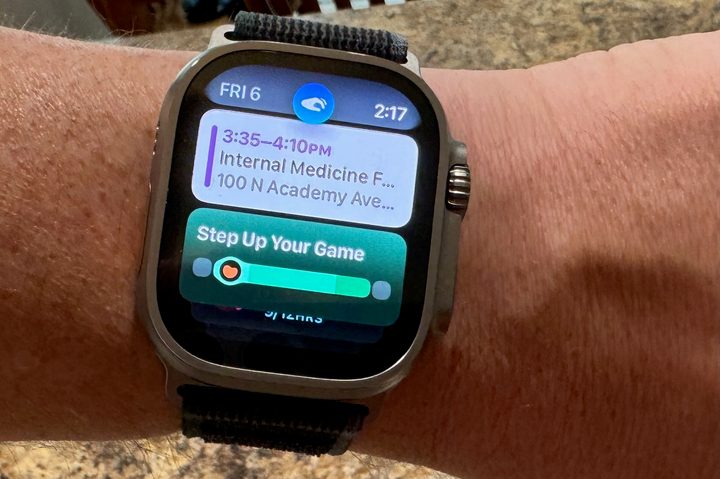
There was a time when I didn’t consider a tablet, smartphone, and smartwatch to be elements of my computing platform, but today they all play important parts. I use the iPhone and iPad to work on my novel using the excellent Scrivener app, something I couldn’t do on Android, and both support a host of other computing duties while the Watch keeps me updated on projects and conversations. They may not be “real” computers, but I increasingly use them for real computing tasks. I have a lot of irons in the fire, and I need these tools to keep me organized and productive. Simply put, Apple provides a more cohesive, integrated, and predictable platform, something I wouldn’t have believed before making the switch.
I’m not saying that Apple’s products are perfect. They’re not. But my previous platform was causing difficulties that I just didn’t have to accept. You could say that going all-Apple has raised the bar, dramatically increasing what I expect from my computing devices. It will take a lot for Microsoft and Google to win me back.