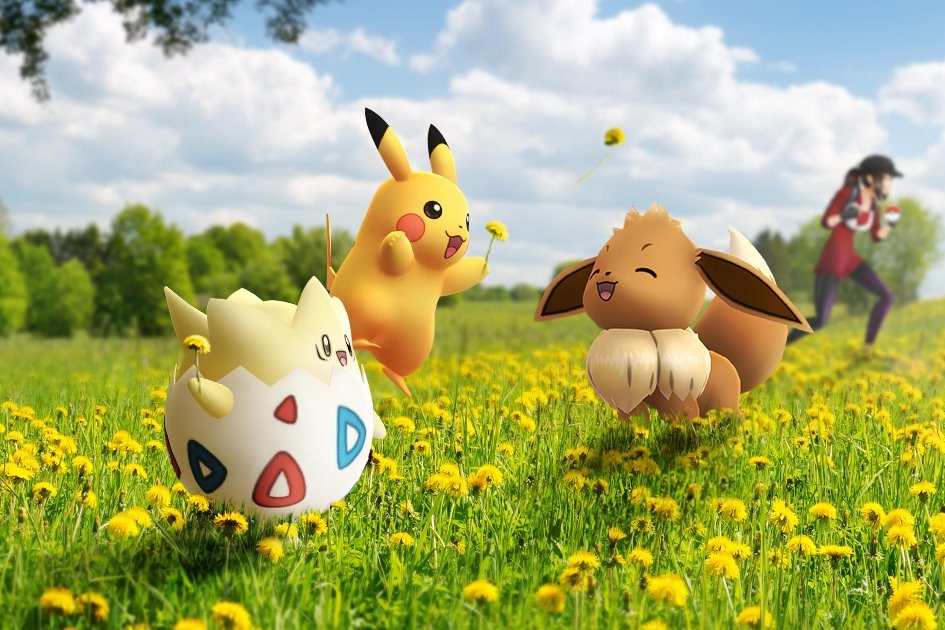
Pokémon Go has received plenty of new content over the years, but the Buddy Adventure update remains one of the best. This cool feature gives players more freedom when it comes to interacting with their virtual Pokémon, and it also includes a few great gameplay perks. Here's how to play with your Buddy in Pokémon Go.
What is Buddy Adventure?
The Buddy Adventure update was released by Niantic in late 2019. It gave Trainers the ability to designate a Pokémon as their Buddy and slowly build a bond with them. Trainers could feed them treats in augmented reality (AR), play with them, and even walk around the world map together. As the friendship grows, Trainers also gain access to a host of perks such as CP boosts and new items.

How to select your Buddy
Playing with your Buddy in Pokémon Go is an easy thing to do. Here's how it works:
Step 1: First, you’ll have to select which Pokémon you want to be your Buddy. Don’t worry about this too much — you can change your Buddy up to 20 times each day. If it’s your first time using the Buddy system, tap on your Trainer’s picture at the bottom of the screen.
Step 2: Then, navigate to the Buddy menu.
Step 3: Once this menu has loaded, the game will walk you through the basics of the Buddy Adventure mechanics.
Step 4: If you’re looking to change your Buddy, it’s even easier. First, tap on your Buddy’s image at the bottom of the screen.
Step 5: Next, scroll through the menu and press Swap Buddies. You’ll be asked to confirm your selection, then your new Buddy will appear on the screen.
Which Pokémon should be my Buddy?
Typically, you’ll want your Buddy to be a Pokémon that you’re trying to earn Candy for. Buddy Pokémon acquire candy as you explore the world and can earn it even faster if they are in an “Excited” mood — don’t worry, we’ll cover this below.
Pokémon also receive a CP Boost when they become a “Best Buddy.” This means it’s important to turn your strongest Pokémon into your BFF, making them a true force to be reckoned with. If you’re not looking to earn extra Candy, it’s highly recommended you Buddy up with your best Pokémon.

How to interact and play with your Buddy
Now that you’ve selected a Buddy, you’re able to interact with them in a variety of ways. The first thing you’ll want to do is feed them — once they’re full, they can join you on the Map. To feed your Buddy, follow these easy steps:
Step 1: Click your Buddy’s portrait at the bottom of the screen.
Step 2: Click the Berry icon at the top of the screen
Step 3: Select an open location in your surroundings to make an AR version of your Buddy appear. If you’re a bit cramped for space, you can click the Quick Treat button to forgo your phone’s AR abilities.
Step 4: Finally, select a treat for your Buddy and throw it toward its mouth the same way you’d throw a Poké Ball at a wild Pokémon. You can monitor its hunger level at the top of the screen, and once it’s full, it will join you on the Map.
Step 5: Trainers can also play with their Buddy by selecting the Play button after clicking on the Pokémon’s portrait. Once you’ve found some space in your surroundings to release your AR Buddy, simply rub the screen to play with them. You’ll know it worked properly if you get a reaction from the Pokémon — the Play Together option should also display a red heart back on the Buddy menu.

Buddy Level and Mood
Playing with your Buddy and exploring the map together is the key to becoming Best Buddies and increasing their Mood. A Pokémon’s Mood is dictated by how often you feed and interact with them, meaning it will decrease over time if neglected. The best Mood a Pokémon can achieve is Excited, which will allow Trainers to earn more Affection hearts that day. Excited Pokémon also reduce the walking distance needed to earn Candy.
Buddy Levels, on the other hand, do not decrease. These are built up over the course of time by earning Affection hearts through various tasks. If you’re not sure what you can do to earn hearts, head on over to the Buddy menu to see a complete list. Tasks include walking together, giving them a treat, and playing together. As you carry out these tasks each day, you’ll slowly work your way up from Good Buddies to Best Buddies. Here’s a quick rundown of the different Buddy Levels you can achieve.
- Good Buddy: Your Pokémon will show up on the map while you’re exploring, and the Mood indicator will show up on the Buddy menu.
- Great Buddy: Assist with catching wild Pokémon by bouncing deflected Poké Balls back at the target. They’ll also bring you presents as you explore the environment.
- Ultra Buddy: Chance to find Souvenirs and earn a bonus Affection heart. Your Buddy will also point you toward locations of interest — spin these PokéStops to earn another Affection heart.
- Best Buddy: Earn a CP Boost when they are set as your Buddy. They’ll also sport a fancy ribbon that denotes their Best Buddy achievement.
It’s important to interact with your Buddy every day, both to keep their Mood up and to quickly climb the ranks to Best Buddy. Activities reset daily, meaning there should always be something new for you to tackle. Plus, you can change your Buddy 20 times a day, and each Buddy has its own unique list of activities. Becoming Best Buddies with your favorite Pokémon isn’t easily achieved, but playing with them on a regular basis is a good place to start.