
Once the purview of photographers and graphic design professionals, photo editing is something most of us now do on a daily basis. AI is shaking up photo editing and fast. With the influx of smart tools, increased capability of mobile devices, rise of cloud syncing, and shifting pricing models, it’s a whole new game. Whether you’re just touching up selfies or you’re managing RAW files, picking the right app matters more than ever. With our most recent update to the article (November 2025), you’re getting the latest features, pricing, and software worth your storage space.
What to look for / how to choose software
Before you make your selection, here’s what to keep in mind:
- File support: does it handle your camera’s RAW format and runs on your OS? (macOS, Windows, iOS, or Android)
- Device flexibility: Can you actually edit where you want; phone, tablet, laptop? Some tools are mobile-first, others you will find are desktop-only.
- Smart features: Look for AI tricks like auto subject selection, sky swaps, or generative fill.
- Pricing: Subscription, one-time purchase, or freemium? Also check if updates and cloud features are included before committing to it.
- Workflow needs: Are you batch-editing thousands of images? If so, you’ll need solid performance, metadata tools, and fast export options.
- Ecosystem fit: Does it play nice with your other gear? Syncing between mobile and desktop, cloud storage, and flexible export formats all matter.
- Ease vs. power: If you’re new to editing, simplicity might beat a steep learning curve. If you’re deep in the weeds, make sure it can keep up.
Advertisement
Get 50% Off Creative Cloud Pro
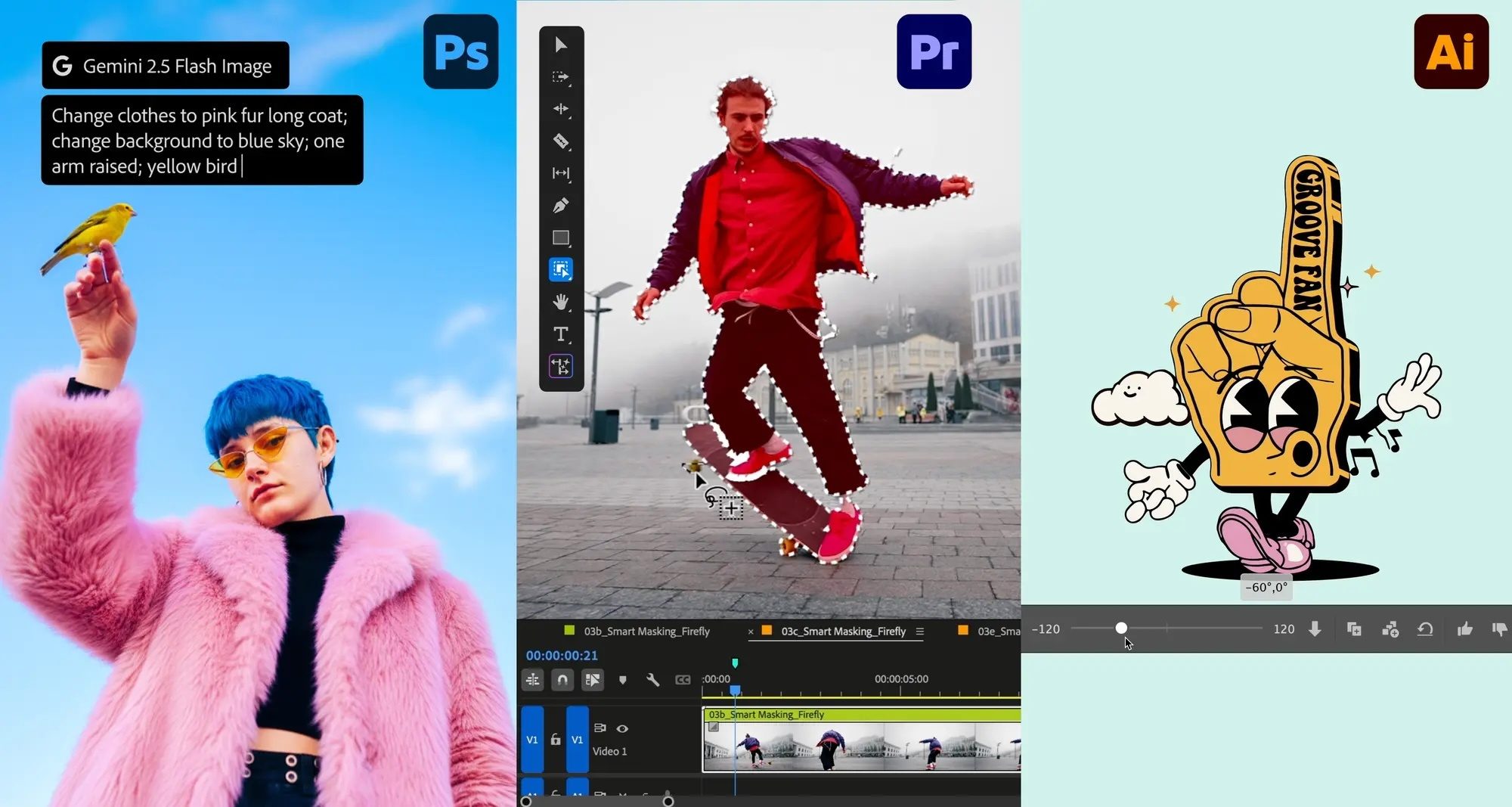
For a limited time, individuals can save on Creative Cloud Pro, now $34.97/month for the first 12 months (regularly $69.99/month). Offer valid on direct purchases and trials that convert to paid plans.
Our top picks for photo editing software in 2025
Adobe Photoshop

Why it stands out
Photoshop is still the heavyweight champ for pro-level photo editing. To retain the crown, they’re leaning even harder into AI. The January update (v26.3) brought smarter Frame Tool integration with Firefly-generated content. Spring and summer releases followed up with sharper auto selections (for people and objects), better removal tools, and new generative features like Harmonize, which automatically blends inserted elements to match color, lighting, and tone.
Who is it best for
Creative professionals, photo editors, designers who need full control over layers, masks, composites, and work across all mediums (desktop, mobile, and cloud).
Pros
- Extremely powerful and versatile software and comes with huge ecosystem/plugins and community support.
- Strong AI tools are now built‑in: generative fill, enhanced selections, harmonizing inserted objects.
- Cross‑platform/continuity: desktop, tablet, mobile, and web version.
Cons
- Subscription‑only licensing; can be expensive for hobbyists or casual users
- Steep learning curve/time commitment if you just need to make simple edits
- Some features require newer hardware/cloud‑enabled workflows
Price
Take advantage of Black Friday pricing and get 50% off for Creative Cloud Pro (you’ll get Photoshop, Lightroom, Illustrator, Premiere Pro, After Effects, InDesign, and more). Promo price is $34.97 per month (regular price $69.99 per month). Valid for the first 12 months on direct purchases or trial with purchase.
Recommendation
If you’re working with RAW files, complex composites, or pro-level projects, Photoshop is the way to-go. Considering the Black Friday promo at 50% off, this is a good deal for anyone and you get more than just Photoshop.
Luminar Neo
Why it stands out
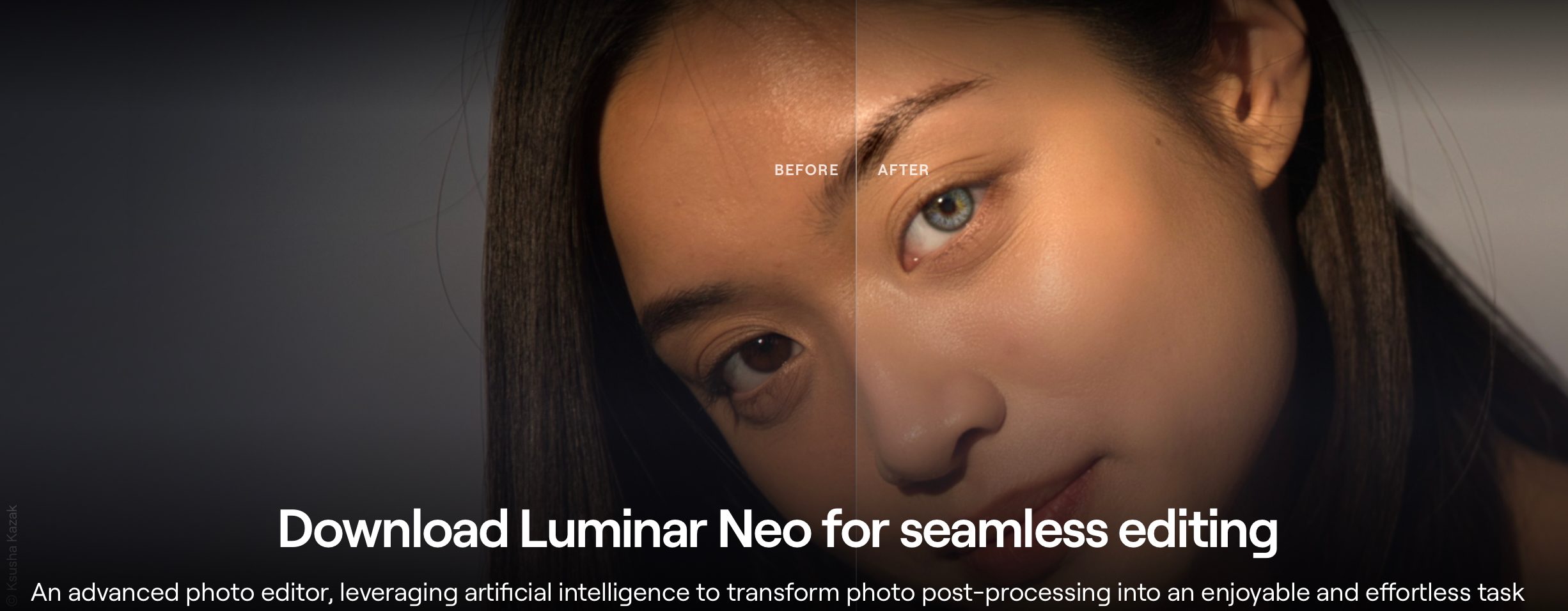
Luminar Neo is built for photographers who want powerful edits without the Photoshop learning curve. It comes with great AI tools, it’s easy to use, and works smoothly across devices. Highlights are GenExpand, Water Enhancer AI, and Color Transfer which make this a very solid choice at a competitive price.
Who is it best for
Great for hobbyists, creators, and photo enthusiasts who want quick, eye-catching edits. Landscapes, portraits, and social content will receive professional polish without having to deep-dive into pro-level tools.
Pros
- AI tools like sky swaps, object removal, and generative reframing speed your workflow up
- Clean, beginner-friendly interface
- Works across desktop and mobile to allow for editing anywhere
Cons
- Lacks some of Photoshop’s pro tools, like advanced masking or color controls
- AI features lag a bit on older devices
Price
Black Friday 2025 promotion: discounts up to 77% for new users. Regularly $417 to $546, discounted to $99 to $159.
Recommendation
If you edit photos often enough and want pro-level results without the hassle / learning curve, Luminar Neo hits the sweet spot. It’s a smart pick and solid discount.
Affinity Photo
Why it stands out
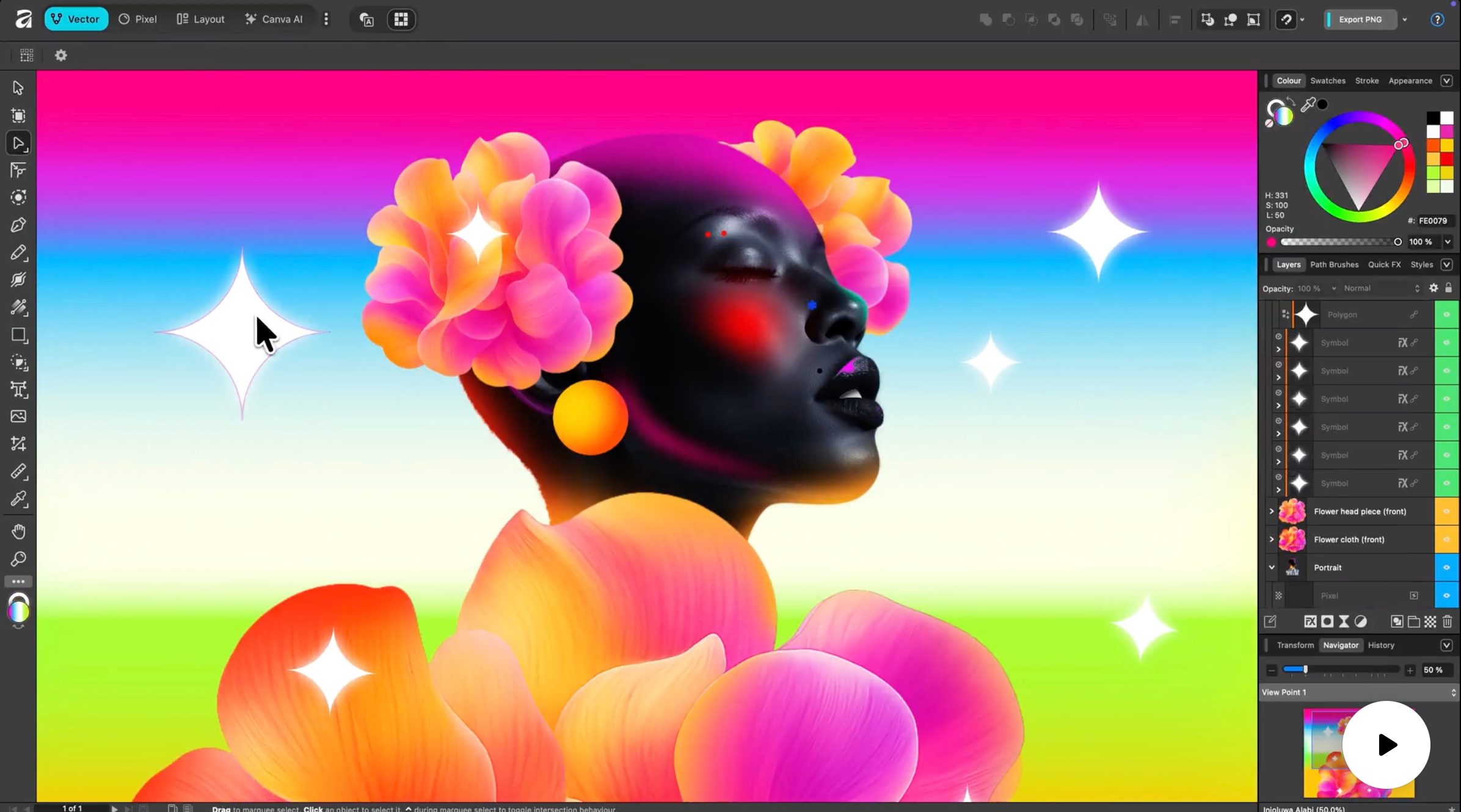
Affinity Photo (now under Canva) has long been a top pick for one-time purchase editing. With some big changes in 2025, the suite is now unified and the core app is “free forever,” but you do have to pay for the optional AI upgrades if you want more power.
Who is it best for
Perfect for budget-savvy creators, freelancers, and hobbyists who want real editing power without the monthly fees. If you’re juggling photo, vector, and layout work in one place, Affinity Photo is great for you.
Pros
- Core app is now free. You get great bang for zero bucks
- Pro tools include retouching, RAW editing, compositing, and vector support
- One app covers photo, vector, and layout. No need to juggle separate tools
Cons
- Some AI features are locked behind paid upgrades
- Much smaller plugin ecosystem and user base (community support)
- May not be the best for a power user
Price
The core app is free as mentioned above, the optional subscription tiers to unlock some AI features is around $15 per month or $120 billed annually.
Recommendation
Affinity Pro will get you pro editing without the subscription. It’s a steal if you are not too caught up on AI features.