
Robot vacuum owners fear nothing so much as they fear poop on the floor. Most of us have heard the horror stories of a robot vacuum smearing a pet’s droppings across the carpet and drawing it into its inner workings, but that’s nearly a thing of the past. Modern navigation algorithms, collision detection, and improved sensors mean robot vacuums rarely ever run into poop anymore. Wires are a different story, though.
Robot vacuums have a harder time dodging wires than they do poop, for a variety of reasons — yet wires cause just as many problems for the vacuum. A wire sucked up into the brush can jam the vacuum, damage whatever electronics the wire is plugged into, and more. Most of all, it becomes a headache for the user. Why are wires so hard to avoid for robots?
Wires are low profile
There are two main navigational systems employed by robot vacuums: Lidar and VSlam. Both of these systems use different methods and algorithms not only for navigation, but also for collision avoidance, room mapping, and more.
Lidar is an acronym for light detection and ranging. It uses a laser to send pulses of light across a space. The amount of time that pulse takes to return back to the robot tells it how much distance lies in front of it. That’s a simplified explanation, of course, but it gives you the gist of the method. VSlam is short for Visual Simultaneous Localization and Mapping. That’s a long way of saying the robot vacuum can “see” what’s in front of it through computer vision.
Both of these methods provide feedback about objects in the space around the robot vacuum. These navigation systems are fantastic at making their way around the leg of a chair, a toy on the floor, and — more recently — a pile of poop your cat left behind. They aren’t as skilled at picking up on wires running across the floor.
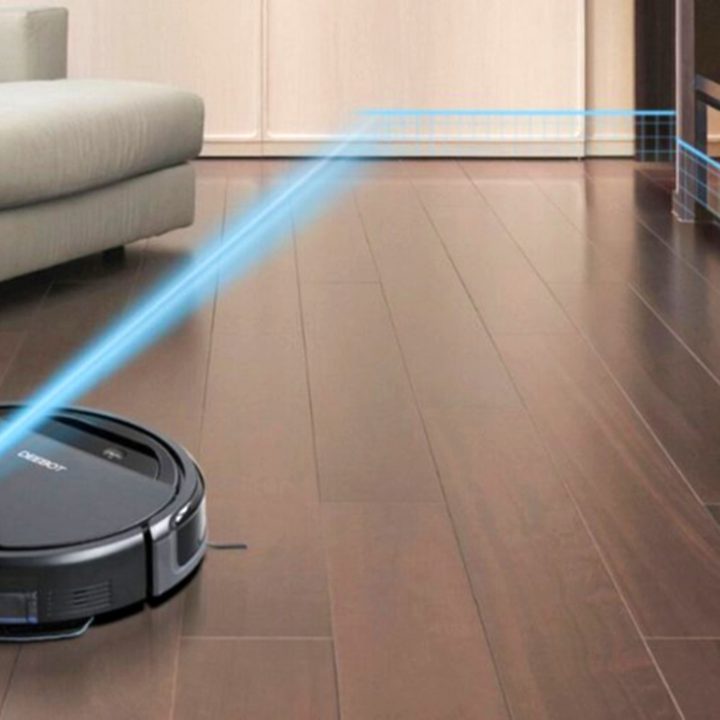
The difference between a wire and the floor is often negligible. For example, if you have an extension cord piled up on the floor, it will register as a large enough object that the robot vacuum will likely avoid it. The phone charger running from the wall to your bed appears as nothing more than a slight variation in the shape of the floor, and the robot vacuum is likely to roll right over it.
Even a collection of wires that hang in the air (behind your television or beneath a computer desk, for example) may not be registered by the sensors, either. Unless the cables are drawn particularly taut, even the bump sensor on front of the robot vacuum will fail to stop the machine.
The narrow profile of wires is what makes them nearly invisible to the majority of robot vacuums. You can “preclean” your home and pick up wires off the floor, or invest in cable ties to group wires together and keep them out of the way. It’s the best option to avoid entangling your robot vacuum in a nest of power cables and HDMI cords when it tries to clean around a TV or desk.
Cables lack contrast
The contrast of color between the wire and the floor or wall also has an impact on how well a robot vacuum is able to detect and avoid them. It may not seem like contrast should impact lidar, but think about how color affects light. Darker colors absorb light, while lighter colors reflect light. This can affect how the robot vacuum interprets the signal.
It also presents issues for VSlam. A white cable against a light carpet or floor will be more difficult to detect. The same holds true for a dark cable against a darker floor or wall. On the other hand, a white cable against a dark blue wall or dark-colored rug might be more easily detectable by a robot vacuum.
No one is suggesting you color-coordinate your wiring to your floor, but it’s a good idea to be aware of the potential obstacles that color can pose to your robot vacuum.
Hope lies in better A.I.
At the moment, the best thing you can do is clean up before your robot vacuum runs. Move the wires out of the way and put your cable-management skills into practice to avoid most of the issues that come with wiring.
However, it’s not a hopeless battle. Robot vacuums get better and better with each passing year at learning how to avoid the most common obstacles. After all, if companies conquered poop avoidance, they can surely tackle wires, right? For example, iRobot is proving that point.
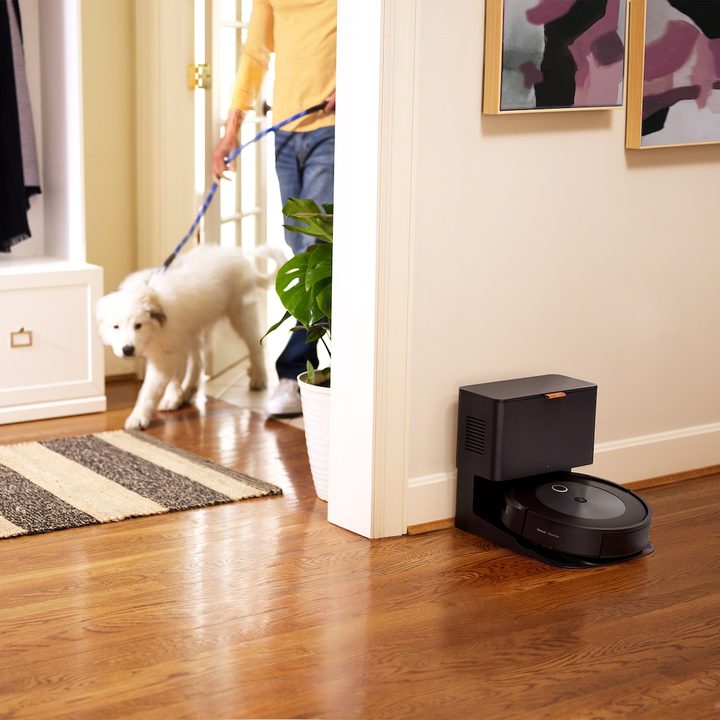
Thanks to new and better A.I., Roombas are able to avoid wires. The machines implement data from multiple sensors all across the device, not just in the navigational center. Roomba’s newest model, the j7+, sends encrypted photographs back to the company to help future iterations learn how to identify and avoid obstacles. By taking real information from in-use Roombas, iRobot can better train its robot vacuums to spot wires and move around them — or perhaps even lessen suction as they trundle over them.
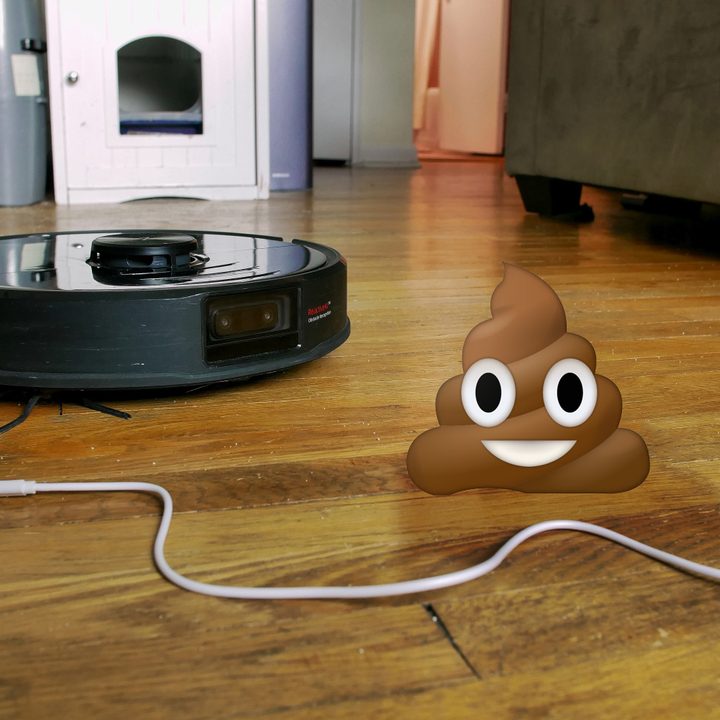
Another example is the Roborock S6 MaxV, which has a camera that also allows users to view its video feed in real time. Through machine learning, the robot vacuum uses A.I. to help it discern a variety of hazards in its cleaning — poop included. More often than not, it’s able to detect and avoid poop on the floor, but wires and cables still prove to be difficult for it.
Wires are the next major obstacle for robot vacuums to overcome. Preparing your house for cleaning doesn’t take much time, but wouldn’t it be better if you didn’t have to think about anything at all when you launched your Roomba? With any luck, that will soon become the reality.


