  1. Home
  2. Social Media
  3. Computing
  4. How tos

How to change your Instagram username

Add as a preferred source on Google
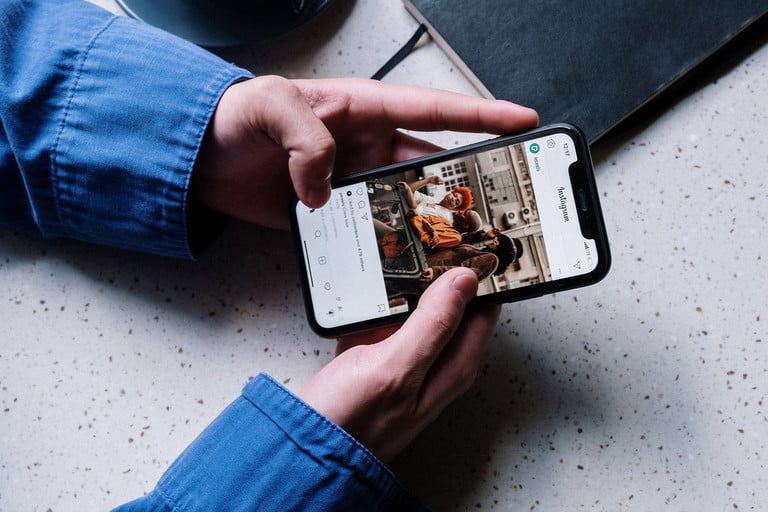
A person seated at a table scrolls through their instagram timeline.
Cottonbro / Pexels

For the most part, changing your Instagram username is a pretty simple process. It only takes a few steps, and you can get it done pretty quickly on your mobile device.

Note: Instagram has said that, if an account "reaches a lot of people," they make take some time to review a username change for that account and that Instagram will notify that user once the review is done. Otherwise, your username should change right then.

It's also worth noting that Instagram (usually, but not always) gives users 14 days to switch back to their old username. This is available to you provided that the old username hasn't already been claimed by a new user or "hasn't been recently removed from an active Instagram account" that belongs to someone else.

That all said, if you're ready to change your username on Instagram, here's how to do it.

Recommended Videos

Difficulty

Easy

Duration

5 minutes

What You Need

  • A mobile device

  • The Instagram mobile app

  • An Instagram account

How to change Instagram usernames via the mobile app

Updating your username on the mobile app only takes a few steps. Here's how to do it:

Step 1: Open the Instagram app on your mobile device.

Step 2: Select your profile icon.

Step 3: On your profile screen, select the Edit profile button.

The Instagram mobile app for Android's Edit Profile button.
screenshot

Step 4: On the next screen, enter your desired username.

Editing a username on the Instagram mobile app for Android.
screenshot

Step 5: For Android: Select the Check mark icon in the top right corner of your screen. Tap the Check mark icon again.

For iOS: Select Done.

What about changing usernames on the Instagram desktop website?

It is possible to change usernames on the Instagram desktop website, but we found that, when we tested it via the desktop website, it didn't always work well. The change would be "saved" and then somehow revert to the old username on its own. In other words, we felt that the desktop web method was too buggy/unreliable to be included in this guide.

Anita George
Anita George has been writing for Digital Trends' Computing section since 2018. So for almost six years, Anita has written…
Instagram is testing a more convenient way to tune recommendations
A Reels shortcut is being tested to make Instagram’s Your Algorithm tool easier to access
Instagram

We have all had an Instagram feed go off track. A random Reel catches your attention for a moment, and before long, the app starts serving up the same kind of content again and again.

Instagram already has a way to fix some of that through Your Algorithm, a feature that lets users adjust the topics shaping their recommendations. Now, the company wants to make that tool easier to reach while people are actually using the app.

Read more
Snapchat Planets Meaning: Order, Rankings, and How Friend Solar System Works
Snapchat Planets turns your best friends list into a solar system, and yes, your orbit says a lot
Snapchat Planets being shown on the Snapchat app on iPhone.

Snapchat+ includes several exclusive features, but few have generated as much curiosity as Snapchat Planets. Part of the app's Friend Solar System, it transforms your Best Friends list into a planetary ranking, assigning each of your top eight friends a planet based on how often you interact.

From Mercury, which represents your closest friend, to Neptune, which represents your eighth closest, the system offers a quick visual snapshot of your interactions. But what do the different planets actually mean, and how does Snapchat decide who gets which one?

Read more
Instagram lands on Samsung TVs, with episodic series and live TV coming to your screen soon
Instagram for TV adds new features for group watching.
instagram-samsung-tv

Meta just expanded Instagram for TV to Samsung Smart TVs across the US, rolling out a bunch of new features built for group viewing. With Samsung now on board, Instagram for TV has officially landed on the three biggest connected TV platforms in the country.

https://twitter.com/metanewsroom/status/2069062429821026732?s=46

Read more
