Most people will never need to think about Secure Boot certificates. They live deep in your PC’s firmware, do their job silently, and have been doing so since 2011 without asking for much in return. But that quiet run is about to end. The original certificates expire in June 2026, and while Microsoft is pushing updates automatically to many machines, plenty of PCs are going to miss the memo entirely. Here’s how to find out if yours is one of them — and what to actually do about it.
Step 1: Check whether your PC already has the updated certificates
Before you do anything else, find out where you stand. The quickest way is through PowerShell.
Open the Start menu, type PowerShell, and select Run as administrator. Once it’s open, paste this command exactly as written and hit Enter:
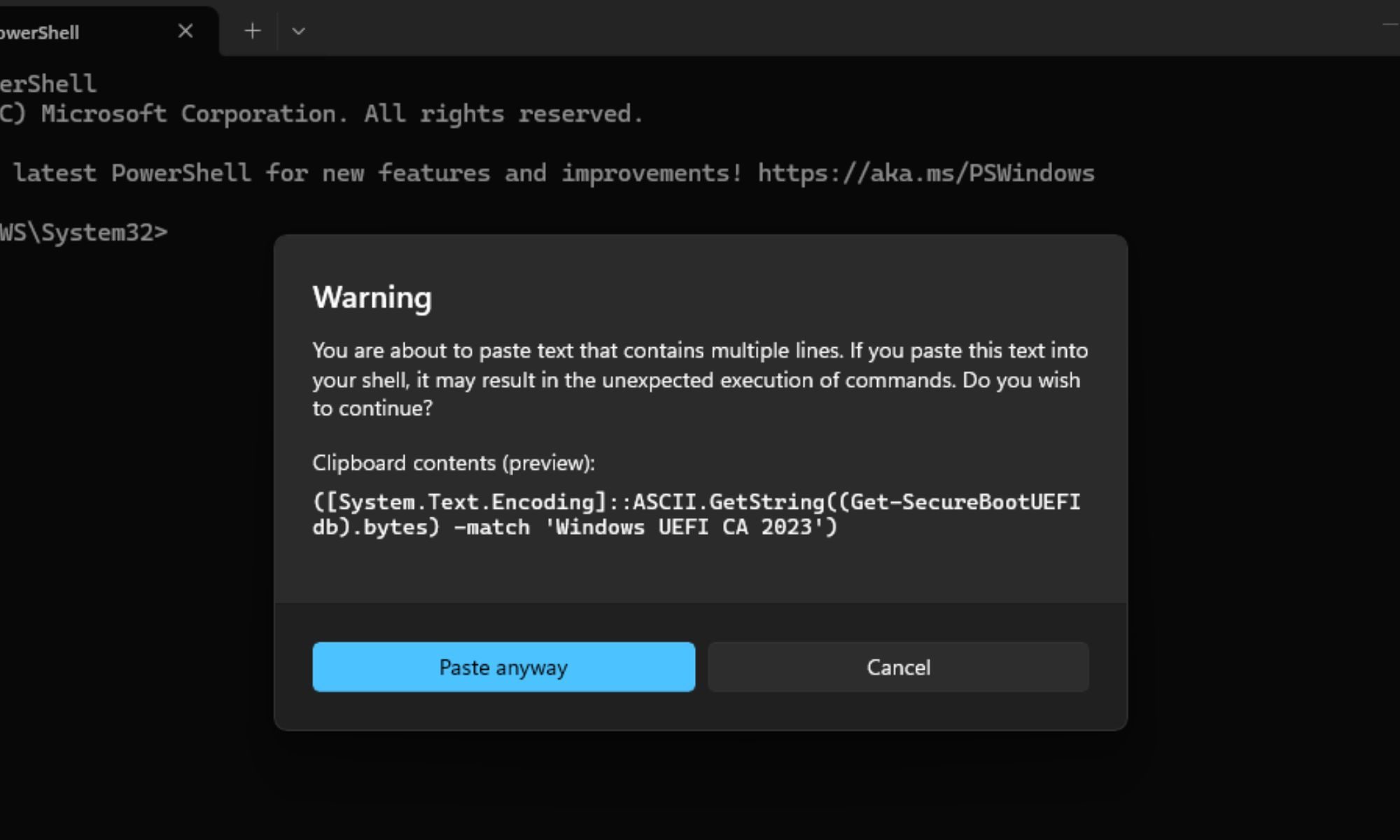
([System.Text.Encoding]::ASCII.GetString((Get-SecureBootUEFI db).bytes) -match 'Windows UEFI CA 2023')You’ll get back either a True or a False. True means your PC already has the updated 2023 certificates, and you’re good to go. False means your machine is still running on the old ones that are due to expire — and you need to keep reading.
Step 2: Run Windows update and check for OEM firmware updates
If you got a False, your first move is straightforward — open Windows Update and check for any pending updates. For most Windows 11 users, the new certificates are being delivered this way, and a routine update may already be waiting for you.

If updates don’t resolve it, particularly on older hardware, the fix may need to come from your PC manufacturer rather than Microsoft. Head to your OEM’s support site — Dell, HP, Lenovo, ASUS, and others all maintain dedicated firmware and driver pages — and search for your specific model. Not every manufacturer will support older systems, but it’s worth checking before assuming you’re out of options.
Step 3: If firmware isn’t an option, try the manual registry method
For situations where a firmware update isn’t available but your PC can still run a supported version of Windows 11, Microsoft has documented a workaround that bypasses the need to touch the BIOS entirely.
Open Command Prompt as an administrator and run the following:
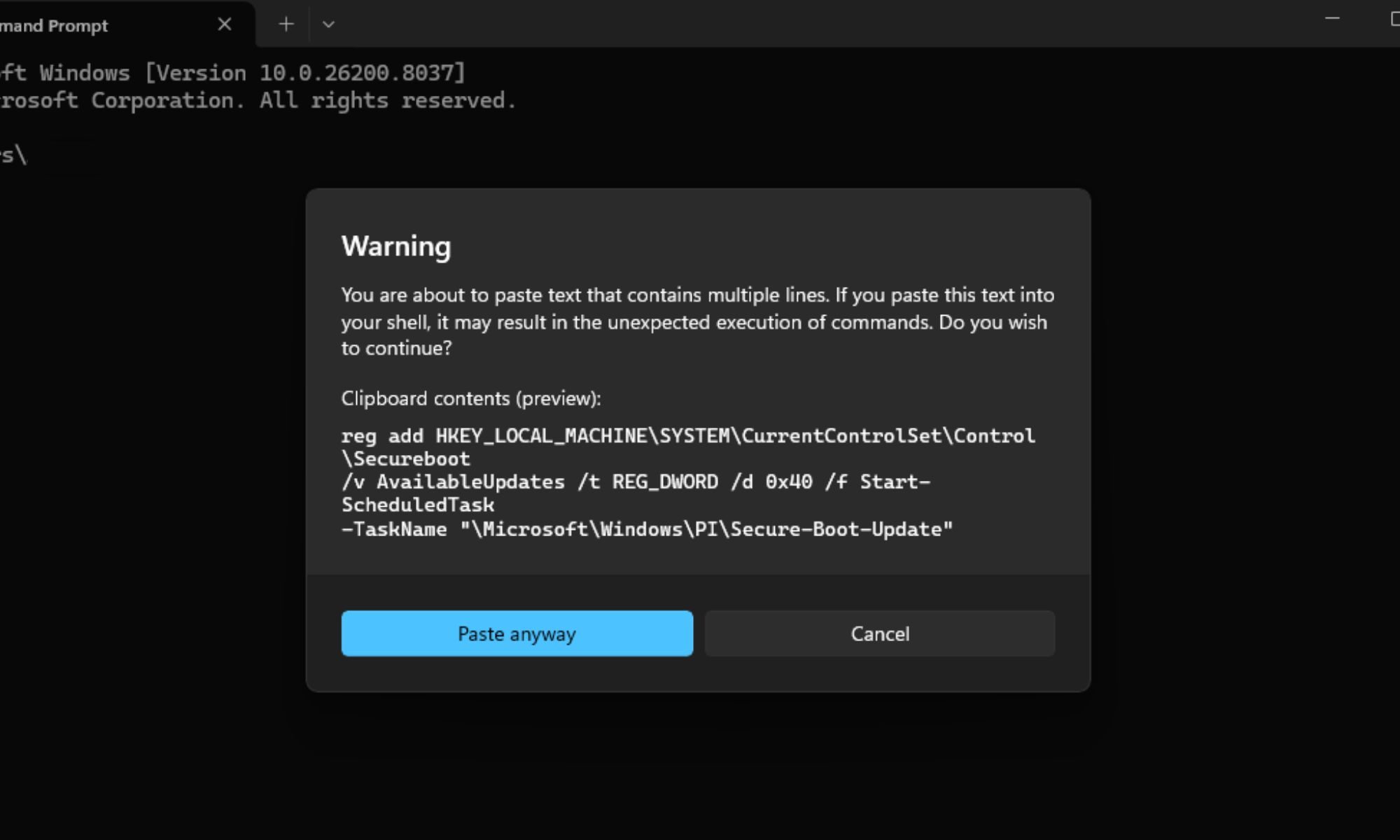
reg add HKEY_LOCAL_MACHINESYSTEMCurrentControlSetControlSecureboot /v AvailableUpdates /t REG_DWORD /d 0x40 /f Start-ScheduledTask -TaskName "MicrosoftWindowsPISecure-Boot-Update"You’ll need to restart your PC a couple of times after this runs. Once it’s back up, run the PowerShell check from Step 1 to confirm that the new certificates have been applied successfully.
A note for Windows 10 users: Microsoft has been clear that unsupported versions of Windows won’t receive the updated certificates. If you’re on Windows 10 without an Extended Security Update (ESU) subscription, none of the above will help you. Enrolling in ESU before the October 14, 2026, deadline is the only way to stay in line for the certificate update — and buying yourself that extra time is worth it if upgrading to Windows 11 isn’t on the cards just yet.