

I’ve been working with the brand new ThinkPad Android Tablet this week, and this is my second full week running the new Mango build on my Dell Windows phone. Even though Lenovo has done a nice job taming Android for this device, and provided a nice application load, what stands out is the hardware. Unfortunately, what also stands out is how much twiddling (technical term) you have to do to get Android just right. This is largely because Google appears to still be in that “build it yourself” mode that Apple left behind long ago, and Microsoft left behind with Windows Phone 7.
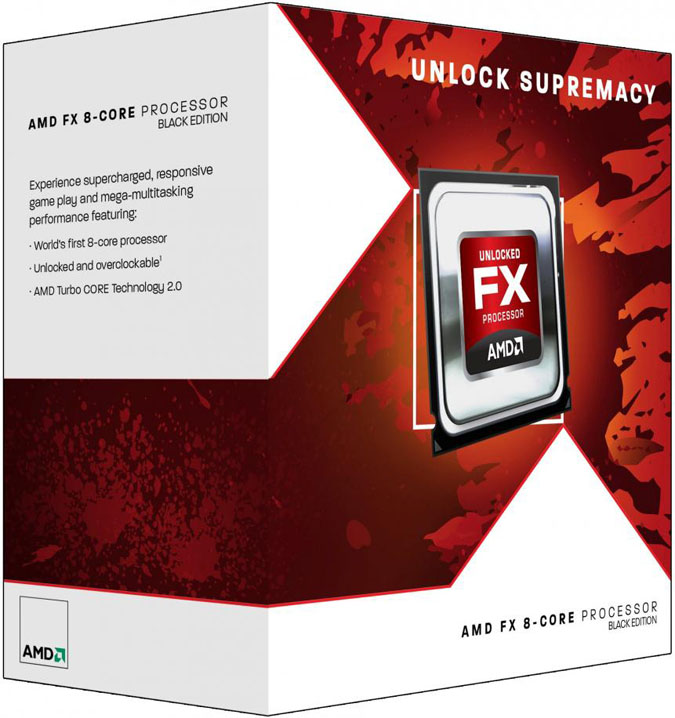
I’ve also been looking at the recent benchmarks between the new eight-core AMD FX chips on Windows 8. Surprisingly, it actually seems to match the typically more powerful Intel i7 (at least initially) on that platform, suggesting that Windows 8 likes lots of cores a lot.
Combine these two things and something rather interesting emerges; let’s explore that.
A tablet built for work
The ThinkPad tablet is the first Android device to bear the ThinkPad name, but it would make an obvious platform, with a later processor (we’ll get to that), for a Windows 8 product later next year. This tablet is thicker and heavier than an iPad, but far more robust, with a protected Gorilla Glass screen. It’s also easier to hold due to its soft back and rounded edges, and has a digitizer, so you can use it to draw and write on (including signatures) in high resolution. It charges via a standard mini-USB cable (which is pretty unique), and has a keyboard portfolio option that turns it into an ideal, and uniquely well built, little touch screen laptop computer, reaffirming Lenovo’s keyboard supremacy. There’s even a full SD slot, a full set of ports for expansion, and a dock, something that likely makes more sense in a Windows tablet than it does an Android product.

The software load out includes Citrix and management software for corporate types, a number of tools to simplify Android, and an optional electric pressure sensitive stylus, which nests in the device. In short, unlike most tablets, this is no toy. It is built to do a job, and with a different OS, many could likely live off of it.
Windows 8 on AMD FX
If you benchmark AMD’s new FX processors on a system running the current Alpha build of Windows 8, the thing that stands out is that it loves cores. No, it adores them, and it makes Windows 7 multi-threading look ancient by comparison. The FX processor’s strength lies in its multiple cores, and its major weakness is single-core performance, where it sucks. Windows 8 was made for this processor. It loves each one of those cores like an overpaid hooker.
ARM is weak on single-core performance, but future designs are expected to quickly blow out the two-core parts that are currently in use, replacing them with four, eight or more cores over the next few years. This suggests that Windows 8 should deliver surprising performance while maintaining existing battery life on the next-generation Tegra platform (the ThinkPad tablet uses a Tegra 2 chip).
By the way, a side note; these FX results suggest that AMD and Microsoft must be working unusually closely on Windows 8, which should give AMD some advantages next year.
An ARM-X86 hybrid?
The next version of Android, Ice Cream Sandwich, is supposed to improve the Android experience significantly. However, I’ll believe that when I see it, given Google’s history here. Still, I think the idea that I might be able to actually live off a tablet could be really interesting. Clearly, both the x86 and the ARM vendors will be working hard to get there first, with the ARM guys struggling with performance and the x86 guys struggling with battery life. Hmmm, ARM-x86 hybrid anyone? On Windows 8, it could work, and I’ll bet someone figures that out. Now wouldn’t that be revolutionary?
Guest contributor Rob Enderle is the founder and principal analyst for the Enderle Group, and one of the most frequently quoted tech pundits in the world. Opinion pieces denote the opinions of the author, and do not necessarily represent the views of Digital Trends.


