
Just over a week ago, Amazon added four new members to its Fire family of budget tablets. And today, during its Devices and Services event, Amazon announced it is bringing some of the tablet fun to its Kindle e-reader portfolio. And by tablet fun, we mean the ability to draw gibberish on the screen with a stylus.
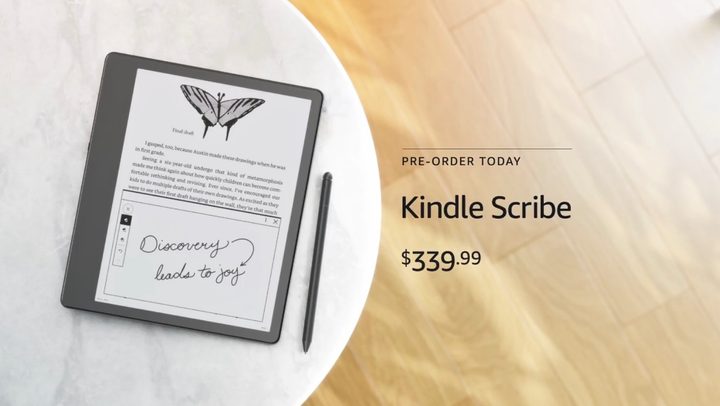
If you’ve ever looked longingly at the reMArkable 2 paper tablet and wished that the stylus input somehow made it to a Kindle, your prayers have been answered. Say hello to the Kindle Scribe, Amazon’s next-gen e-book reader that will let you scribble with a stylus.
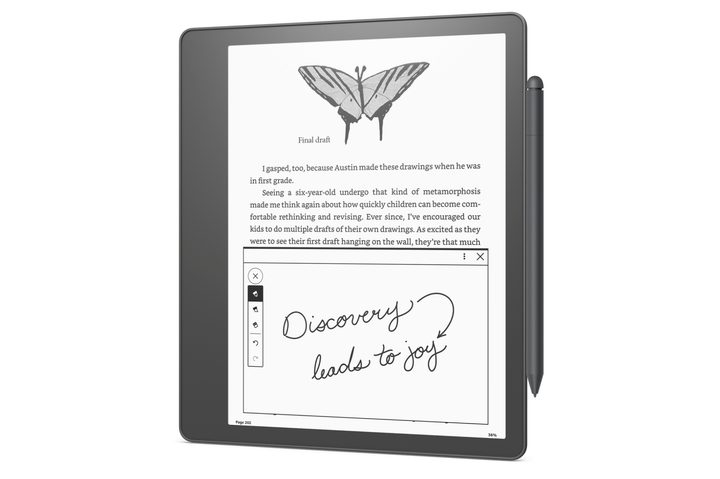
Kindle Scribe starts at $340 for the base variant with 16GB of onboard storage. There are also 32GB and 64GB variants on the table. Pre-orders have already gone live and will be shipping later this year.
But let’s get the bad news out of the way first. Unlike Samsung’s Galaxy Note series phones, there’s no silo or garage on the device to house that pencil-like stylus. Needless to say, you’ll have to tuck it securely with a folio case to keep it from getting misplaced or pray that the magnets hold it securely.
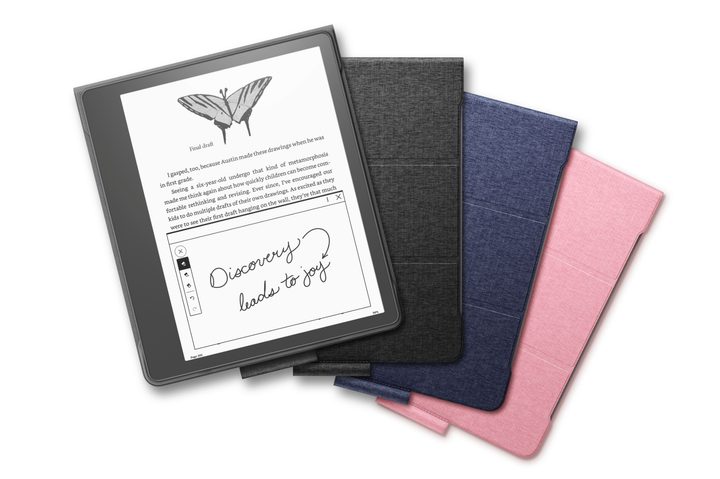
Now, let’s talk about the good part. The design is reminiscent of the Kindle Oasis, with symmetrical bezels on three sides and a disproportionately thick bezel coverage alongside one of the vertical edges.
Thoughtful and convenient
The thick bezels serve an important purpose, as they allow you to hold the device comfortably without worrying about the palm area nagging you with false touch inputs on the screen.
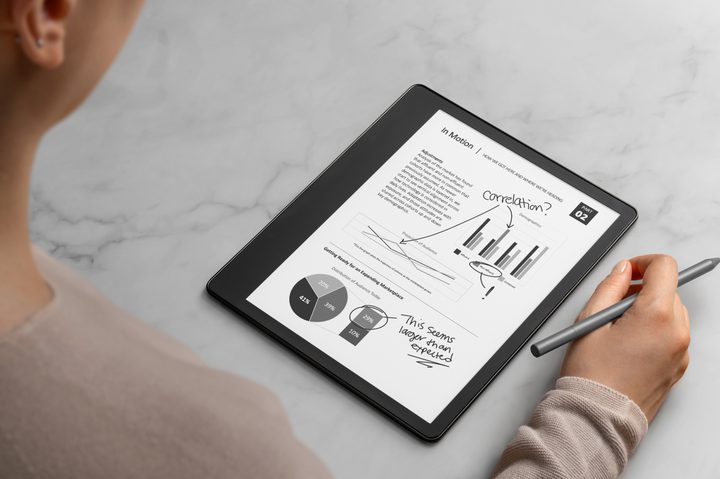
On Kindle Scribe, that thick bezel is even more important, because you’ll need to hold the device even more firmly if you want to jot down notes on it. Up front, you get a 10.2-inch front-lit anti-glare display with a sweet 300ppi pixel density. In typical Kindle fashion, Amazon says the battery will last you for “weeks and weeks.”
I need this in my life.
Amazon says the Kindle Scribe is well-suited for journaling, destroying your e-book collection with underlines, and document annotation, among others. There’s also a sketching template if you spontaneously feel artistic.
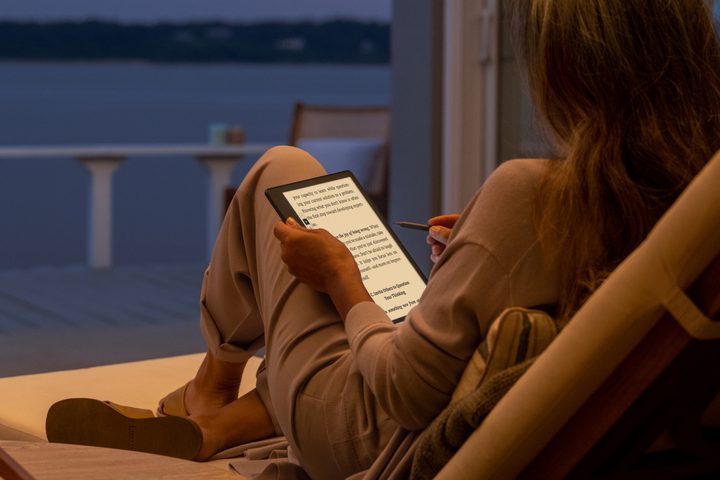
No pairing shenanigans are needed for the included pen, as it works right out of the box. And the best part is that the stylus comes bundled with Kindle Scribe at no additional cost. Since you will be taking lots of notes, Amazon is dutifully shipping a sticky notes feature, too.
The stylus, on the other hand, keeps things simple. It has a shortcut button and an old-school eraser mechanism. The pen will be sold in Basic and Premium flavors, with the latter offering the eraser mechanism.
All your notes are synced to the cloud and can be accessed on a phone via the Kindle app. Another thoughtful convenience is that you can wirelessly transfer documents from your PC or phone to the Kindle Scribe.
Coming in 2023, the device will also support exporting documents right from Microsoft Word. But hey, it’s also a Kindle at the end of the day, which means you get access to Amazon’s eponymous library of e-books with thousands of titles.
Of course, it’s also a subscription vehicle, offering users access to free monthly books and fresh library additions via the Prime and Kindle Unlimited subscriptions.


