Today’s a big day for the new Max streaming service. After months of fanfare from execs, the combined HBO Max/Discovery streaming service has launched. But despite all the talk of a better tech platform (which might well be true!) and all the new content (which definitely is true), Max is not working for some. Or the idea of having to download a new app is awkward and annoying at best.
Here’s what you need to know about the whole transition.
Why isn’t Max working?
There are a few things that could be a play here, but there’s one obvious one: Unlike HBO Max, the new Max service is only available in the U.S., including American Samoa, Guam, the Northern Mariana Islands, Puerto Rico, and the U.S. Virgin Islands.
So if you’re outside any of those locations and Max isn’t working, there’s your answer.
Max will expand. It’s coming to Latin America and the Caribbean by the end of the year, according to a support document. Europe is on tap for 2024. Same for Southeast Asia. That timeline could change, though. In the meantime, there are workarounds.
Why is there a new Max app?
When HBO Go and HBO Now merged into HBO Max in May 2020, applications updated in place and you didn’t need to download anything new. That’s not the case for a lot of folks looking to make the switch to Max now that it’s live.
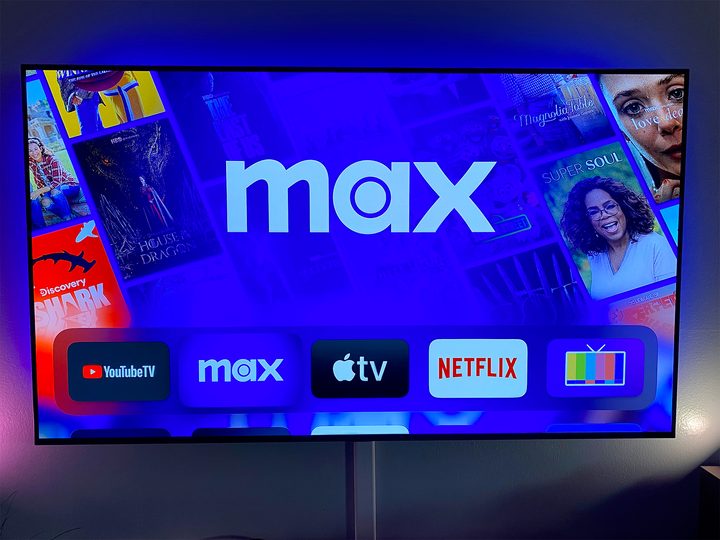
If you’re on an Amazon device, Cox, Roku, Vizio, or Xfinity, it looks like the apps should have updated from HBO Max to Max. Other devices — like Android TV, Apple TV, or various other smart TVs, will require you to download the Max app itself, likely due to constraints of those various app stores.

Do I need a new Max account?
If you had an HBO Max account before, you have a Max account now. Full stop. In fact, you might well not even have to log in to the new Max app — at least if you still have the old HBO Max on the same device (so maybe wait a second before deleting it). While we can think of a few reason that’s not the greatest of ideas, not having to create a new account is a good thing.
Did they really do this right before the Succession finale?
Yep.
But … why? Wasn’t this supposed to be easy?

Look, the folks at Warner Bros. Discovery said the only thing they could — that the transition should be easy and that your accounts would sync up quite nicely. And that mostly appears to be true. They downplayed that this was never really a 1:1 transition the way that HBO Go/Now merged into HBO Max.
But there’s one big thing to remember as you have to download a new app and deal with a new user interface or wait for your country to come online:
Max is not just a rebranded HBO Max. It’s the combination of HBO Max and Discovery. That means a ton of new content. And where there’s new content, there are new lawyers. Content distribution is a rat’s nest of legalese, which is why some shows aren’t available in some places, or on some devices, or in some ways. It’s a nightmare for those of us who have do deal with even a sliver of any of it from the outside. And while that doesn’t excuse a window in which Max doesn’t work and it might not account for any sort of technical glitches or network snarls — which are more than possible any time a high-profile streaming service goes live — we should remember that there are a lot of moving parts here. Some are technical. Some are legal. And some might have just been missed.