
It’s very easy to say “you must back up your computer,” but doing so can sometimes feel like a chore. After all, catastrophic data loss doesn’t feel like it should be a common occurrence. It couldn’t happen to me, right?
Well, I’m here to tell you that it did happen to me. I lost 4TB of files right before an incredibly important work event, almost leaving me high, dry and completely screwed. Luckily for me, I had a backup. Here’s why you should, too.
Disaster strikes
After an unfortunate data-loss incident in college (who knew that never shutting down your laptop can fry it?), I started to use Backblaze to upload my files to the cloud and keep them safe in case I suffered another dead computer. As it turns out, that decision repaid itself many times over.
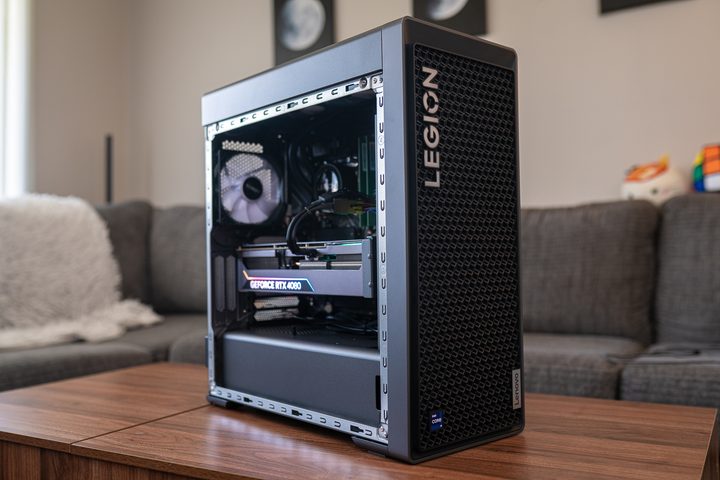
Last month, I was preparing to cover Microsoft’s Surface event, where I was set to report on Microsoft’s announcements from home as they happened. I had my notes and planning documents all loaded when, a mere 20 minutes before the show was due to start, my PC crashed. Oh, crap.
In the immediate aftermath, my PC simply wouldn’t turn on. When it finally loaded up a few minutes later, it couldn’t boot into Windows 11. Panicking, I grabbed my MacBook and dived into the Microsoft event, attempting to cover everything as best I could without my notes at hand.
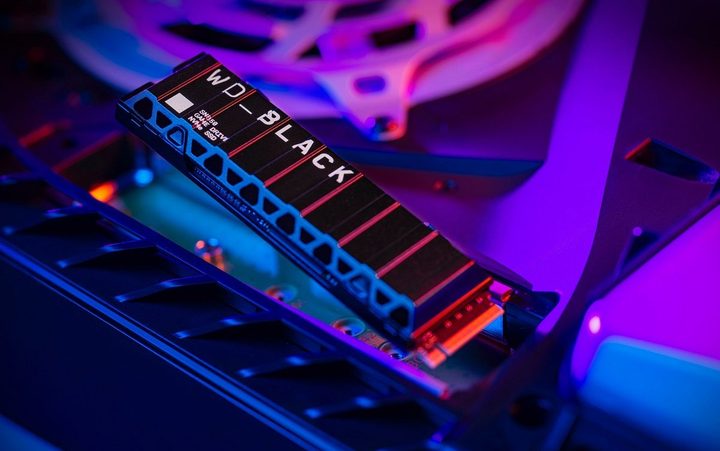
When I took my PC to a repair shop, I was told that my 4TB internal SSD was completely kaput, with no hope of saving it. This drive contained years’ worth of priceless memories and images (I used to be a keen photographer), important documents, ongoing work, and more. Losing it was a disaster.
Or at least it would have been. Despite the calamitous situation, I felt strangely calm, and it’s because I knew everything was safely backed up to the cloud. As someone who has a penchant for worrying too much, this was an enormous relief.
Be prepared
Sure, it wasn’t all roses. I had to pay for Backblaze to send me a hard drive containing my files, and then wait for the busted SSD to be replaced (it was just two years old, well within its five-year warranty). That would take time and money, but there was at least light at the end of the tunnel.
After waiting for my files and the new SSD to arrive, I was out of action for around two weeks. In the meantime, I was able to save new documents on my games drive, meaning I could still work. Still, this slight inconvenience was worth it if it meant I got my files back. I’ll take a few days of hassle over losing 4TB of files any day of the week.
I shudder to think how I would have felt if I hadn’t backed up. We all have so many files on our computers that are incredibly important to us, whether they’re photos of our wedding day or critical work documents, and losing them forever would be absolutely awful. I know I would have been devastated if I had no way to get them back.
Fortunately, I did. If you’ve been on the fence about paying for a backup plan — whether that’s for a service like Backblaze or just an external hard drive — believe me when I say it’s worth it. You never know when disaster might strike, but if you’re backed up and ready for it, it will be much easier to bear.


