  1. Home
  2. Gaming
  3. How tos

How to create a shared world in Lego Fortnite and play with friends

Add as a preferred source on Google
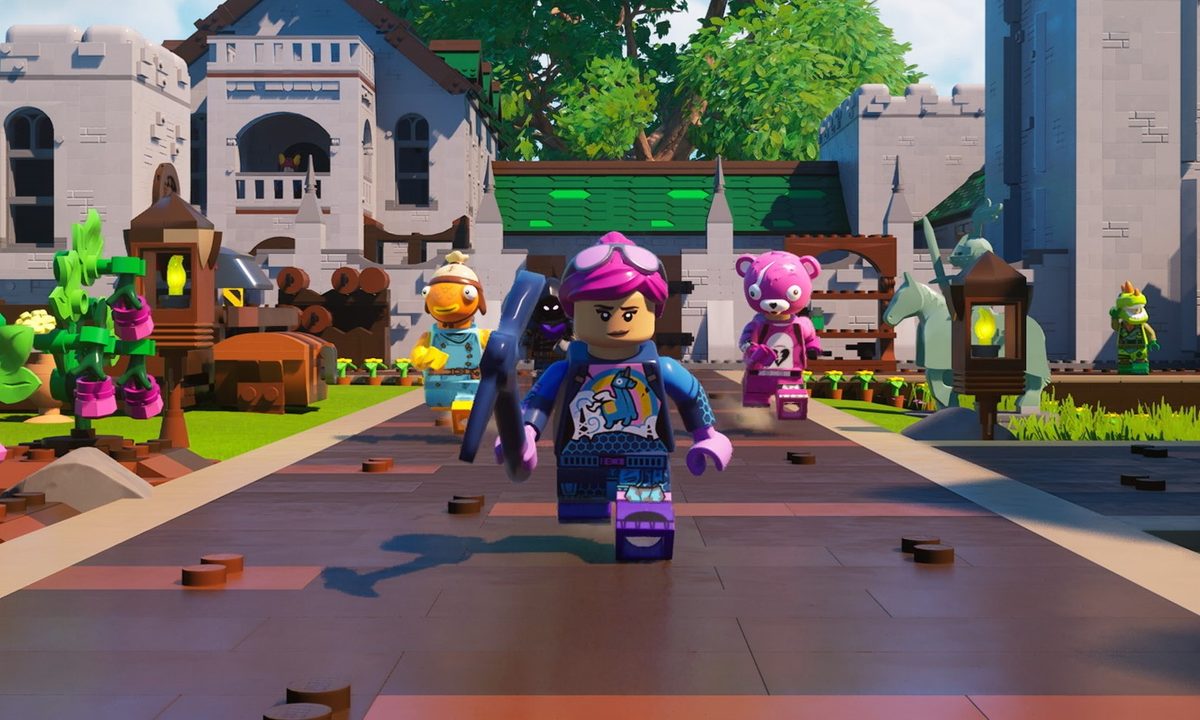
Fortnite characters run together in Lego Fortnite.
Epic Games

Of all the collaborations Fortnite has seen, none are quite on the same level as Lego Fortnite. Unlike the traditional game, this is a purely PvE experience rather than a Battle Royale, and is more like a Minecraft game where you are attempting to survive, build, and defeat enemies. But just because you won’t be fighting other players doesn’t mean you have to play alone. The game does support co-op with up to seven other friends, but getting your squad together works a little differently in Lego Fortnite.

How to create a shared world
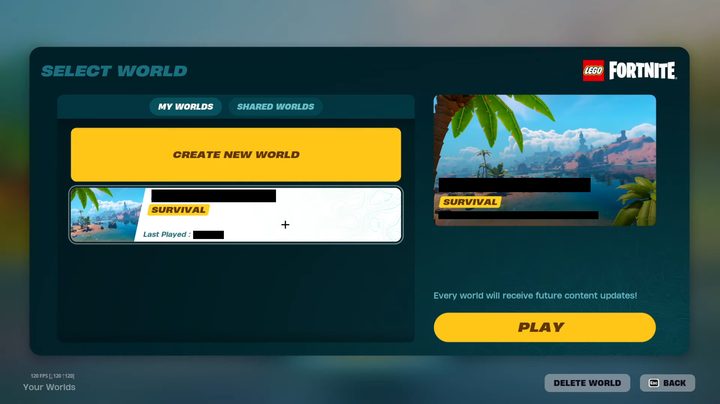
The world creation screen in Lego Fortnite.
Epic Games

The easiest way to get friends into your game is to do so right from the start of Lego Fortnite. When you select this game from within Fortnite itself, press either up on your controller’s D-pad or tab on your keyboard. On the right will be the Players menu, where you can select and invite anyone on your list to join you in the lobby.

Recommended Videos

Once as many or as few friends as you want are ready. select Create World > Start to create your shared world.

How to invite friends

If you want to bring friends into a world you’ve already started alone, the process is slightly different.

Open your menu and go into the Social tab. From here, simply find the friend you want to invite and choose to invite them to your party.

How to make friends Key Holders
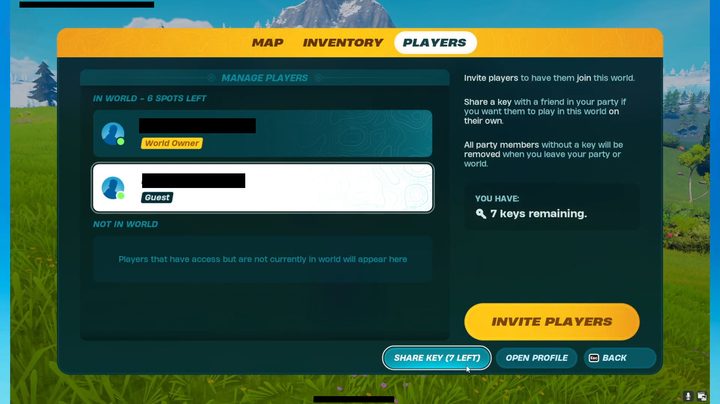
Giving players keys in Lego Fortnite.
Epic Games

In both cases, it is important to note that if the one who created the world leaves, everyone invited to it will be forced out. If you want to give any of your friends the ability to continue playing in your world even when you’re not present, you need to make them a Key Holder. Whoever creates the world will have seven keys they can give out to allow players to keep playing on that server.

To make a friend a Key Holder, they must be in your server with you already. From there, open your menu and go to the Players tab. The bottom option next to Open Profile is Share Key, with an indicator telling you how many you have left. Select this option, followed by the friend(s) you want to grant keys to.

Jesse Lennox
Former Digital Trends Contributor
Jesse Lennox covers all things gaming but has a specific interest in all things PlayStation, JRPGs, and experimental indies…
I hate scalpers, and Valve’s Steam Machine queue is exactly what we need
Valve may have found the right way to sell the Steam Machine
Steam Machine with Steam Controller

I hate scalpers. I especially hate scalpers when they swarm gaming hardware that already has limited availability. They buy it before regular customers and gamers can get a fair shot, and then relist it at cartoonish prices for the people who actually wanted to use it. We've seen this issue time and time again, but Valve's latest move might be the best anti-scalper weapon I've seen in a while.

Steam’s database now suggests Valve may already have a reservation queue system prepared for the upcoming Steam Machine. The discovery reportedly comes from a recent Steam update spotted by user Pepeizq, where references to multiple Steam Machine packages appeared inside the same reservation system code used for the Steam Controller.

Read more
Wordle is getting a TV show on NBC, and it already feels like a betrayal
Wordle is becoming an NBC primetime game show in 2027.
Woman playing Wordle on her smartphone.

Every morning, millions of people open Wordle, stare at a blank grid, and spend a few quiet minutes locked in a private battle with the five letters.

There is no host narrating your every move, no studio audience gasping when you waste a guess on a word, and absolutely nobody cheering you on. Just you, the word, and the slightly smug satisfaction of getting it right under three attempts.

Read more
Discord Nitro now includes Xbox Game Pass as a freebie
Discord just gave gamers a better reason to buy Nitro
Art, Collage, Person

Discord and Xbox have teamed up several times over the years, usually with Xbox offering Discord Nitro perks through one of its own subscription plans, such as the Game Pass Ultimate. This time, the arrangement is flipped. Discord is now offering Xbox Game Pass "Starter Edition" as a reward for buying Nitro.

The Game Pass Starter Edition is part of Discord's new benefit program called Nitro Rewards, which also includes other attractive offerings like discount coupons for gaming peripheral brands and additional monthly Orbs.

Read more