
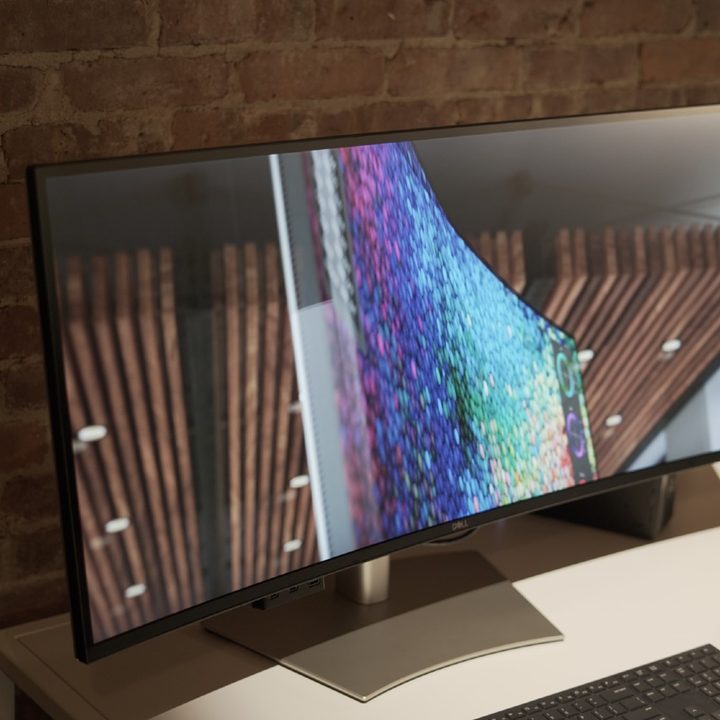

Just ahead of CES 2024, Dell has preempted the show by announcing some impressive new UltraSharp monitors that continue an important trend in display technology.
For the longest time, we’ve been stuck with 60Hz productivity monitors. Sure, gaming displays were free to keep exploring the upper reaches of refresh rates (now even up to 500Hz), but for those doing content creation or office work, 60Hz has remained the standard for external monitors.
But Dell is finally bucking that trend. Dell has two new monitors in the lineup: the UltraSharp 40 Curved Thunderbolt Hub Monitor (U4025QW) and the UltraSharp 34 Curved Thunderbolt Hub Monitor (U3425WE). Both are large, high-end displays that have moved to a 120Hz refresh rate.
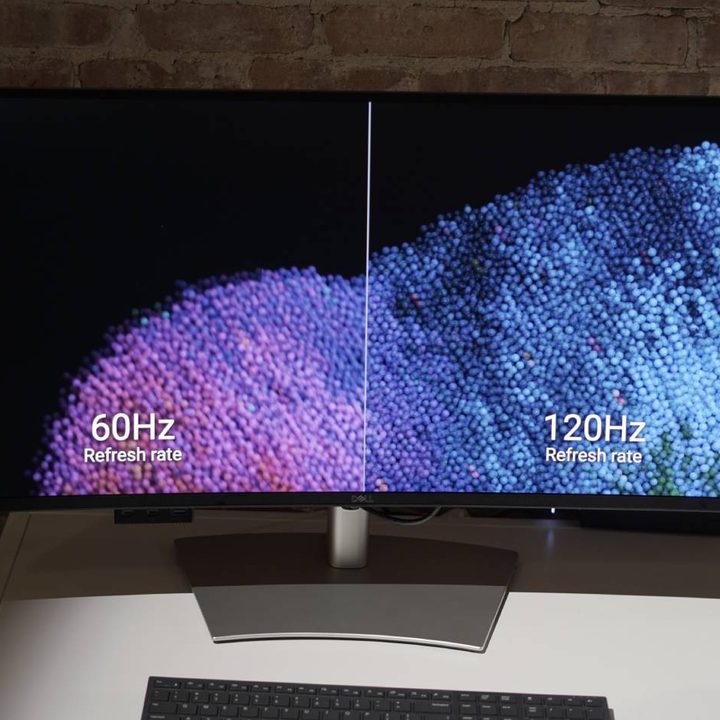
Technically, this is a trend we saw Dell kick off in November with its smaller size options, but it’s nice to see the company commit to the change and bring 120Hz refresh rates to these larger, premium displays.
Dell portrays this as an aid to eye comfort, although it certainly goes a long way toward upping the premium and more responsive feel of these displays. Even more importantly, they start to match the standard that’s developed on premium laptops and smartphones, such as on the MacBook Pro, Surface Pro, and countless others.
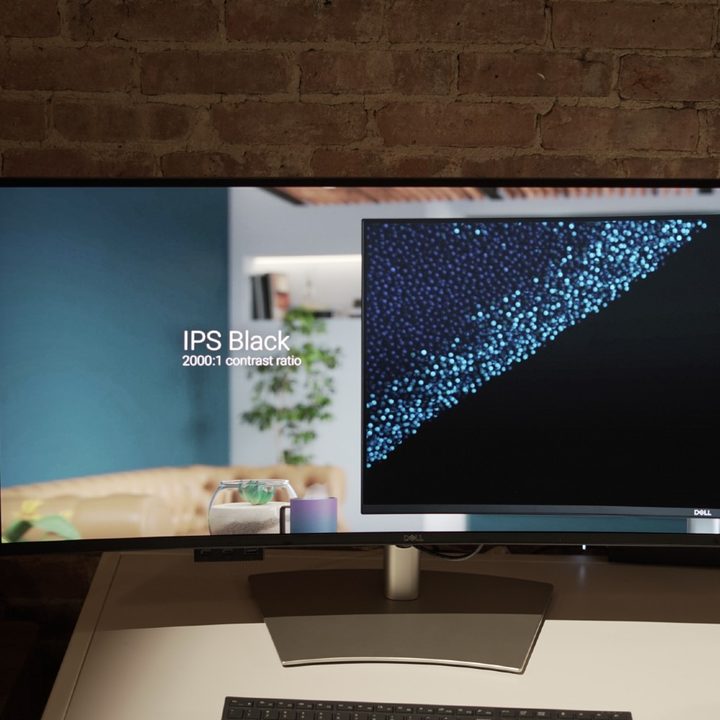
There’s a lot more happening with these new monitors than just higher refresh rates, though. The monitors are both curved and sport an IPS Black panel. As representations of the most premium displays in Dell’s lineup, it’s interesting to see the company continue to avoid some of the flashier OLED or mini-LED panels that others are adopting. Despite being an early adopter of QD-OLED in the gaming space with the popular Alienware 34 QD-OLED, Dell seems sold on IPS Black, a technology that adds some much-needed contrast to IPS, made in partnership with LG.
Beyond that, the U4025QW has a 39.7-inch 5K resolution (5120 x 2160), while the U3425WE has a 34-inch 3440 x 1440 resolution screen.
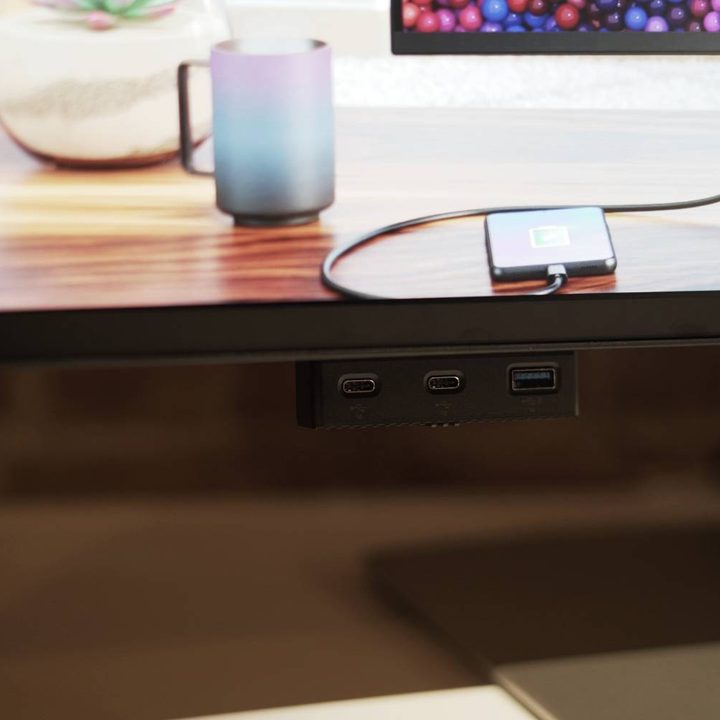
As the “Thunderbolt Hub” name suggests, there’s a wealth of ports on board, too. The larger models support 140 watts of power delivery through the Thunderbolt 4 port, while the 34-inch model caps out at 90 watts. Both monitors also include HDMI 2.1, DisplayPort 1.4, RJ45 Ethernet jack, and a host of USB ports.
Speaking of USB ports, the U4025QW has one of my favorite new Dell monitor features: pop-down, forward-facing USB ports for convenient access. We saw this first on Dell’s 6K UltraSharp monitor, introduced at CES last year.
Both monitors also feature built-in KVM switches to connect up to two separate PCs. But other than that, these are Dell UltraSharp monitors — and they look the part. I’m just happy we’re finally accepting that higher refresh rates should be on all displays, not just ones made for gaming.
The Dell UltraSharp 40 Curved Thunderbolt Hub Monitor (U4025QW) will start at $2,400, while the UltraSharp 34 Curved Thunderbolt Hub Monitor (U3425WE) will start at $1,020. Both monitors will be available for purchase starting on February 27, 2024.


