  1. Home
  2. Computing
  3. How tos

How to switch back to classic Google Chrome design

Add as a preferred source on Google
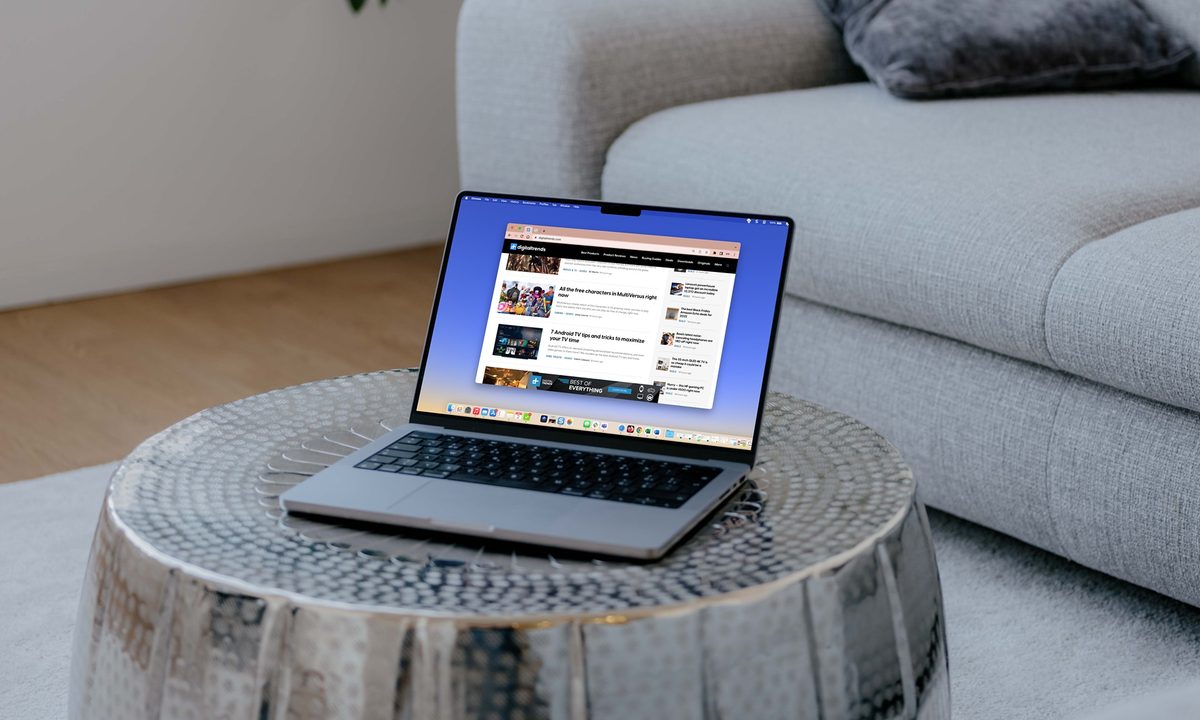
Google Chrome with pinned tabs on a MacBook on a table.
Digital Trends

Google Chrome, one of the most popular web browsers, underwent a significant redesign known as “Material You” a few months ago. While some users embraced the changes, others found them unappealing and disruptive to their browsing experience.

If you fall into the latter category and miss the classic Chrome design, there’s good news – you can easily revert to the old layout with a few simple steps. We’ll walk you through the process of switching back to the classic Google Chrome design.

Recommended Videos

When was the new Google Chrome design implemented?

Google announced the Material You redesign in September 2023, but it took some time for all users to notice the changes. Many users observed the update in December of that year. The alterations included subtle shifts in the placement of tabs, menus, and icons. While not overly invasive, there was a clear change, and some people simply don’t like change.

Switching back to the classic Google Chrome design

If you don’t like the Material You design, you can easily switch back to Chrome’s classic design by following the steps below.

The Chrome refresh 2023 and Chrome versions in list.
Image used with permission by copyright holder
  1. Open a new tab in your Chrome browser and type the following in the address bar: chrome://flags/#chrome-refresh-2023. This will take you directly to the Chrome Flags menu and highlight the option called Chrome Refresh 2023.
  2. Once on the Chrome Flags page, locate the Chrome Refresh 2023 option. From the drop-down menu next to it, select Disabled.
  3. After setting Chrome Refresh 2023 to Disabled, scroll down to the bottom of the Flags page and click the Relaunch button. This will close and reopen your Chrome browser.

Voila! Your Chrome browser will revert to its old design with its familiar layout and appearance. You can navigate through tabs, menus, and icons just like before.

If, for any reason, you decide to embrace the new design or simply want to experiment, you can reverse the process by going back to the Chrome Flags menu and setting Chrome Refresh 2023 back to the default option or Enabled.

While this method currently allows users to enjoy the classic Chrome design, there’s no guarantee that Google won’t disable this setting in the future. It’s advisable to monitor updates and be prepared for potential changes to the browser’s customization options. Consider an alternative browser if you don’t like the new look.

Georgie Peru
Former Computing Writer
Georgie is a freelance writer for Digital Trends and other tech-based websites. With a degree in Psychology and a Diploma in…
MSI’s Triple Mode OLED monitor is a Computex showstopper and my eyes genuinely can’t wait for it
MSI's Triple Mode OLED raises the bar for gaming monitors at Computex 2026.
Computer Hardware, Electronics, Hardware

Dual-mode gaming monitors have been around long enough that the novelty has worn off. MSI has decided that two modes simply aren't enough and has unveiled the MPG OLED 322URDX36 ahead of Computex 2026.

It is the world's first Triple Mode gaming monitor, and if the execution is as good as it sounds, it could be one of the few gaming monitors that I’d be genuinely interested in. 

Read more
Dell doubles down on 5G cellular connectivity for its premium business laptops in the US
The new launch is Dell’s clearest statement that 5G cellular connectivity belongs in every premium business laptop, not just enterprise niches.
Computer, Electronics, Laptop

Dell released a wave of new laptops on May 29, 2026, just four days before Computex 2026 opens in Taipei on June 2. Amid a loaded spec sheet, nearly every flagship model in the new batch offers optional 5G cellular connectivity. 

While the capability has traditionally been reserved for ultraportable or enterprise-grade devices, Dell is signalling that always-connected laptops are no longer a niche requirement. 

Read more
Acer’s new Swift Air 14 wants to take on the MacBook Neo, but it may be outgunned
Acer finally has an answer to the MacBook Neo, just not a perfect one.
Acer laptop on a table

Apple gave Windows laptop makers a serious headache when it launched the MacBook Neo in March at $599. Powered by the A18 chip, it quickly became one of the easiest laptops to recommend for students and casual users who did not specifically need Windows.

Acer is now trying to push back with the Swift Air 14, a 14-inch laptop announced just ahead of Computex 2026. It starts at $699 and uses Intel’s new Core Series 3 chips, also known as Wildcat Lake. On paper, it looks like one of the first serious attempts to build a cheaper Windows laptop that can sit near Apple’s Neo without looking completely outclassed.

Read more