  1. Home
  2. Phones
  3. Mobile
  4. News

iOS 18 gives your iPhone a super-handy charging feature. Here’s how it works

Add as a preferred source on Google
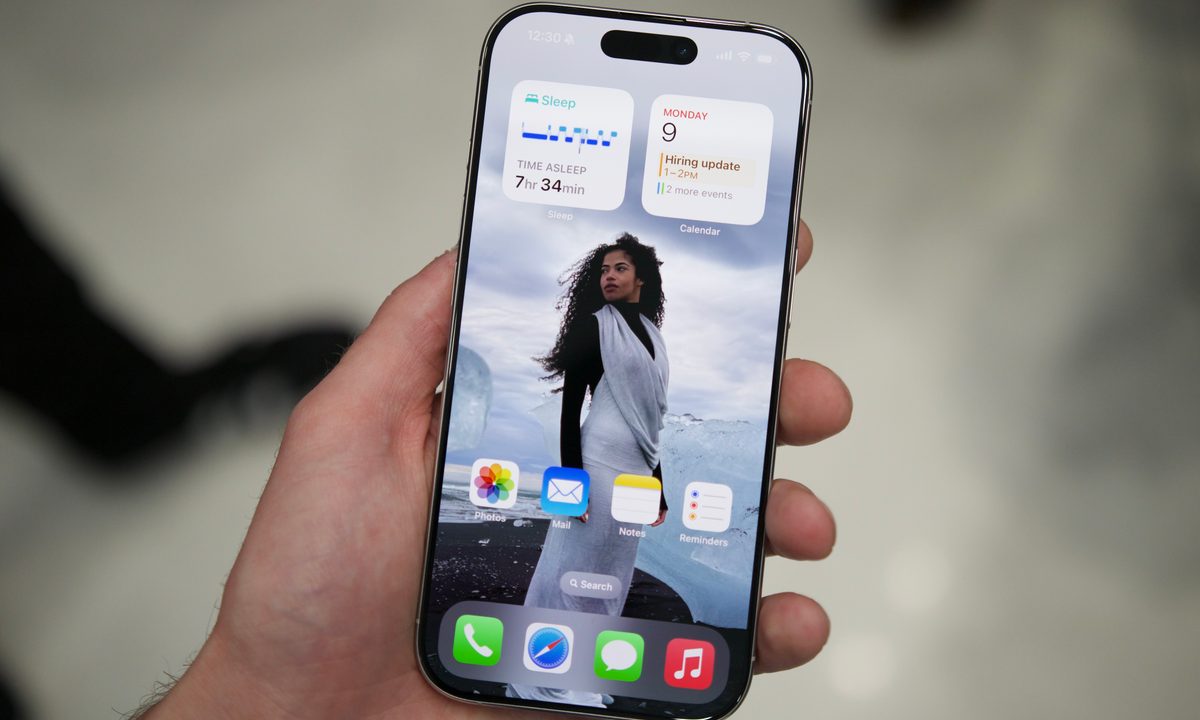
The display on the iPhone 16 Pro.
Joe Maring / Digital Trends

Now that iOS 18 is rolling out, we’re finding new features that are even more exciting than some of the larger-scale changes — like a new setting that alerts you if you’re using a slow charger on your iPhone.

If you’re anything like me, you probably have a lot of old charging cables and bricks around the house. You might not realize that some of those are dated and aren’t capable of supporting fast charging, especially if you tend to power your phone up in the evenings while you sleep.

Recommended Videos

If you go into the Settings app on iOS 18 and then select Battery, it will alert you when you use a slow charger. It will also be displayed in the battery graph with an orange color rather than the normal green color. It’s not clear how slow a charger has to be before it gets the “slow charger” message, though.

The iPhone 16 supports 25W MagSafe charging, and although Apple didn’t make a big deal about it, the phone was later discovered to support 45W wired charging, too.

You can find another small change in the charging limits, too. Previously, Apple set an 80% charge limit, but more granular options have made an appearance at 85%, 90%, and 95%. Why does it matter? Keeping a battery topped off all the time will reduce its maximum capacity a lot faster than if you set a limit that it doesn’t charge past. Generally, 80% is the suggested limit, but you now have the flexibility to go beyond that without going all the way to 100%.

This might not be the most groundbreaking feature, but it’s a welcome change that will help you charge your phone at its top speed rather than dejectedly waiting for the power to slowly creep up from the charger.

Patrick Hearn
Former Technology Writer
Patrick has written about tech for more than 15 years and isn't slowing down anytime soon. With previous clients ranging from…
iOS 27’s Apple Pay fix won’t have you hunting for the right card before checkout
A small Apple Pay fix that's been a long time coming.
Apple Pay

Every time you check out with Apple Pay, tapping the card shown on the payment sheet to switch to a different one, they end up getting confused. In iOS 26, that tap does not switch your card. 

It opens an address-editing screen instead. The real card switcher is a different, easy-to-miss button near the bottom of the screen. If you’ve ever fumbled through Apple Pay at checkout, wondering what’s going on, Apple just fixed it with iOS 27. 

Read more
Apple has finally put the planned obsolescence rumors to bed
If you've been nursing an old iPhone, iOS 27 is the rare update that actually rewards you for it.
Electronics, Mobile Phone, Phone

Every time Apple released a new iOS update, people swore their iPhones suddenly felt slower. This rumor has followed Apple for years and while the company always denied it, the suspicion never really went away. With its latest iOS 27 update, I believe Apple has finally put this rumor to rest. 

I installed the beta on my iPhone Air, but the bigger story is what's happening on the older models. Reports from people running iOS 27 on even older iPhones say their phones feel faster, not slower.

Read more
Apple made Liquid Glass adjustable, which says plenty about Liquid Glass
The new slider is useful, welcome, and mildly hilarious after a year of Apple acting like transparent everything was the obvious future.
Text, Document, Business Card

Apple’s big glassy software future now comes with a way to make it less glassy. In iOS 27, users can adjust the translucency of the Liquid Glass effect, while macOS Golden Gate adds its own Liquid Glass controls under System Settings.

Liquid Glass is still alive across Apple’s platforms, still shimmering through menus and panels, still doing the elegant UI trick Apple clearly likes. The big visual bet has already earned a dimmer switch. After a year of treating translucency like the obvious next step, WWDC’s most revealing design update may be the one that lets people dial it back.

Read more