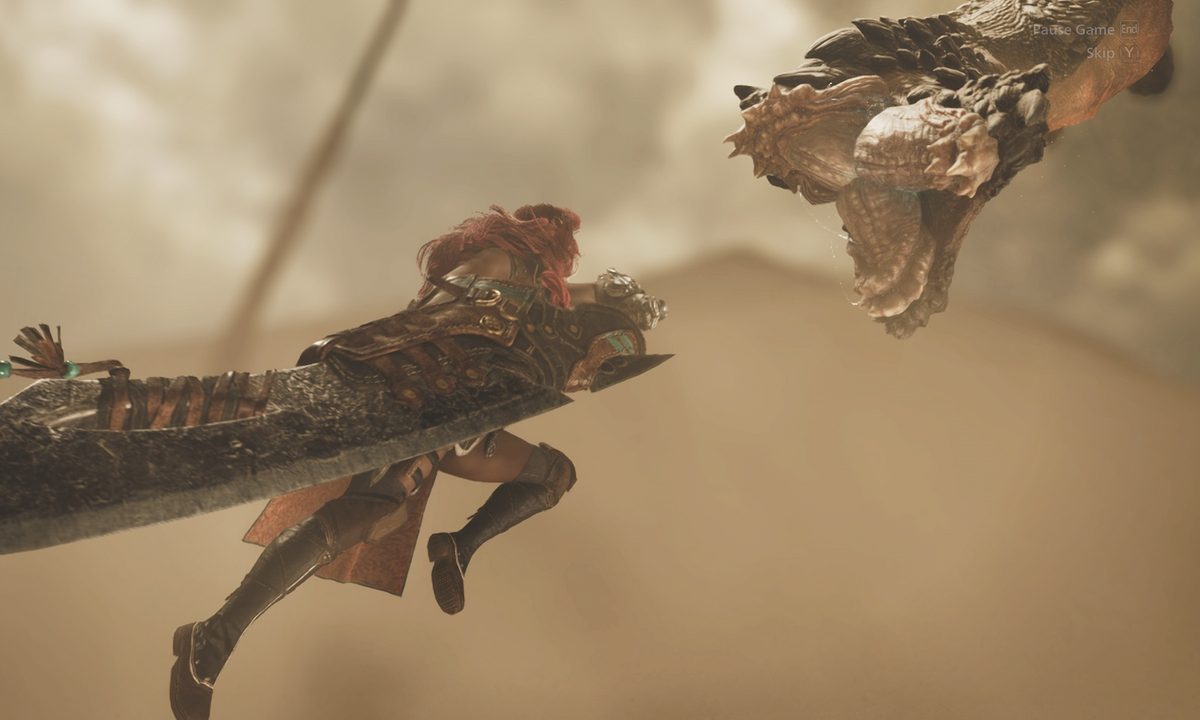
For the first time ever in Monster Hunter history, you can bring two weapons with you during a hunt. This allows you to experiment not just with your primary weapon but with a secondary weapon as well in Monster Hunter Wilds.
Deciding which weapon is best for you can be difficult enough, on top of the fact that you can hold a second weapon of your choice. But you won't have access to two weapons right from the get-go, and swapping between them isn't the easiest either. We'll cover how you can use your secondary weapon in Monster Hunter Wilds, as well as which weapons are good options to have as a back-up.
How to swap to your secondary weapon in Monster Hunter Wilds
Before you can use a secondary weapon, you must first unlock the ability to use one by completing the campaign quest Village of the Whispering Winds. This is the second main story mission, and by the end of it you will gain access to your own Seikret mount and a secondary weapon slot. Now, you just have to learn how to switch between the two.
Step 1: Mount your Seikret by pressing up on your d-pad if you're on controller or Tab if you're on PC. If your Seikret isn't nearby, you'll call it and it'll pick you up.

Step 2: You can only swap weapons while mounting your Seikret. So press right on the d-pad, or the X key on PC, and you'll switch to your secondary weapon. If you're not mounting your Seikret, if you press the button to swap weapons it'll automatically call your Seikret and swap weapons at the same time.

Step 3: Feel free to now hop off of your Seikret to use your secondary weapon. It's an easy assumption that you can only use this secondary weapon while riding your Seikret, but you can use it while not mounted. Repeat step two if you want to switch back to your primary weapon.
How to change your secondary weapon
If you want to customize which weapons you wield for your primary and secondary slots, there's an easy way to do so.
Step 1: Enter your tent as base camp or at any pop-up camps in the world. You should now be at a screen where you and your Palico are sitting down and a bunch of menu options pop up.

Step 2: Move over to the second tab and select the Change Equipment option.

Step 3: Now you can select your secondary weapon slot and change which weapon you'd like to hold.

Best secondary and primary weapon combinations
Although you don't have to use the secondary weapon, it's something that can enhance your build and pair up nicely with your main weapon. Here are some of our recommended secondary and primary weapon combos to try out during a hunt.
- Any weapons + Light/Heavy Bowgun: Pairing your melee primary weapon with the Light or Heavy Bowgun can provide a good balance of up-close and ranged combat. While the Light Bowgun focuses on a quicker rate of fire, the Heavy Bowgun deals more damage but is slower.
- Dual Blades + Bow: This is what I have been running with and it also offers a synergized playstyle for up-close fast melee combat and ranged combat. It's also fun to use the Bow while riding the Seikret to maximize your mobility.
- Hunting Horn + Great Sword: This is a tankier duo that can dish a lot of damage despite how slow they can be. Your Hunting Horn can provide buffs that can help you while you use your Great Sword like damage increases.
- Insect Glaive + Dual Blades: If you love swift mobility and quick strikes, this is the combo for. The Dual Blades offers you buffs when you get perfect dodges while the Insect Glaive allows you that vertical mobility to leap out of harm's way.