I am a huge fan of slim and light laptops. That preference is borne more out of my professional lifestyle than a necessity for absolute silicon firebreathers. I believe a laptop should be, well, light on your lap, or hands, unless you need all that firepower in a mobile form factor.
That’s the reason gaming laptops exist, or those thick workstations such as the HP ZBook with an Nvidia RTX A500 series graphics card. For the rest, a thin laptop can do the job just fine, with its quirky set of compromises. Finding the right slim laptop, however, is the tricky part.
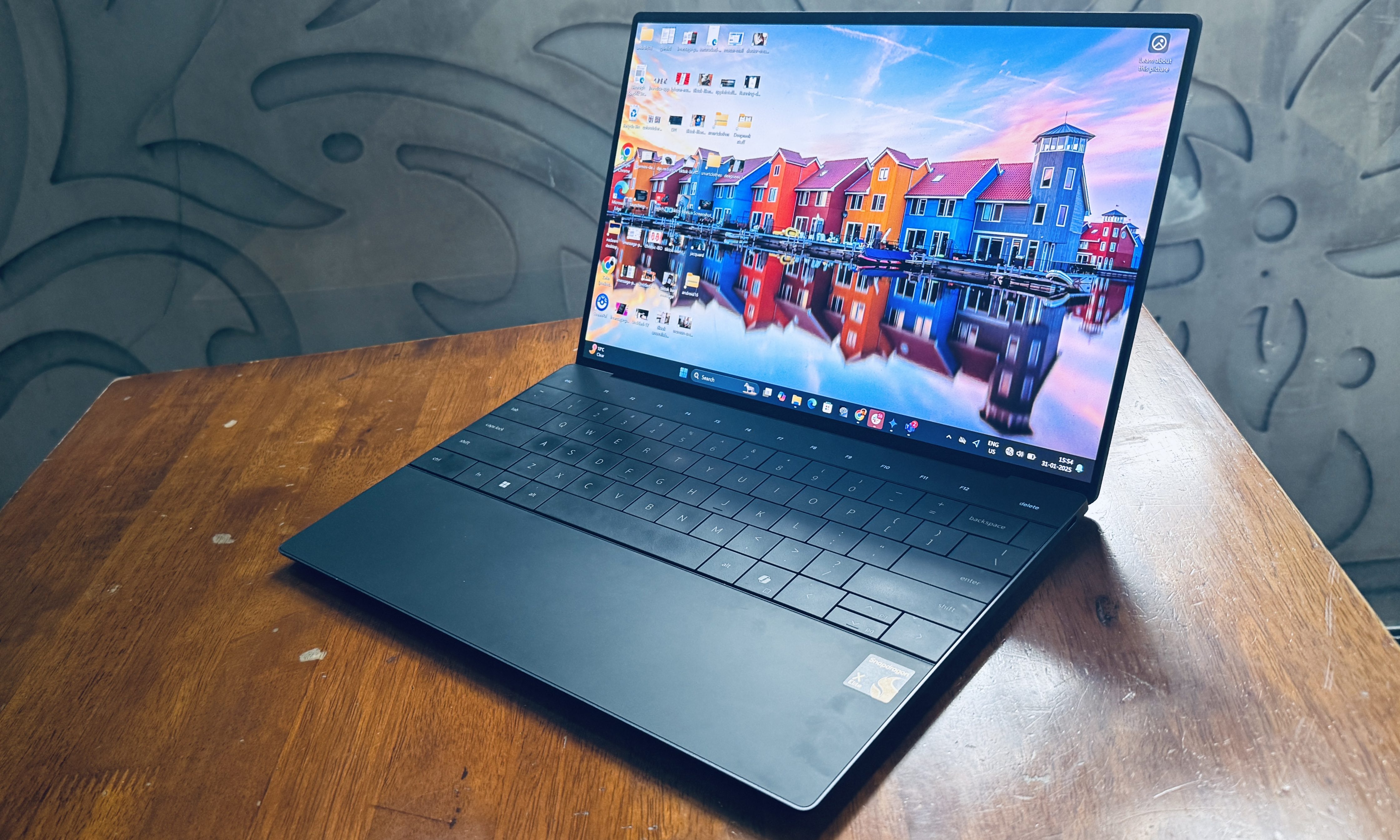
I recently spent a few months with a rather “experimental” kind of slim laptop from Dell. The XPS 13 configuration I picked runs Windows on Arm, and serves an equally unconventional processor – the Qualcomm Snapdragon X Elite. It was fast, sleek, and filled the 12-inch MacBook’s ache for me.
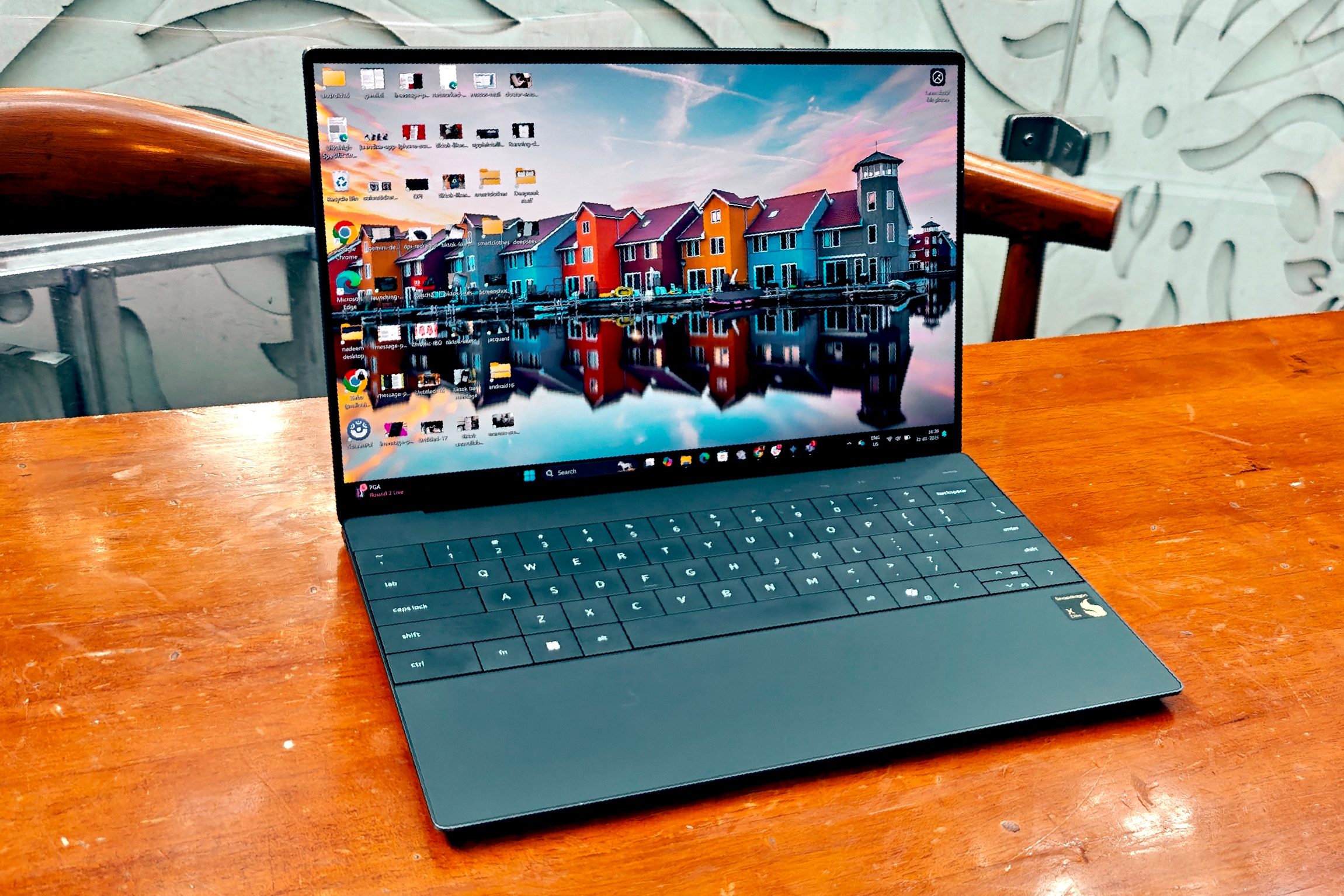
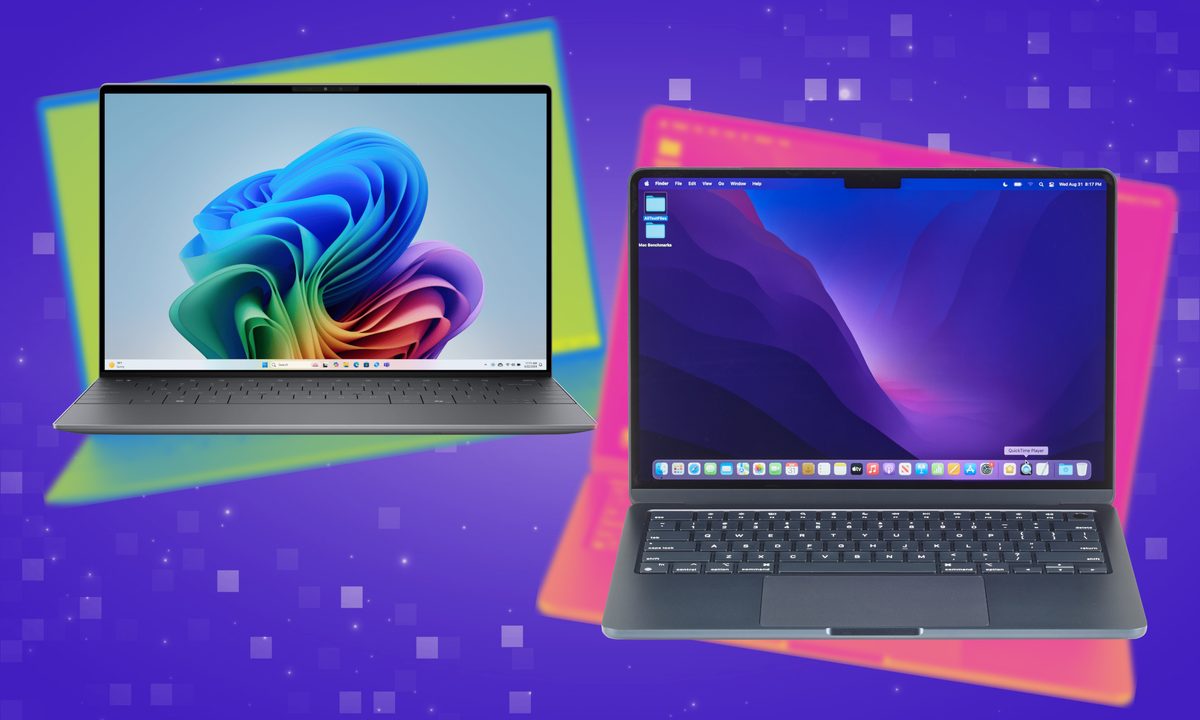
Unfortunately, it isn’t the most practical laptop out there. I realized that even more so, after adopting the M4 MacBook Air as my daily workhorse. At the end of the day, I came to the conclusion that Apple’s machine is the more practical, slim and light laptop, without any serious compromises.
Beauty runs deeper than the looks
One of the most arresting aspects of the Dell XPS 13 is its standout looks. The metallic chassis is sharp, sturdy, and has an understated coat of paint on top of it. Lift up the lid, and you will be greeted by a beautiful screen with one of the slimmest bezels you will come across on a laptop, a gapless keyboard, and a seamless glass touchpad with force touch feedback.
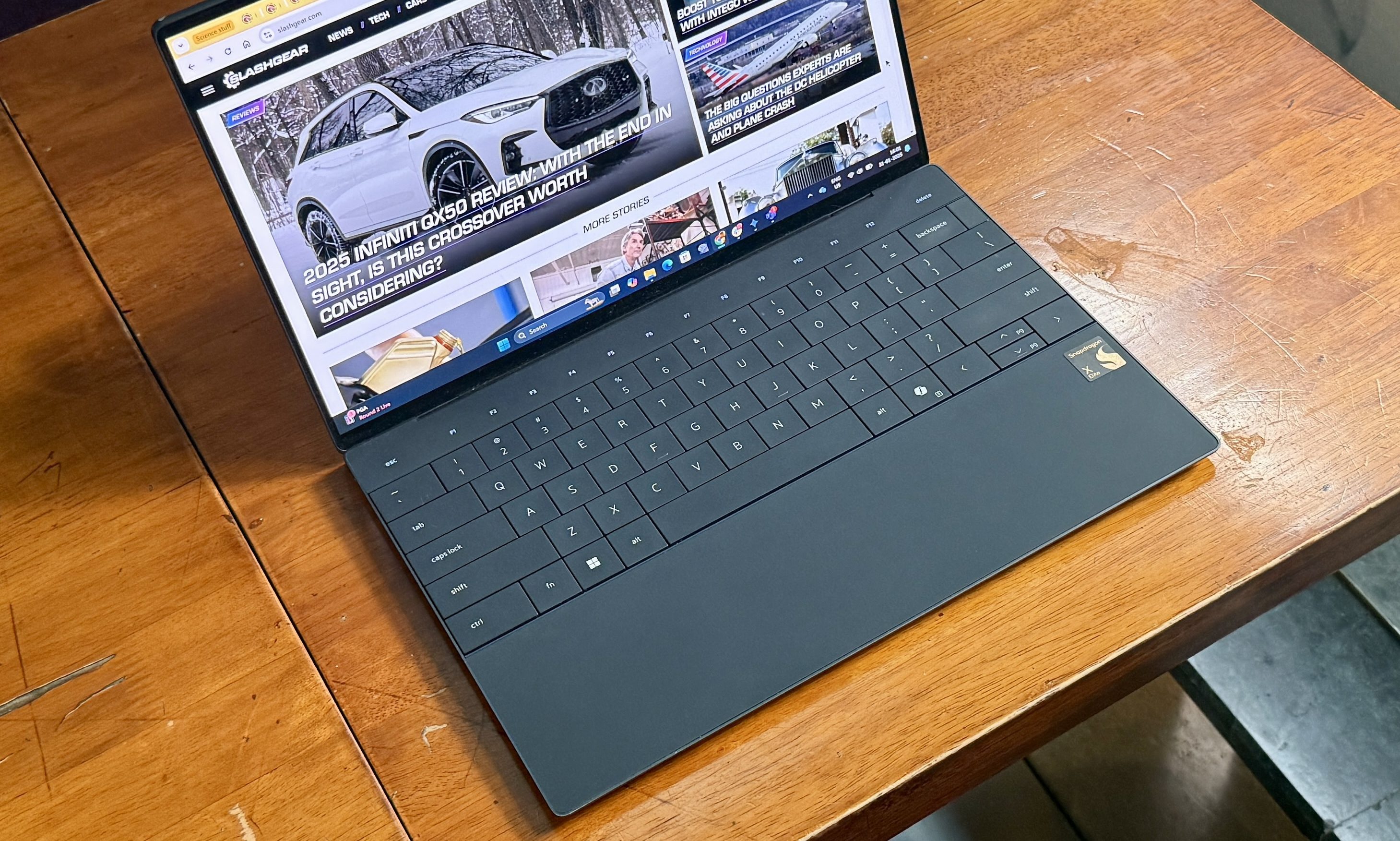
Think of it as borrowing Apple’s tech stack, but executing it more tastefully. That also happens to be the biggest undoing of the Dell laptop. Ever since Dell adopted the futuristic design, users have cultivated a love-hate relationship with the keyboard-trackpad combo.
The infinity trackpad takes a bit of time getting used to, but if you look at the Dell community forum, there are a healthy bunch of users complaining about technical issues. From malfunctioning haptic feedback to one of the edges losing its touch sensitivity, the reports are diverse.
Then there’s the gapless keycap situation. Once again, the user community is undecided on whether it’s the software that often breaks the keyboard, or if it’s the engineering to blame. Ideally, users should not be burdened with flashing the BIOS of their laptop to try and fix keyboard woes.
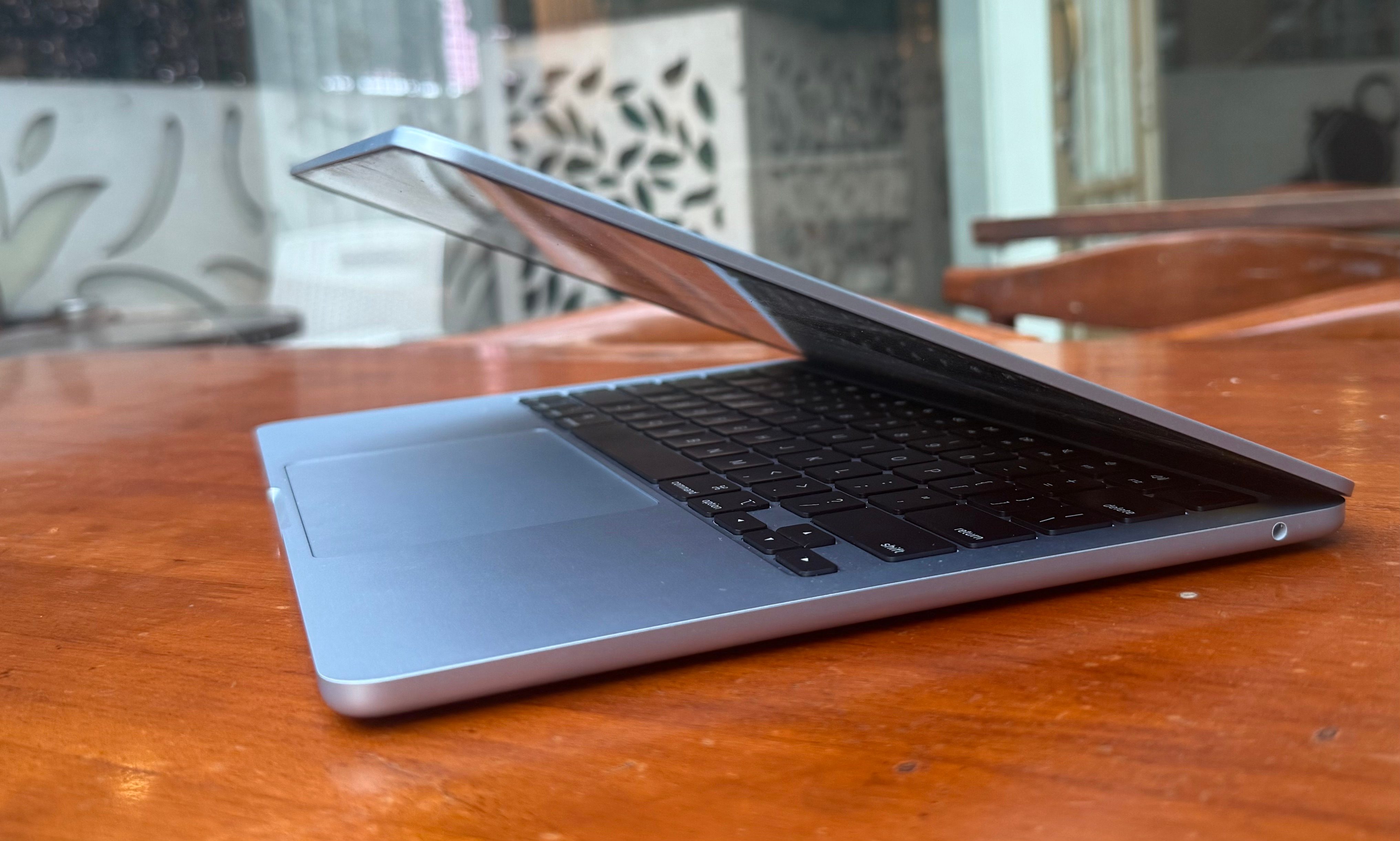
The typing experience is also divisive. I grew used to it within a day, but a healthy few of my industry peers have reported that the XPS 13’s beautiful keyboard deck is easy on the eyes, but not so much from a functional lens.
For me, the XPS 13’s zero lattice keyboard and the capacitive function row keys at the top did the job just fine, but it’s hard to look past the valid concerns. The MacBooks I’ve used so far, haven’t given me any such headache in years.
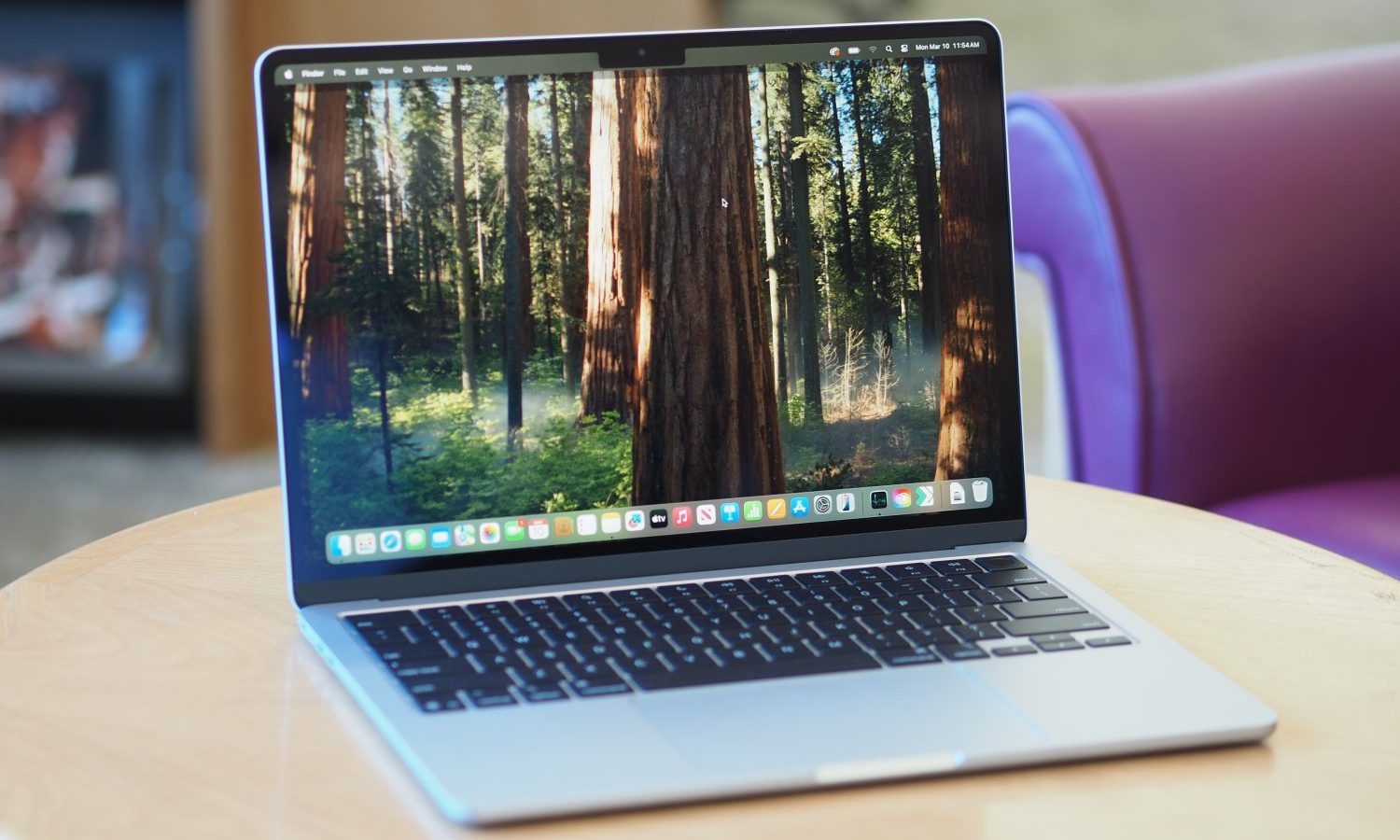
The new MacBook Air arguably has the best combination of a touchpad and keyboard on any laptop out there. On the M4-powered refresh, you get a fantastic build, beautiful design, solid keyboard, sharp display, and no lingering weak spots.
I’d rather side with reliability, especially when I’m spending north of a thousand dollars on a laptop.
You deserve performance, not potential
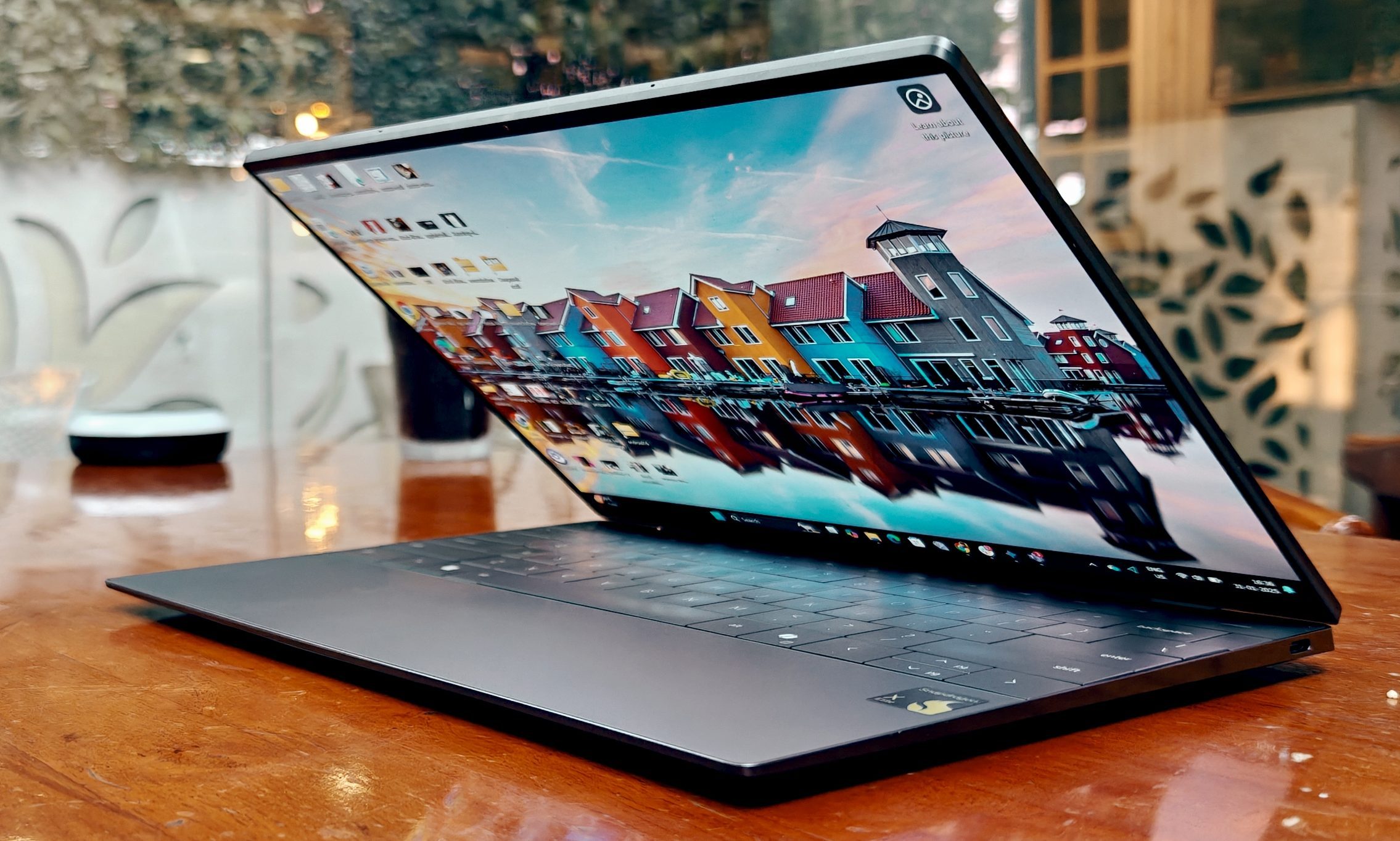
I dived into my XPS 13 experience hoping for a smooth experience, especially after seeing all those comparison charts depicting the Snapdragon X Elite racing ahead of Intel and AMD silicon. It scored above the M3 MacBook Air at multi-core performance, but can’t quite level up at single-core and GPU-heavy workloads.
Running the 3DMark Wildlife Extreme test, for example, shows the Snapdragon silicon lagging behind by a healthy 36% after repeated runs. For me, benchmarks don’t really do justice to a laptop’s true potential, unless it has been tested on a realistic workflow. That’s where the Dell XPS 13 lost the race.
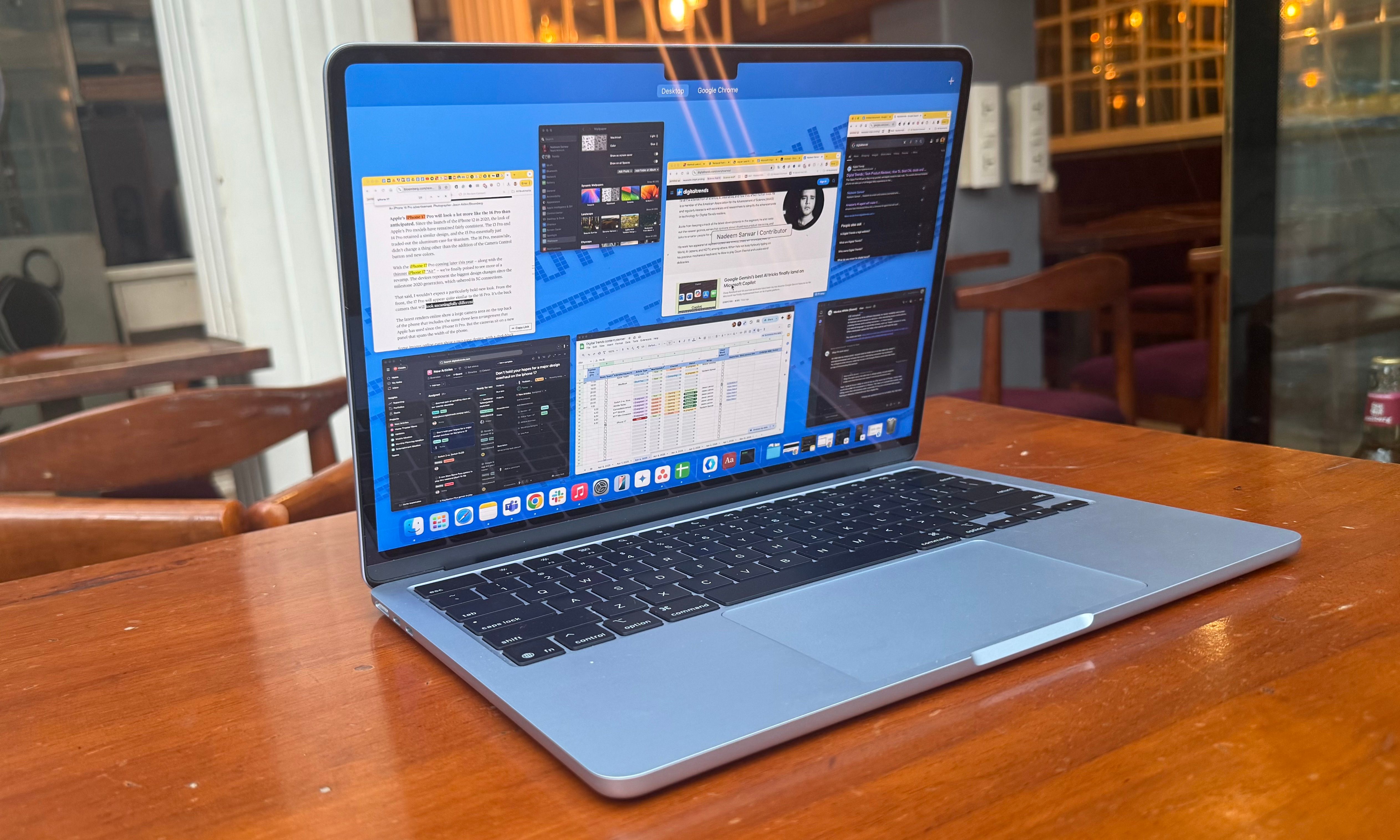
The configuration I tested offered 16GB of RAM and plenty of storage. It was able to handle my workflow spread across Slack, Chrome, Trello, Microsoft Teams, Asana, and Gmail, while Spotify handled streaming duties. Initially, I didn’t run into lags or UI freezing woes.
But things changed after a few updates. While trying to reboot after the first OS update, I ran into a Windows installation error, which spiraled into a bootloop problem. I tried a few troubleshooting steps shared on the Windows community, but none of them could solve the “unexpected system error” problem I was facing with Windows on Arm.
Dell support tried to fix it on a phone call, but ultimately decided to recall the laptop to avoid any further damage. Another accompanying issue was the constant whirring of the fan and a weird noise at each restart, as if something was stuck within the fins.
After the windows installation issues were resolved, merely a month into setting up the laptop as my daily driver, I started noticing some unexpected hiccups. When connected to an external display and spreading my workflow across Chrome, I began running into unexpected lags and jitters.
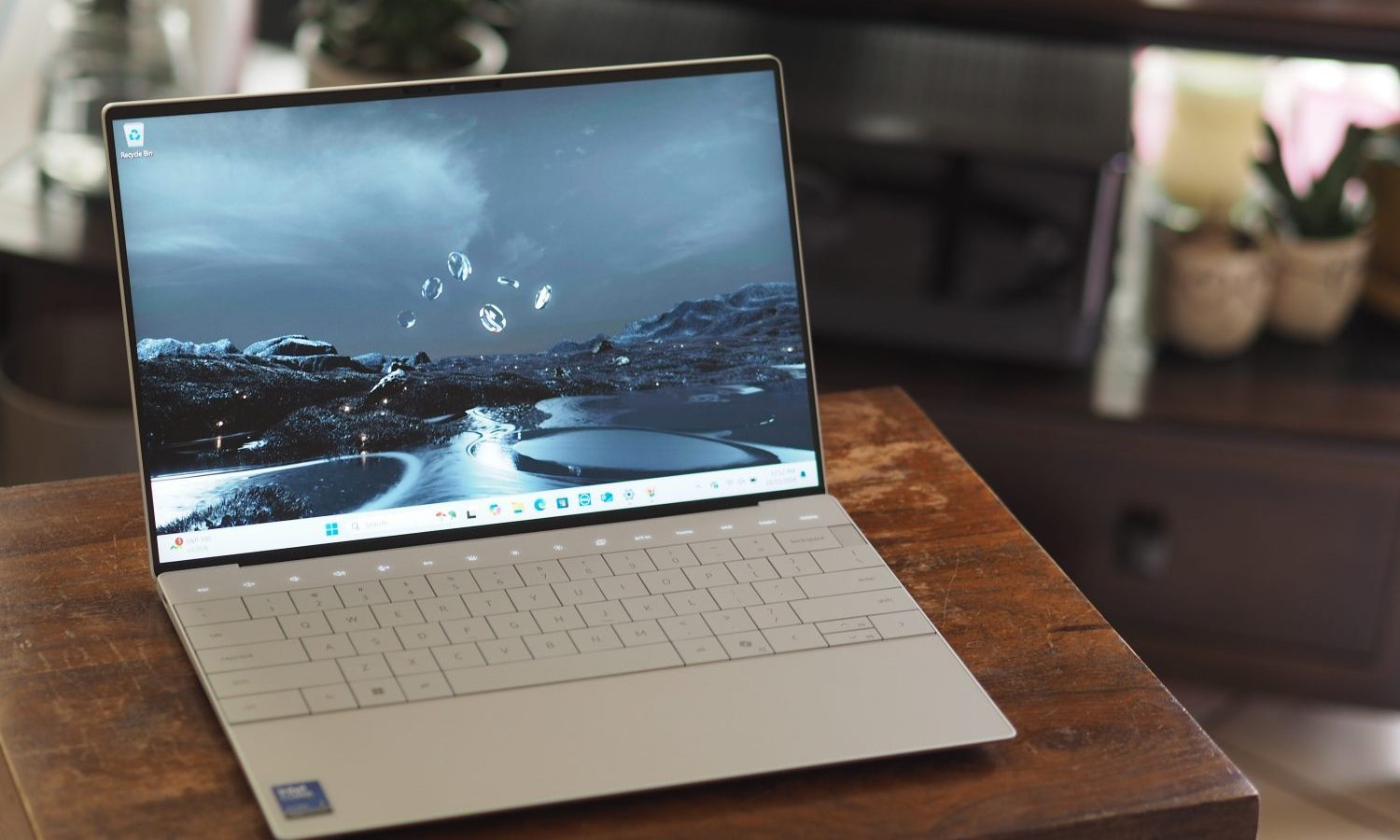
App windows often became non-responsive, or the system simply couldn’t register keyboard and trackpad inputs. A machine with this kind of firepower shouldn’t run into such stutters, and certainly not when you are paying a minimum of $1,300 for a laptop.
The latest-gen MacBook Air, on the other hand, has only lifted the game even further. Apple is now offering 16GB of RAM for the same $999 asking price, and coupled with the advanced M4 silicon inside, this machine sets a new standard for laptop performance.
The M4 also enables mesh shading, Dynamic Caching, and hardware-accelerated ray-tracing. Moreover, Apple’s own OS-level optimizations ensure that the MacBook Air is better than ever at demanding tasks such as video editing and coding.

The performance hiccups I faced with the entry-level M3 MacBook Air (with 8GB RAM) are gone on its M4 successor. I’d gladly take that upgrade, because it blends a higher performance with improved functional reliability. I can’t say the same for Dell’s sleek XPS 13, and I’m not sure who is to blame here.
The OS situation
I had high hopes with the second incarnation of Windows on Arm, led by Qualcomm and its promising Oryon cores atop the Snapdragon X Elite laptop. The silicon has done its job just fine, bringing Qualcomm roughly in the same performance league as the venerable M-series processors by Apple.
Moreover, beating Intel in its first attempt at native benchmarks is no small feat. That’s where the problems begin. You don’t buy a laptop based on its synthetic benchmark performance alone, or its sheer future potential.
You spend real money on a laptop based on what it can accomplish out of the box. Apple did a fantastic job of transitioning macOS from x86 to Arm. Windows, on the other hand, has struggled.
A Microsoft community member told me that the biggest challenge right now is convincing developers to embrace Prism emulation and optimize their stack for Windows on Arm. Adobe, for example, has done a decent job at optimizing its suite of professional software for Windows on Arm.
But there are a few caveats. Take Premiere Pro, for example. In my most recent run on a Copilot+ PC powered by Snapdragon silicon, I couldn’t run ProRes RAW files or enable AC3 audio playback. Plus, it runs in emulation mode, so a performance hit is expected compared to native Windows on Arm support.
Adobe After Effects is not supported, while InDesign and Illustrator have just entered the beta phase. Adobe Express and Adobe Firefly still run in emulated format, and aren’t native to Windows on Arm, yet.
Going deeper into the realm of specialty software, your experience will be a hit or miss with emulators and gaming clients. Likewise, corporate VPNs, CAD software, and virtual machines remain a weak spot.
Due to non-optimization, many platforms can’t fully tap into the NPU aboard Qualcomm’s silicon. You might even run into limitations at something as basic as printing documents, due to hassles with Arm64-specific printer drivers.
The M4 MacBook Air, on the other hand, serves you none of those hassles. macOS is a mature platform, with its own set of well-known limitations and perks. You aren’t making a leap of faith with this one. You aren’t uncertain about software-specific compatibility. It’s either there, or it simply isn’t.
And that’s what matters. At the end of the day, if a $999 laptop doesn’t raise any red flags, while a laptop that costs far higher asks for your trust (and patience with well-known software-hardware woes), the choice is pretty obvious.