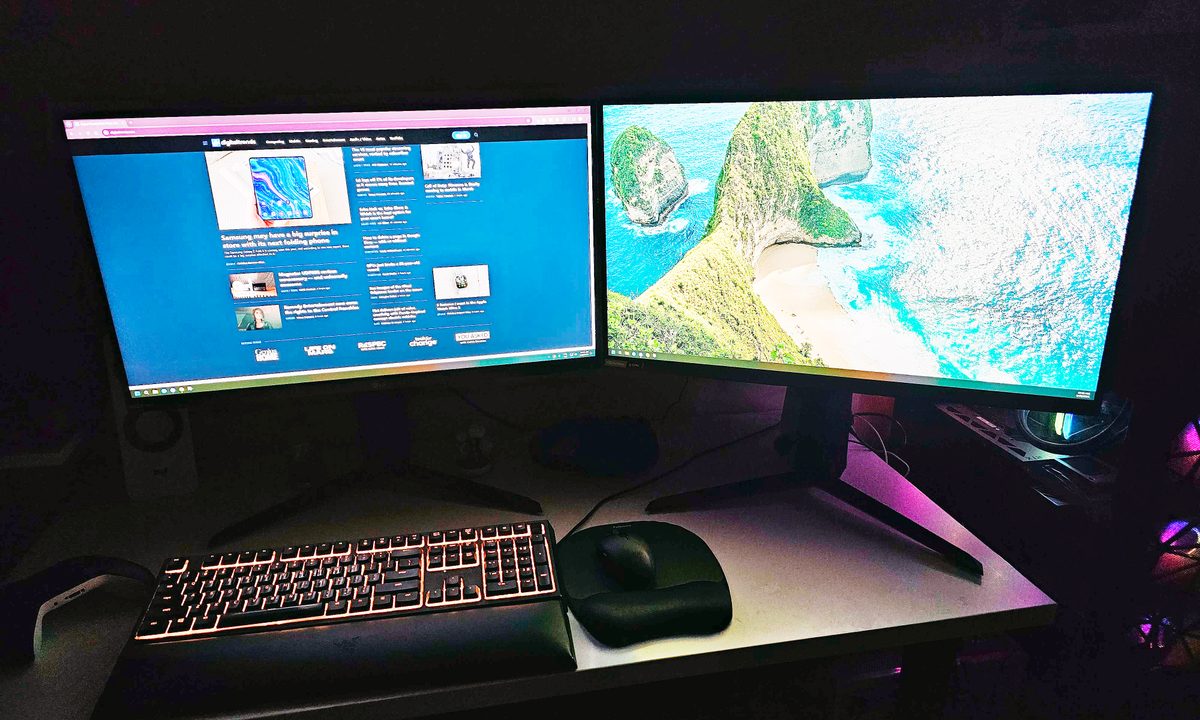
I’ve been a fan of dual monitor setups for well over a decade. While my colleagues here at Digital Trends argued about the benefits of the best gaming monitors that were ultrawide vs. using a dual 16:9 setup, I never doubted — two monitors for me, please and thank you.
But lately, my resolve has been melting, and with good reason, too. Here’s why I’m hanging on to my dual monitors by a thread, and why I might ultimately make the switch to a single ultrawide in the near future.
Am I getting old?
Right, so, just to reiterate — I love dual monitor setups. If I ever have to work on my laptop, I’m suffering due to the lack of a second screen.
Whether I’m working or gaming, I always, always, always want to have a second monitor to throw all kinds of things onto. When I work, it’s my notes or a million tabs with research; when I game, it’s Netflix, Discord, or Chrome. In any case, there’s almost never a time when I don’t actively use both of my monitors.
And yet, I feel like I might have to change my mind soon.
Over a year after I finally decided to stop neglecting my second monitor and bought two of the same screens, I can feel my resolve to stick to a dual-monitor setup melting away, and I can’t help but wonder …
…am I just getting old?
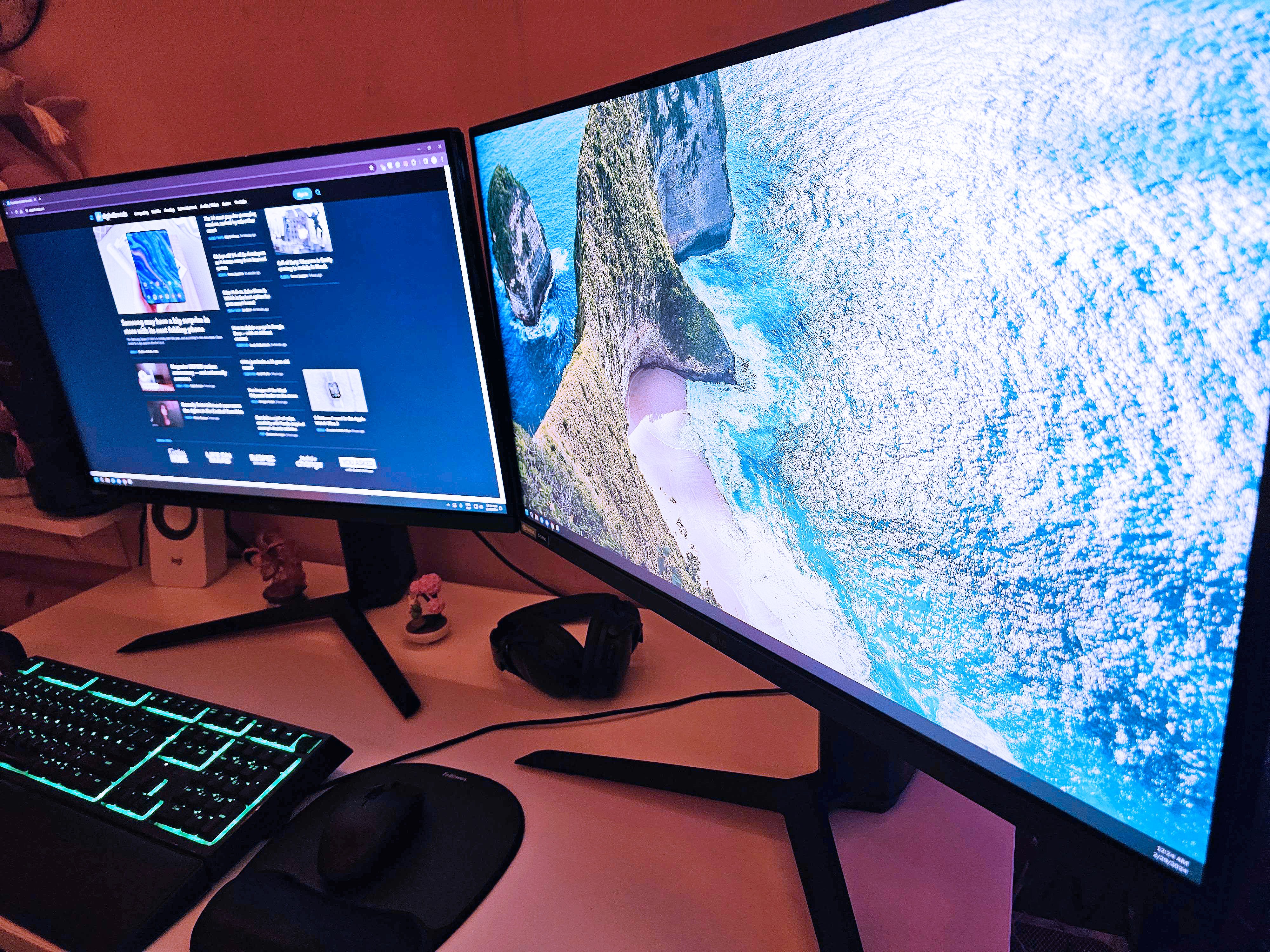
Having to constantly crane my neck left and right never used to bother me before. I also never used to care much that my two monitors don’t have the exact same colors, despite hours of meticulous calibration. The viewing angles being different were alright, too, as my second monitor was never the one I actively stared at while sitting at my desk.
But, I have to say, it’s starting to bug me a little bit now. Perhaps my biggest problem are the bezels — while my monitors have super-thin bezels, they’re still there, and it’s hard to push them together perfectly when one is at an angle.
I also wear glasses, and I use progressive lenses, which have different strengths across the lens. This means that at the sides and near the top, the prescription is weaker, which makes looking at my second monitor a little tiring at times.
Put together, it’s fair to say that I see the problem with dual monitor setups — and unfortunately, ultrawides are starting to look tempting.
Ultrawides are better and cheaper than ever
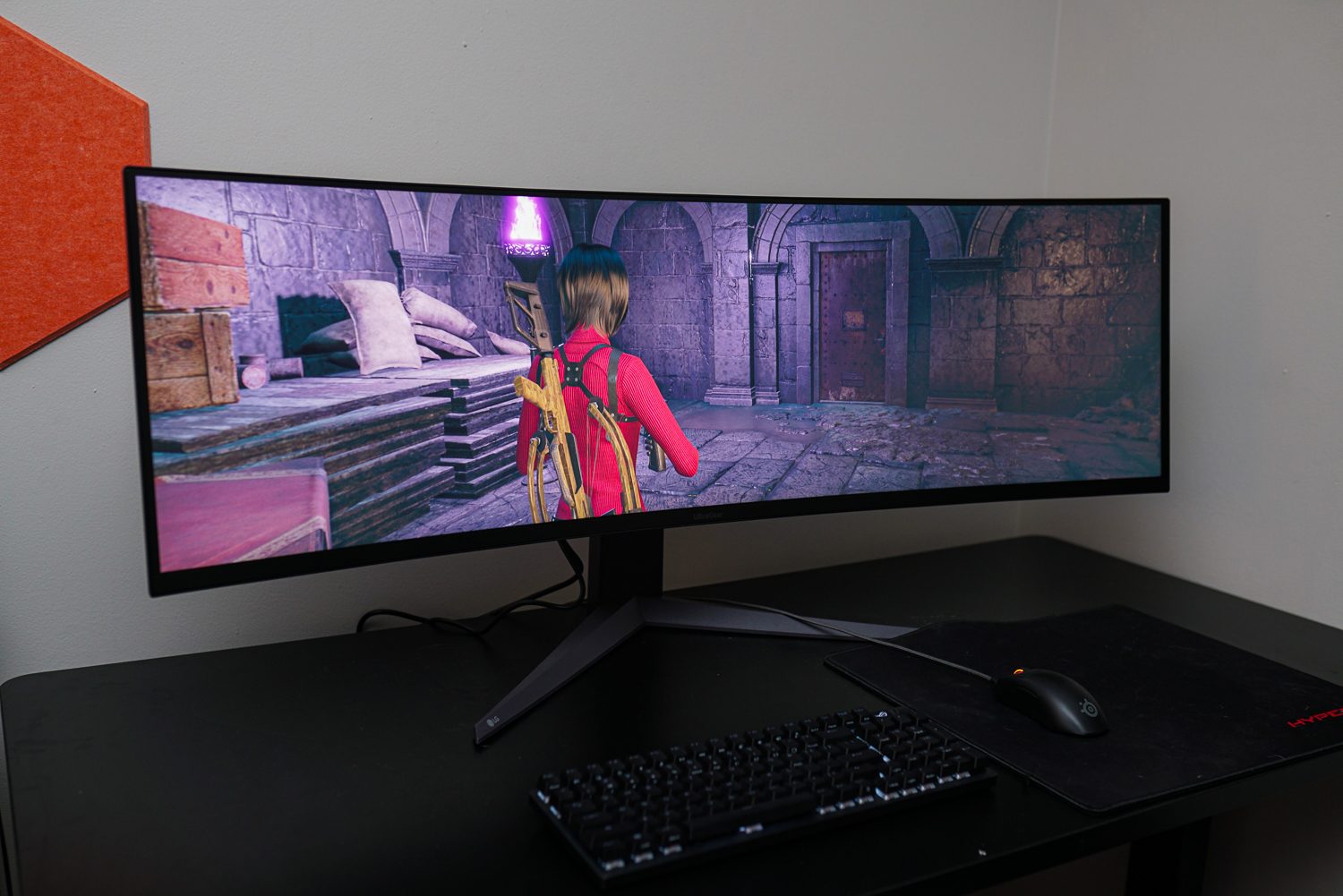
We’ve reviewed a bunch of excellent ultrawides, including some of the best ultrawides on the market. Some were expensive, and some were rather affordable. Many were tempting to me even when my dual-monitor resolve was stronger than it is now.
However, ultrawides are getting harder to resist because they’ve become much more commonplace. You don’t need to drop $1,000 to get a decent ultrawide; there are plenty of options that are more affordable than my dual setup ever was — and they don’t suffer from the same problems that my setup is plagued by.
Take the Samsung Odyssey OLED G9, which blew us away in a slightly different iteration. It’s not cheap, but this is a 49-inch ultrawide monitor with a 144Hz refresh rate; it looks like a dream, and it now costs $879. That’s more than I spent on my two monitors, but only just, and it’s a whole new category of display. Check it out — it’s gorgeous.
Still, you don’t need to spend a fortune to buy a solid ultrawide. Samsung’s ViewFinity costs $269 right now (I found it on sale), and it’s still superb. It’s 34 inches, which is a lot more manageable if you sit by the desk, and it’s still optimized for gaming thanks to the 100Hz refresh rate.
The cheapest ultrawide I’d reasonably buy is this Sceptre model at $199. It actually costs less than one of my monitors in my dual setup, and it has everything most gamers could possibly ask for.
Yeah, these prices aren’t helping, and I’ve had more than one friend try to convince me to just go for it. But, there are things I’d miss if I switched to an ultrawide.
I’m tempted, but I’m staying strong for now
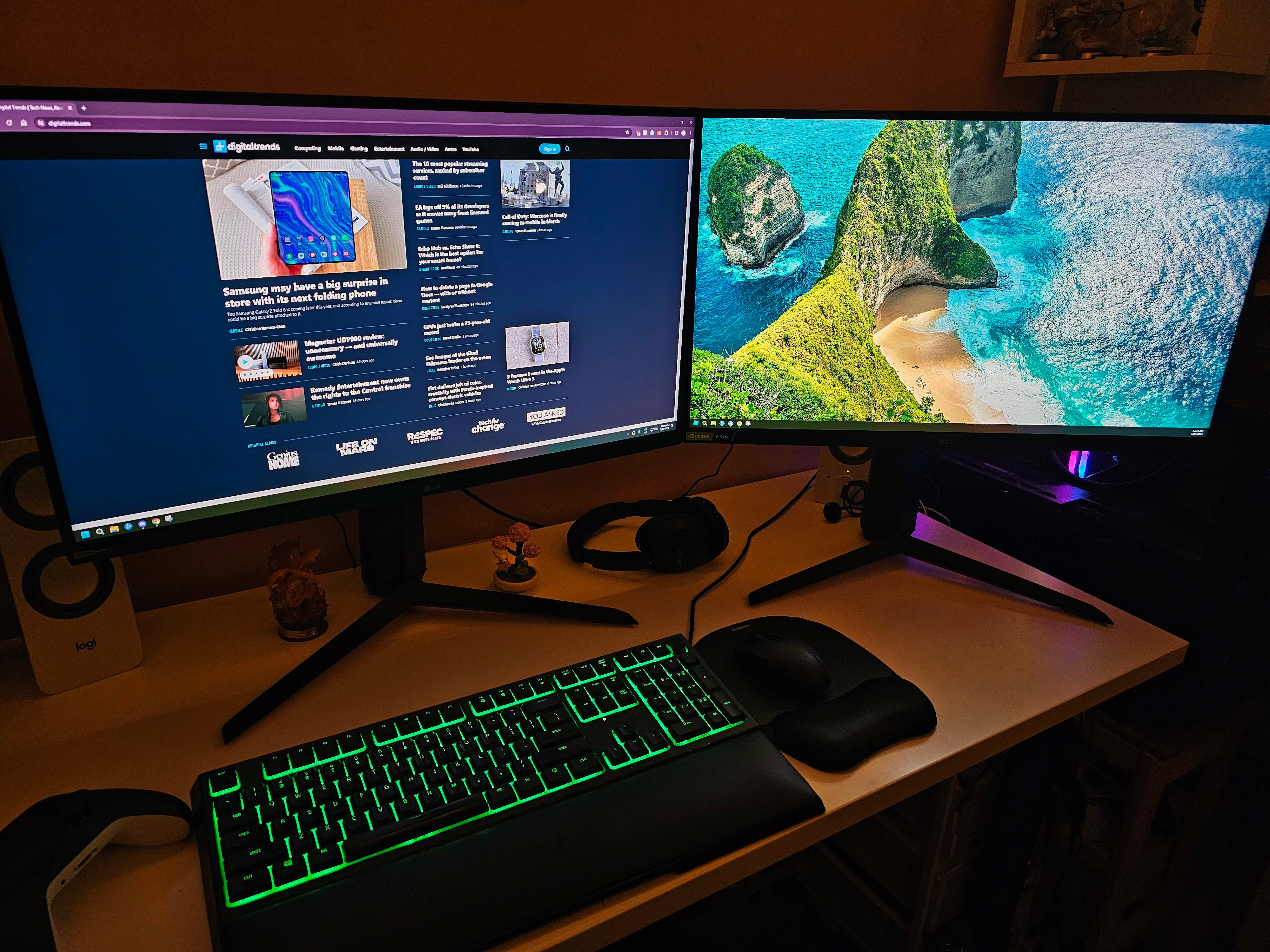
There are many good reasons why I stayed true to my dual setup over the years, and despite the neck pain and the lens-induced frustration, I’m not ready to jump ship just yet.
For starters, I still believe (and yes, I’ve used ultrawides too for testing purposes) that dual (or multi) monitor setups are second to none for productivity. I love having two entirely independent screens where I don’t risk using the wrong app at the wrong time, and can have everything organized the way I like it.
Next, gaming. Ultrawides make many games look outstanding, but the downside is that many games aren’t optimized for them. If you play indies or older titles, you’ll be left with ugly black bars on the sides of your game, or, at best, suboptimal pixel distribution if you brute-force the title into fitting the 21:9 or 32:9 aspect ratio.
Lastly, proximity to the screen. I sit by my desk, which is stupidly small (the joys of having a tiny apartment), so those 34-inch or 49-inch ultrawides wouldn’t work for me. I’m already pushing it with two 27-inch monitors.
Ultimately, the satisfaction from using two fantastic monitors still outweighs the annoyances that plague me on a daily basis. If you’re curious which ones I own, they’re the LG 27GP850-B, and I couldn’t recommend them enough if I tried — so I’m sticking to them, through thick and thin. Please don’t try to tempt me otherwise.