What’s happened? Around midnight today, reports spiked on Downdetector suggesting YouTube might be down, but by 6:00 AM, the number of reports surged into the thousands. The twist? YouTube wasn’t actually offline. Instead, new users began seeing blank pages, infinite spinners, and loading failures when using ad-blockers. Multiple reports by users over on Reddit now point to YouTube cracking down harder than ever on ad-blocking extensions.
- Outage-tracking sites logged a big spike in “site down” reports, but traffic metrics showed normal use for non-ad-blocker sessions.
- The disruption seems tied to a new YouTube anti-ad-blocker check: logged-in users with certain extensions enabled get playback blocked or fail to load key UI elements.
- Work-arounds are emerging, with users suggesting switching browsers, disabling blockers, logging out, or clearing caches appear to restore access in some cases.
Why this is important: This isn’t just a bug, but a spotlight on how major platforms like YouTube are tightening control over reasoned ad-blocking. For users, the shift means the browsing experience may depend less on extension tweak-work and more on either watching ads, subscribing to YouTube Premium, or switching services. It raises questions around browser customisation, user control, and how much friction you’ll tolerate in your free content access.
On the other hand, for extension developers and browser rivals, it signals a new front in the cat-and-mouse game of ad-blocking. If YouTube continues rolling out detection scripts and playback restrictions, the next wave of browser tooling may need to work harder, and users may have fewer seamless options in the future.
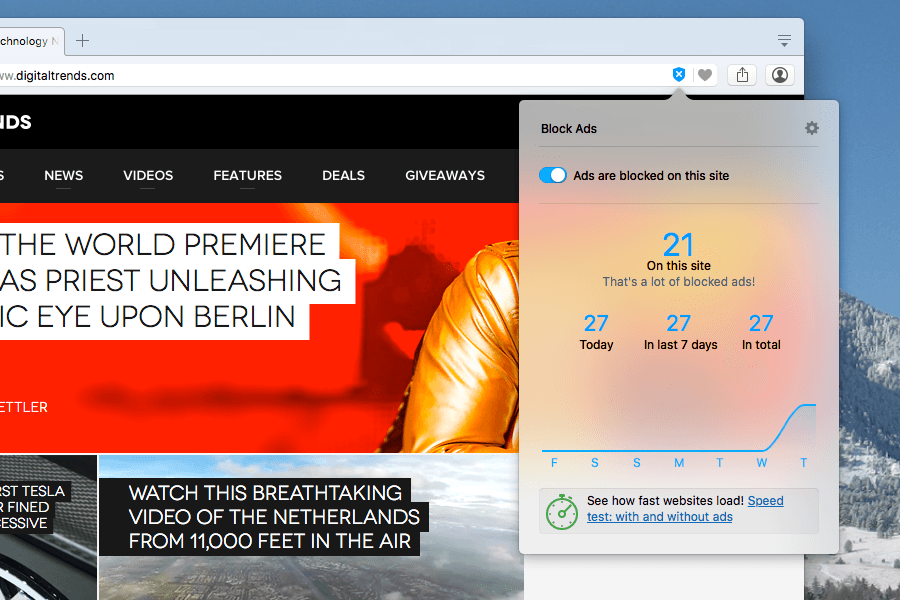
Why should I care? If you regularly watch YouTube with an ad-blocker enabled, today’s changes could disrupt your experience in unexpected ways, from blank screens to loading failures. What once felt like a smoother, ad-free ride may now come with conditions.
- You may need to disable or whitelist your ad-blocker just to gain normal access to videos.
- The crackdown increases pressure to subscribe to ad-free tiers like YouTube Premium if you want uninterrupted viewing.
- Browser extensions you rely on for cleaner browsing may face reduced reliability, affecting both ads and general performance.
Okay, so what’s next? It’s important to keep an eye out for the broader rollout of these measures. If YouTube rolls them out beyond logged-in users or across mobile/TV apps, the issue could become widespread. In the meantime, you can try some of these workarounds:
- Try incognito/private mode or a fresh browser profile, since in most cases, your blockers or extensions are flagged in your regular setup.
- Consider using an alternative browser with built-in ad-blocking (like Brave) or switch to a browser less targeted by YouTube’s blocker-detection systems.
- If you’re watching on TV or a smart display, check if ads appear there, as mobile or app versions might not yet have the same crackdown.
Going forward, ad-blocker developers will likely respond with updates, but for now, the power dynamic has clearly shifted: YouTube’s playing hardball.