  1. Home
  2. Phones
  3. News

Digital Trends may earn a commission when you buy through links on our site. Why trust us?

iOS 27 may let you adjust the Liquid Glass effect across your iPhone with a new slider

Apple is reportedly working on a system-wide control that would let users tweak the intensity of the Liquid Glass effect across iOS.

Add as a preferred source on Google
Apple iOS 26 running on the iPhone 16 Pro
Nirave Gondhia / Digital Trends

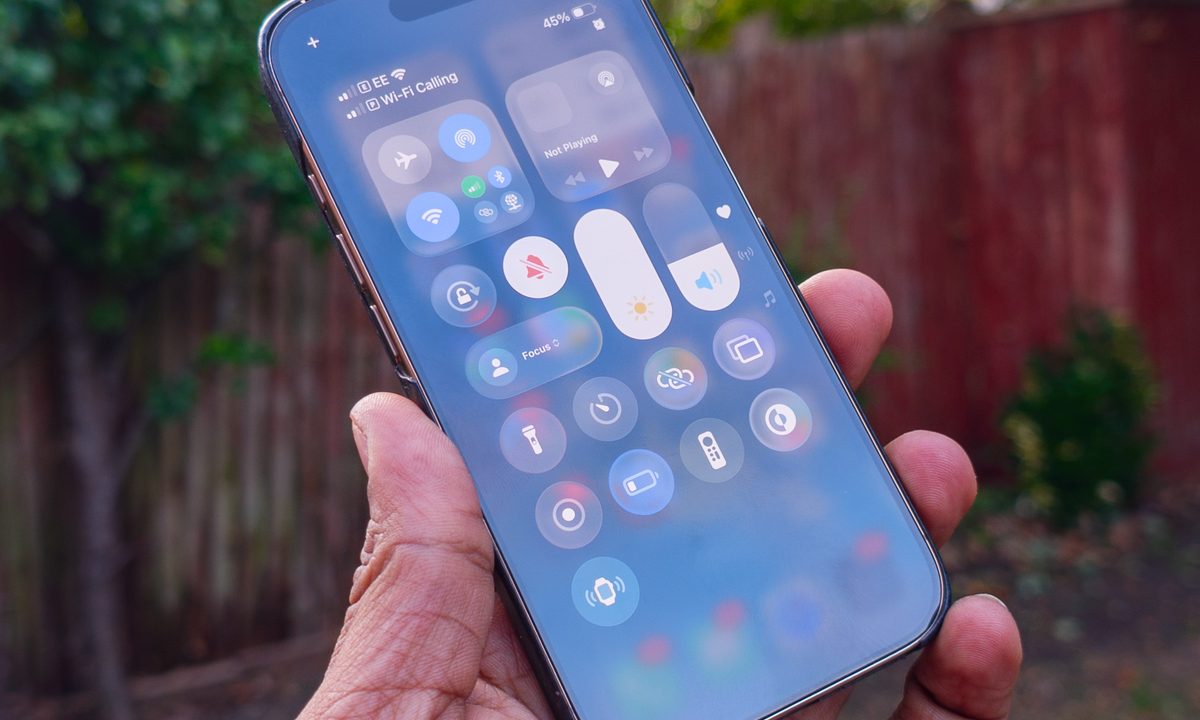
Apple gave iOS a massive visual overhaul with iOS 26, introducing the new Liquid Glass design language. The redesign brought translucent, glass-like elements that reflect and blur background content across system apps, controls, and navigation bars, giving the iPhone interface a completely new look. However, this new design didn’t go down well with all users.

Apple has since been gradually expanding customization options to help users tweak the look to their preference. With iOS 26.1, the company introduced a “Tinted” option that increases opacity across interface elements, and iOS 16.2 later added a slider that lets users adjust the Liquid Glass effect for the Lock Screen clock, making it appear clearer or more frosted.
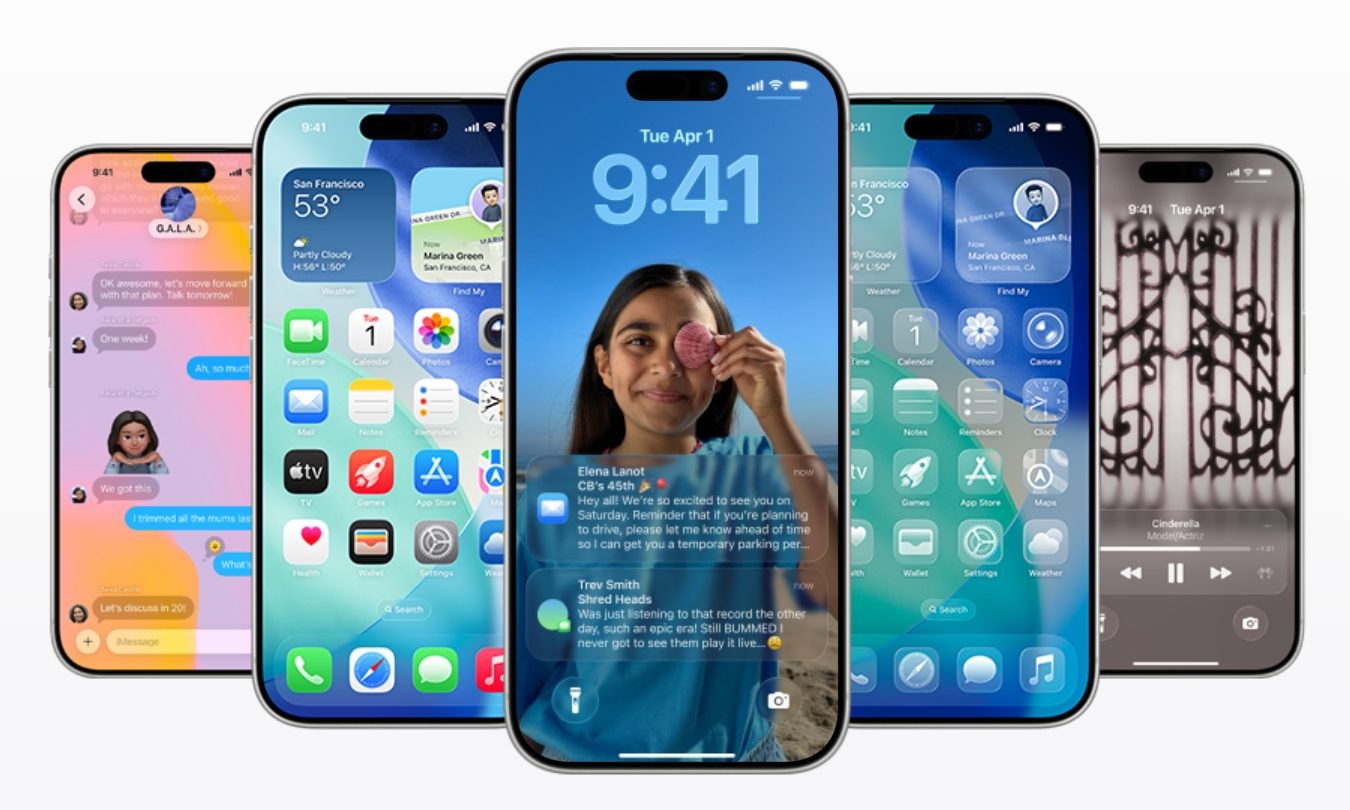
According to Bloomberg’s Mark Gurman, Apple may take that idea further in iOS 27 by introducing a system-wide slider that controls the intensity of the Liquid Glass effect across the entire operating system. Apple reportedly explored adding a system-wide control during the development of iOS 26, but ran into engineering challenges when trying to apply the setting consistently across the entire interface. Because of the technical hurdles, the company limited the slider to the Lock Screen clock.

Is a system-wide Liquid Glass slider confirmed for iOS 27?

The company is now said to be revisiting the idea for iOS 27, though the feature remains under development and may not necessarily make it into the final release. Gurman notes that Apple is “trying again now for iOS 27,” but whether the system-wide slider ultimately ships is still to be determined.

Recommended Videos

Even if it does arrive, the broader Liquid Glass design is expected to remain largely unchanged in iOS 27, with Apple focusing on incremental improvements rather than another major visual overhaul. Apple is expected to reveal more details about the update at its annual Worldwide Developers Conference before rolling it out to compatible iPhones later in the year.

Pranob Mehrotra
Pranob is a seasoned tech journalist with over eight years of experience covering consumer technology. His work has been…
iOS 27 hands-on: the iPhone update I have been waiting for
Faster, smoother, and far less buggy. iOS 27 is the glow-up your iPhone has been begging for.
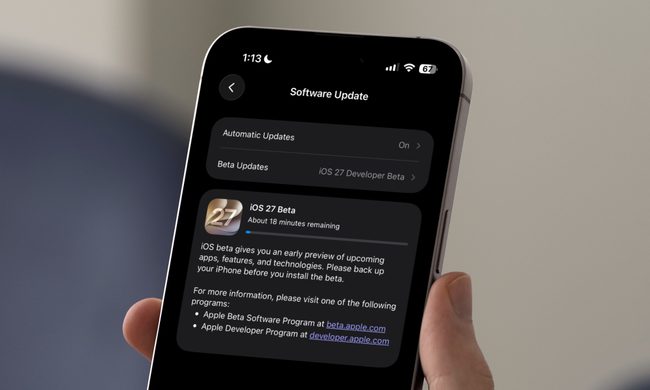
iOS 27 beta update open on iPhone

Apple dropped the first iOS 27 developer beta right after its WWDC 2026 event, and I installed it almost immediately. Although I don’t recommend anyone install a developer beta update on their primary iPhone, I couldn't hold back, as this update seemed like the one iPhone users have been asking for years. 

iOS 27 isn't one of those updates that throws a crazy new feature at you every turn. There's no dramatic redesign here and no laundry list of flashy features. Instead, Apple went back to its roots and fixed, refined, and polished what already existed. 

Read more
Waze is catching up on traffic lights, just not for everyone yet
A useful Google Maps and Apple Maps feature is spreading slowly through Waze.
Waze

Waze is starting to show traffic lights during navigation, but the update still isn’t reaching everyone at the same time. For drivers who rely on Waze every day, the new Waze traffic lights view is useful and overdue.

The change brings Waze closer to Google Maps and Apple Maps, which already show similar road cues. It’s a small visual addition, but it can help on long roads where the next signal affects how early you’ll slow down, change lanes, or prepare for a turn.

Read more
WhatsApp’s new iPhone update makes juggling two accounts much less annoying
Multiple accounts are now rolling out widely, with separate chats, notifications, and settings for each number.
WhatsApp Logo

WhatsApp is finally making it easier to run two accounts on the same iPhone, which should cut down on the old workaround of keeping one number in WhatsApp Business or on another device.

Spotted by WABetaInfo, WhatsApp multiple accounts iPhone rollout is now widely available through version 26.22.76, after a slower release that didn’t reach everyone at once. Users can add a second number inside the main app, then keep chats, calls, alerts, and settings tied to the correct login.

Read more