
  1. Home
  2. Computing
  3. News

Gemini Live can finally remember what you told it in past conversations

A quiet update brings chat history recall to Gemini Live, a feature text-based Gemini has had for over a year.

Add as a preferred source on Google
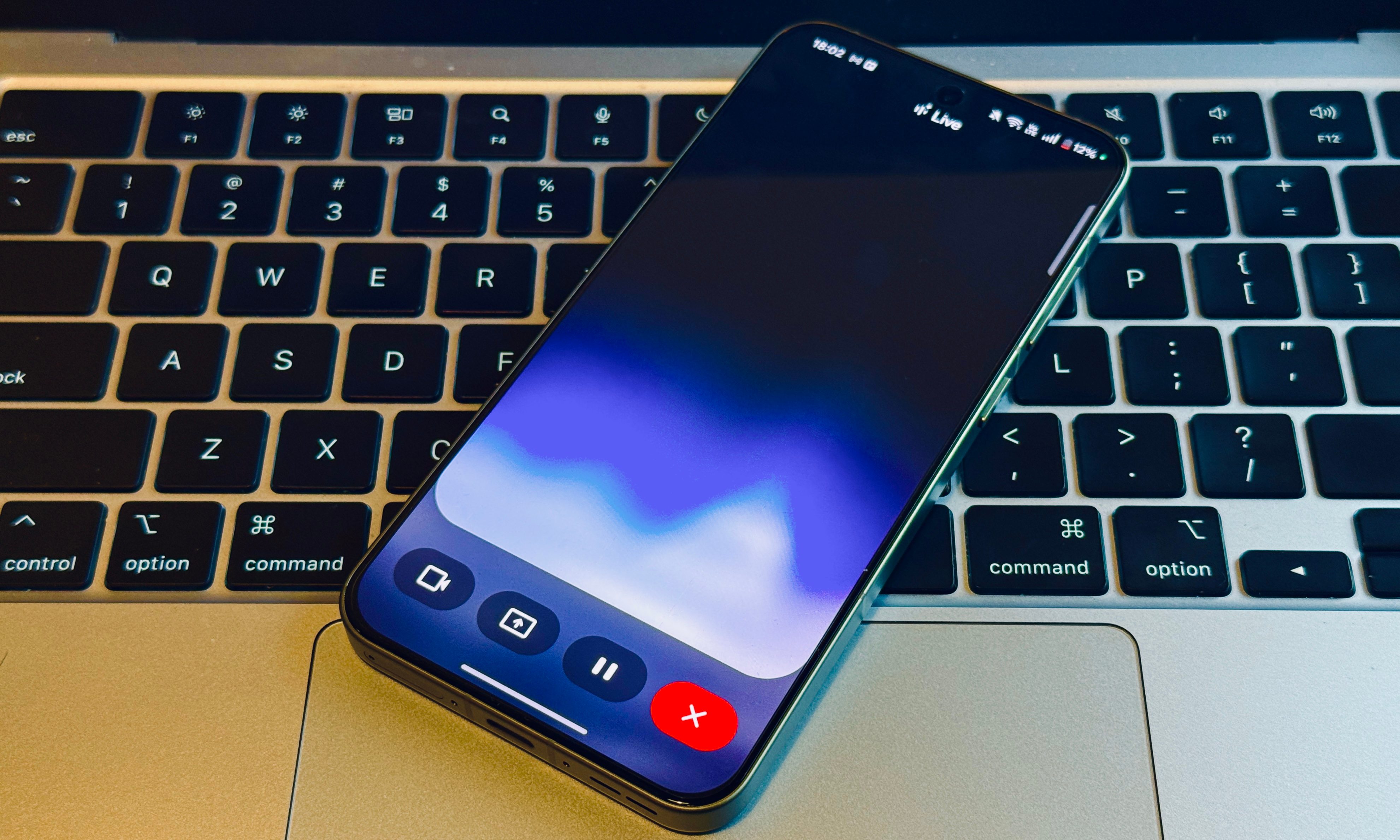
Home screen of Gemini Live with camera and screen sharing.
Nadeem Sarwar / Digital Trends.

Talking to Gemini Live no longer means starting from a blank slate every time. Google has quietly extended memory access to Gemini‘s conversational mode, allowing it to recall details from past conversations when answering new questions.

What the update brings

9to5Google spotted the change on a Google support page, which describes Gemini Live gaining access to memory of past chats, plus information from select Connected Apps. With this change, Gemini Live can now hold onto specifics shared in earlier sessions, like dietary restrictions or important family dates, so users no longer have to repeat themselves.
The feature is rolling out in English in the US for now, with no word from Google about a wider release or support for more languages.

Closing the gap with text-based Gemini

Memory has been part of Gemini’s standard chat experience for over a year, but Live operated without it until now, creating an odd split depending on whether someone typed or spoke to the assistant. The latest update closes that gap, but one inconsistency remains.

Recommended Videos

9to5Google notes that the Personal Intelligence settings page on Android still lists momory as “coming soon” for Live, despite the feature already functioning for some users. This points to a staggered rollout, so you may not see the feature on your end just yet.

Memory is the kind of feature people only notice when it’s missing. Gemini Live had gone without it well after rivals like ChatGPT’s voice mode picked it up, and closing that gap does more for everyday usefulness than flashier additions tend to. If this update follows the same pattern as memory’s debut in standard Gemini, broader language support and wider availability should follow in the coming months.

Pranob Mehrotra
Pranob is a seasoned tech journalist with over eight years of experience covering consumer technology. His work has been…
macOS 27 Golden Gate: Everything we know about the new features landing on your Mac
Apple’s next Mac update is all about Siri AI and a cleaner Liquid Glass design
macOS 27 Golden Gate

Apple has officially unveiled macOS 27 Golden Gate, the next major version of macOS coming to supported Macs later this year. And while last year’s macOS Tahoe update was all about giving the Mac a fresh Liquid Glass redesign, Golden Gate looks more like Apple’s cleanup and Apple Intelligence update.

macOS Golden Gate is jam-packed with new features, including the redesigned Siri AI, a new standalone Siri app, Visual Intelligence on Mac, more capable Apple Intelligence features across core apps, performance improvements, and some much-needed design refinements. It is also a notable update, since Intel Macs are no longer part of the supported device list.

Read more
Google’s AI Overviews are blabbering about fictional monsters as if they’re real
A new report claims Google's AI Overviews described fan-fiction horror creatures from the SCP Foundation as documented fact in at least 20 cases.
Google Search AI Overview misidentifying May 6 2026 as May 20 2025.

Google's AI Overviews feature is reportedly presenting entries from the SCP Foundation, a popular fan fiction universe built around fake horror "anomalies," as though they describe real creatures and events. Futurism found at least 20 cases where the AI-generated summaries skipped any mention that the SCP entries are fiction.

Confusing made-up monsters as the real thing

Read more
Adobe’s new AI assistant could save you hours in Photoshop and Premiere
Premiere Pro users may never have to rename 500 video clips again
Adobe

Adobe is making one of its biggest bets yet on AI-powered creativity. The company has announced a major expansion of its creative agent across Firefly and Creative Cloud, introducing AI assistants capable of handling complex, multi-step workflows across applications, including Photoshop, Premiere Pro, Illustrator, InDesign, and Frame.io.

The move positions Adobe's AI agent as a central layer connecting every stage of the creative process, from brainstorming and content generation to editing and final production. Rather than simply generating images or text, Adobe's vision is to create an assistant that can understand a creator's goal and execute a series of actions across multiple tools.

Read more