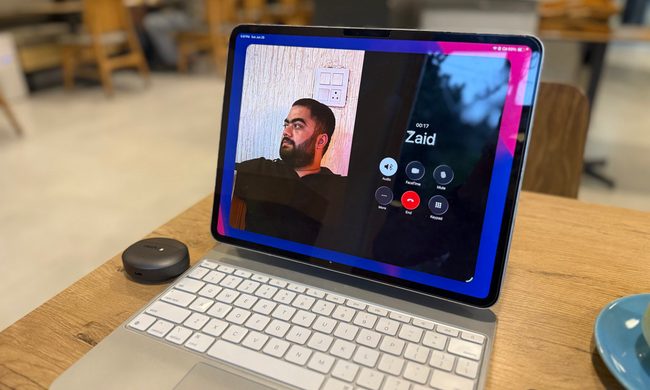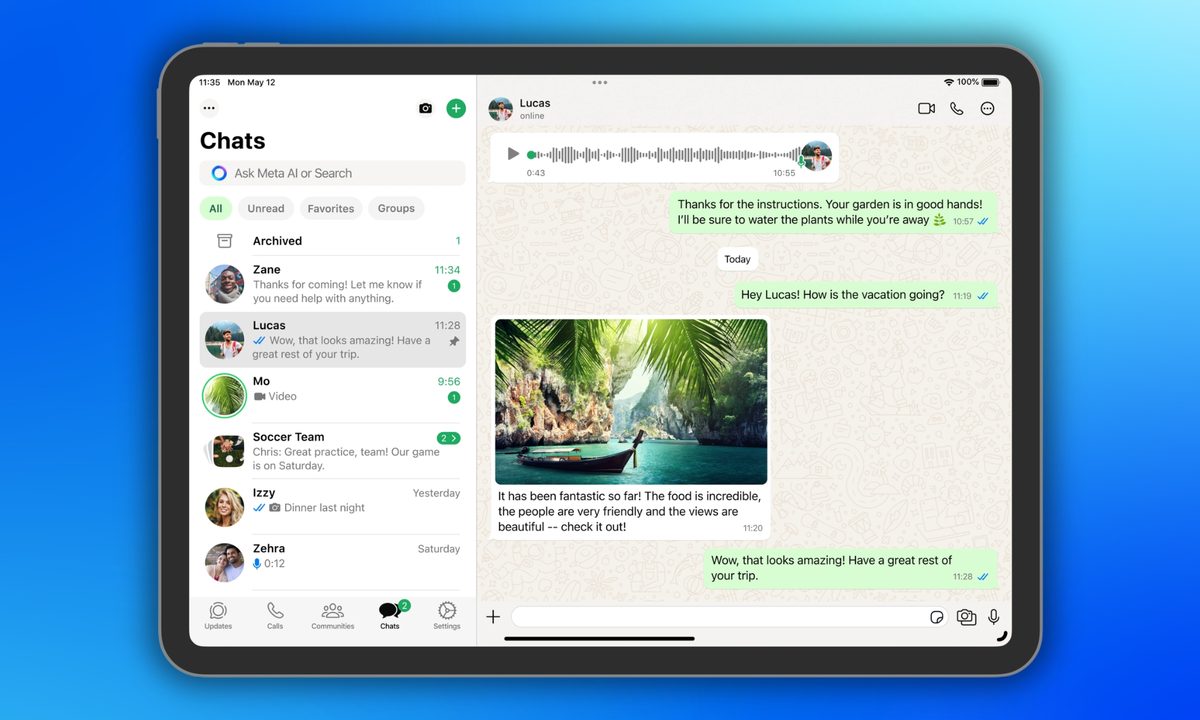
If you’ve ever used WhatsApp on your iPad, you already know its limitations. You can’t set it up without a primary device, can’t share live location, and can’t use the broadcast lists feature.
That’s finally changing. WhatsApp’s latest update gives iPad users a long-due promotion. Rather than serving as an extension of your iPhone, it will soon become your main device.
So what exactly has changed?
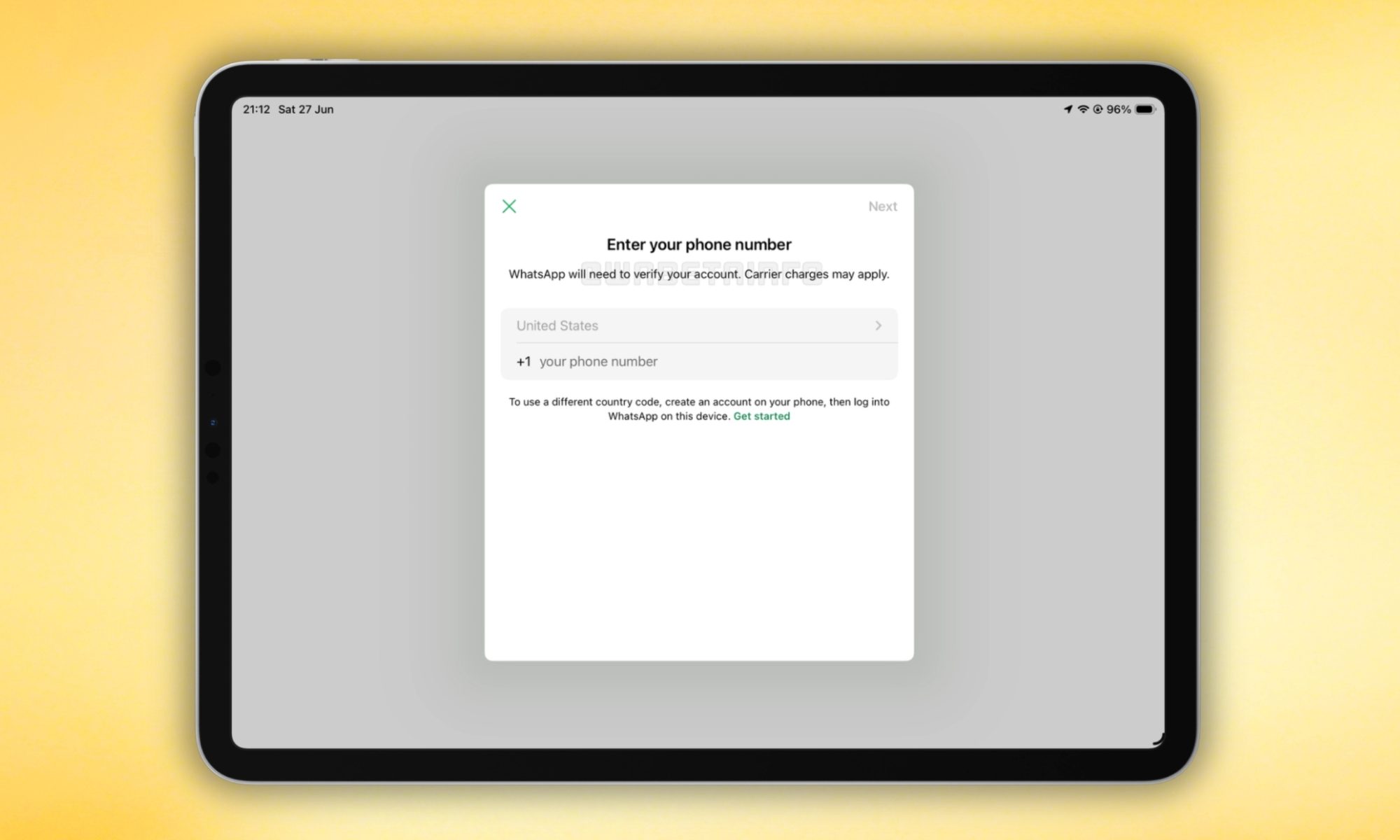
Starting with WhatsApp for iPad version 26.25.74, WhatsApp is rolling out the option to set your iPad as a primary device rather than a companion device (via WABetaInfo).
When the update reaches you, you’ll be able to register your account directly on the iPad using your phone number or an existing passkey, similar to how you’d set up WhatsApp on a new phone.
Once configured as the primary device, the iPad gains everything missing from the companion mode: live location sharing, broadcast list creation, communication with businesses via Flows.
To me, this sounds like a quality-of-life upgrade for those who rely on an iPad for their daily workflow. No iPhone needed to authorize the setup, and no more automatic logouts after 14 days of inactivity.

Does this affect companion mode for existing iPad users?
No. Companion mode is staying exactly as it is; WhatsApp isn’t forcing anyone to switch. When you set up WhatsApp on a new iPad, you can choose whether to set it up as a companion or a primary device.
If you prefer to keep your phone as the primary device and the iPad as a secondary device, nothing changes. The new primary device option is particularly useful if your phone is being repaired or if it dies while you’re out and you still need to stay reachable.
As I mentioned previously, the feature is rolling out to users on the latest App Store update for WhatsApp for iPadOS. Broader availability is expected over the coming weeks.