
Despite being over two years old, Apple’s MacBook Air M2 has remained one of the best laptops you can buy, as well as one of the best MacBooks. It’s incredibly well-built, exuding an elegance that few other laptops can match. It’s also plenty fast for productivity users, and its GPU is optimized for creators. Its keyboard, touchpad, and display are all top-notch.
Enter the MacBook Air M3, which came out in early 2024. In theory, it took the place of the M2 MacBook Air, but Apple kept that older model around in the lineup at a cheaper price. While the M3 MacBook Air has faster performance, particularly in GPU-intensive apps, and the M3 model supports an additional external display (with the display closed). It’s $100 more, but is that uptick in price justified? Here’s how to decide which MacBook Air is right for you.
Specs and configurations
| Apple MacBook Air M3 | Apple MacBook Air M2 | |
| Dimensions | 11.97 inches x 8.46 inches x 0.44 inches | 11.97 inches x 8.46 inches x 0.44 inches |
| Weight | 2.7 pounds | 2.7 pounds |
| Processor | Apple M3 (8-core) | Apple M2 (8-core) |
| Graphics | 8 GPU cores 10 GPU cores |
8 GPU cores 10 GPU cores |
| RAM | 16GB 24GB |
16GB 24GB |
| Display | 13.6-inch 16:10 Liquid Retina IPS 2560 x 1664 | 13.6-inch 16:10 Liquid Retina IPS 2560 x 1664 |
| Storage | 256GB SSD 512GB SSD 1TB SSD 2TB SSD |
256GB SSD 512GB SSD 1TB SSD 2TB SSD |
| Touch | No | No |
| Ports | 2 x USB-C with Thunderbolt 4 1 x 3.5mm audio jack |
2 x USB-C with Thunderbolt 4 1 x 3.5mm audio jack |
| Wireless | Wi-Fi 6E and Bluetooth 5.3 | Wi-Fi 6 and Bluetooth 5.3 |
| Webcam | 1080p | 1080p |
| Operating system | macOS Sonoma | macOS Sonoma |
| Battery | 52.6 watt-hours | 52.6 watt-hours |
| Price | $1,099+ | Buy at Best Buy |
| Rating | 4 out of 5 stars | 4 out of 5 stars |
Despite the fact that we’re still waiting for the M4 MacBook Air, Apple did provide an update to its MacBook Air lineup in late 2024. Alongside the M4 MacBook Pro, the M3 and M2 MacBook Air both now start with 16GB of RAM. The 8GB RAM models have been removed from the lineup, without charging extra for the additional memory. That’s a fantastic change, especially since it used to cost $200 upgrade to 16GB.
So, yes, now the 13-inch M3 MacBook Air starts at $1,099, coming with 16GB of RAM and 256GB of storage. The M2 MacBook Air is only sold in the 13-inch form factor, starting at $999. That also gets you 16GB of RAM and 256GB of storage. Other than that, the two models have all the same configurations available, including up to 24GB of RAM and 2TB of storage.
With that considered, you need to be very careful when buying either of these configurations. Both are being sold at third-party retailers for as much as $150 off these days, but don’t accidentally buy an 8GB model.
Display and ports
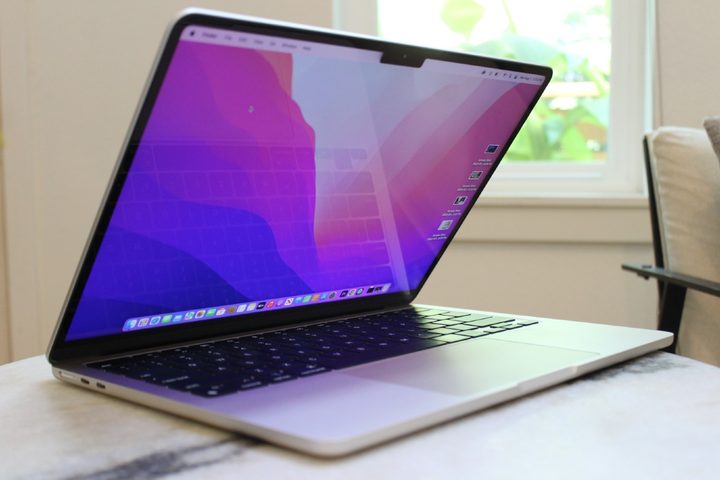
Both laptops offer the same display, a 13.6-inch IPS display running at 2560 x 1664 and pumping out up to 500 nits of brightness. In our testing of the MacBook Air M2, the display provided very good color width at 100% of sRGB, 90% of Adobe RGB, and 100% of DCI-P3, with very good accuracy at a Delta-E of 1.08 (1.0 or less is indistinguishable to the human eye). The MacBook Air M3’s display is every bit as strong.
One very important change to the MacBook Air M3 is its support for two external displays when the lid is closed. That’s a significant improvement over the MacBook Air M2, which only supported one external display with the lid open or closed. While the MacBook Air M3 is also limited to a single external display when the built-in display is in use, the ability to use two high-resolution (up to 5K at 60Hz) displays when the lid is closed will please those who want more screen real estate. For some people, that alone is a reason to spend extra money on the new model.
It should be noted that if you open the lid of the M3 MacBook Air, it will automatically shut off one of your external monitors. That means you won’t be able to use the MacBook Air keyboard and touchpad in this setup — you’ll need to use external peripherals. There are also reports that performance is reduced while the lid is closed due to thermal restraints.
I’ll also mention wireless connectivity here, as it’s one of the only other changes between these two laptops. The M3 MacBook Air gets the upgrade to Wi-Fi 6E, whereas the M2 is still on Wi-Fi 6. It’s not a huge difference, but rather some future-proofing to make sure you get the highest internet speeds if you plan to upgrade your router anytime soon.
Performance
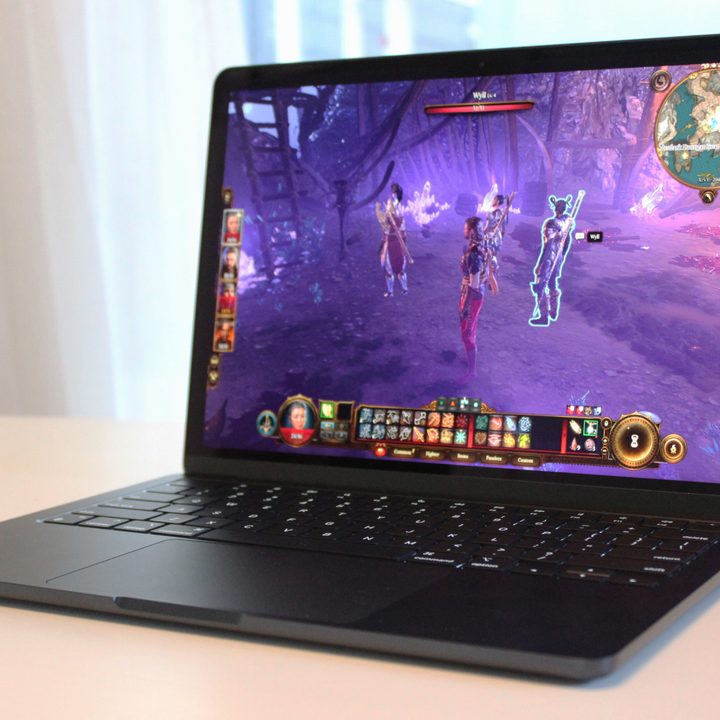
Of course, the most significant change is the Apple Silicon M3 chipset upgrade, which provides a significant uptick in performance thanks to a switch to a 3nm process. In Geekbench 6, the M3 was 19% faster in single-core performance and 20% faster in multi-core. That is a significant increase and will provide significantly faster productivity performance.
In the Cinebench R24 GPU test, the improvement was more stark. The M3 GPU was 76% faster than the M2 GPU, thanks to various improvements that include built-in hardware mesh shading support and ray tracing and the new Dynamic Caching memory system. We didn’t test either chipset using any live games, but Apple says the new chipset’s graphics provide up to 60% faster frame rates in No Man’s Sky over the M1 and up to a 60% improvement in Final Cut Pro. In our own testing, the M3 MacBook Air should be capable of playing many AAA games.
Finally, the M3 has a faster 16-core Neural Engine that should help speed up AI functionality. That’s an increasingly important specification, and it makes the MacBook Air M3 more competitive with laptops using the Intel and AMD Neural Processing Units (NPUs).
| Geekbench 6 single/multi |
Cinebench R24 (GPU) | |
| Apple MacBook Air (M2) |
2,606 / 10,024 | 1737 |
| Apple MacBook Air (M3) |
3,102 / 12,078 | 3,049 |
Portability
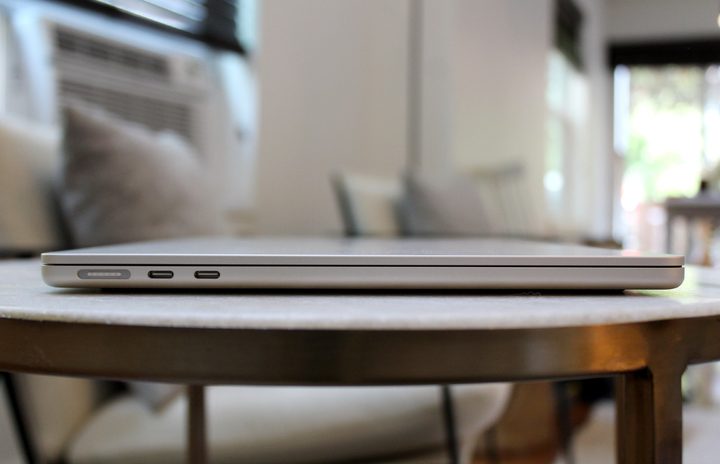
Both laptops are very small and relatively light machines that will fit into any backpack and won’t wear you down. There’s no difference between the two in their portability — but they’re two of the thinnest laptops you can buy right now.
The MacBook Air M2 has excellent efficiency and some of the best battery life in a 13-inch laptop today. We saw 18 hours of web browsing and 21 hours looping our test video, which is twice as long as the Windows laptop average. You’ll get not just all-day longevity but battery life that lasts well into a second day of typical use. The M3 MacBook Air is every bit as long-lasting at around 19.5 hours of web browsing.
Design
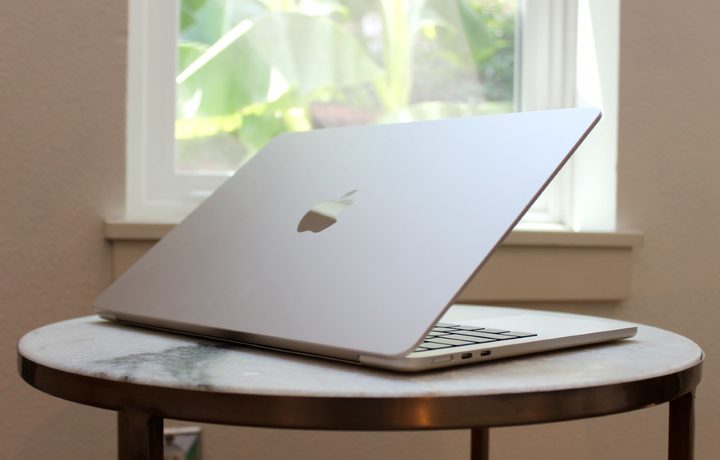
The MacBook Air M3 retains the stunningly thin CNC-machine aluminum chassis at just 0.44 inches thick and weighing 2.7 pounds. The display bezels are small, thanks to a controversial notch in the display for the webcam, making for a pleasantly dense and very small laptop. The chassis is solid and exudes quality, while the lid is just the tiniest bit bendable. Note that the MacBook Air M3 also has a 15-inch model that’s incredibly thin at 0.45 inches and light at 3.3 pounds.
The same colors are available as before, including Silver, Starlight, Space Gray, but now there’s a new option in Midnight. The more fingerprint-resistant (almost) black color first debuted on the M3 MacBook Pro, and is now available on the MacBook Air as well. Aside from the new color, the MacBook Air M3 and M2 are identical in appearance — and gorgeous. Few laptops offer the same elegance and fastidious design.
The Magic Keyboard remains in place with its large keycaps, plenty of key spacing, and the same snappy, precise switches that aren’t the deepest around but are still the most comfortable. The Apple Force Touch haptic touchpad is the same size and provides the best haptics on a laptop, thanks to the additional functionality provided by the Force Click feature.
Wired connectivity is also the same, with dual USB-C ports with Thunderbolt 4 support and a 3.5mm audio jack. Power is provided by a MagSafe 3 connection that protects against accidental spills and keeps the USB-C ports available when charging. The webcam is also unchanged, providing the same 1080p resolution and software tools.
Is the M3 MacBook Air really worth it?
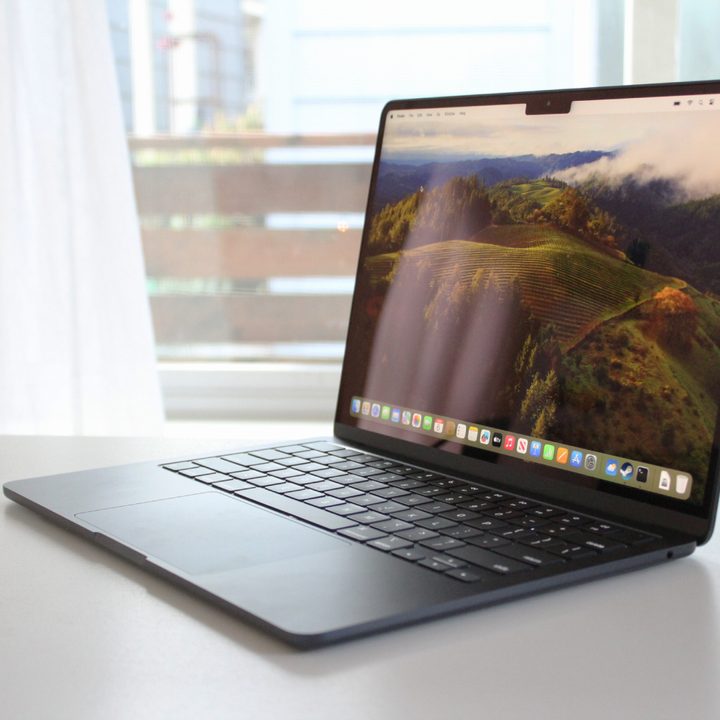
There’s much less of a difference between the M3 MacBook Air and the M2 MacBook Air than in the previous generation jump. The two laptops look identical (minus the Midnight color option) and offer a very similar overall package. In the past, only $100 separated the M2 MacBook Air from the M1 MacBook Air despite having a completely different design.
So yes, the MacBook Air M2 remains a great laptop for $999 if your budget is tight — especially since it’s often selling for as low as $750. That’s a great price for an M2 MacBook Air, so long as you’re getting the 16GB model. It’s the one that most people should buy if you’re considering a purchase right now.
While the M3 model is also selling for a good price these days, I would recommend waiting until the M4 MacBook Air comes out. It’s not rumored to launch until early 2025, but it should provide a more meaningful jump in performance over the M2. It should also force prices on the M3 MacBook Air to drop even further.
Still not certain? Here’s how to decide which Mac to buy and which model is right for you.


