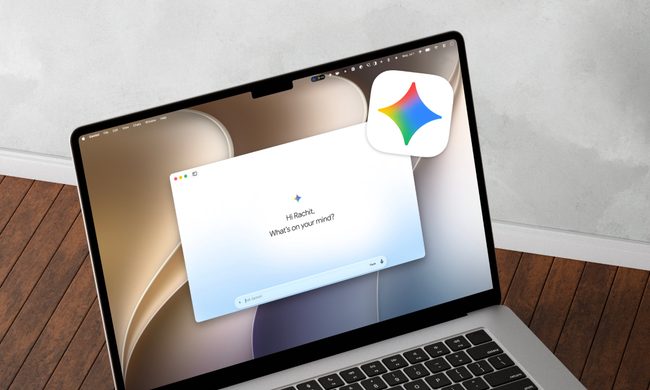
If you’re interested in converting to the shiny bitten Apple, or have recently taken a bite yourself, you should know that Macs natively run on macOS, short for (surprise) Mac operating system. Folks have been using Macs before even the first official Windows launch back in 1985 (Apple beat it by one year, debuting in 1984).
Apple and Windows have been competing with each other in a tight race since then, and Apple has consistently marketed macOS as being the easier one to use. Fast-forward a few decades, and you can see that Apple has reinforced that idea by not only making macOS a smoother experience, but also tying together an entire ecosystem of technology wrapped up in a single Apple account.
Today, macOS provides a clean shiny space for your Mac to play around in, but it can also mirror your iPhone, so you can juggle your entire life on only one device. And with features like Continuity, you can connect all of your Apple devices together to work seamlessly across your day.
What is macOS?
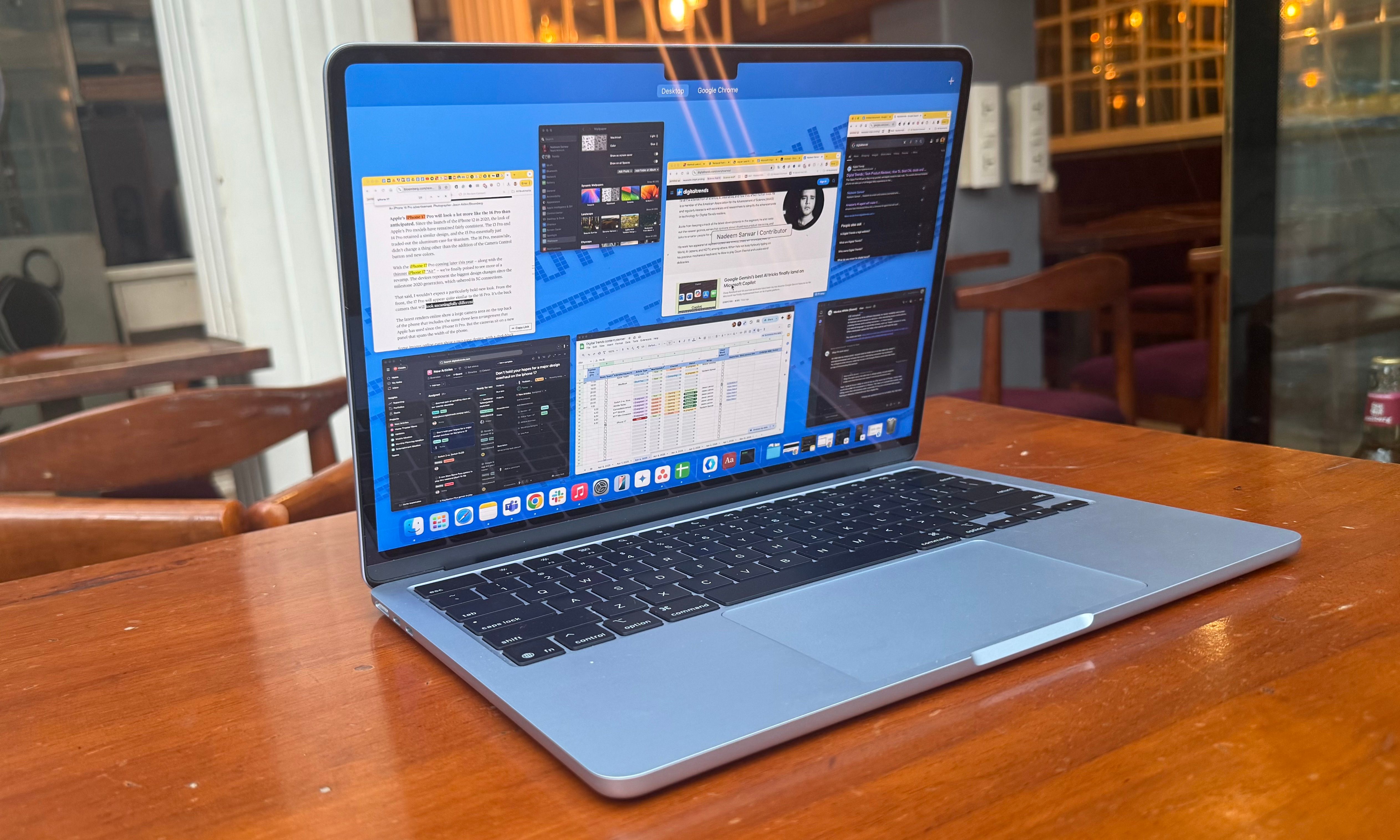
The answer to this question lies in the very name itself. MacOS is essentially a condensed way of saying an operating system that runs on Mac computers. Before we dig into what makes macOS special, or sets it apart from alternatives such as Windows and Linux, here is an interesting bit of history that not many fans might be aware of.
Dell, you see, is one of the oldest and biggest names in the global PC industry, serving Windows on consumer machines for decades. However, at one point, Apple’s co-founder Steve Jobs offered to license macOS on Dell computers, but due to an odd royalty deal proposed by him, the idea was rejected by Dell’s founder and chief, Michael Dell.
“It could have changed the trajectory for Windows and Mac OS on PCs. But obviously, they went in a different direction,” Dell said in an interview with CNET. The rest, as they say, is history. Apple has kept macOS exclusive to its Mac computing machines, and such is the company’s grip on it that macOS can’t run on the current-gen iPads, even though they now look like full-fledged laptops and even come equipped with a desktop-grade processor.

Over the years, Apple has released over 20 major versions of the operating system, which began its modern journey as Mac OS X Server 1.0 back in 1999. In the years that have passed since, Apple has shifted the branding from Mac OS to OS X, before finally settling on the macOS moniker back in 2019. Interestingly, Apple used to market its software with an attached animal name (Jaguar, Panther, and Snow Leopard), but has since settled with geographical landmarks such as High Sierra, Yosemite, Mojave, and Tahoe.
What’s the latest version of macOS?
As of September 15, 2025, macOS Tahoe is the latest version of the operating system. It’s widely available for most users and currently shipping with the new MacBook Pro M5.
Like its predecessor (macOS Sequoia), macOS Tahoe is compatible with all Macs equipped with Apple Silicon. You can also upgrade older devices running Intel chipsets, like the MacBook Pro (16‑inch, 2019) and the MacBook Pro (13‑inch, 2020, Four Thunderbolt 3 ports).
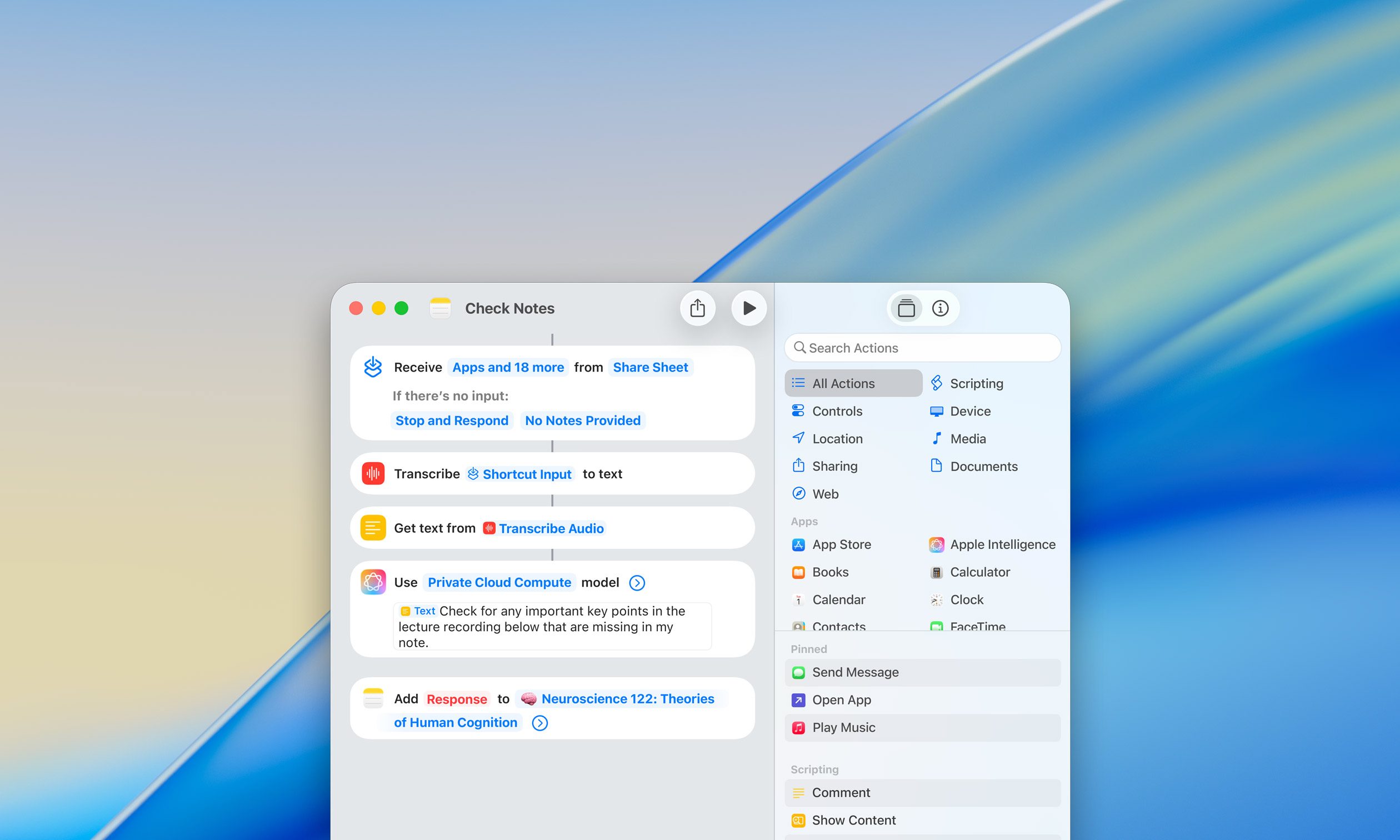
Apple put all of its eggs in the AI basket (again), so you’re getting a new suite of AI-related features in macOS Tahoe, including updates to Apple Intelligence. Some of the notable upgrades include adding complex AI-powered Shortcuts, more customization options for the Control Center (like new colors for folders, icons, and widgets), and Spotlight letting you send emails and create notes from the search bar. However, the most immediately noticeable thing will be the transparent menu bar.
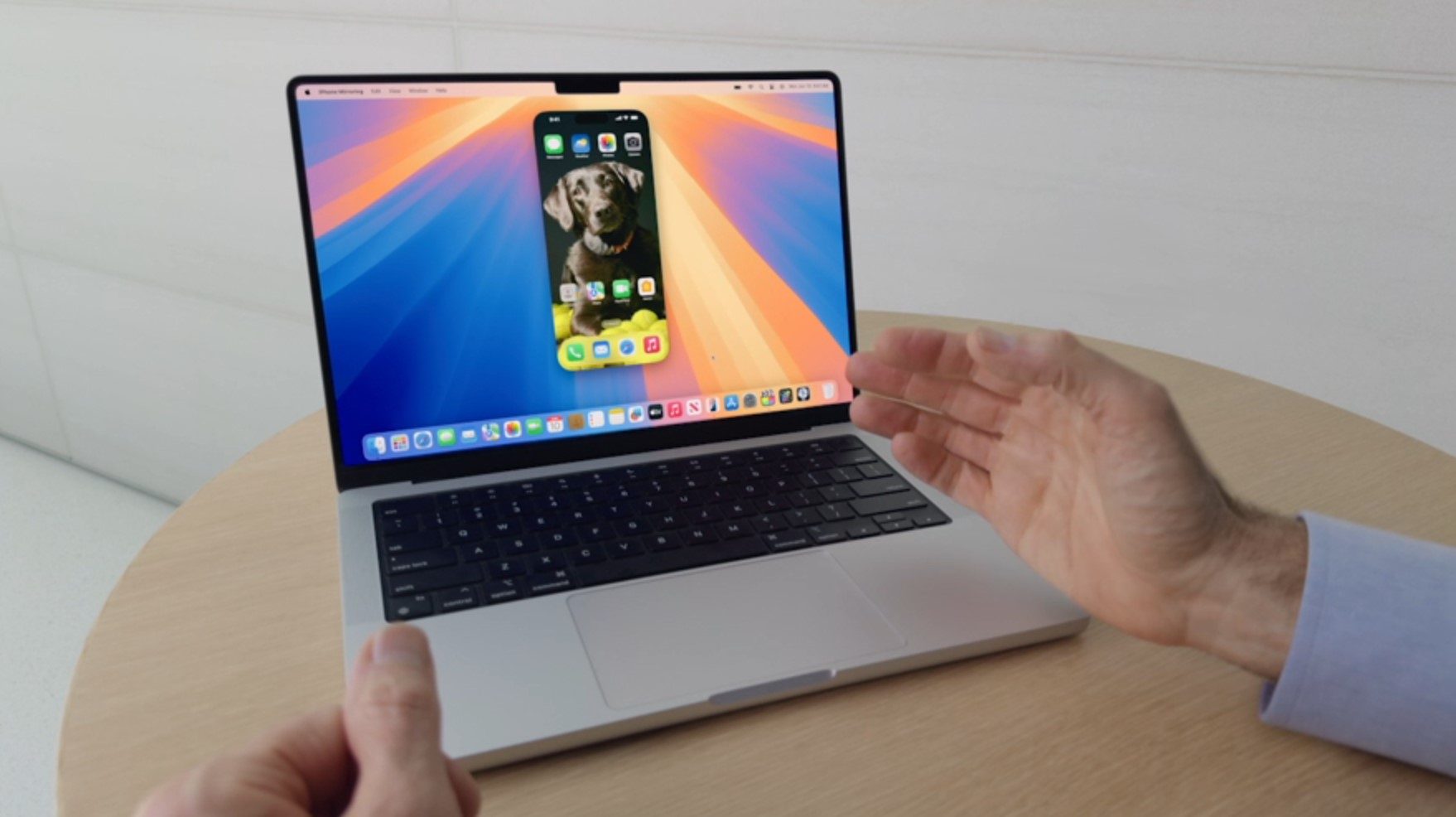
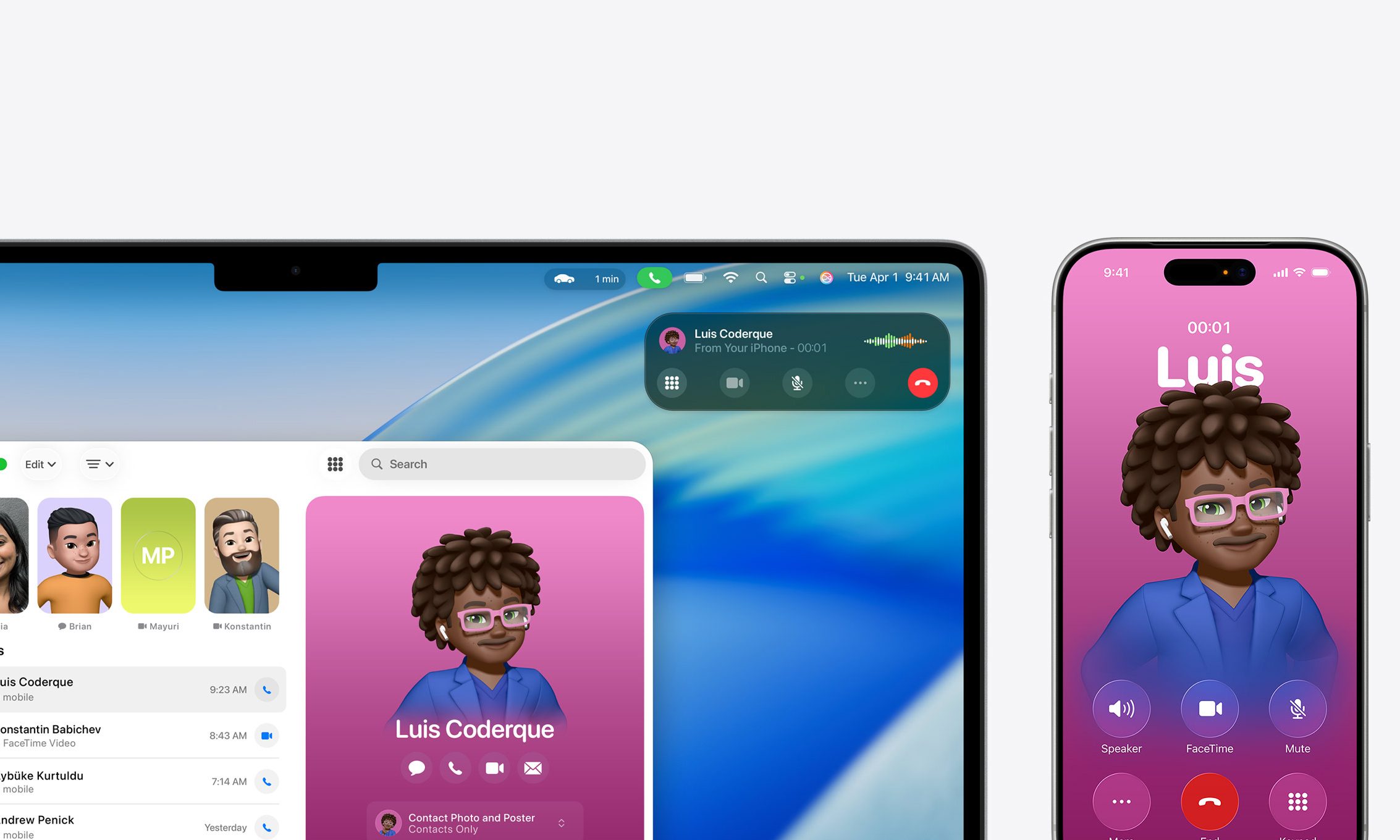
For the heavy multitaskers, you’ll appreciate the updates to Continuity. With the Phone app and Live Activities, you can work seamlessly across all your Apple devices. That means you can take calls on your Mac through a new dedicated app and even see updates for things like when Uber Eats is going to arrive at your door.
There’s also Live Translation for Messages, FaceTime and the Phone app, which is definitely one of the coolest things for human connectivity as a whole.
The next macOS version
The next build of the Mac operating system carries the numerical designation of v27, but since macOS Tahoe (v26) just launched, we don’t know much about the next macOS version.

If history repeats itself, we’ll likely see it launch sometime in Fall 2026. Unfortunately, macOS Tahoe was the last version of macOS to support Intel-based Macs, which means that macOS 27 will be compatible with only Apple Silicon devices. Apart from that, there’s very little we know about macOS 27.
What macOS version do I have?
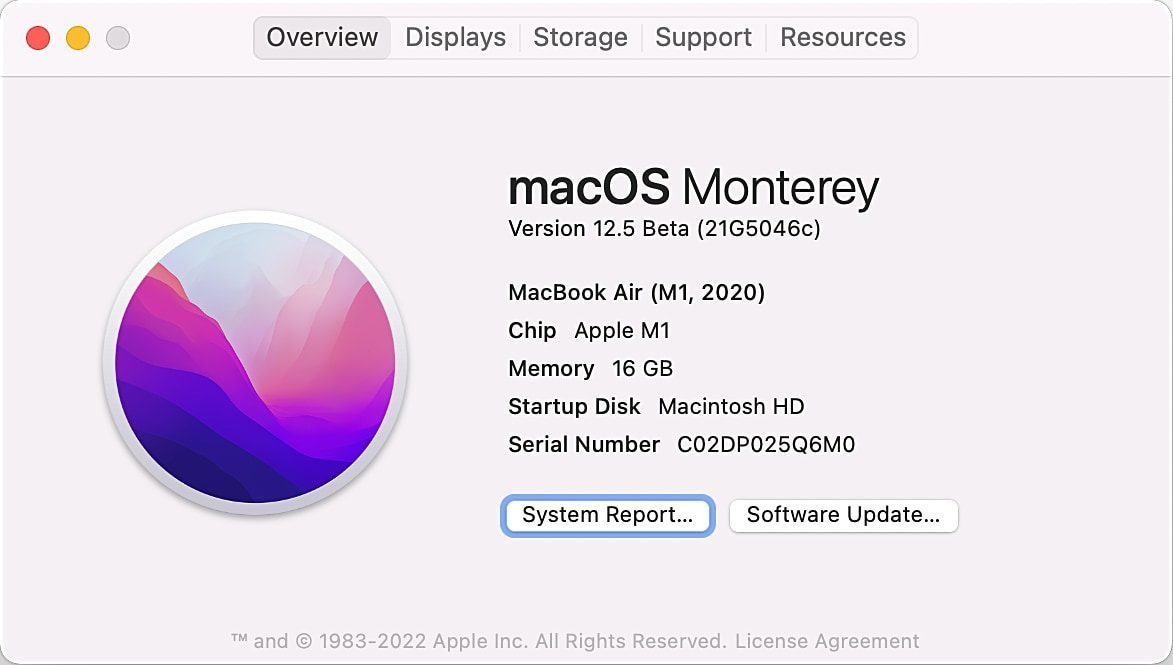
Not sure about the exact version of macOS that is currently running the show on your trusty Mac? Well, it’s fairly easy. Just click on the Apple icon in the upper left corner of your Mac’s screen and click on the “About this Mac” option.
Doing so opens a small floating window that shows the model number of your Mac, alongside a bunch of other system details. At the bottom of the list is the macOS field, and corresponding to it is the exact version. For example, it says “Tahoe 26.0” on my MacBook Air.
How much does macOS Tahoe cost?
Apple’s Mac operating system, and all the corresponding software updates, are available as a free upgrade for all compatible machines. Naturally, macOS Tahoe is a free software build. If you have a Mac that was launched within the last five or six years, it should already be running macOS Tahoe.
If not, the machine is compatible to receive the free upgrade. You can simply head over to the software update section in the pre-installed Settings app and download it without any technical caveats. For older Macs that are out of the compatibility list, there are third-party tools such as the OpenCore Legacy Patcher, but do keep in mind that it’s a fairly technical process to get it up and running. Unlike Windows, Apple doesn’t sell physical or digital copies of its OS to regular or enterprise customers.
Should I upgrade to macOS Tahoe?
Unless you have a particularly technical reason for not running the latest build of macOS, or your Mac is simply not compatible, you should update it to macOS Tahoe. It’s not just because this build is loaded with new features, but also because it keeps your computing machine protected against the latest security threats that have been identified and patched by Apple.
It’s a continuous cat-and-mouse game between bad actors ready to exploit the latest vulnerabilities and Apple’s team at finding and plugging those loopholes. Aside from the obvious security risks, you should also pay close attention to the apps, which often require that users install the latest build of an operating system to get the best out of them.

Now, let’s talk a bit about the features that might compel you to install macOS Tahoe on your Mac. Apple Intelligence gets some upgrades, including Live Translation, which automatically translates texts, adds captions to FaceTime, and translates speech in calls. That alone is quite the impressive feat. If you are interested in more AI features, you can use Shortcuts to create more complex AI actions to “accelerate your workflow,” as Apple puts it. It might take some tinkering before you find something that works for you.
Adding the Phone app and Live Activities makes Continuity even more useful. Being able to make and take calls right from your Mac with a dedicated app provides a much neater experience. You get to see your phone notifications as well, and when you click on one, it’ll open iPhone Mirroring, so you don’t even need to touch your phone while on your Mac.
For those that like a little more flair in their Mac experience, Apple updated light and dark appearances and transparent designs for app icons (Apple is loving its Liquid Glass motif). Not to mention, there are new colors for folders, icons, and widgets. You can also customize the controls and layout in the menu bar and Control Center.
There’s plenty on offer then, and the latest version of macOS is even tempting Windows fans to consider a switch.