

The MacBook Air has officially caught up. Now with the M3 on board, the MacBook Air has gained the benefits of the new chip, which was previously available just on the MacBook Pro and iMac.
Choosing between the M3 15-inch MacBook Air and the 14-inch MacBook Pro is tough, and requires an in-depth look at differences in ports, displays, speakers, and more. It’s a legitimately hard decision to make.
But there’s more general advice at play here that should guide the majority of buying decisions, and it comes down to really just one principle: be honest.
Stop kidding yourself

Look, I’m not going to convince you to take your budget more seriously. There will always be people who think something is better just because it costs more money. If you’re already convinced about spending as much money as possible, I can’t help you.
But given the number of people I see carrying around MacBook Pros makes me think there’s a general misconception out there about the two laptop lines. Or, put another way, people aren’t aware of just how good the MacBook Air has become. And if they were being honest with themselves, they’d realize that they’re probably better off buying the MacBook Air.
With the M3, the MacBook Air has become a very capable laptop. The GPU, in particular, has really become impressive in this latest generation, improving graphics performance by as much as 43% from the M2. It’s really that big of a jump.
But even if you go with the cheaper M2 model, which is still being sold by Apple, I have a feeling you’re going to be pleasantly surprised by just how good the performance really is. That doesn’t mean that it’ll compete head-to-head with laptops with discrete graphics like the ROG Zephyrus G14, but for what it is, I was certainly impressed in my own testing. You can even run a surprising amount of AAA games on this thing.
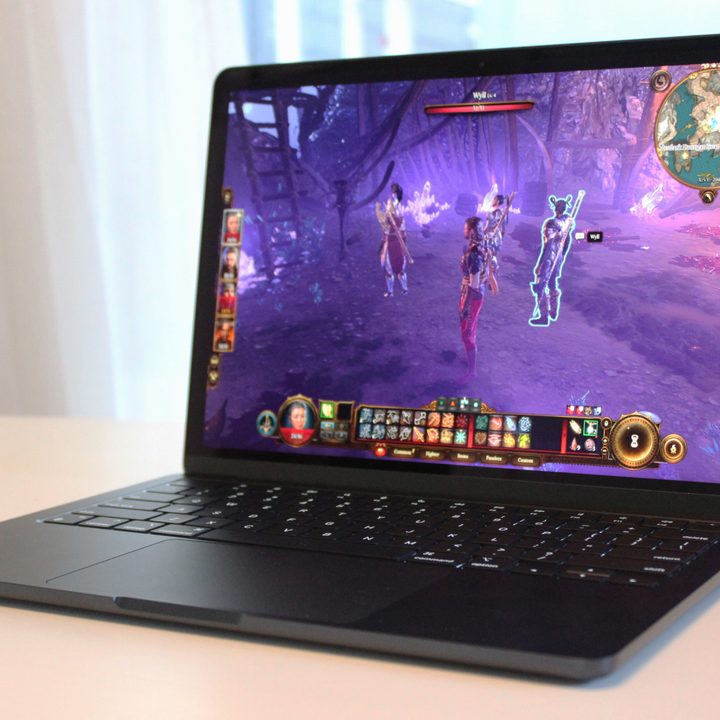
I was also impressed at how well it performed in video editing as tested in PugetBench. It’s a compact, fanless laptop, and yet it earned a higher score in the PugetBench Premiere Pro test than the Dell XPS 14 with its RTX 4050 GPU.
What that means, in the end, is that so long as you’re not a professional video editor, music producer, or developer, the MacBook Air will even handle some of your creative hobbies quite well. The only people who will actually appreciate the performance of the M3 Pro or Max MacBook Pro are those who are running Premiere or Pro Tools all day. My only advice is that if you do want to dabble in some heavier applications, make sure to upgrade to 16GB of RAM.
Benefits of the MacBook Air
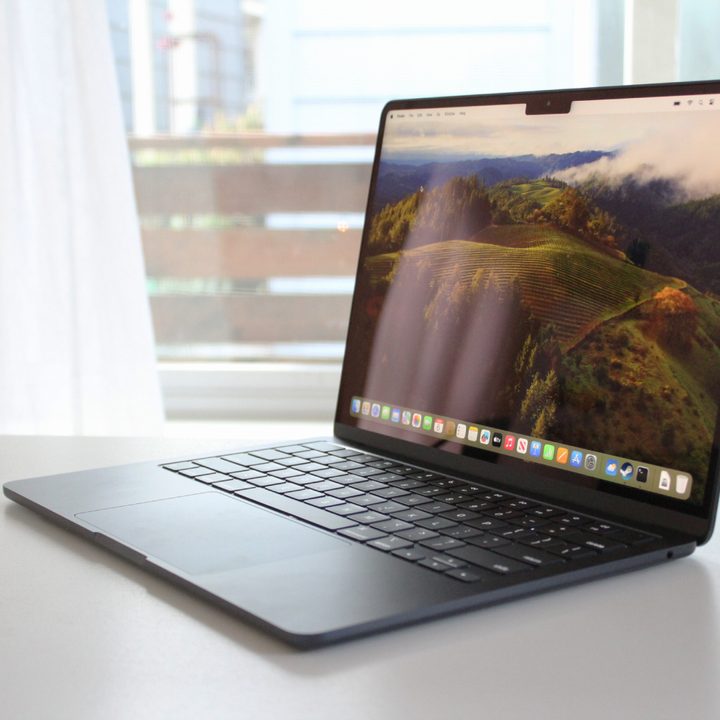
There are three major advantages of the MacBook Air. Obviously, the price is the primary advantage. The 13-inch MacBook Air starts at just $999 and comes with the M2 chip, while the M3 model comes in at $100 more. Not only does the 14-inch MacBook Pro not offer a cheaper configuration with 8GB of RAM, but it also starts with a 10-core GPU in the base configuration. So, that makes the 14-inch MacBook Pro implicitly more expensive. Throw in the fact that the M2 MacBook Air is currently selling Buy at Best Buy , and you have a pretty killer deal.
But putting price aside, the MacBook Air has a couple of other benefits. First off, it’s significantly more compact than the MacBook Pro. That’s especially true for the 13-inch model. The 14-inch MacBook Pro is 28% thicker and 21% heavier than the 13-inch MacBook Air — and takes up less space on the table. If you plan to travel with your laptop a lot, the MacBook Air has the clear advantage.
Secondly, the MacBook Air is completely fanless. That means it’s silent — no matter what. Even if you’re attempting to play games, the MacBook Air never makes a peep. It’s kind of magical from that perspective, especially given just how fast it really is.
Now, I can’t put all that out there without mentioning the many advantages the MacBook Pro has over the Air. Its screen is brighter and more vibrant, the speakers are better, and it comes with significantly more ports. For plenty of people, those are must-have features. But if they’re more ancillary features for you, you’ll want to take a serious look at whether they’re actually worth the extra cash — and heft.


