What happened: Anthropic has announced a major upgrade for its Claude AI assistant: integration with Microsoft 365.
- Through a new MCP connector, Claude can now tap into widely used productivity tools like SharePoint, OneDrive, Outlook, and Teams.
- This means the AI can search, analyze, and summarize data directly from your documents, emails, calendars, and chats without the need to upload anything manually.
- Additionally, Claude now offers “Enterprise Search,” a feature that allows organizations to centralize their internal knowledge and retrieve it through simple prompts.
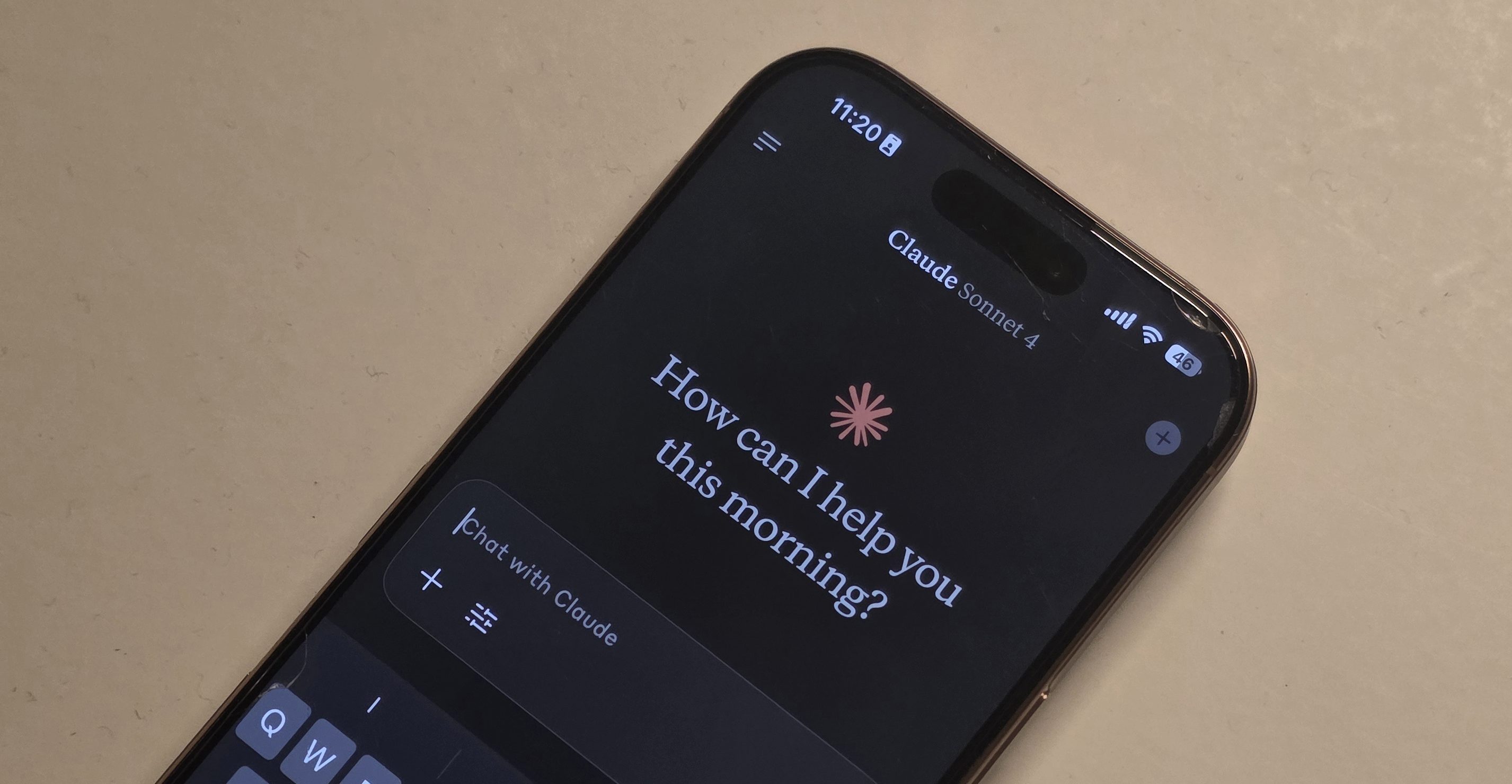
Why this is important: This integration transforms Claude from a smart chatbot into a powerful workplace assistant.
- By gaining access to organizational data, Claude can provide contextually rich answers, support decision-making, and even help resolve complex business challenges faster.
- It also unifies scattered information across tools, a problem many companies face as their data grows.
- Whether it’s project updates buried in Teams chats or policies hidden in SharePoint folders, Claude can now pull it all together.

Why should I care: If you use Microsoft 365, Claude’s new capabilities can save you hours of work. It can draft reports based on email threads, summarize client feedback from Outlook, or even identify team alignment from chat discussions. For new hires, it’s an onboarding cheat code, surfacing answers without lengthy searches. For leaders, it becomes an analytics tool, revealing trends and insights buried deep within organizational data.
What’s next: The Microsoft 365 connector is available now for Claude Team and Enterprise customers, but administrators need to enable it first. Once active, all team members gain access to enterprise search capabilities. As Anthropic continues to enhance Claude’s contextual reasoning, future updates may include deeper integrations, predictive insights, and more advanced automation—pushing the boundaries of how AI supports everyday work.