
Amazon Prime Day 2025 is almost upon us, and if previous years are anything to go by, we’re in line to see plenty of Dell Prime Day deals during the four day sale event.
From budget-friendly laptops for school work, to high-powered gaming machines, we expect to see a wide range of laptops, desktops and monitors feature in our Dell Prime Day deals round-up.
With so many options and configurations out there, it can be hard to find something worth buying, so we’re rounding up the best Dell Prime Day deals to help you out.
Prime Day kicks off on July 8, and runs through July 11. Amazon already has early deals live, but currently there aren’t any Dell products included. We fully expect that to change come July 8.
Last year’s best Dell deals
Amazon doesn’t have any early Dell Prime Day deals live, but we expect discounts to appear when the event kicks off on July 8 – if not before.
To give you an idea of the sort of Dell Prime Day deals you can expect, here are some of our top picks from Amazon’s Big Deals Days event back in October.
22% off: Dell G15 gaming laptop was $900 went down to $700
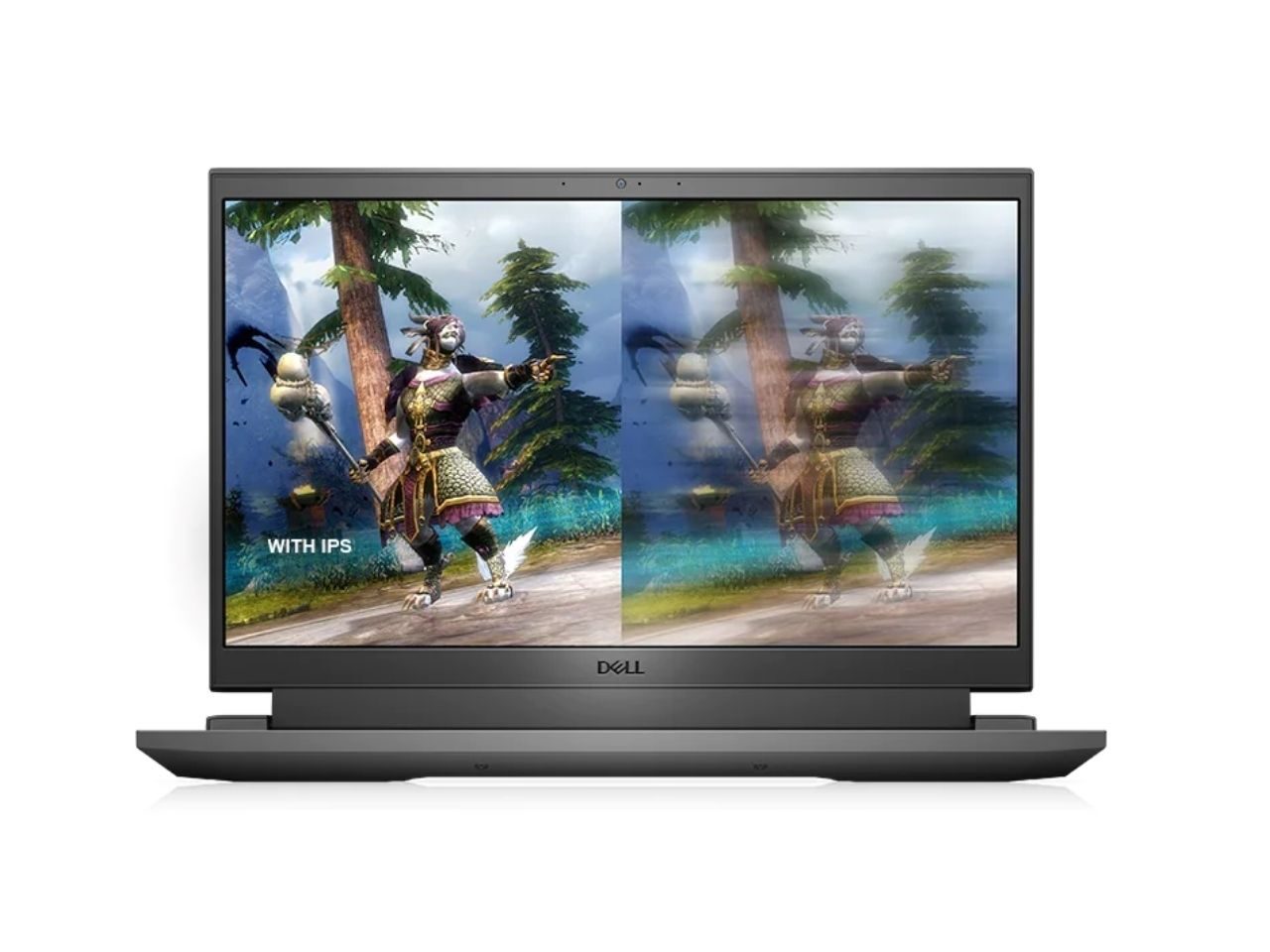
The Dell G15 is a standard laptop when it comes to budget-friendly gaming laptops. While it suffers a little from middling battery life, that’s really the case with most gaming laptops, and for less than $1,000, this configuration of the G15 came with an RTX 3050. That’s an entry-level GPU that should have you playing most modern games with a few graphical compromises, and luckily, the 15.6-inch screen that runs an FHD resolution won’t push the RTX 3050 too far. You also got a very solid Intel Core i5-13450HX, 8GB of RAM and 512GB of storage.
29% off: Dell Inspiron 15 was $700 went down to $500
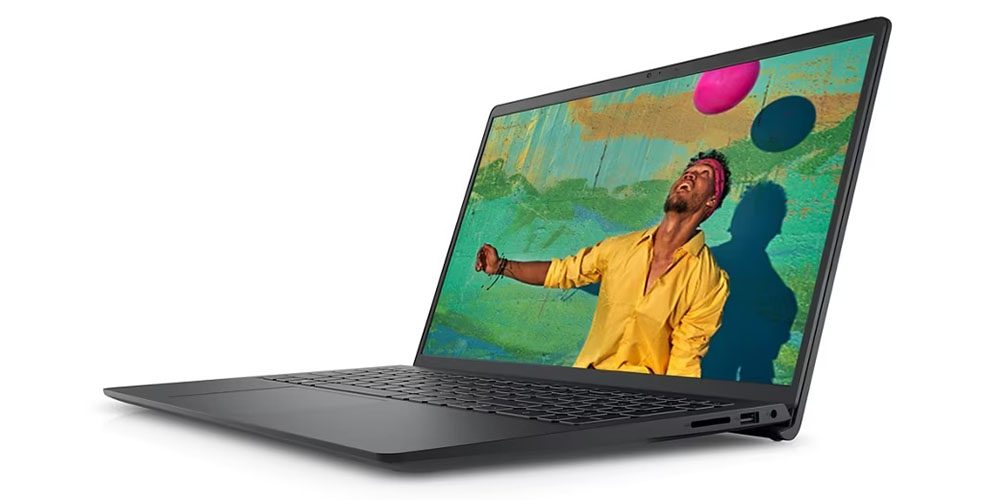
Inspiron is Dell’s budget-oriented line-up, but that doesn’t mean they are bad laptops. They’re great for those who don’t really need anything fancy. Its 15.6-inch FHD screen is great for watching content online, and the 120Hz refresh rate will make you feel as if the whole laptop is a lot smoother. The 12th-generation Intel Core i7 is a mid-range processor that’s more than powerful enough to handle most productivity tasks without an issue, supported by 16GB of RAM. You also get a pretty sizeable 1TB to work with.
30% off: Dell SE2422H monitor was $100 went down to $70
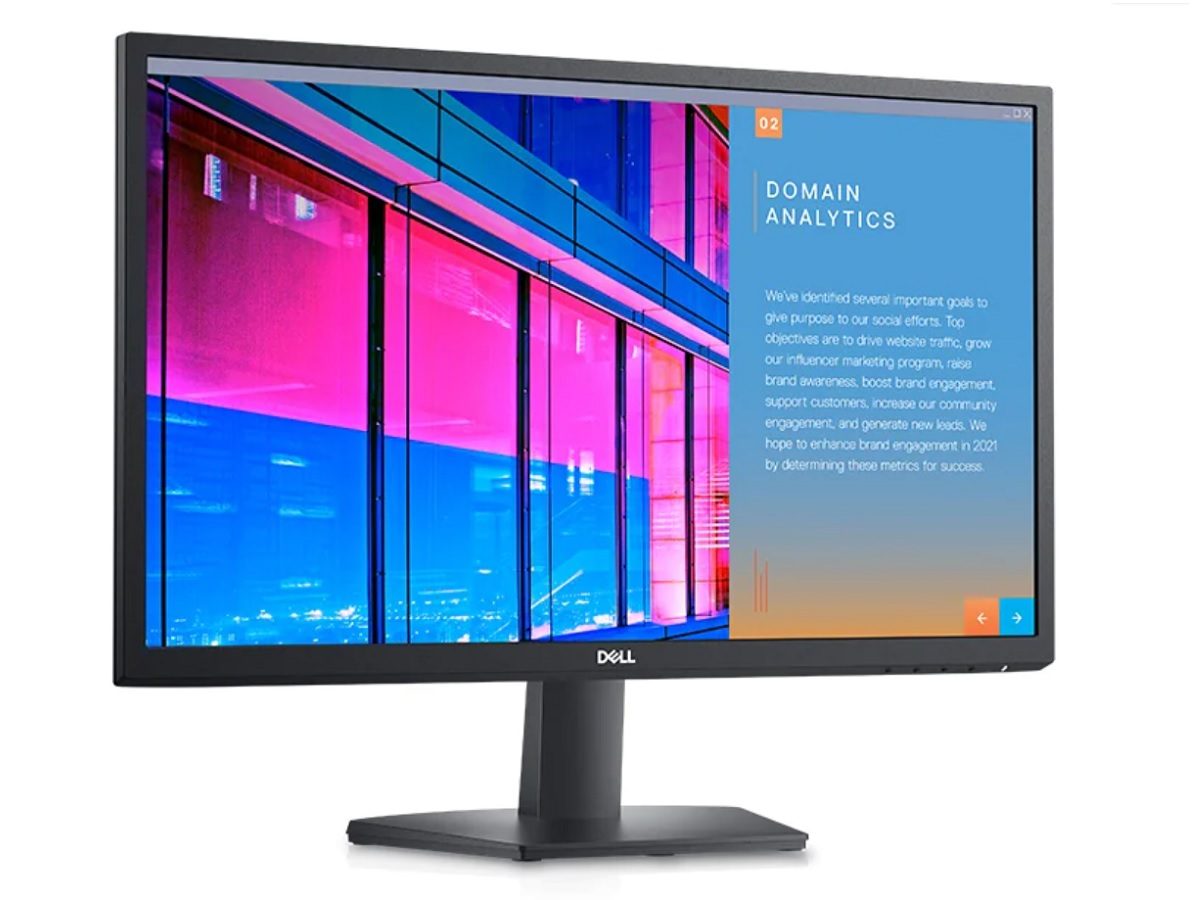
For a budget-friendly monitor, you can’t go wrong with the SE2422H monitor, which was on sale with a 30% discount for $30 in savings. The 24-inch screen offers Full HD resolution, and it comes with a pair of integrated speakers. It comes with HDMI and VGA ports so you can have two sources connected at the same time.
Dell Prime Day deals FAQ
If you’re not sure where to start with you Dell Prime Day deal hunting, we can help. Here’s what you need to know before you get clicking.
Do I need a Prime membership to access the Dell Prime Day deals?
Most Prime Day deals require you to have a Prime membership. If you don’t have one, Amazon is offering a 30-day free trail ($14.99 per month after that) which you can sign up to right now.
How to choose a Dell deal on Prime Day
While there is a lot that goes into any decision to buy a computer, there are certain baselines we have come to expect and that we wouldn’t really recommend going under.
For example, when it comes to RAM, anything below 8GB for a Windows laptop these days is really not worth it, mostly because Windows itself likes to take a substantial chunk of that, leaving you with not much else.
Also, when it comes to gaming, 16GB is generally the minimum amount of RAM we want to see for similar reasons. In truth, if you can snag 16GBs, it’s always best to go that route, even if it costs a little bit extra, which is why most if not all, the deals here are at 16GB. Also, while 32GB is great, it’s not worth it unless you program a lot or do a lot of CAD work.
Another example is the CPU. While you can certainly find laptops with something like an Intel i3 or Ryzen R3, those really are too entry-level at this point to give you a good experience unless you’re going for something really bare-bones. In fact, even Dell doesn’t offer many laptop configurations with i3s or R3s, so that’s not something you’ll necessarily have to worry about, but it’s still something you should be aware of.
Similarly, it’s worth keeping in mind that AMD CPU configurations tend to be cheaper than Intel configurations, and if you’re going for gaming, the latest 13th and 14th generation of Intel CPUs have been having issues, so it’s probably better to go with an AMD configuration if you’re gaming. That said, AMD is not as common, so that can be a bit harder to find, if at all.
Finally, one thing that’s worth noting is storage, and while it shouldn’t be a big issue for most folks, if you’re planning to buy a gaming laptop then you really want to have as much storage as possible.
The unfortunate reality is that a lot of modern games have quite large storage, so if you download a few AAA games, you’re already going to eat up a lot of a 512GB storage SSD. As such, you’ll want to aim for a gaming laptop that has at least a 1TB SSD or more if you can find it, although larger sizes tend to be much more expensive. Luckily, a lot of laptops these days can have their internals upgraded, so it’s not necessarily a dealbreaker if you want to find something with a smaller storage.
How we choose Dell Prime Day deals
Whenever a deal goes on one of these pages, a lot of decision-making process goes on behind the scenes, and it doesn’t only come down to something that has a good deal on it, but whether the item itself is worth grabbing.
For example, Dell has dozens and dozens of various configurations for each lineup, some with deals, some without, and often, we have to go through everything that’s on offer to make sure that anything we recommend does a good job of balancing cost vs. performance.
After all, you could, in theory, buy a laptop with something like an RTX 4090, but that’s incredibly overkill and will cost you a ton of money, and really, laptops don’t have the sort of thermal dissipation that can handle a card that powerful, which means they are often performance throttled, in which case, you might as well spend less money on a laptop with an RTX 4080 Super or even an RTX 4070.
Beyond that, we also look at historical prices and our reviews and compare them to the configurations that may add or subtract from any single deal before posting it on this page. We also have decades of combined experience in tech and commerce, so we have a good knowledge base to rely on whenever we recommend a deal.