
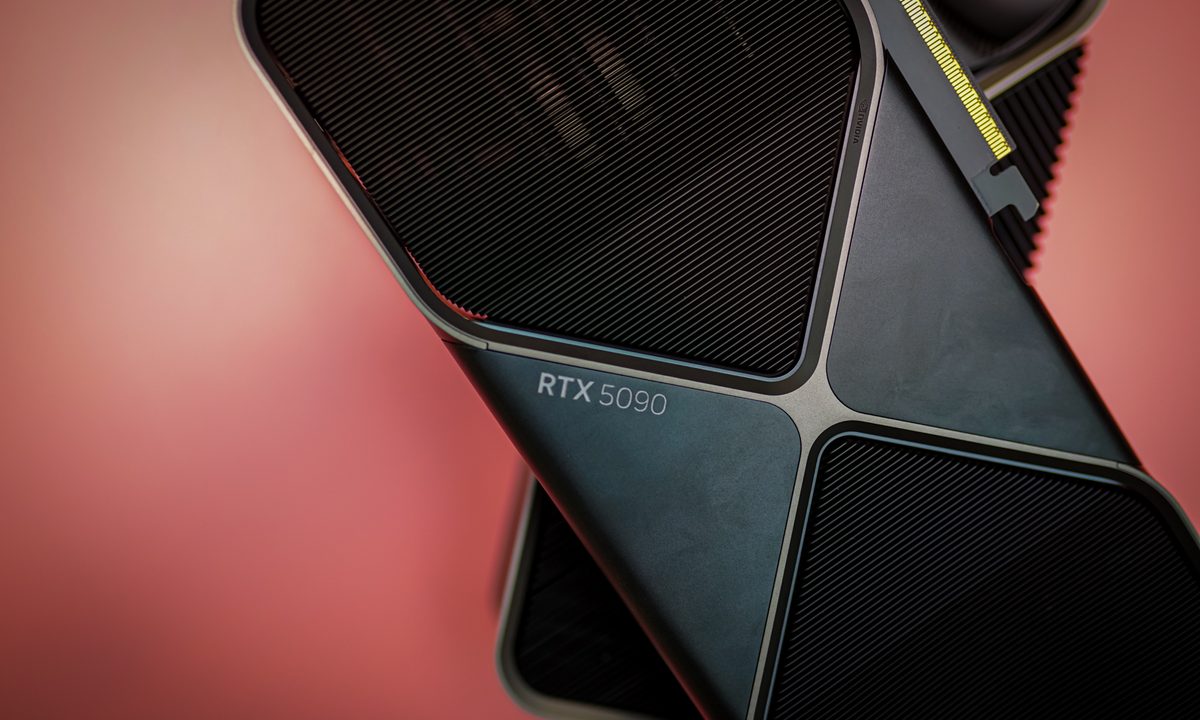
Nvidia’s Deep Learning Super Sampling just hit version 4.0 and it’s the most impressive version yet. The flagship feature is multi frame generation, which made a big splash with the debut of the RTX 5090 — along with grandiose performance claims — but it’s not the only one. DLSS 4 also introduces other neural rendering features, better upscaling, and a major overhaul of how all of its RTX features are handled, using a new real-time “transformer,” which uses the same kind of architecture as modern large language model AIs, like ChatGPT.
All of this makes DLSS 4 more powerful than ever before and it’s available across all RTX graphics cards — albeit with frame generation locked to the last couple of generations of Nvidia cards, at least for now.
DLSS Multi Frame Generation
The landmark feature of the latest DLSS is Nvidia’s Multi-Frame Generation, an AI-powered technology that can generate up to three additional frames using AI, based on a single rendered frame from the GPU. This is what allowed Nvidia to launch its RTX 5090 with such monstrous claims of “double RTX 4090” performance, and achieve over 200 frames per second (fps) in games like Cyberpunk 2077 and Black Myth Wukong, even at 4K with ray tracing enabled.
There are some caveats to Multi Frame Generation, namely that you need at least 60 fps (even if using DLSS upscaling) to avoid some of the worst artifacts that can come from the AI trying to generate frames without enough information. There can also be a strange ghosting, or motion-blur-like effect at times, so the 4X frame generation setting is one that will probably see less usage than the 3X or even 2X, which can both provide a sizeable uplift in frames per second.
Frame generation and multi frame generation in particular, also introduce additional input latency, but Nvidia’s new Reflex 2 technology does a good job of balancing that out.
Unfortunately, for now, DLSS multi frame generation is an exclusive feature of the RTX 50-series, like the RTX 5090 and 5080. There’s some talk of it coming to older graphics cards like the RTX 40-series, and even RTX 30-series with optimizations, but that’s very much up in the air.
DLSS 4 Super Resolution
The core feature of DLSS is its Super Resolution upscaling that lets the game render at a lower resolution to save GPU power, and then has AI upscale the frames to appear higher resolution. It comes in a range of quality modes depending on user preferences, and there’s also the option of Deep Learning Anti-Aliasing which just upscales for added quality, without enhancing performance. It also works with every Nvidia RTX graphics card, from the RTX 20-series right through to the latest RTX 50-series.
Whatever Nvidia RTX GPU you have, you’ll be able to take advantage of DLSS 4’s enhancements to DLSS Super Resolution. The new transformer model enhances DLSS image quality dramatically over the previous Convulitional Neural Networks (CNN) design, allowing for an increase in the number of sampled parameters from the rendered frame, giving DLSS more information to work with in upscaling the image. That in turn reduces ghosting and visual artifacts, improves motion resolution, and smooths edges far better than before.
This transformer model also improves the effect of additional RTX technologies like Ray Reconstruction, making ray tracing more effective on finer objects with viewer visual artifacts and less noise.
Better yet, this is just the first generation of Nvidia’s transformer model. It spent six years refining its CNN model, so we should see continued DLSS image quality improvements in the years to come, that can be enjoyed by all Nvidia RTX card owners, regardless of generation.
What games use DLSS 4?
One of the biggest flaws of previous DLSS generations is their lack of early support. When the first version of DLSS launched with the RTX 20-series cards in 2018, it was so new and fresh that only a handful of games made us of it. In the years since, we’ve seen hundreds of game developers adopt DLSS technology, alongside competing standards from AMD and Intel: FSR and XeSS.
With DLSS 4, though, Nvidia hit the ground running. On Day 1 of its RTX 5090 being available, it had over 75 games supporting DLSS 4 ready to play. You can find the full list here, but standouts include Indiana Jones and the Great Circle, STALKER 2, Alan Wake 2, Black Myth Wukong, Cyberpunk 2077, and more.
In games without native support, Nvidia is now offering DLSS overrides through the Nvidia app. This will allow you to force the transformer model, as well as force quality settings like Ultra Performance and DLAA that aren’t natively included in every DLSS game.
Get more frames without DLSS 4
If you aren’t set to buy an RTX 50-series graphics card or don’t have an Nvidia GPU at all, you won’t be able to enjoy DLSS 4, or any version of DLSS for that matter. You can still make use of FSR and XeSS in compatible games for some upscale-enhanced frame rates, but what about frame generation?
While Nvidia’s “RTX” version of that remains locked to its own hardware, you can use Lossless Scaling to enjoy frame generation in almost any game. It’s a $7 app on Steam and we’re big fans. Check it out if you’re getting some FOMO from all the new RTX 50 news.


