
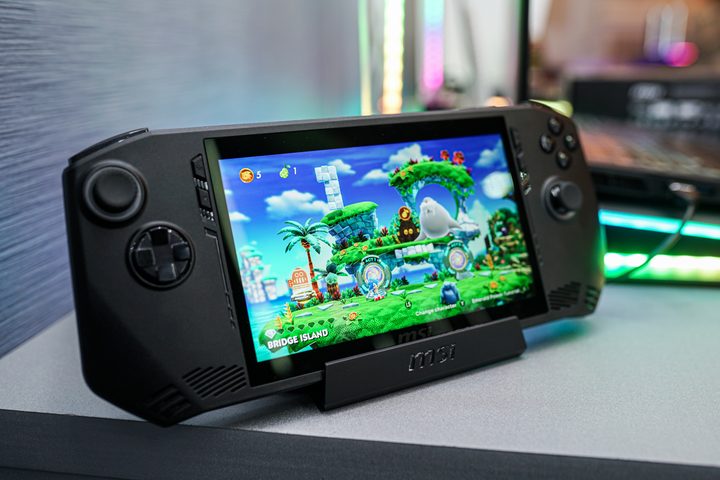
Don’t buy the new MSI Claw handheld, at least not yet. After being announced in January, MSI confirmed that its Windows-based handheld gaming PC would launch on March 8 through the official MSI store — today, if you’re reading this article the day it’s published. It says units will start shipping on March 12, with retailers selling them by March 15. MSI has confirmed that there won’t be any reviews for the handheld in the near future, unless a media outlet happens to get their hands on what is described as a “very limited” initial run.
Buying any new product before third-party reviewers can poke and prod it is problematic, but the MSI Claw is an even riskier venture. It’s not only MSI’s first handheld gaming PC ever, but it’s also launching with one of Intel’s Core Ultra CPUs. We don’t know how this chip will perform inside the Claw, and that’s a problem for the Claw without any independent reviews.
A new challenger
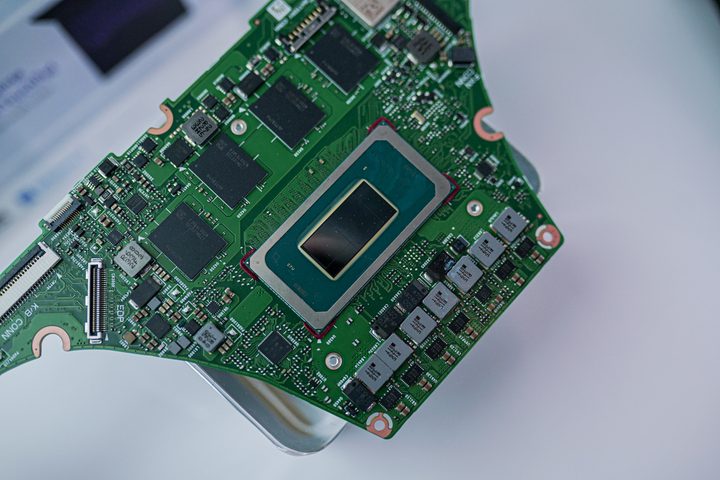
We’ve seen the Core Ultra 7 155H at play in a proper laptop, and it gives performance that can rival chips like the AMD Ryzen Z1 Extreme that you’ll find inside the Asus ROG Ally. That’s in a laptop, however. The constrained form factor of the Claw will likely limit some performance. We’ve seen some of that already in the OneXPlayer X1, with some reviewers pointing to potential driver issues with the integrated Arc graphics.
The highest chip MSI will offer in the Claw is the Core Ultra 7 155H, but a cheaper version with the Core Ultra 5 135H is also available. The Core Ultra 5 135H is weaker than the Core Ultra 7 155H on paper, but I’m unsure how that will play out in real-world performance. As I saw with the Asus ROG Ally with the base Ryzen Z1, two variants of similar chips can have vastly different performance.
All of this is just speculation right now — for all I know, the Claw could come out and wipe the floor with the competition from Asus and Lenovo. The problem is that we don’t know, and it will likely be quite a few weeks before we see multiple in-depth reviews of MSI’s first handheld. It could be a great performer; it could have driver issues; or it could trade blows back and forth with devices like the ROG Ally. The only way to know for sure is through third-party reviews, and we won’t have any of those for the first few weeks while the device is available for sale.
The software difference
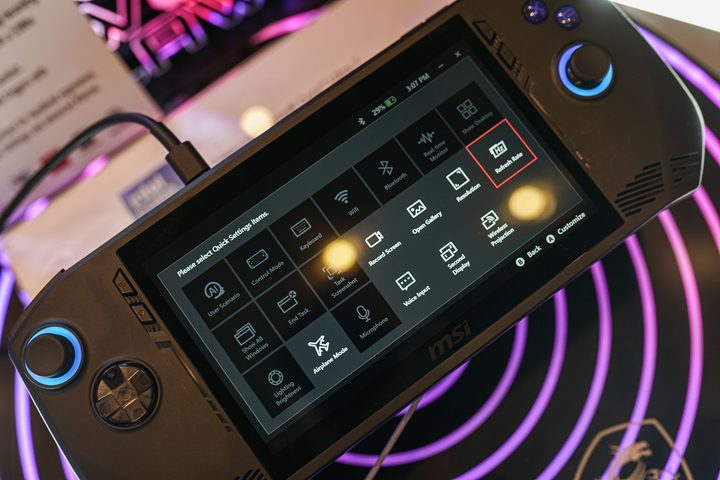
Performance isn’t my primary concern, however. We’ve already seen multiple times how important the areas outside of performance are for a handheld gaming PC. There was the issue of microSD cards frying inside the Asus ROG Ally, as well as the terribly buggy software in the Lenovo Legion Go when it was first released. There was even the fan on the Steam Deck, which was notoriously loud and whiney on the first production run.
There are always growing pains with new device categories, but these problems help point reviewers in the right direction. With a device like the MSI Claw, reviewers know how important software is, how big of a difference fan noise can make in the experience of playing, and to check if the microSD card actually works as intended. Although customer reviews can provide a glimpse into how the MSI Claw functions, I doubt they’ll be able to target these specific issues with concrete testing.
These issues are a big deal for the MSI Claw, too. Especially on Windows — which has many problems in a handheld form factor — the software experience can make or break using the device. Our initial hands-on with the MSI Claw earlier this year was positive, but it’s hard to draw any conclusions about living with a handheld after using it for 30 minutes.
Don’t be an early adopter
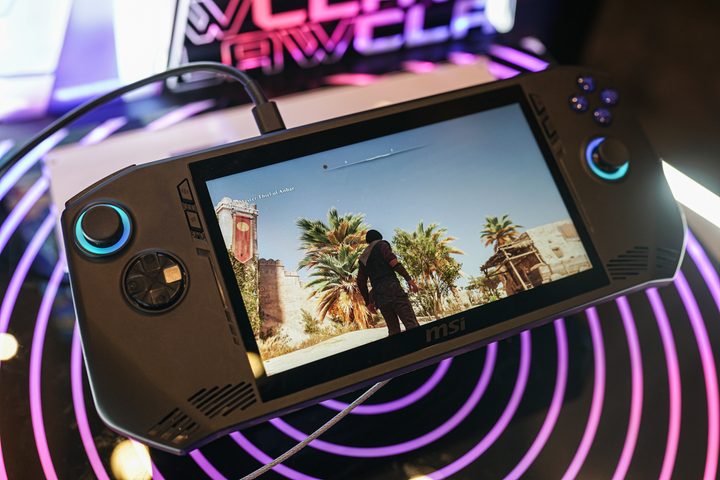
I’m excited to see what MSI can pull off with the Claw. The ROG Ally proved that Windows on a handheld gaming PC isn’t a completely lost cause, and Lenovo has elevated that design with a slew of unique features. Now, MSI is introducing Intel to the world of handhelds, which could have implications for performance and battery life.
It’s just not clear if those implications are positive or negative, and the only way to know is to wait for third-party reviews. It rarely pays to be an early adopter, and we might see that sentiment hold with the MSI Claw.
As soon as we can get our hands on a device, we’ll start working on a full review to see how it holds up to the ROG Ally, Legion Go, and Steam Deck. For now, though, it’s best to wait to buy it. If you can’t help yourself, just know that you’ll probably have to suffer through a few bugs — that’s certainly what we’ve seen with previous handhelds.


