  1. Home
  2. Computing
  3. Phones
  4. News

Gmail mobile gets end-to-end encryption to shield your emails from snooping

A year after its desktop debut, Gmail's most powerful privacy feature finally arrives, where most enterprise emails are actually written: on mobile

Add as a preferred source on Google
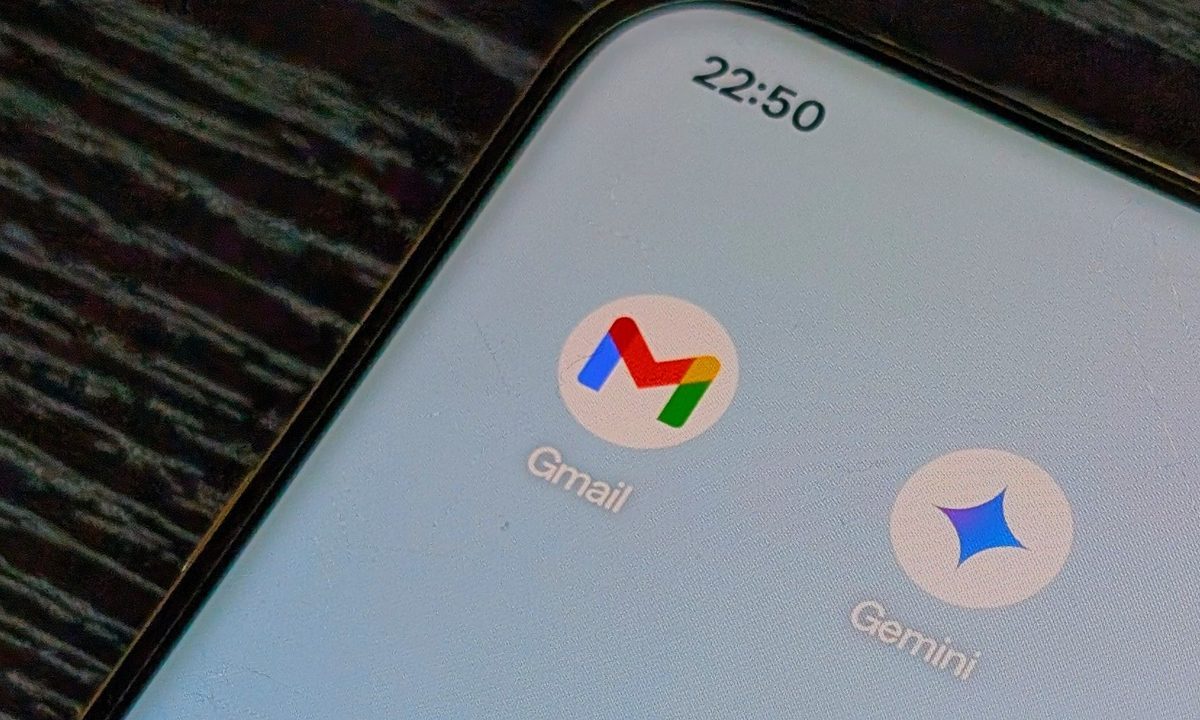
Gemini and Gmail apps on the home screen of an Android phone.
Nadeem Sarwar / Digital Trends

Your most sensitive emails on Gmail now have a much better privacy lock on your phone. Google has officially started rolling out end-to-end encryption for Gmail to Android and iOS devices. 

For the first time, eligible users on Android and iOS devices can compose and read encrypted emails natively, inside the Gmail app, without going through the hassle of downloading and installing third-party apps for the same. 

How does E2EE work in Gmail for mobile?

Gmail’s E2EE first arrived for desktop users in April 2025, marking its 21st birthday. The external recipient support was added later, in October 2025. Smartphones, however, didn’t get the feature, leaving a significant gap as far as privacy is concerned. 

Recommended Videos

The April 2026 update finally bridges that gap. If you’ve read about E2EE and how it works on other messaging platforms, you can already guess its mechanism on Gmail: only you and the recipient can view the email. 

While composing an email, you can tap the lock icon, select the “additional encryption” toggle, and then send the email. If the recipient uses Gmail, the email lands in their inbox, like any other regular email. However, if they’re on a different platform, they receive a secure link to read and reply via a web browser (without a Gmail account). 

Who actually gets to access E2EE on Gmail for mobile?

Here’s the catch. Gmail for mobile is getting E2EE, but only for Google Workspace Enterprise Plus accounts with the Assured Controls or Assured Controls Plus add-on. Admins must first enable Android and iOS access through the client-side encryption interface. 

In other words, personal Gmail users on mobile don’t get access. Anyway, by closing the gap between Gmail for web and mobile, Google has removed a crucial concern for clients evaluating Workspace against the Microsoft 365 suite. 

Shikhar Mehrotra
For more than five years, Shikhar has consistently simplified developments in the field of consumer tech and presented them…
What makes a laptop good for both work and entertainment?
Computer, Electronics, Laptop

This post is brought to you in paid partnership with HP.

The HP OmniBook X Flip is designed as an all‑day AI PC that adapts seamlessly from productivity to entertainment without switching devices.

Read more
Your Windows 11 PC can now natively run AI workloads, even if it lacks the Copilot+ badge
Windows 11 laptop on a table

For the better part of a year, Microsoft has been telling us that the future of AI on Windows belongs to Copilot+ PCs. If you wanted Microsoft’s most advanced local AI features, you needed a machine with a dedicated Neural Processing Unit (NPU). That was the deal. Now, Microsoft appears to be rewriting the rules.

According to updated documentation, Windows 11’s local Language Model APIs can now run on non-Copilot+ PCs, provided they have an Nvidia GeForce RTX 30-series GPU (or newer) with at least 6GB of VRAM. On the surface, this sounds like a developer-focused update. In reality, it could be one of the most significant shifts in Microsoft’s AI PC strategy since Copilot+ PCs launched last year. More importantly, it raises a question that has been lingering ever since the AI PC era began: Did we really need NPUs for all of this in the first place?

Read more
The Windows 11 June update makes your Start menu and Search feel much more snappier
Low Latency Profile is the first targeted fix Microsoft has shipped for shell responsiveness, and the June update brings it to every eligible PC rather than just Insider preview testers.
Windows 11 Laptop

If you’ve ever clicked on the Start button and watched the menu appear after a second or two, you already understand the problem Microsoft is trying to solve with its June 2026 Windows 11 update. 

The update (KB5094126) rolled out on June 9, 2026, for WIndows 11 24H2 and 25H2, and targets the shell responsiveness issues that have quietly frustrated users since its launch in 2021. The headline change is the broad rollout of the Low Latency Profile.

Read more