
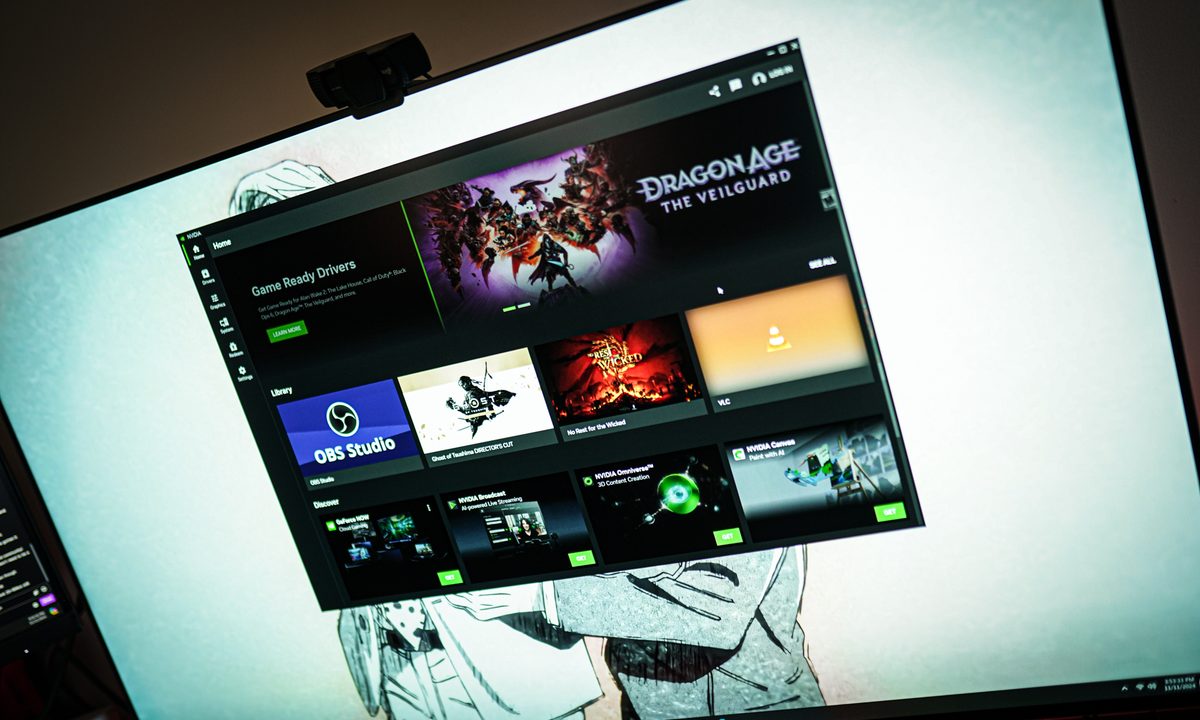
What’s happened? A new update to the Nvidia App is bringing additional features to select gaming laptops.
- The update brings new settings controls to Project G-Assist on gaming laptops using the GeForce GPU.
- Some of the new controls given to G-Assist (Nvidia’s in-house AI system) are BatteryBoost, WhisperMode, and Battery Optimal Playable Settings.
- The update also squashes some bugs and adds various stability fixes.
Why is this important? The Nvidia App update 11.0.5.266 improves general gaming performance, as well as offering enhancements for specific titles.
- This update adds optimal settings for games like Borderlands 4, Grounded 2, and Mafia: The Old Country.
- It also adds DLSS Override support for 13 games: Jump Space, Dying Light: The Beast, Borderlands 4, and Cronos: The New Dawn. Daemon X Machina: Titanic Scion. Meta Eden, Predecessor, Hell is Us, Lost Soul Aside, Gears of War: Reloaded, METAL GEAR SOLID Δ: SNAKE EATER, Supraworld, and EVE Online.
Recommended Videos
Why should I care? If you own a gaming laptop that uses an Nvidia GeForce GPU and you have access to the Nvidia App, this update will be coming your way.
- Once available on your system, you will be able to enjoy the improvements that this update brings.
- Additionally, if you play any of the games mentioned above, you are in line to enjoy some performance improvements
Okay, what’s next? The Nvidia App receives frequent updates, ensuring that it performs optimally. This update is the second iteration of the 11.0.5 software version.
- Nvidia will likely update the app again in the future, potentially bringing more features to gamers.


