
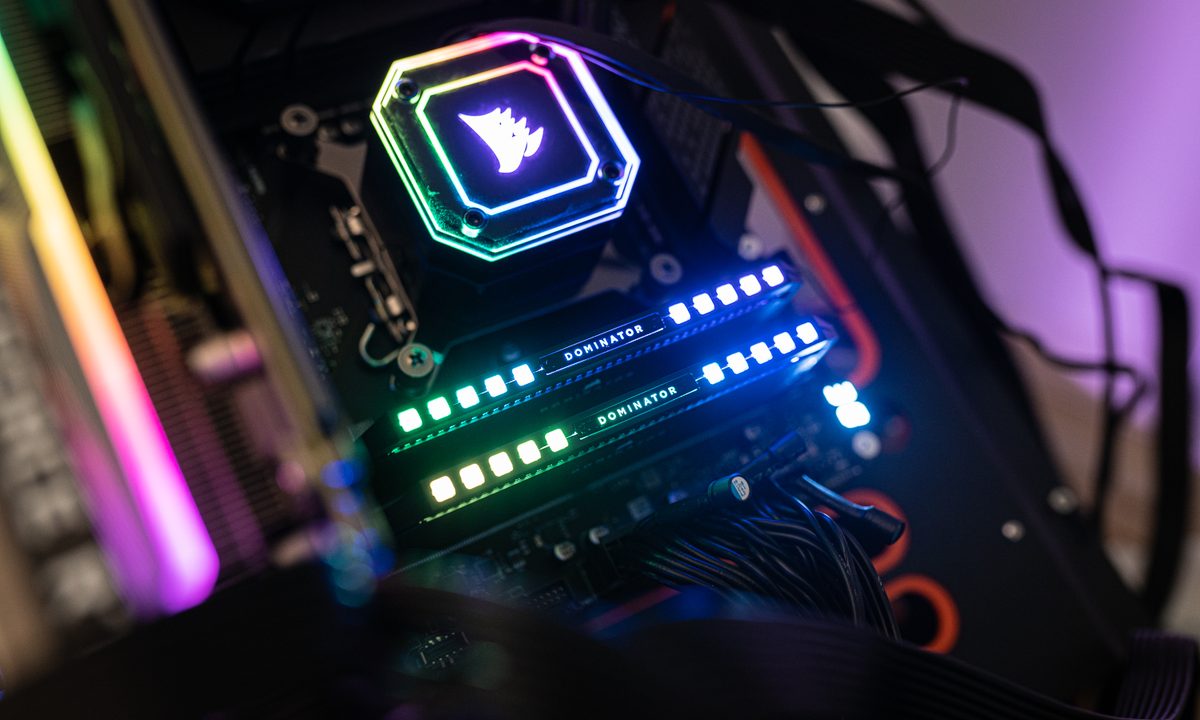
Memory, or RAM, is one of the most important components in any PC. Without RAM, your PC cannot run. That certainly makes the prospect of it ever failing sound quite daunting, which is why you might be wondering just how long it might last before you have to bite the bullet and buy some new RAM.
A few factors play into how long RAM can last, such as how you use your PC and whether you have a decent cooling system in place. Below, we’ll talk about RAM longevity so that you know what to expect, and help you identify potential problems if anything goes awry.
How long does RAM typically last?
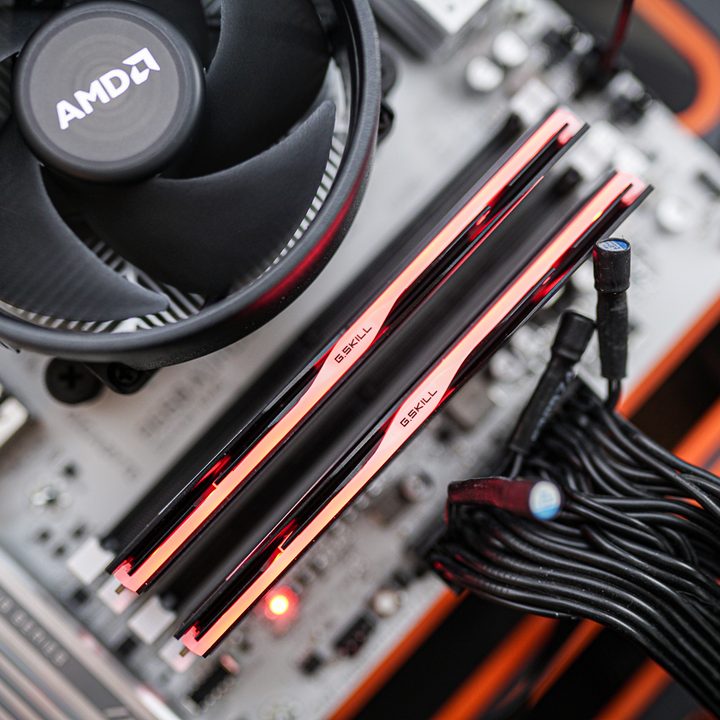
RAM is one of the longest-lasting components in a PC, with an average lifespan of eight to 10 years. This is just an approximate range, as many RAM modules will never fail. More often than not, you will replace the memory in your PC long before it manages to fail, and you’ll do it as part of a platform upgrade.
Problems with RAM do happen, but oftentimes, those faults will be there from the beginning. Whether it’s an issue with the dual in-line memory module (DIMM) or with the integrated circuit (IC), those problems may present themselves sooner or later, but are rarely related to usage patterns.
I have seen PCs with DDR2 and DDR3 RAM (which came out in 2003 and 2007, respectively), still running on those same memory modules. The computers may have been unbearably slow, but that’s not unusual in a PC that’s really old and being faced with newer technologies that it was never meant to tackle. The RAM in my previous PC will soon be 10 years old, and I’ve never had any trouble with it.
If you’re not sure, just check the limited warranty on some of the best RAM you could buy right now. It’s not uncommon for big-name manufacturers to offer limited lifetime warranties on their modules, and even if not, 10-year warranties are pretty common. You’ll never see warranties that long on components that are more prone to wear and tear, even on the best graphics cards or even the best SSDs.
To sum it up, you’ll probably want to upgrade from DDR4 to DDR5 or from DDR5 to DDR6 before your RAM ever shows signs of failure.
Things that may affect RAM longevity
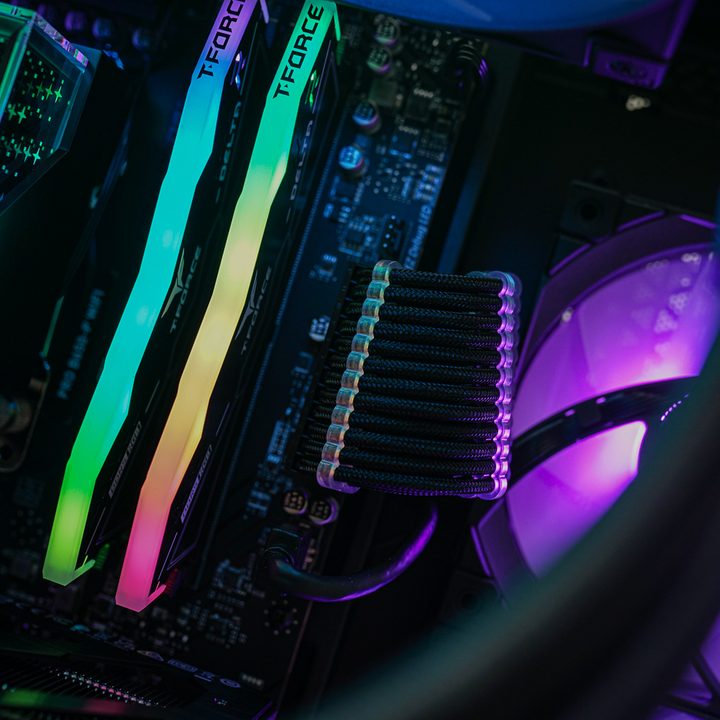
There are some factors to consider if you want to buy the most reliable memory modules. You might be able to prolong the life of your RAM by choosing to buy from a solid manufacturer and then taking good care of your PC for the years to come. The rule of thumb is that the more you do at a time, the more stress you put on your RAM.
Some of the things that may contribute to how long your RAM lasts include:
- Usage. If your PC is running around the clock, and you’re always running memory-intensive workloads such as games, your RAM is working overtime. This might affect its lifespan.
- Manufacturer. Buying the cheapest RAM from an unknown manufacturer can backfire. You don’t need the most expensive modules from Crucial or Corsair, but aim for at least midrange options like TeamGroup or G.Skill.
- Temperature. If your PC doesn’t have adequate cooling, every component is having a bad time, RAM included. RAM doesn’t need targeted cooling, though, so just running one of the best air coolers or a liquid cooling setup is enough.
- Warranty. If the manufacturer is feeling confident enough to put a lifetime or a 10-year warranty on the RAM kit, that’s good news.
I rarely follow my own advice in this case, though, and my RAM is running fine. I’m no saint, and I have a tendency to put my PCs through the wringer. My computers tend to deal with things like running an obscene amount of open tabs, gaming, videos, and more all at once. All of this is pretty taxing on the RAM, as it has to execute multiple processes at a time, all the while managing memory allocation efficiently.
Some users find that their RAM may fail within the first couple of years, but when this happens, it’s usually not due to inconsiderate usage. Problems with the DIMM or the IC may pop up at random at any given time. This is why soldered RAM in laptops can be problematic sometimes — if the RAM is attached to the motherboard, replacing it becomes a problem.
Signs that your RAM might be failing
If your PC is underperforming, you might want to rule out RAM being the culprit before moving on to further troubleshooting. RAM failures usually make themselves very known, and depending on the severity of the problem, your PC might become unusable. To make matters worse, various component failures can all end up in similar outcomes, such as:
- Crashes and reboots, especially when you run memory-intensive apps and games
- Blue screens of death (BSOD)
- System freezes
- Memory-related errors when using various software
- Problems loading or saving certain files
- Slower performance
You may also hear beeping sounds at startup. Those are BIOS beep codes, and their exact meaning varies by the manufacturer of your motherboard, but they’re never good news.
Assuming you’re dealing with one or some of the above issues, faulty memory might be the cause — but it’s not a given. Overheating, issues with the power supply, CPU errors, problems with your SSD, and driver conflicts are just some of the potential causes.
If you’re not sure, it’s best to dig deeper. We have a separate guide on troubleshooting bad RAM, so check it out before buying new RAM.


