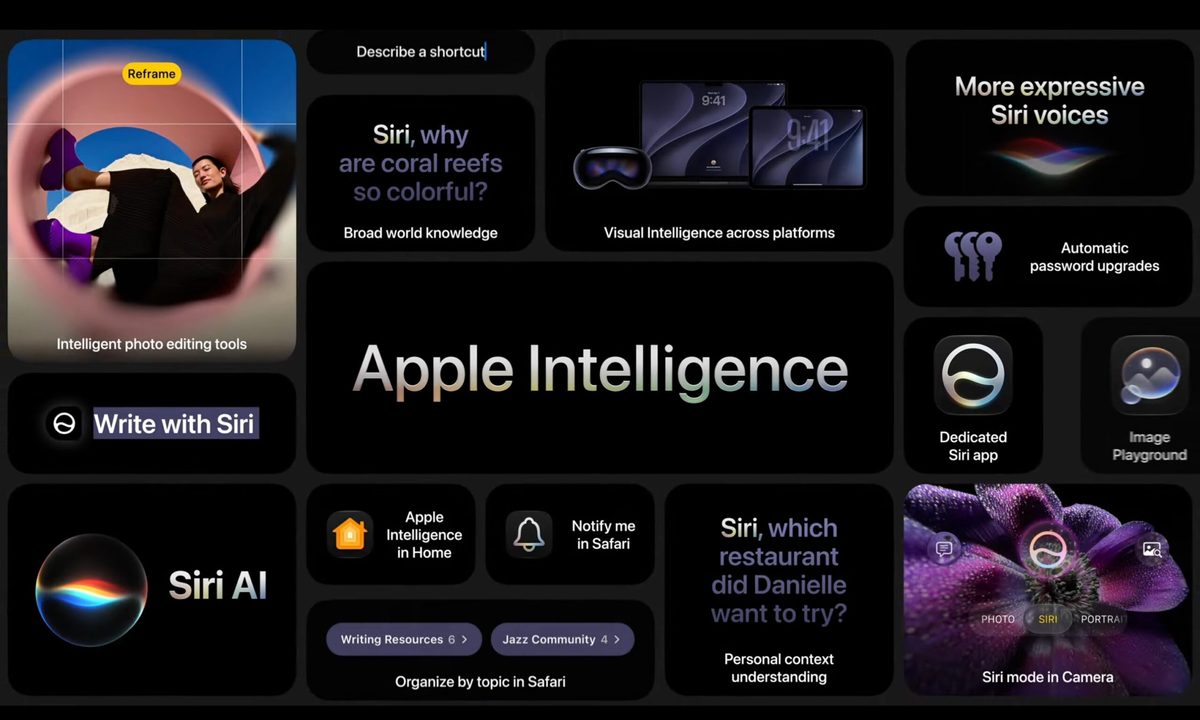
iOS 27 has the usual Apple headline grabbers, led by Siri AI, Apple Intelligence upgrades, and broader system improvements coming this fall. But some of the best day-to-day changes sit much lower on the feature list.
Apple is making smaller changes across Mail, Photos, Home, accessibility, connectivity, AirDrop, and even alarms. They won’t dominate keynote clips, but they could remove the tiny annoyances people run into long after the novelty of a major update fades.
Which fixes sound instantly helpful
Start with Mail, because search is one of those features people only notice when it fails. iOS 27 adds a new ranking system designed to push more relevant results to the top, which should help when a receipt, boarding pass, or appointment confirmation is buried under years of inbox debris.

The other sleeper fix is smoother network switching. iPhone will more seamlessly choose between Wi-Fi and cellular, which could help when you’re leaving home with Maps running or trying to keep a FaceTime call alive while moving between networks. AirDrop and AirPlay are getting speed boosts too, with faster transfers and quicker nearby-device discovery. Bad handoffs are tiny failures, but they make an expensive phone feel dumb fast.
What changes for shared photos
iCloud Shared Albums are getting friendlier for mixed-device groups. Android and Windows users will be able to join and contribute more easily through iCloud.com, which should help families and group chats that don’t live entirely inside Apple’s ecosystem.
Apple is also adding full-resolution sharing, filtering, reactions, more invite options, and expiring Shared Albums. That’s overdue housekeeping for a feature that feels simple until a trip ends and everyone starts asking where the photos went. The Photos app is getting another handy trick too, with an option to save a still image from a video frame.

Which upgrades are easy to miss
Accessibility gets some of the strongest smaller additions in iOS 27. VoiceOver can provide richer image descriptions, while a new captioning feature can generate synchronized subtitles for videos. It can also translate existing captions, which could make saved clips and shared videos easier to follow without a separate app.
The tiny utility pile keeps going. Alarms, timers, alerts, and system sounds can be separated from ringtone volume, so one setting doesn’t have to govern every noise your iPhone makes. Notes can copy and paste Markdown, which is deeply unsexy unless you write for the internet, in which case it’s basically a tiny holiday.
These aren’t the loudest iOS 27 changes, but they’re the kind that may make the phone feel a little less needy every day.