
Apple’s new M1 MacBooks have captured the attention – and enthusiasm – of Mac users in a way that has not been seen for years. We are now talking about Macs not in terms of how premium they look or feel, but primarily how their Apple Silicon processors trounce the competition. The performance is the main talking point. For a company previously so reliant on Intel’s patchy reliability, that is a huge shift.
But a transition this significant requires more than just enthusiasm. It needs serious developer support. Emulation through Rosetta 2 is just fine, but Apple’s goal is to convince as many developers as possible to optimize their apps for the M1 architecture. From directly ported iOS apps to Mac Catalyst, Apple has made a number of resources available to smooth the transition, but just how good are these programs at helping out developers? To find out, I spoke to the designers of some of the Mac’s biggest apps to get their take on the situation.
Simplifying the transition
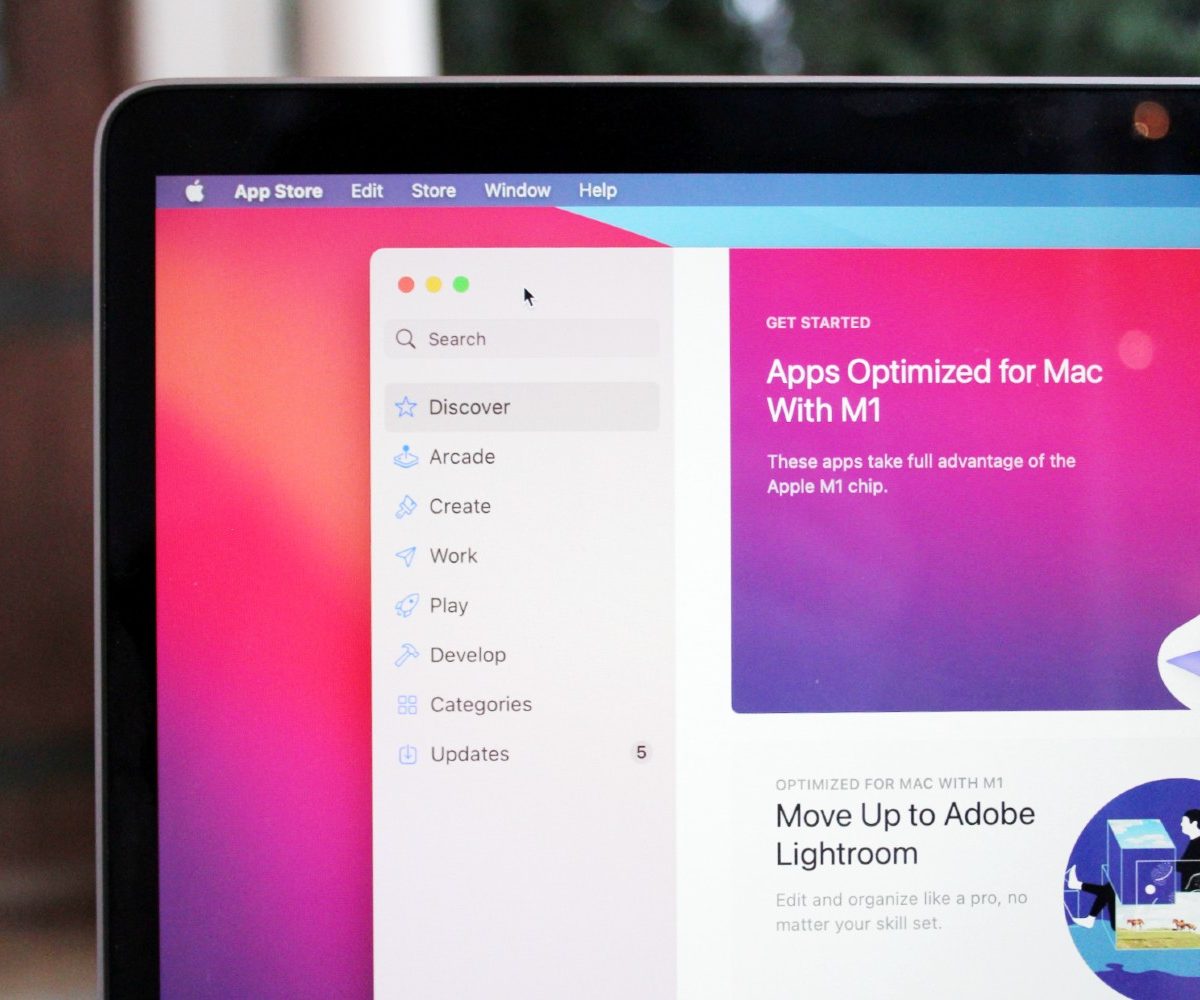
When making a change as monumental as Apple’s switch to its own custom processors – complete with a totally new architecture – it is essential that developers are not presented with a bewildering process to get their apps ready. If they are, the M1 Mac ecosystem may stutter and get off to a much slower start than expected, with fewer apps available as developers struggle to adjust.
Fortunately, all the developers we spoke to said the process was incredibly easy – and that is good news for the future of the Mac. Ken Case, CEO of The Omni Group and publisher of productivity apps like OmniFocus and OmniGraffle, said building apps for M1 Macs “couldn’t have been easier.”
James Thomson, whose popular PCalc app has been on Macs for nearly 30 years, concurred with this sentiment.
“I’ve been through all of Apple’s previous processor transitions with PCalc, and this was by far the easiest,” said Thomson. “In fact, it took me less time to add support for Apple Silicon and have a working universal app than it took to uncompress the copy of Xcode I built it with.”
iOS apps are made for touch surfaces and will still need Mac-specific features.
Key to this simplicity was the similarity between developing for Intel and Apple Silicon processors. Both Case and Thomson said the process was almost identical.
Ash Hewson is the managing director at Serif and responsible for apps that have won numerous Apple Design awards. He explained that Serif has always avoided relying on Intel-specific components in its apps and has focused on developing for the iPad – which also uses Apple-designed processors – meaning it was able to develop for the M1 without a hitch.
Considering the ease of developing for Apple’s new chips, should you expect your favorite apps to come out sooner? And given that M1 Macs will be able to natively run iOS apps, will that mean less development time? That is unlikely, the developers said. As several pointed out, iOS apps are made for touch surfaces and will need Mac-specific features (like mouse and multi-window support) to make them enjoyable experiences on Apple’s computers. Those features take time to build into apps.
Instead, the primary benefits lie in the newfound power these apps will put at your fingertips.
More power, more features

All the developers I spoke to were adamant that the M1 chips – and whatever Apple follows them up with – will bring benefits to Mac fans, particularly in the form of even more powerful Mac apps.
Simonas Bastys, lead developer at photo-editing app Pixelmator told me that the M1 chip’s Unified Memory Architecture, which allows internal components to share memory and thus reduce the costs of passing data between them, results in “big performance improvements.”
“This was simply not possible on Intel Macs,” Bastys told me. “The architecture there is completely different and involves moving data between the GPU, CPU, and RAM.”
What sort of app performance improvements are we talking about here? Hewson provided an enlightening example: In some cases, Serif apps perform 10 times faster on an M1 MacBook than on a souped-up 16-inch MacBook Pro, one of Apple’s most powerful consumer machines.
The Mac is back with a vengeance.
Both Thomson and Bastys explained that the hardware advancements of the M1 will allow apps to do things that just were not possible on older Macs, with more features and more power at their disposal. If you get an M1-powered Mac, not only will you have a much more powerful machine than Apple could previously offer, but the apps you run on it could come with features that simply were not feasible before.
That is good news for Mac users. In speaking with developers, it seems clear that Apple has taken pains to ensure developers have been able to translate the performance gains of the new M1 Macs into apps that come loaded with more power and more features.
It is a far cry from the situation just a few years ago, when the Mac felt neglected and unloved, in the shadow of its much more popular iPhone cousin. Today, the Mac is back with a vengeance. If you love your Mac apps, it’s never been a better time to be locked into the Apple ecosystem.


