
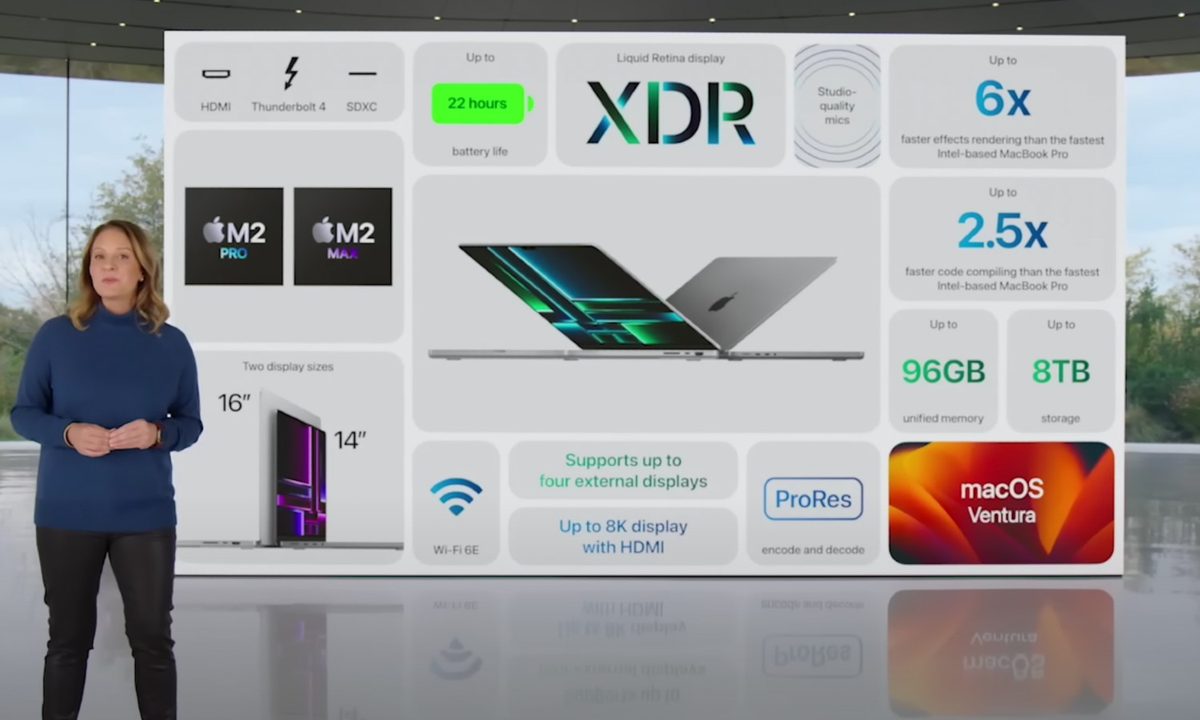
After some delays, Apple has announced a new version of its beloved MacBook Pro. It still comes in 14-inch and 16-inch sizes, but now has the option for the more powerful M2 Pro and Max.
Like with the the previous model, which came out in 2021, these new configurations offer significant differences in performance, especially if you opt for the 16-inch versus the 14-inch. We’ll have to wait until we’ve reviewed them both to make more definitive claims, but there’s a lot that can be said based on just the information currently available.
Configurations and specs
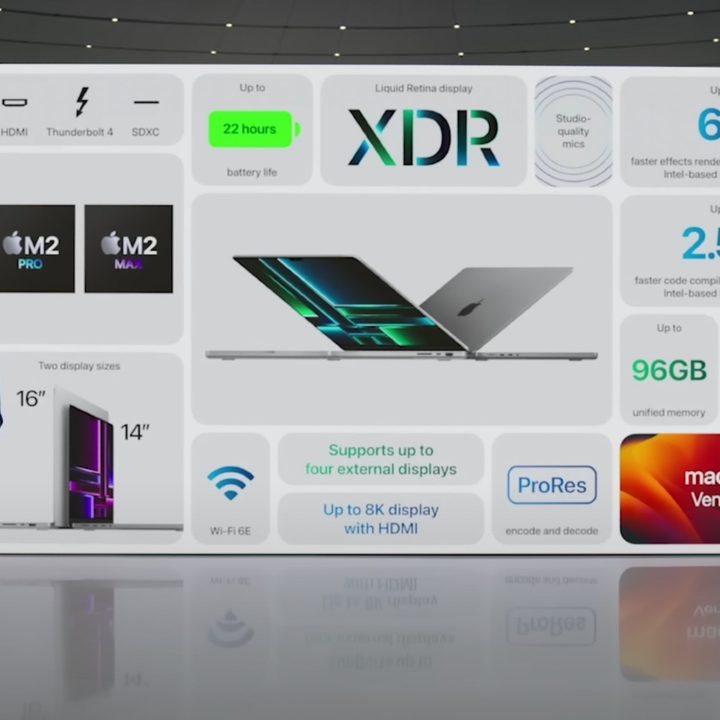
For starters, the way Apple has split up its configurations this time around is worth noting. It’s not as simple as choosing just between the M2 Pro and M2 Max, unfortunately. It was already complicated with the M1 Pro and M1 Max, but this time around, there’s even more to disentangle from Apple’s spec pages.
There are now two versions of both the M2 Pro and M2 Max, which I’ve differntiated below with the “+” symbol — though Apple doesn’t make such a designation itself.
| M2 Pro | M2 Pro+ | M2 Max | M2 Max+ | |
| CPU cores | 10 | 12 | 12 | 12 |
| GPU cores | 16 | 19 | 30 | 38 |
| Memory | 16GB
32GB |
16GB
32GB |
32GB
64GB |
32GB
64GB 96GB |
| Memory speed | 200GB/s | 200GB/s | 400GB/s | 400GB/s |
| Power adapter | 67-watt
96-watt |
96-watt | 96-watt | 96-watt |
| Available on 16-inch | No | Yes | Yes | Yes |
| Price | $1,999+ | $2,299+ | $2,899+ | $3,099+ |
The first choice you have to make is between the 14-inch and 16-inch MacBook Pro. When comparing similarly configured models, you’ll see that Apple still doesn’t charge extra for the 16-inch model compared to the 14-inch — but there’s a cheaper configuration exclusive to the smaller model.
The cheaper and less powerful M2 Pro configuration is not available on the 16-inch model. This configuration starts at $1,999 and also comes with 16GB of RAM and 512GB of storage. The cheapest version of the 16-inch MacBook Pro starts at $2,499 and features the M2 Pro (12 CPU cores, 19 GPU cores), 16GB of RAM, and 512GB of storage.
Upon first glance at Apple’s spec pages, you might assume the most powerful M2 Max (with 12 CPU cores and 38 GPU cores) is exclusive to the 16-inch model. It’s not, though. You can put this version of the M2 Max into the 14-inch model, and even pair it with as little as 512GB of RAM. Apple does control how much memory you’re able to put in these machines, not allowing you to put more than 32GB in the base M2 Pro or less than 32GB in the M2 Max MacBooks.
That means a portion of the price difference between the M2 Pro and M2 Max comes from the required extra RAM. Apple only charges $200 for the jump from 19 GPU cores to 30, but lumps in an extra $400 to go from 16GB to 32GB of its unified memory. Importantly, only with the most powerful version of the M2 Max can you get the 96GB of unified memory, which is a new option for this generation of MacBook Pro.
M2 Pro vs. M2 Max: performance
As you can see in the spec table above, the biggest difference between the M2 Pro and the M2 Max is in graphics. In fact, the same 12-core CPU is used in all the configurations outside the base M2 Pro, which (again), is only available on the 14-inch model.
That means it’s extremely important to know what exactly you plan to use your powerful new MacBook Pro for. For example, you might pay an extra $400 for the most powerful M2 Max, but don’t expect it to run CPU-bound tasks much faster than the 12-core M2 Pro. And if you don’t need those extra graphics at all, these MacBook Pros may not be for you in the first place.
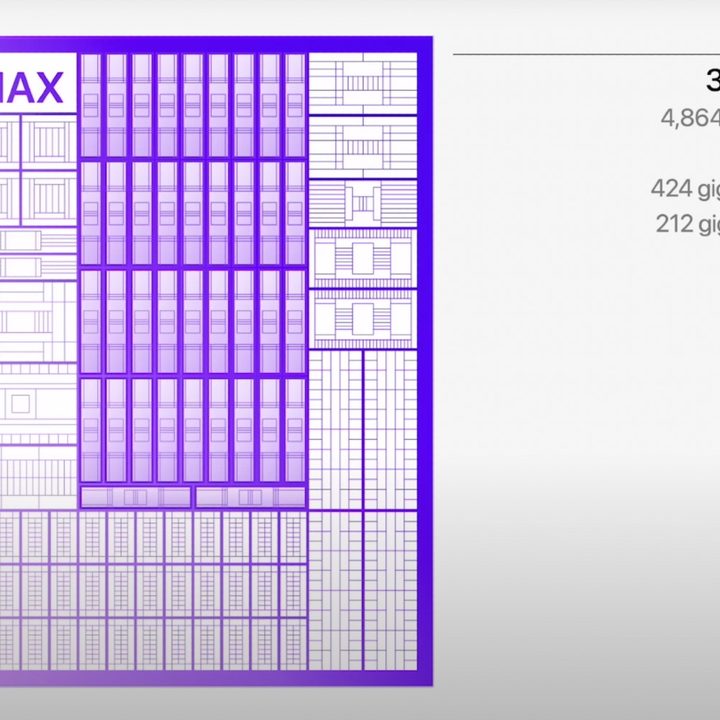
Then again, graphics come in handy in all sorts of different situations. If you’re a video editor, for example, there are parts of your workflow that are more CPU-dependent and some that can lean more on the GPU. Others, such as video processing, still might benefit most from the 16-core Neural Engine, which is the same across the entire lineup of MacBook Pros. In the end, a video editor will feel that bump in performance, even if every discrete task in their workflow won’t go faster. Like with the previous generation, the M2 Max also features two ProRes encode and decode engines over the single engine in the M2 Pro.
Apple didn’t provide any real-life comparisons of the M2 Max and the M2 Pro. But just looking at the core counts, the entry-level M2 Max has 37% more GPU cores than the 19-core M2 Pro, with the fastest M2 Max with double the cores. This maintains the same ratio of GPU cores as was present in the disparity between the M1 Pro and M1 Max. The $400 price difference is the same too.
As to whether or not we’ll see an actual doubling of GPU performance is yet to be seen, but I would expect a similar uplift to the M1 Max over the M1 Pro. In that case, it got as much as 40% faster in applying GPU effects in Premiere Pro and twice the frame rate in Shadow of the Tomb Raider.
That’s promising, especially if Apple’s claims about the improvement of the M2 Max end up being true.


