  1. Home
  2. Computing
  3. News

Windows 11 is testing a low-latency mode and it visibly speeds up app launch

Windows 11’s new performance trick lets your CPU go all out for a moment

Add as a preferred source on Google
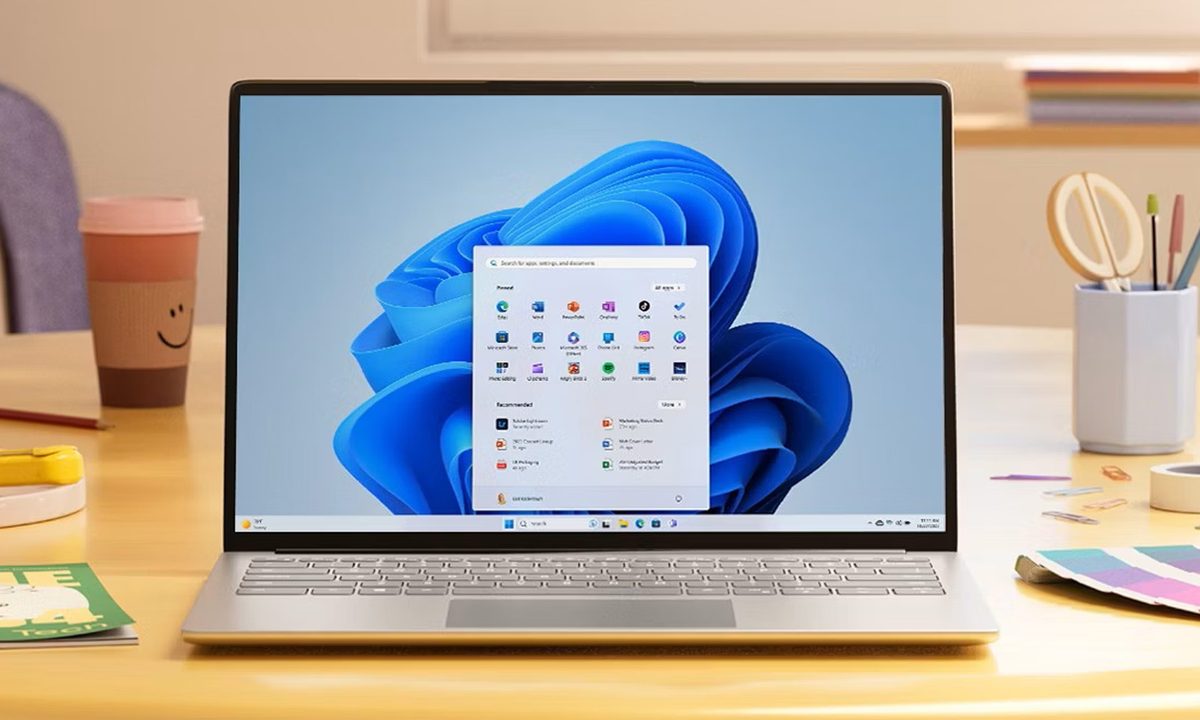
Windows 11 Laptop
Microsoft

Even on powerful hardware, you have probably noticed that Windows 11 can feel less responsive than it should. Tiny delays in basic actions like opening the Start menu or navigating File Explorer can make the system feel heavier and less polished than rivals like macOS.

Microsoft appears to know this is an issue and may finally be working on a fix. After speeding up right-click menus and Quick Settings, improving File Explorer, and making broader under-the-hood changes, the company is now reportedly testing a new feature called Low Latency Profile to make Windows 11 feel more responsive overall.

How does Low Latency Profile make Windows 11 faster?

Low Latency Profile works by briefly pushing the CPU to its maximum frequency whenever Windows detects a high-priority action, such as opening an app, launching the Start menu, pulling up a system flyout, or using the context menu.

TESTED: Windows 11’s upcoming “Low Latency Profile” mode brings genuine performance improvements to the OS, speeding up flyout and app launches significantly.

We’ve benchmarked opening some apps on video with the Low Latency Profile enabled and disabled, and you can see… pic.twitter.com/BCNtsXmx31

— Windows Central (@WindowsCentral) May 8, 2026

The boost only lasts for one to three seconds, but it can make a noticeable difference in responsiveness. In testing reported by Windows Central, built-in apps like Microsoft Edge and Microsoft Outlook launched up to 40% faster, while Start menu and context menu actions improved by as much as 70%.

What are the tradeoffs?

The obvious concern is battery life and heat. Maxing out the CPU, even briefly, sounds taxing on a laptop. However, Windows Central reports that the impact on battery life and thermals is expected to be minimal because the boost happens in very short bursts.
It is still unclear whether users will be able to manually turn Low Latency Profile on or off once it rolls out. Microsoft is also reportedly still adjusting how often the boost activates and how long it lasts.

Recommended Videos

It is still early, but this feels like the right kind of update for Windows 11. If Microsoft can make the OS feel more snappy in daily use, that is a win.

Sudhanshu Kumar Mangalam
I’ve got about 4 years of experience, mostly covering gaming, PC hardware, and smartphones. In my free time, I like…
The Digital Trends App Bundle is yours to try for a whole week, free
Digital Trends App Bundle

Recently, we've entered an exciting collaboration with Maple Media, creating a bundle of 17 apps worth having on your phone. From relaxed fun to serious productivity boosts, these apps cover all your bases and provide a fun boost to your phone. Normally, the bundle is $9.99 per month (far lower than the cost of using the apps individually), but for your first 7 days you can get access to the bundle for free. View the full Digital Trends App Bundle for a complete list of the apps, or read on for a summarized take.

Start your free trial

Read more
The Galaxy S26 Ultra might not see much of a battery upgrade after all
It looks like it will stay the same as the last five years.
The back of the Samsung Galaxy S25 Ultra.

What's happened? This week, China's Quality Certification Center released information about a battery (EB-BS04898ABY) with a maximum capacity of 4,855mAh. That's the same capacity as was previously seen in the Samsung Galaxy S25 Ultra, and fans have taken this certification to mean the Galaxy S26 Ultra will not see a capacity increase after all.

The Samsung Galaxy Ultra models have had the same battery capacity for the last five years.

Read more
The Galaxy Tab S10 Lite is official, and it’ll be here sooner than you think
Galaxy Tab S10 Lite

What's happened? Samsung has officially announced the Galaxy Tab S10 Lite, a budget-friendly alternative to the Galaxy Tab S10. The device has been rumored for months, but this is the first time Samsung has officially acknowledged its existence.

The Galaxy Tab S10 Lite will have a 10.9-inch display and a peak brightness of 600 nits — a bit on the lower side, versus the iPad Pro's maximum brightness of 1,600 nits.

Read more