
A developer has created a legitimate way to bring ChatGPT to macOS and make the chatbot accessible from your menu bar.
The aptly named MacGPT is an application developed by Jordi Bruin that allows you to install ChatGPT as a remote browser on your Mac desktop. Launched in 2022, it has garnered almost 3000 ratings, many of which are five stars. MacGPT is currently free, however, Bruin accepts donations.
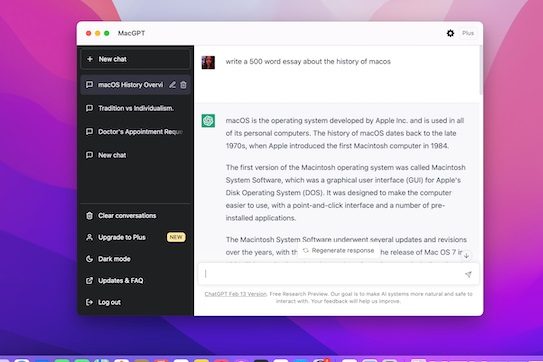
Here’s what you need to know if you’re interested in trying out MacGPT.
How to download MacGPT
You can access the MacGPT download on Bruin’s Gumroad page. If you’d like to leave a donation, you can input your fair price. Select I want this and it will take you to the download page. Enter your email address and then select Get to begin the download. You will receive a receipt in your email detailing that you purchased the product, regardless of if you donated or not. The app is compatible with macOS Monterey and macOS Ventura.
How to sign in or register for MacGPT
Keep in mind that MacGPT is just ChatGPT in a Mac ecosystem. When opening the app, it closely resembles Apple’s Safari browser, but everything looks and feels very much like ChatGPT. The browser will open a ChatGPT welcome window giving you the option to either log in or sign up for ChatGPT.
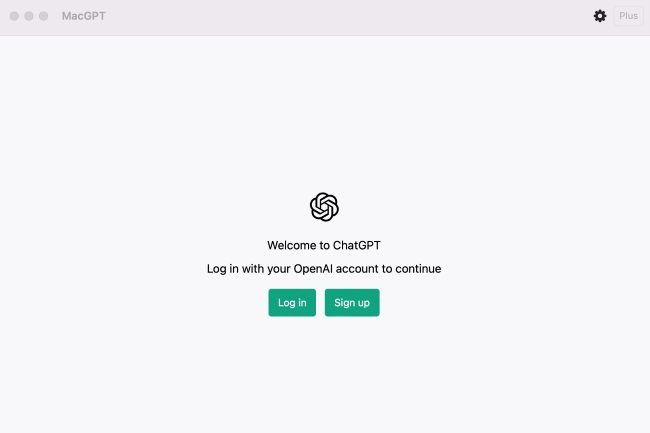
If you already have an OpenAI account, or you subscribe to ChatGPT Plus, you can use your credentials to quickly access ChatGPT. If you use a Google or Microsoft account as your login, you can also use that to finish setup. Note that if you have two-factor authentication enabled on one of these sign-in methods, you’ll need to authenticate with a security token or app. If you don’t have an account, you can quickly register through the app on-screen.
What to expect when using MacGPT for the first time
Once logged in, you will have an experience similar to logging into ChatGPT on a standard browser. There are notifications detailing that ChatGPT is a free research preview and that some of the information generated might be incorrect, misleading, offensive, or biased.
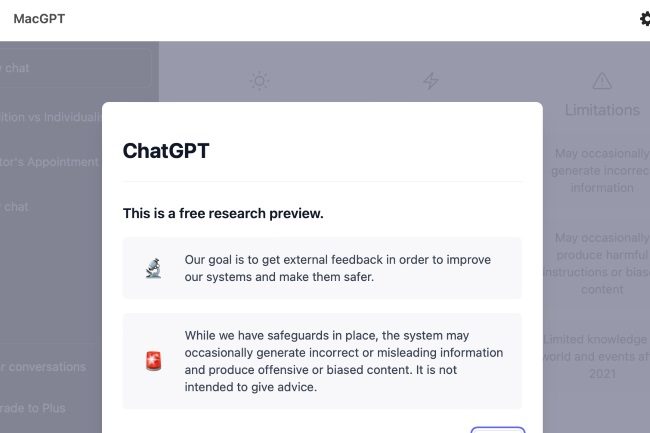
There is a notification about how ChatGPT collects data and one encouraging feedback. When you get to the chatbot, it is identical to the online generator, which showcases examples, capabilities, and limitations. If you already have an account, you should be able to see your history of prior queries in the upper-left. Inputting a new prompt will generate your desired response and update your history, which you’ll then be able to see if you log into the original ChatGPT on a separate browser.
MacGPT special features
MacGPT does have some features that are unique to the application. You can set a keyboard shortcut for the app so that it opens without the use of a mouse. You can access this feature through the MacGPT preferences, which are located in the upper-right corner of the screen.
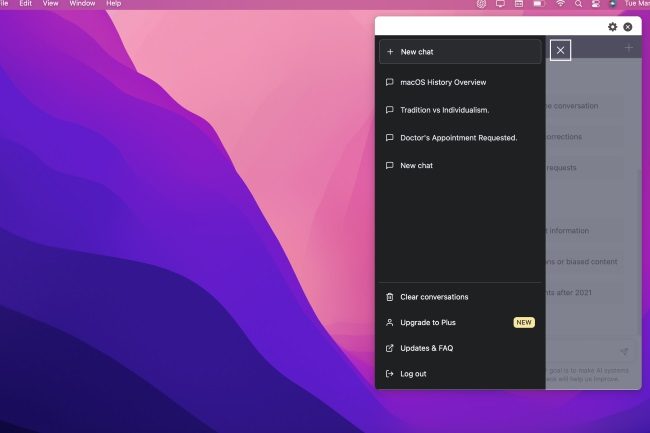
You can also select the Always on top option to have the MacGPT icon show up on the Mac screen header as a drop-down application.
Overall, though, MacGPT is basically a shortcut for the browser-based version of ChatGPT. It has the advantage of showing an icon on your desktop, but there were a few oddities I noticed when using the app:
- You can purchase ChatGPT Plus through MacGPT since everything is identical to the web-based chatbot. At first, I got an error message when attempting to access the link. This could indicate that MacGPT suffers from the same throttling issues as the free ChatGPT. However, attempting again a few minutes later took me to the checkout page.
- If you already have ChatGPT Plus, you can input your confirmation code into the Plus section located in the top-right corner of the browser.
- MacGPT features a Dark mode similar to the web-based ChatGPT.
- The only thing that appears nonfunctional on the MacGPT interface is the Updates & FAQ link.
- When opening MacGPT, you might occasionally get a CAPTCHA notification asking you to confirm that you’re human.
Other than that, MacGPT is a simple way to access ChatGPT without going through your browser and not much more. Thankfully, there are some other interesting ways OpenAI’s tech is being implemented on other platforms, not least in Microsoft Copilot. You can now get Microsoft Copilot on macOS.


