Microsoft has shipped one of the most practically useful security updates in recent memory, and if you work in an environment where Remote Desktop files get passed around regularly, this one is worth paying attention to. The April 2026 cumulative updates for both Windows 10 and Windows 11 bring a set of new protections designed to stop attackers from using RDP files as a backdoor into your system.
The problem with RDP files
Remote Desktop Protocol files are a staple in enterprise environments. They let admins preconfigure connections to remote systems, which sounds harmless enough until you realize that the same functionality can be weaponized fairly easily. Open the wrong RDP file and your device can silently connect to an attacker-controlled server, handing over access to your local drives, clipboard contents, and authentication credentials without you ever knowing it happened.

This is not a theoretical threat either. The Russian state-sponsored hacking group APT29 has already used exactly this technique in real-world phishing campaigns, using rogue RDP files to quietly siphon data and credentials from victims. The attack is effective precisely because it does not look suspicious on the surface. It is just a file, and files feel safe.
If the RDP file is unsigned, Windows displays a “Caution: Unknown remote connection” warning and marks the publisher as unknown. That is Microsoft’s way of telling you there is no way to verify who created the file or what it actually does. Even if the file is digitally signed, Windows still prompts you to verify the publisher’s legitimacy before connecting. Signing a file does not automatically make it trustworthy, and Microsoft is sensibly not treating it as though it does.
What Microsoft has changed
The new protections work in a few layers. The first time you open an RDP file after installing the update, Windows displays a one-time educational prompt that explains what RDP files actually do and the risks. You acknowledge it, and press OK.
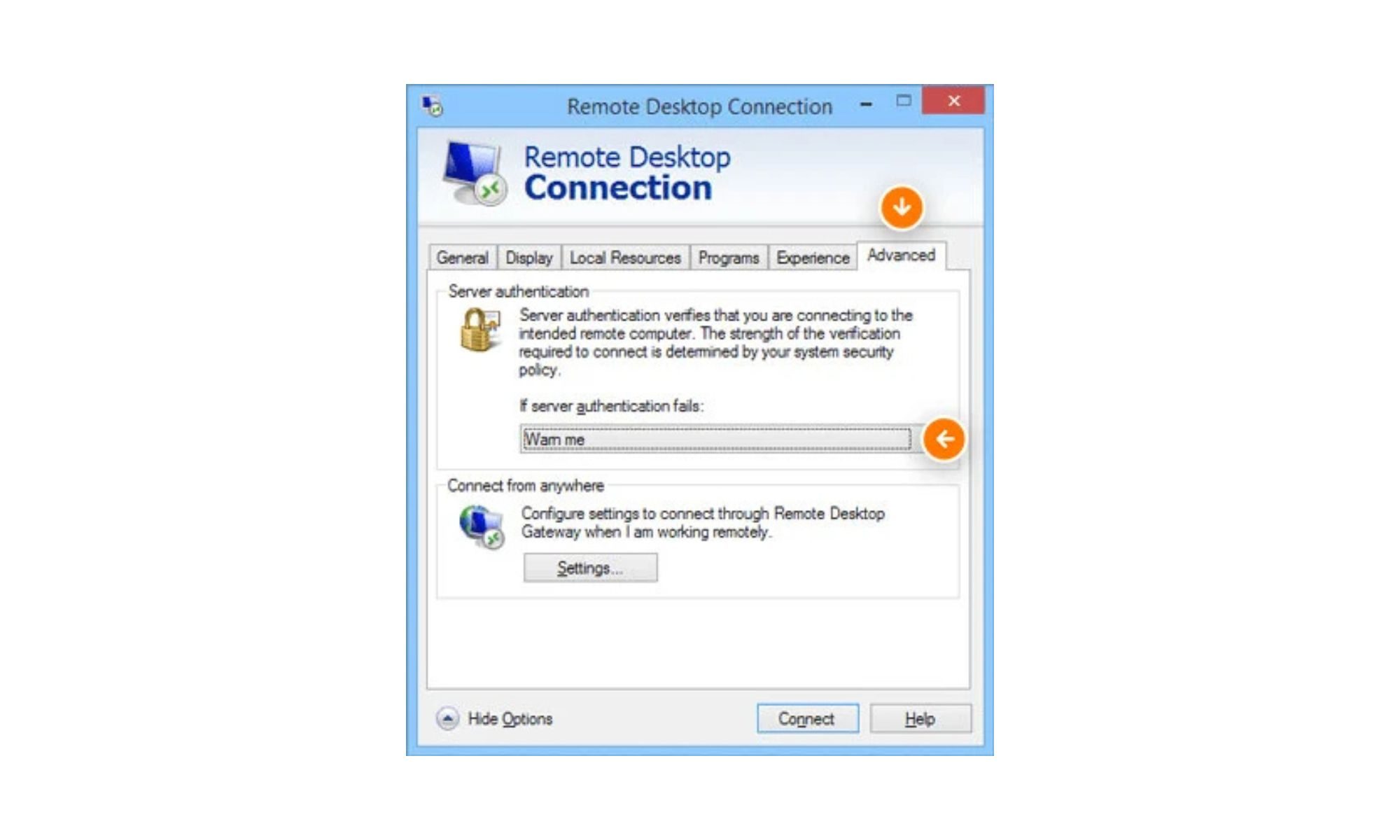
From that point on, every RDP file you attempt to open will trigger a security dialog before any connection is established. That dialog tells you whether the file has been digitally signed by a verified publisher, shows you the address of the remote system you are about to connect to, and lists every local resource that the file is trying to redirect, including drives, clipboard access, and connected devices. Crucially, all those redirections are off by default, meaning nothing is shared unless you actively choose to allow it.
Although these protections only kick in when you open an RDP file directly. Connections made through the Windows Remote Desktop client itself are not affected by this update, so the experience there remains unchanged. Administrators who need to temporarily disable these warnings can do so via a registry key, but given the history of RDP file abuse in real attacks, leaving the protections in place is strongly recommended. This is one of those cases where the inconvenience of an extra dialog is very much worth the security benefit it provides.