  1. Home
  2. Computing
  3. News

Microsoft is retiring the Together Mode in Teams in favor of something cleaner and simpler

Teams is retiring Together Mode for layouts people may actually use

Add as a preferred source on Google
Computer, Electronics, Laptop
Microsoft Teams

Microsoft Teams is retiring one of its more recognizable meeting features, and it might be for the best. The company announced that Together Mode is going away in Teams as Microsoft is shooting towards a simpler set of meeting layouts.

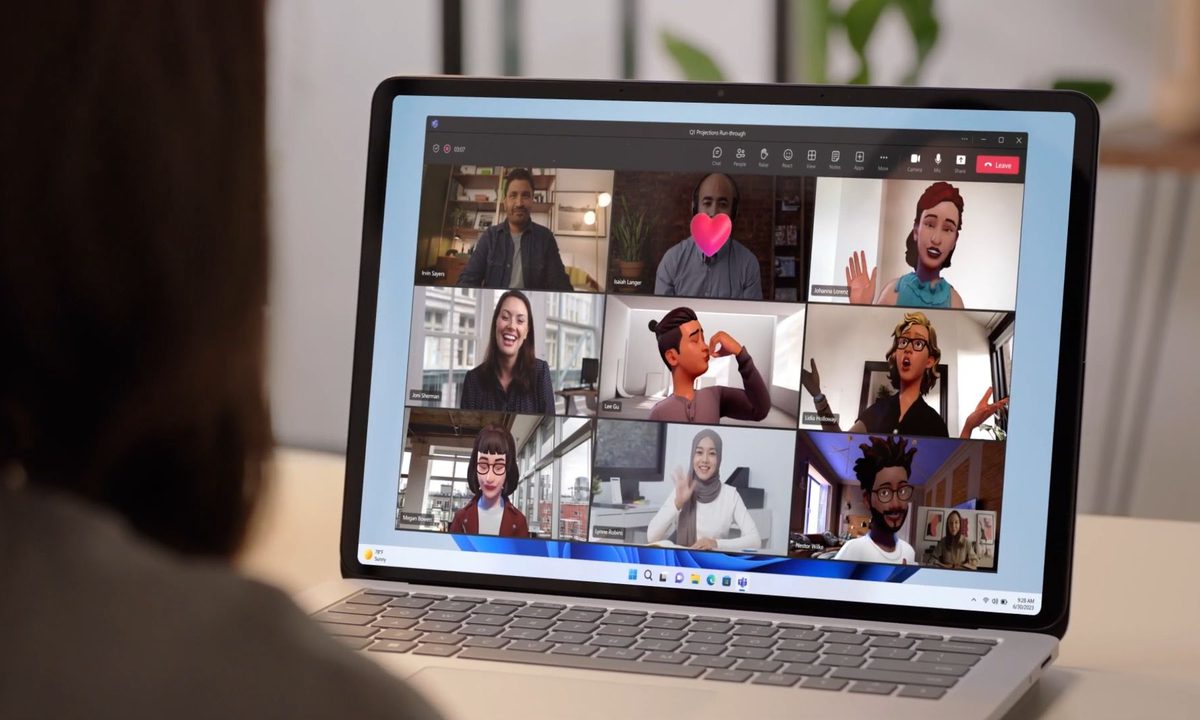
To recall, Together Mode was introduced during the pandemic-era video call boom, placing participants inside shared virtual environments such as auditoriums or classrooms. It was a cute idea at the time, but it never became the everyday meeting view for most people.

Why Together Mode is being removed
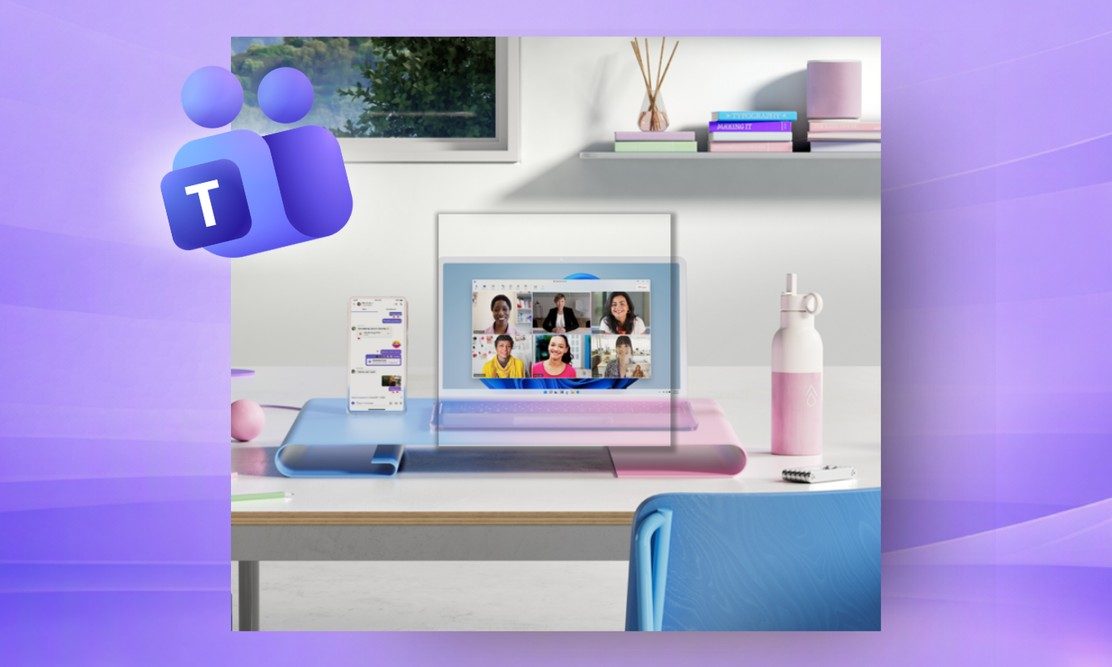
In the official announcement, Microsoft stated that the change is part of an effort to streamline meeting layouts and make Teams easier to use. So rather than keeping Together Mode as a separate experience, Teams is simplifying layout options built around how people actually meet. The new approach, replacing the existing setup, brings a cleaner Gallery layout, along with streamlined views for meetings where someone is presenting or sharing content.

Recommended Videos

The main focus is on clearing up the clutter and making the meeting stage easier to understand at a glance, and not having to pick and choose between many visual modes. It worked best when everyone had cameras on, and the meeting had the right number of participants. So, this became more like a novelty than a useful default.

This update also arrives as the company is making various other changes on the platform. A new mic test feature is in the works, along with a privacy-first Copilot recaps. Microsoft even moved the raise hand button recently so users can stop accidentally hitting it.

Microsoft wants meetings to look clean

The new layout direction sounds more practical. Microsoft is trying to make Teams meetings feel more consistent across different scenarios. Whether you’re in a video-heavy call, watching a presenter, or looking at shared slides, the new look should be more intuitive and not visually overloading. Teams meetings can feel really busy with participant tiles, chat, reactions, and much more.

Together Mode may have been niche, but Microsoft is ready to trade it for something less distracting.

Vikhyaat Vivek
Vikhyaat Vivek is a tech journalist and reviewer with seven years of experience covering consumer hardware, with a focus on…
Apple made Liquid Glass adjustable, which says plenty about Liquid Glass
The new slider is useful, welcome, and mildly hilarious after a year of Apple acting like transparent everything was the obvious future.
Text, Document, Business Card

Apple’s big glassy software future now comes with a way to make it less glassy. In iOS 27, users can adjust the translucency of the Liquid Glass effect, while macOS Golden Gate adds its own Liquid Glass controls under System Settings.

Liquid Glass is still alive across Apple’s platforms, still shimmering through menus and panels, still doing the elegant UI trick Apple clearly likes. The big visual bet has already earned a dimmer switch. After a year of treating translucency like the obvious next step, WWDC’s most revealing design update may be the one that lets people dial it back.

Read more
Windows 11 just fixed one of Search’s dumbest limitations, and you’ll wonder how you lived without it
One less character, one less annoyance every time you search your PC.
Person sitting and using a Windows Surface computer with Windows 11.

If you have ever typed two letters into the Windows 11 search box, paused, and watched nothing useful happen until you added more characters, you already know exactly why this Windows 11 update matters. 

Microsoft's June 2026 Patch Tuesday update, part of a release Windows Latest calls the biggest of the year (via Windows Latest), quietly fixes that. Windows Search can now find and prioritize files with as few as two characters, down from the old three-character minimum.

Read more
Brazil’s secret World Cup weapon taught the team when to ignore it
The data said he wasn't running enough. The footage said he was always in the “perfect tactical position.”
Soccer ball in net

Brazil has more World Cup titles than anyone, five of them to be precise, but after going through five straight tournaments without adding to that count, the team is leaning hard on data this time. 

Every player wears a sensor-packed "smart vest" tracking field position (via GPS), heart rate, and a stat called "player load," the same kind of numbers that your Whoop band or Apple Watch brags about, but tuned specifically for the sport.

Read more