
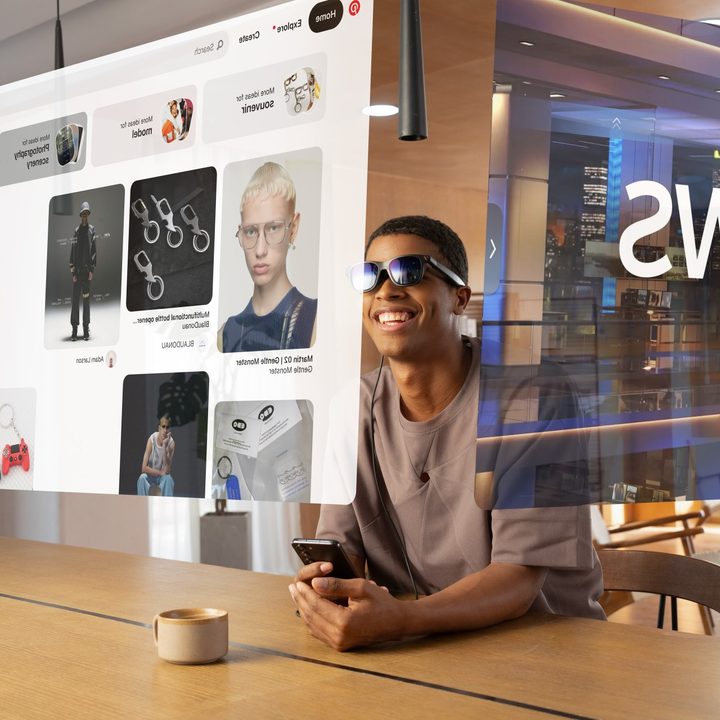
Viture just announced a new smart glasses model that’s brighter and better in every way. Like the original model, the new Viture Pro fully supports the iPhone, while other next-gen smart glasses require Android devices to access every feature.
The improvements over the original Viture One include larger 4,000-nit micro-OLED panels with up to a 120Hz refresh rate that deliver an image with a perceived brightness of 1,000 nits to your eyes. Viture says this is 120% brighter than the original, while the increased panel size results in a sharper edge-to-edge image.
A bigger field of view (FOV), meanwhile, makes the virtual viewing experience equivalent to a 135-inch TV watched from 10 feet away. Viture smart glasses include diopter adjustments to dial in sharp images even if wearing prescription lenses for distance viewing.
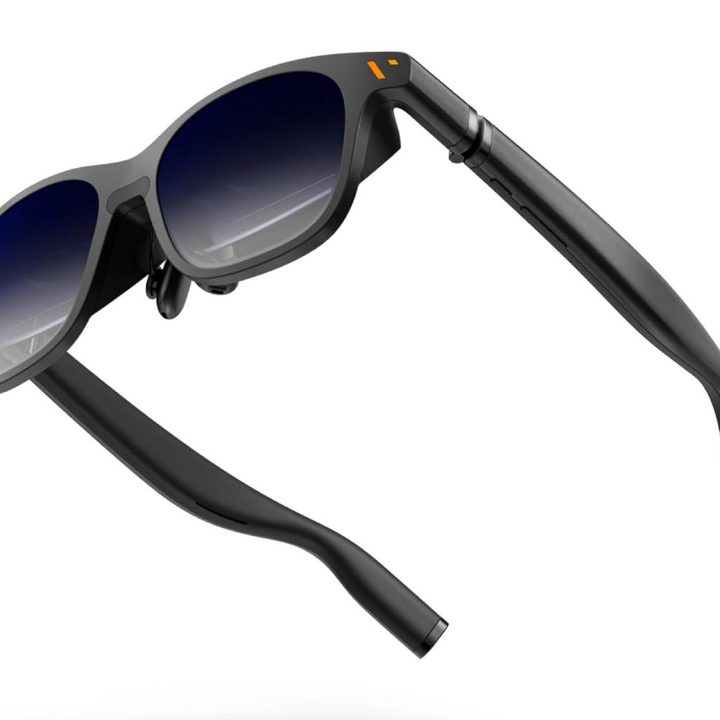
While some smart glasses come with snap-on shades, so you can use them outside or in a bright sunlit room, the Viture Pro’s electrochromic dimming can darken the shades, blocking 99.9% of ambient light through the lens with a press of a button. Viture achieved these upgrades without adding any weight. The Viture One Pro weighs 78 grams, which should be comfortable for at least a couple of hours.
The Viture One was already my top pick for the best smart glasses for the iPhone after Viture developed an iOS app called Spacewalker to enable multiscreen viewing. That app also works with the Viture Pro.
Spacewalker is available for Macs, iPhone, and Android phones. On mobile devices, it provides up to three browser windows that appear side by side, with each coming into view as you turn your head.

The Viture Pro doesn’t take photos or have an AI to answer your questions like the Ray-Ban Meta Smart Glasses, but everyone likes a big, bright screen. Having that capability in a pair of folding smart glasses is worthwhile.
The Viture Pro requires no battery since it can connect via USB-C to many phones, tablets, gaming consoles, and computers. Just make sure your device supports USB-C Alt mode. Apple devices with USB-C like the iPhone 15, many iPad models, and most Macs should do the trick. Many flagship Android phones, some tablets, and most laptops are compatible too.
In addition, you’ll be able to use them with the Steam Deck, ROG Ally Z1, Legion Go, and similar gaming handhelds. Viture’s website has a complete compatibility list.
For other devices, you’ll need an adapter. For older iPhone models, Viture’s HDMI XR Adapter can connect to an Apple’s Lightning AV Adapter. Meanwhile, Viture’s Mobile Dock works with the Nintendo Switch and includes a battery to extend playtime up to six hours.
The Viture Pro is available on Amazon now for $459.


